
D-Link DGS-1210-28
Manual do usuario do conmutador intelixente xestionado Gigabit de 28 portos D-Link DGS-1210-28
Model: DGS-1210-28
Produto rematadoview
The D-Link DGS-1210-28 is a 28-Port Gigabit Smart Managed Switch, part of the DGS-1210 Series. This advanced network switch features 24 10/100/1000BASE-T ports and 4 Gigabit SFP optical ports, designed to provide robust functionality, security, and manageability for small and medium-sized businesses. It incorporates D-Link Green 3.0 technology for energy efficiency, complying with the IEEE 802.3az Energy Efficient Ethernet standard. Multiple management options facilitate quick deployment, infrastructure expansion, and seamless upgrades. Key features include comprehensive Layer 2 capabilities such as IGMP Snooping, Port Mirroring, Spanning Tree, and Link Aggregation Control Protocol (LACP). Enhanced security features like D-Link Safeguard Engine, 802.1X port-based authentication, Access Control List (ACL), ARP Spoofing Prevention, and DHCP Server Screening protect against various network threats. The DGS-1210-28 is fanless for silent operation and comes with a Limited Lifetime Warranty, reflecting D-Link's commitment to product quality and long-term customer confidence.

Figura 1: Fronte view of the D-Link DGS-1210-28 Smart Managed Switch, showing 24 Gigabit Ethernet ports and 4 SFP combo ports.
Configuración e instalación
This section provides instructions for the initial setup and installation of your D-Link DGS-1210-28 switch.
Contido do paquete
Antes de comezar, asegúrate de que todos os elementos estean presentes no paquete:
- D-Link DGS-1210-28 Switch
- Kit de montaxe en rack
- Cable de alimentación
- Clip de retención
- Cable da consola
- Pés de goma
- Guía de instalación rápida (QIG)
Instalación física
The DGS-1210-28 can be installed on a desktop or mounted in a standard 19-inch equipment rack.
Instalación de escritorio
- Attach the included rubber feet to the bottom of the switch to prevent scratching and provide stability.
- Place the switch on a flat, stable surface in a well-ventilated area, away from direct sunlight and heat sources.
- Asegúrate de que haxa espazo suficiente arredor do interruptor para unha correcta circulación do aire.

Figura 2: En ángulo view of the DGS-1210-28, illustrating its form factor for desktop or rackmount installation.
Instalación de rack
- Attach the two rack-mounting brackets to the sides of the switch using the screws provided in the rack mounting kit.
- Secure the switch in the rack using appropriate rack screws (not included).
- Ensure the rack is properly grounded and has sufficient ventilation.

Figure 3: DGS-1210 Family Series switches in a rack, highlighting their suitability for business environments.
Conectando o Switch
- Conexión de alimentación: Connect the provided power cord to the AC power inlet on the rear panel of the switch. Secure the power cord with the retainer clip if desired. Plug the other end into a suitable power outlet.
- Conexións de rede:
- Connect your network devices (computers, servers, printers, IP cameras, etc.) to the 24 Gigabit Ethernet ports (RJ45) on the front panel using standard Ethernet cables.
- For high-speed uplinks or long-distance fiber connectivity, use the 4 Gigabit SFP combo ports with compatible SFP transceivers and fiber optic cables.
- Management Connection (Optional): For initial configuration or advanced management, connect a computer to the switch's console port using the provided console cable, or connect via an Ethernet port for webxestión baseada.

Figure 4: Rear panel of the DGS-1210-28, illustrating the power connection and grounding options.
Operación do interruptor
The DGS-1210-28 is a Smart Managed Switch, offering various management interfaces for configuration and monitoring.
Web-Based Management Interface (Web IU)
The primary method for managing the switch is through its intuitive web-based interface. This allows for easy setup, monitoring, and advanced configuration.
- Ensure your computer is connected to the switch via an Ethernet cable.
- Abrir a web browser and enter the default IP address of the switch (refer to the Quick Installation Guide or product documentation for the default IP).
- Inicie sesión usando o nome de usuario e o contrasinal predeterminados.
- Once logged in, you can configure various settings, including VLANs, QoS, port mirroring, link aggregation, and security features.

Figura 5: Intuitivo Web-Based Management interface, providing options for standard and surveillance modes.
Características e funcionalidades principais
- Redes de alta velocidade: 24 Gigabit Ethernet ports provide high-speed connectivity for various devices.
- Portos SFP: 4 Gigabit SFP combo ports enable flexible fiber optic uplinks for extended reach.
- Advanced Traffic Management: Features like Bandwidth Control, Quality of Service (QoS), VLAN support, Port Mirroring, Link Aggregation, and Spanning Tree Protocol (STP) optimize network performance and minimize congestion.
- Seguridade integral: Includes Access Control List (ACL), 802.1X / RADIUS authentication, ARP Spoofing Prevention, and D-Link Safeguard Engine to protect against unauthorized access and malicious attacks.
- Surveillance Mode with ONVIF Support: Streamlines IP surveillance network deployment by automatically detecting ONVIF-compliant devices and optimizing video traffic for security systems.
- Eficiencia enerxética: Fanless design ensures silent operation and complies with IEEE 802.3az Energy Efficient Ethernet for reduced power consumption.
- Diagnóstico de cables: Quickly identifies and resolves network cable issues, ensuring stable and reliable connections.
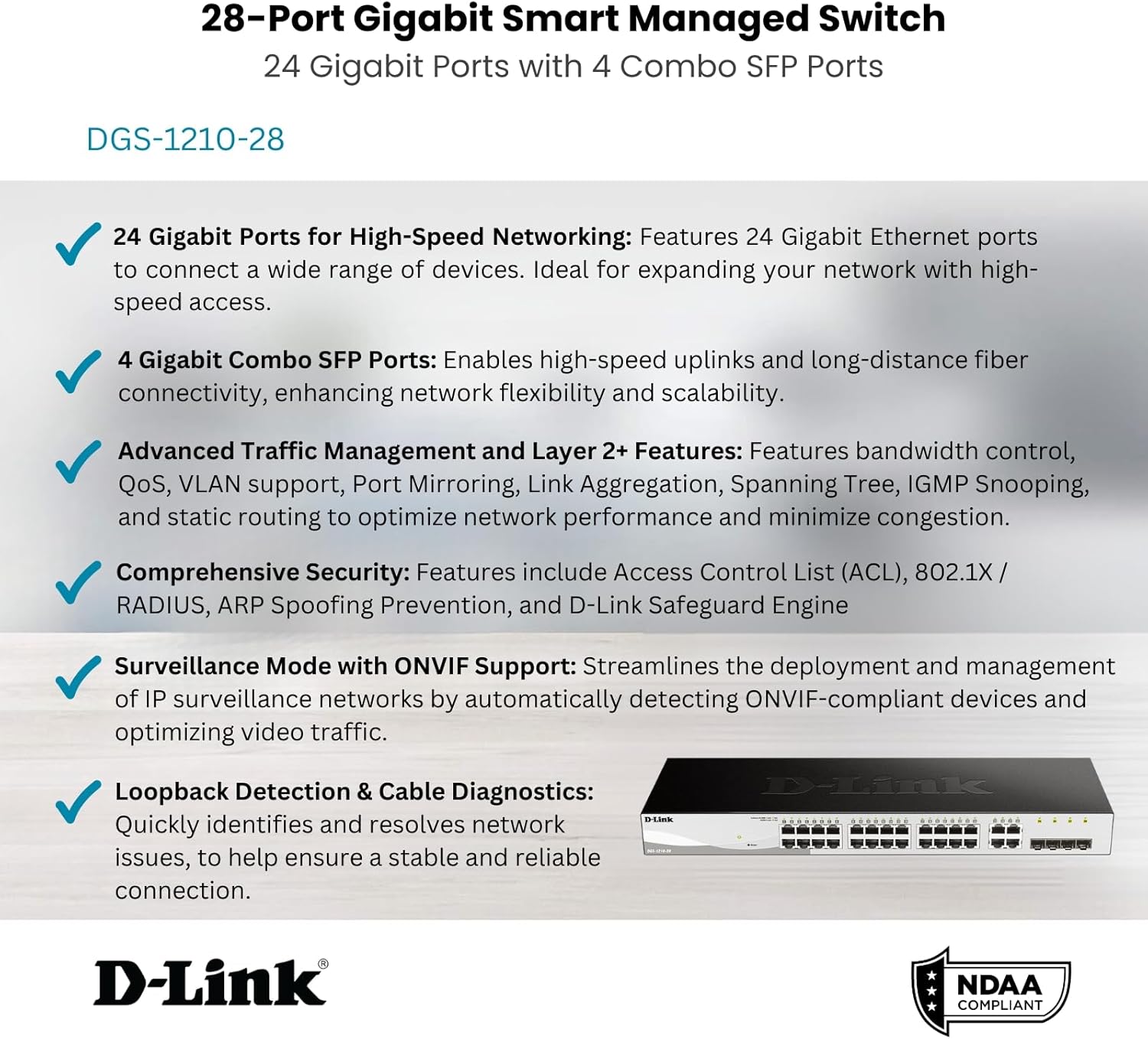
Figura 6: Máisview of the DGS-1210-28's core features.
Mantemento
Proper maintenance ensures the longevity and optimal performance of your D-Link DGS-1210-28 switch.
- Actualizacións de firmware: Comprobe regularmente o soporte de D-Link websitio para obter as últimas actualizacións de firmware. Manter o firmware actualizado garante o acceso a novas funcións, melloras de rendemento e parches de seguranza.
- Condicións ambientais: Ensure the switch operates within the recommended temperature (up to 60°C) and humidity ranges. Avoid placing it in direct sunlight or near heat sources.
- Limpeza: Keep the switch clean and free of dust. Use a soft, dry cloth to wipe the exterior. Do not use liquid or aerosol cleaners.
- Xestión de cables Ensure network cables are neatly organized and not excessively bent or strained. This prevents damage to cables and ports and improves airflow.
- Configuración de copia de seguridade: Periodically back up your switch configuration settings. This allows for quick restoration in case of a factory reset or device replacement.
Resolución de problemas
This section addresses common issues you might encounter with your DGS-1210-28 switch.
Sen indicador luminoso de alimentación
- Verify that the power cord is securely connected to both the switch and a working power outlet.
- Check the power outlet by plugging in another device.
- Ensure the power switch (if present) is in the 'On' position.
No Network Connectivity on a Port
- Check the Ethernet cable connection at both ends (switch port and connected device). Try a different cable.
- Verify that the Link/Act LED for the specific port on the switch is illuminated. If not, there might be an issue with the cable or the connected device.
- Asegúrate de que o dispositivo conectado estea acendido e que o seu adaptador de rede funcione correctamente.
- Use the switch's Diagnóstico por cable feature via the Web UI to test the cable integrity.
- If using an SFP port, ensure the SFP transceiver is properly seated and compatible with the fiber optic cable and the connected device.
Non se pode acceder Web Interface de xestión
- Asegúrate de que o enderezo IP do teu computador estea na mesma subrede que o enderezo IP do conmutador.
- Verify that you are using the correct IP address for the switch. If unsure, you may need to reset the switch to factory defaults (refer to the QIG for instructions).
- Disable any firewall or antivirus software on your computer temporarily to rule out interference.
- Try accessing the interface from a different web navegador.
Network Performance Issues
- Check for network loops using the switch's Spanning Tree Protocol (STP) or Loopback Detection features.
- Monitor port utilization via the Web UI to identify congested ports. Consider enabling Bandwidth Control or configuring QoS for critical applications.
- Ensure all connected devices are operating at their optimal speed (Gigabit Ethernet where supported).
Especificacións técnicas
| Característica | Especificación |
|---|---|
| Número de modelo | DGS-1210-28 |
| Tipo de cambio | Layer 2 Smart Managed Switch |
| Número de portos | 24 x 10/100/1000BASE-T Gigabit Ethernet Ports, 4 x Gigabit SFP Combo Ports |
| Taxa de transferencia de datos | 1000 megabits por segundo (Mbps) |
| Voltage | 100 voltios (CA) |
| Material do caso | Metal |
| Clasificación de temperatura superior | 60 graos centígrados |
| Dimensións do produto | 17.32 x 5.46 x 1.73 polgadas |
| Peso do elemento | 0.02 libras |
| Compoñentes incluídos | Switch, Rack mounting kit, Power cord, Retainer clip, Console cable, Rubber feet, QIG |
| Cumprimento | IEEE 802.3az Energy Efficient Ethernet, NDAA Compliant |
Garantía e Soporte
The D-Link DGS-1210-28 switch comes with a Garantía limitada de por vida, demonstrating D-Link's commitment to product quality and long-term customer confidence. For detailed warranty terms and conditions, please refer to the official D-Link websitio web ou a tarxeta de garantía incluída co produto.
For technical support, product registration, and additional resources, please visit the official D-Link support portal. You can also find the latest drivers, firmware, and user manuals there.
For the User Guide (PDF), you can refer to the official document: DGS-1210 Series User Guide