
VTech CS6729-2
VTECH Communications CS6729-2
2 Handset Answering System with Caller ID/Call Waiting User Manual
Introdución
This user manual provides comprehensive instructions for the VTECH Communications CS6729-2 2 Handset Answering System. It covers setup, operation, maintenance, and troubleshooting to ensure optimal performance of your new telephone system. Please read this manual thoroughly before using your phone.
Configuración e instalación
Contido do paquete
Asegúrate de que todos os elementos estean presentes no teu paquete:
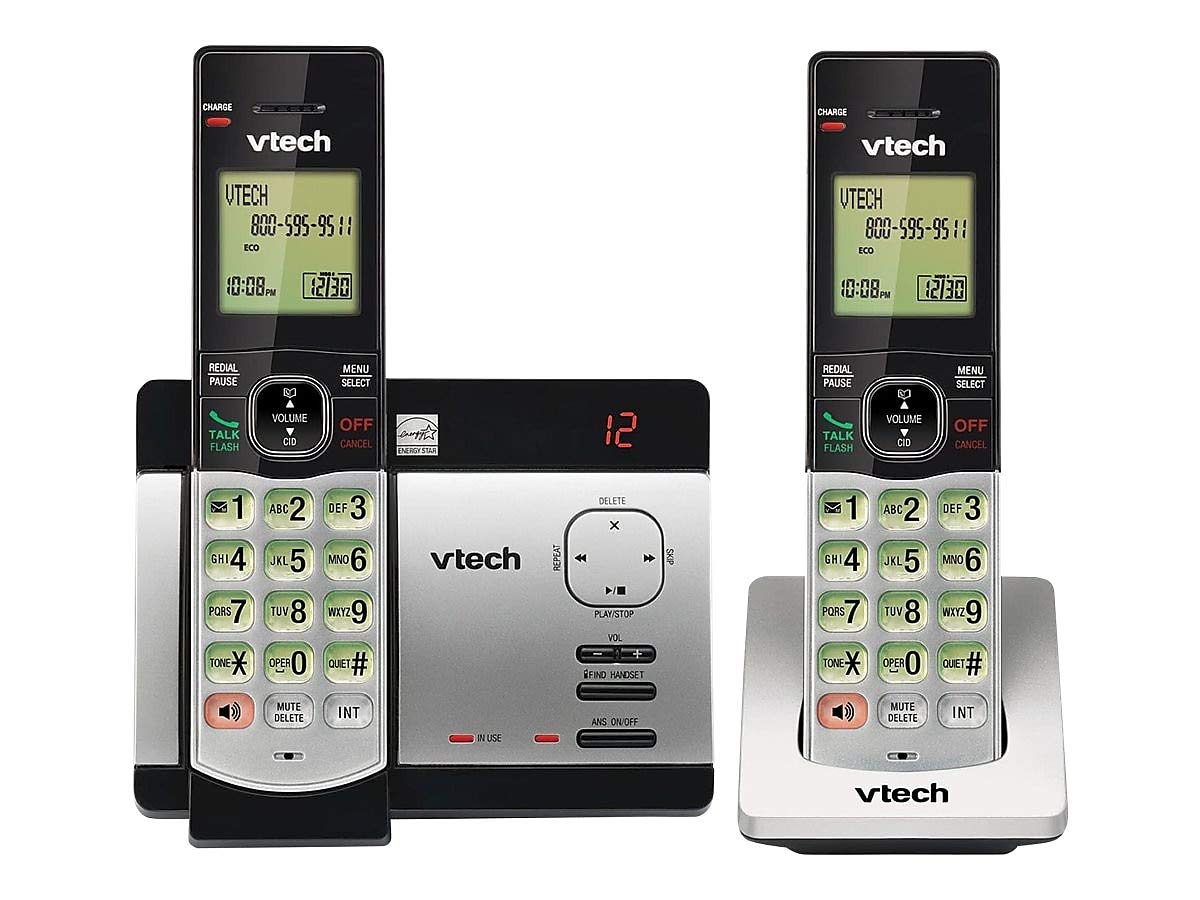
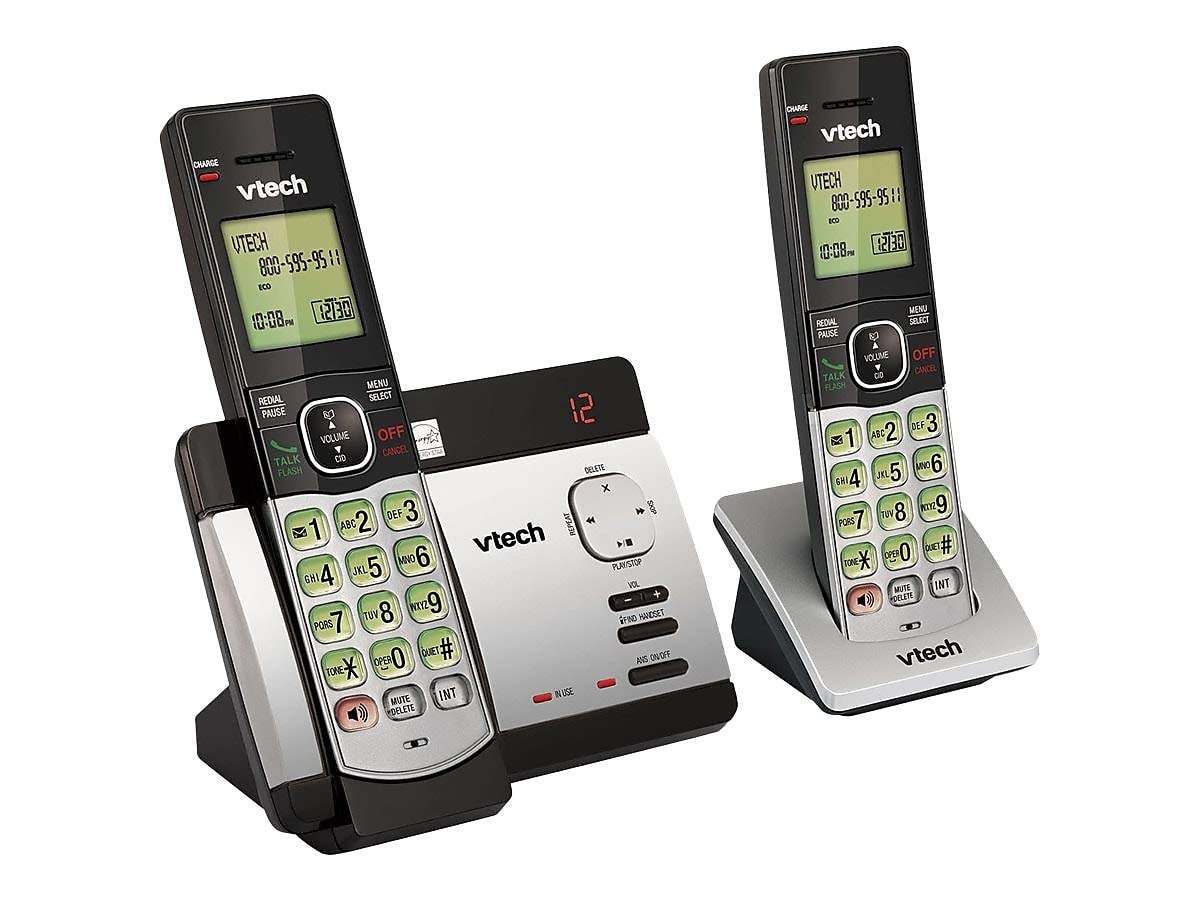
- Teléfonos inalámbricos (2)
- Base Unit with Digital Answering System
- Adaptador de alimentación de CA para a unidade base
- Cable de Liña Telefónica
- Rechargeable Batteries (4 AAA batteries required, included)
- Soporte de montaxe en parede
Instalación de baterías
Before initial use, install the included AAA batteries into each cordless handset. Open the battery compartment cover on the back of the handset, insert the batteries according to the polarity markings, and close the cover. Place the handset on the base unit or charger to charge for at least 16 hours before first use.
Conexión da unidade base
Connect the small end of the AC power adapter to the power jack on the back of the telephone base. Plug the large end of the AC power adapter into a wall outlet not controlled by a wall switch. Connect one end of the telephone line cord to the telephone jack on the back of the telephone base. Plug the other end of the telephone line cord into a telephone wall jack.
Instrucións de funcionamento
Realización e recepción de chamadas
Para facer unha chamada, prema FALA / FLASH or any dial pad key, then dial the number. To receive a call, press FALA / FLASH when the phone rings. To end a call, press OFF/CANCELAR ou volva colocar o auricular na unidade base/cargador.
Answering System Features
The integrated digital answering system can record up to 14 minutes of messages. You can retrieve messages from any handset or remotely. The voicemail waiting indicator will notify you of new messages. Messages are time and date stamped para facilitar a consulta.
Identificador de chamadas/Chamada en espera
The phone displays the caller's name and number (if available) before you answer. If you have Call Waiting service, the phone will alert you to an incoming call while you are on another call.
Directorio de axenda telefónica
Store up to 50 names and numbers in the phonebook directory for quick dialing. Refer to the handset menu for instructions on adding, editing, and deleting entries.
Intercomunicador
Use the intercom feature to communicate between handsets. This system supports up to 5 handsets (additional handsets sold separately).
Volver marcar de novo
The phone stores the last 10 dialed numbers. Press REMARCACIÓN/PAUSA to access and redial these numbers.
Control de volume
Axuste o volume do auricular e do altofalante durante unha chamada usando o botón VOLUME buttons on the side of the handset.
Silenciar
Preme o MUTE/BORRAR button during a call to mute your microphone. The other party will not hear you, but you can still hear them. Press again to unmute.
Teleconferencias
You can set up a 3-way conference call between an outside line and up to two cordless handsets.
Indicacións trilingües
The system offers trilingual prompts, allowing you to choose between English, Spanish, or French for voice announcements and menu options.
Mantemento
Limpeza
Limpar o teléfono e a unidade base cun pano suave eamp cloth. Do not use cleaning sprays or harsh chemicals. Avoid getting moisture in any openings.
Coidado da batería
To maintain optimal battery life, fully charge the handsets regularly. If the phone will not be used for an extended period, remove the batteries to prevent leakage.
Resolución de problemas
Se tes problemas co sistema telefónico, proba as seguintes solucións:
| Problema | Solución |
|---|---|
| Sen ton de marcación | Ensure the power adapter and telephone line cord are securely plugged into the base unit and wall outlets. Check if the phone line is active. |
| Non se poden facer/recibir chamadas | Check battery charge level. Ensure the handset is within range of the base unit. Verify the telephone line connection. |
| O contestador automático non grava mensaxes | Ensure the answering system is turned ON. Check if the memory is full; delete old messages if necessary. |
| Mala calidade de son | Acérquese máis á unidade base. Comprobe se hai interferencias doutros dispositivos electrónicos. |
| O teléfono non carga | Ensure the handset is properly seated in the charging cradle. Clean the charging contacts on both the handset and cradle. |
Especificacións
- Modelo: CS6729-2
- Tecnoloxía: DECT 6.0 dixital
- Teléfonos: 2 (ampliable ata 5)
- Sistema de contestación: Digital, 14 minutes recording time
- Capacidade da axenda: 50 nomes e números
- Memoria de remarcación: Últimos 10 números
- Baterías: 4 pilas recargables AAA (incluídas)
- Dimensións do produto: 1 x 3.2 x 6.9 inches (handset)
- Peso do artigo: 1.3 libras
- Cor: Gris
- Fonte de enerxía: Eléctrico con cable
Garantía e Soporte
For warranty information and technical support, please refer to the warranty card included with your product or visit the official VTech websitio. Garde o recibo da compra como xustificante de compra para reclamacións de garantía.
Ask a question about this manual
Ask about setup, troubleshooting, compatibility, parts, safety, or missing instructions. Manuals+ will review the question and use this page’s manual context to help answer it.