
1. Produto rematadoview
The Bespeco Ground Series Microphone Stand MS30NE is designed for stable and adjustable microphone placement. It features a boom arm, a loaded nylon tripod base, and a clutch-style height adjustment mechanism for versatile use in various audio applications.

Figure 1: Bespeco Ground Series Microphone Stand with boom arm and tripod base.
2. Instrucións de configuración
Follow these steps to assemble your microphone stand:
- Desempaquetar compoñentes: Carefully remove all parts from the packaging. Verify that all components are present: main shaft, tripod base, and boom arm.
- Attach Tripod Base: Extend the legs of the tripod base. Secure the legs in position using the locking knob located at the top of the base. Ensure the legs are fully spread for maximum stability.
- Insert Main Shaft: Insert the lower section of the main shaft into the tripod base. Tighten the ergonomic knob on the tripod base to secure the shaft firmly.
- Adjust Main Shaft Height: Loosen the clutch-style height adjustment knob on the main shaft. Extend the shaft to the desired height and then tighten the knob securely to lock it in place.
- Attach Boom Arm: Insert the boom arm into the top of the main shaft. Adjust the angle and extension of the boom arm using its dedicated ergonomic knob. Ensure it is tightened to prevent movement.
- Micrófono de montaxe: Attach your microphone clip or shock mount to the threaded end of the boom arm.
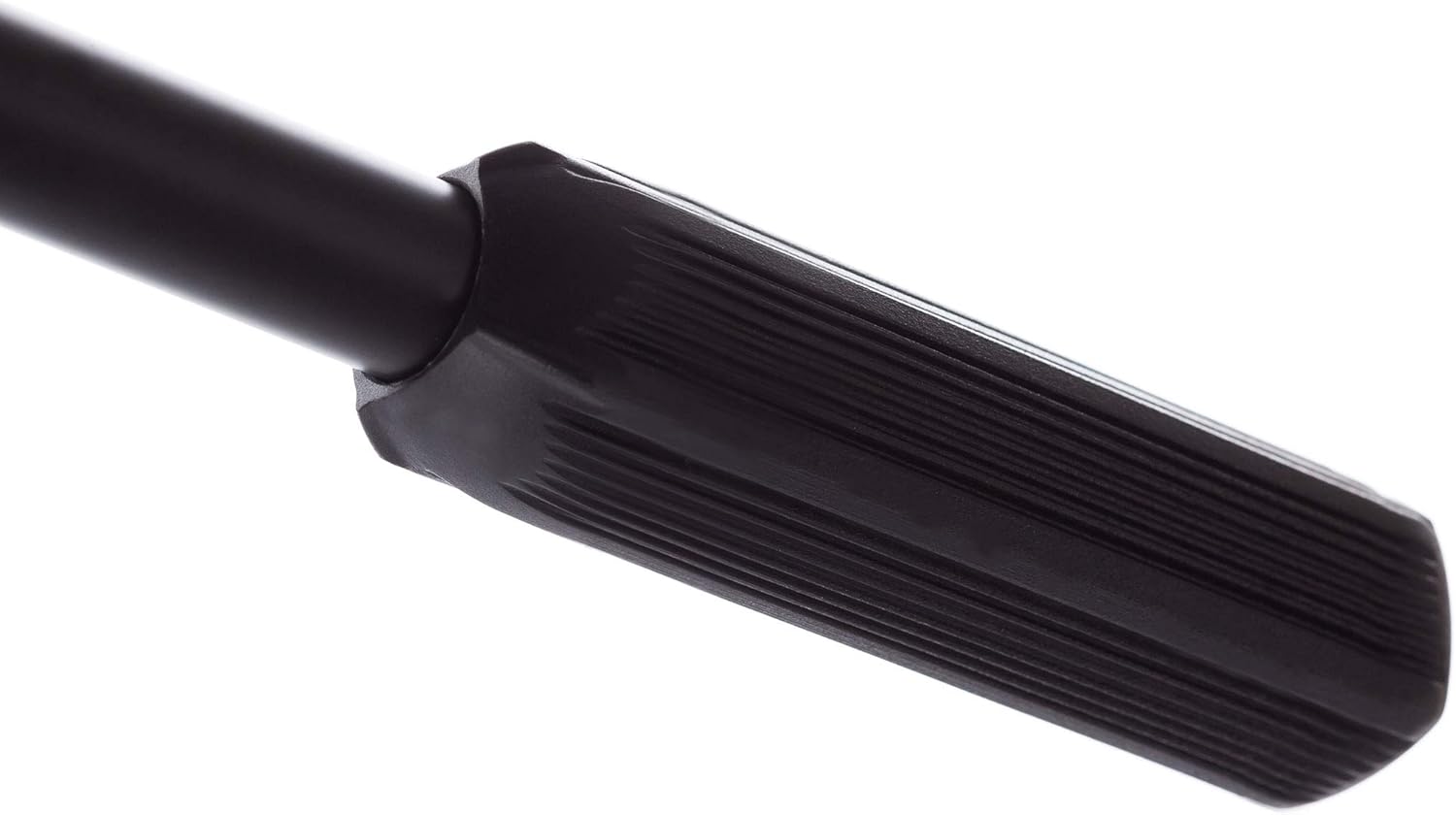
Figure 2: Tripod base locking knob.
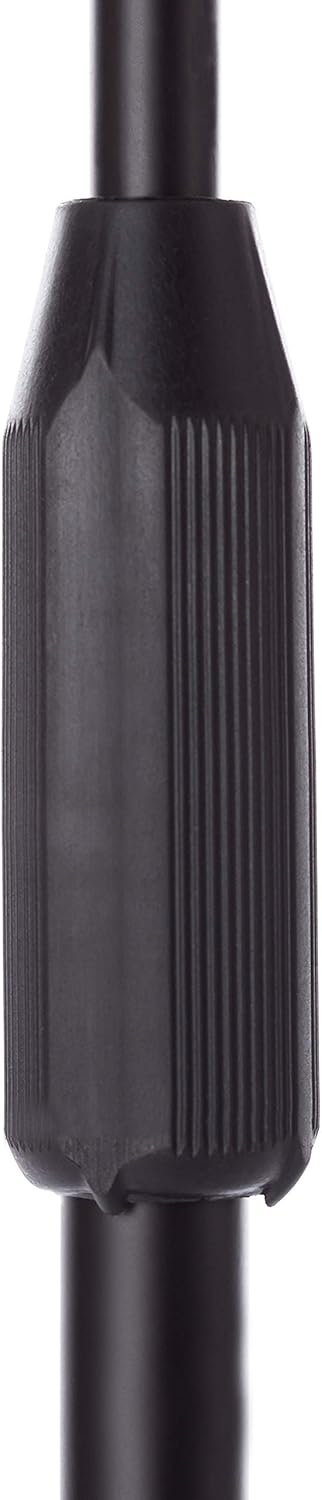
Figure 3: Clutch-style height adjustment.

Figure 4: Boom arm adjustment knob.
3. Instrucións de funcionamento
To use your Bespeco microphone stand effectively:
- Axuste de altura: To change the height of the microphone, loosen the clutch-style knob on the main shaft, adjust to the desired height, and then firmly retighten the knob.
- Axuste do brazo da pluma: The boom arm allows for both angle and extension adjustments. Loosen the ergonomic knob on the boom arm, position the microphone as needed, and then tighten the knob to secure it.
- Estabilidade: Always ensure all knobs are securely tightened before placing a microphone on the stand. For heavy microphones, ensure the boom arm is not overextended to maintain balance. The loaded nylon tripod base provides enhanced stability.

Figure 5: Ergonomic boom arm adjustment.
4. Mantemento
Proper maintenance ensures the longevity and performance of your microphone stand:
- Limpeza: Limpa o soporte regularmente cun pano suave eamp un pano para eliminar o po e a sucidade. Evite produtos de limpeza ou solventes abrasivos.
- Comprobacións de fixación: Periodically check all knobs and fasteners to ensure they are tight. Loose components can affect stability and safety.
- Almacenamento: When not in use, collapse the stand to its most compact form and store it in a dry, clean environment to prevent damage.

Figure 6: Boom arm end cap.
5 Solución de problemas
If you encounter issues with your microphone stand, consider the following:
- Inestabilidade do soporte:
- Ensure the tripod legs are fully extended and the base locking knob is tightened.
- Verify that the main shaft and boom arm adjustment knobs are securely fastened.
- If using a heavy microphone, ensure the boom arm is not overextended. Consider repositioning the microphone closer to the main shaft or adding a counterweight if necessary.
- Difficulty Adjusting Height/Boom:
- Ensure the relevant adjustment knob (clutch-style for height, ergonomic for boom) is sufficiently loosened before attempting to adjust.
- Check for any obstructions or debris in the adjustment mechanisms.
6. Especificacións
| Característica | Detalle |
|---|---|
| Número de modelo | MS30NE |
| Peso do elemento | 2.44 libras (1.11 kg) |
| Dimensións do produto (L x W x H) | 38.58 x 3.5 x 3.54 polgadas (98 x 8.9 x 9 cm) |
| Tipo de material | Steel construction with epoxy powder paint, Nylon base |
| Cor | Negro |
| Tipo de base | Loaded Nylon Tripod Base |
| Axuste de altura | Clutch style |
7. Información da garantía
Specific warranty details for the Bespeco Ground Series Microphone Stand MS30NE may vary by region and retailer. Please retain your proof of purchase. For comprehensive warranty information, it is recommended to consult the official Bespeco websitio web ou póñase en contacto co seu distribuidor autorizado.
8. Apoio
For further assistance, technical support, or inquiries regarding your Bespeco Ground Series Microphone Stand MS30NE, please visit the official Bespeco websitio web ou póñase en contacto co seu departamento de atención ao cliente. A información de contacto adoita atoparse na páxina web do fabricante websitio ou embalaxe do produto.