
Introdución
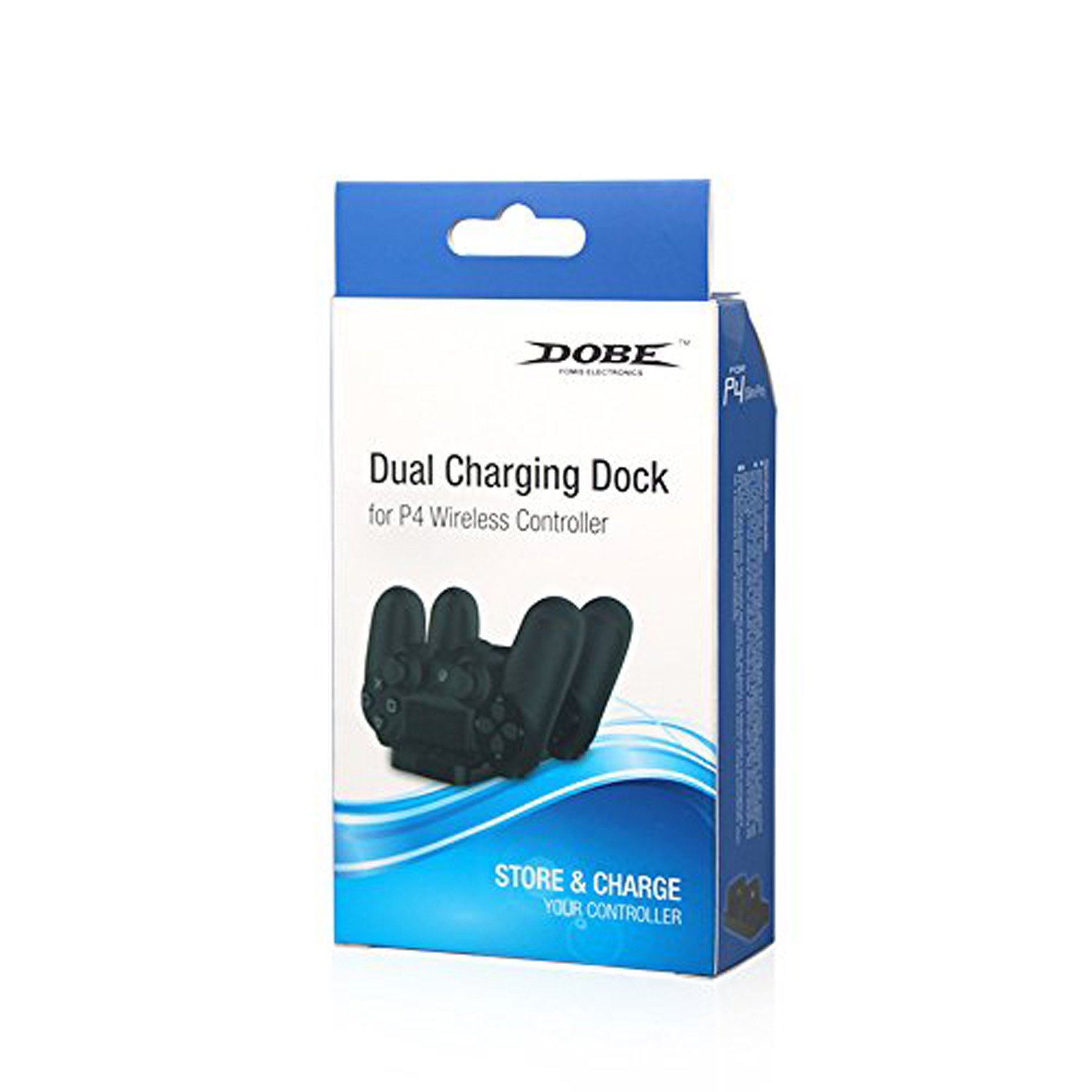
The DOBE FOMIS ELECTRONICS PS4 Dual Charging Dock is designed to provide a convenient and efficient solution for charging your PlayStation 4 wireless controllers. This dock allows for simultaneous charging of two PS4 controllers, featuring a charging light indicator to display the charging status. Its compact and lightweight design ensures ease of use and portability. The standard DC5V input voltage allows for flexible power sourcing via a PS4 console USB port, computer USB port, or other compatible 5V power adapters.
Información de seguridade
- Keep the charging dock away from water, moisture, and extreme temperatures.
- Non intente desmontar nin modificar o dispositivo. Isto podería anular a garantía e causar danos.
- Use only the provided charging cable or a compatible DC5V USB cable.
- Asegúrate de que haxa unha ventilación axeitada arredor da base de carga durante o seu uso.
- Manter fóra do alcance dos nenos.
Contido do paquete
Comprobe o contido do paquete para asegurarse de que estean presentes todos os elementos:
- 1 x DOBE FOMIS ELECTRONICS PS4 Dual Charging Dock
- 1 cable de carga (USB)
Configuración
- Desempaquetar a base de carga: Carefully remove the charging dock and its accessories from the packaging.
- Conectar enerxía: Insert the small end of the provided charging cable into the DC5V input port on the back of the charging dock.
- Conectar á fonte de enerxía: Plug the USB-A end of the charging cable into a compatible DC5V USB power source, such as a PS4 console USB port, a computer USB port, or a 5V USB wall adapter (not included).
- Colocación: Place the charging dock on a stable, flat surface.
Instrucións de funcionamento
- Insert Controllers: Gently align the charging port of your PS4 wireless controller with one of the charging slots on the dock. Push down firmly until the controller is securely seated.
- Indicador de carga: The charging light indicator on the dock will illuminate to show that the controller is charging. The specific color or behavior of the light indicates the charging status (e.g., red for charging, blue/green for fully charged, or off when not charging/fully charged, refer to controller manual for exact light behavior).
- Carga simultánea: You can charge two PS4 controllers simultaneously by inserting them into both available slots.
- Remove Controllers: Once charging is complete, gently lift the controller from the charging slot.

Mantemento
- Limpeza: Use a soft, dry cloth to wipe the surface of the charging dock. Do not use liquid cleaners or abrasive materials.
- Almacenamento: When not in use, store the charging dock in a cool, dry place, away from direct sunlight and dust.
- Coidado do cable: Avoid bending or twisting the charging cable excessively to prevent damage.
Resolución de problemas
| Problema | Causa posible | Solución |
|---|---|---|
| O controlador non está a cargar. |
|
|
| A luz indicadora de carga non funciona. |
|
|
Especificacións
- Número de modelo: Dobe PS4
- Vol. De entradatage: DC5V
- Capacidade de carga: 2 x PS4 Controllers simultaneously
- Dimensións do produto (LxWxH): 20 x 12 x 4 cm
- Peso do artigo: 0.28 g
- País de orixe: China
- Fabricante: Dobe, yinghong information co ltd, Guangdong, China
- Compoñentes incluídos: 1 cable de carga
Garantía e Soporte
For product support or warranty inquiries, please contact your retailer or the manufacturer directly. While this product does not explicitly state a manufacturer's warranty in the provided information, extended warranty options may be available from third-party providers, such as the "1 Year Extended Warranty by Onsitego" mentioned during purchase. Please retain your proof of purchase for any warranty claims.
Para obter máis axuda, pode visitar o DOBE FOMIS ELECTRONICS Store.