
Introdución
The Fellowes Saturn 125 Thermal Laminator is designed for efficient and reliable lamination of documents up to 12.5 inches wide. Featuring InstaHeat technology for rapid warm-up and a jam-free design, this machine is suitable for home, office, or classroom use. This manual provides essential information for safe operation, setup, maintenance, and troubleshooting.
Información de seguridade
- Seguridade eléctrica: Always plug the laminator into a grounded outlet. Do not operate with a damaged power cord or plug. Keep the power cord away from heated surfaces.
- Aviso de calor: The laminator's rollers and surrounding areas become hot during operation. Avoid touching these surfaces to prevent burns. Allow the machine to cool completely before storing.
- Proper Pouch Use: Use only laminating pouches designed for thermal laminators. Do not attempt to laminate items thicker than the maximum recommended pouch thickness (5-mil).
- Ventilación: Ensure adequate ventilation around the laminator during use. Do not block air vents.
- Nenos e animais: Keep the laminator out of reach of children and pets. Adult supervision is required if children are operating the device.
- Contacto con líquidos: Do not expose the laminator to water or other liquids. If liquid spills on the device, unplug it immediately and contact customer support.
Contido do paquete
Verifica que todos os elementos estean presentes no paquete:
- Fellowes Saturn 3i 125 Laminator
- Pouch Starter Kit (quantity may vary)
- Manual de instrucións
Configuración
- Desempaquetar: Retire con coidado a plastificadora e todos os accesorios da embalaxe.
- Colocación: Place the laminator on a stable, flat surface with adequate space around it for proper ventilation and document feeding/exiting. Ensure it is away from heat sources and direct sunlight.
- Conexión de alimentación: Enchufe o cable de alimentación nunha toma eléctrica estándar.
- Encendido: Locate the power switch on the back of the unit and turn it to the 'ON' position. The laminator will begin its warm-up cycle.
- Quecemento: The InstaHeat technology allows for a rapid warm-up time of approximately 60 seconds. The indicator light will change from red to green when the machine is ready for use.

Image: Fellowes Saturn 125 Thermal Laminator ready for use.

Image: The laminator features a quick 60-second warm-up time, indicated by a green light.
Instrucións de funcionamento
- Select Pouch Thickness: Choose the appropriate pouch thickness (3-mil, 4-mil, or 5-mil) using the control panel buttons. For self-adhesive pouches, select the 'COLD' setting (snowflake icon).
- Preparar documento: Place your document neatly inside the laminating pouch, ensuring it is centered and there is a small border around the edges.
- Inserir bolsa: Feed the sealed edge of the pouch into the laminator's entry slot. The machine will automatically draw the pouch through.
- Lamination Process: The Saturn 125 laminates at a speed of 19 inches per minute. Allow the machine to complete the process without pulling or pushing the pouch.
- Retrieve Laminated Document: Once the pouch exits the rear of the machine, carefully remove it. The document will be warm; allow it to cool for a few moments before handling extensively.
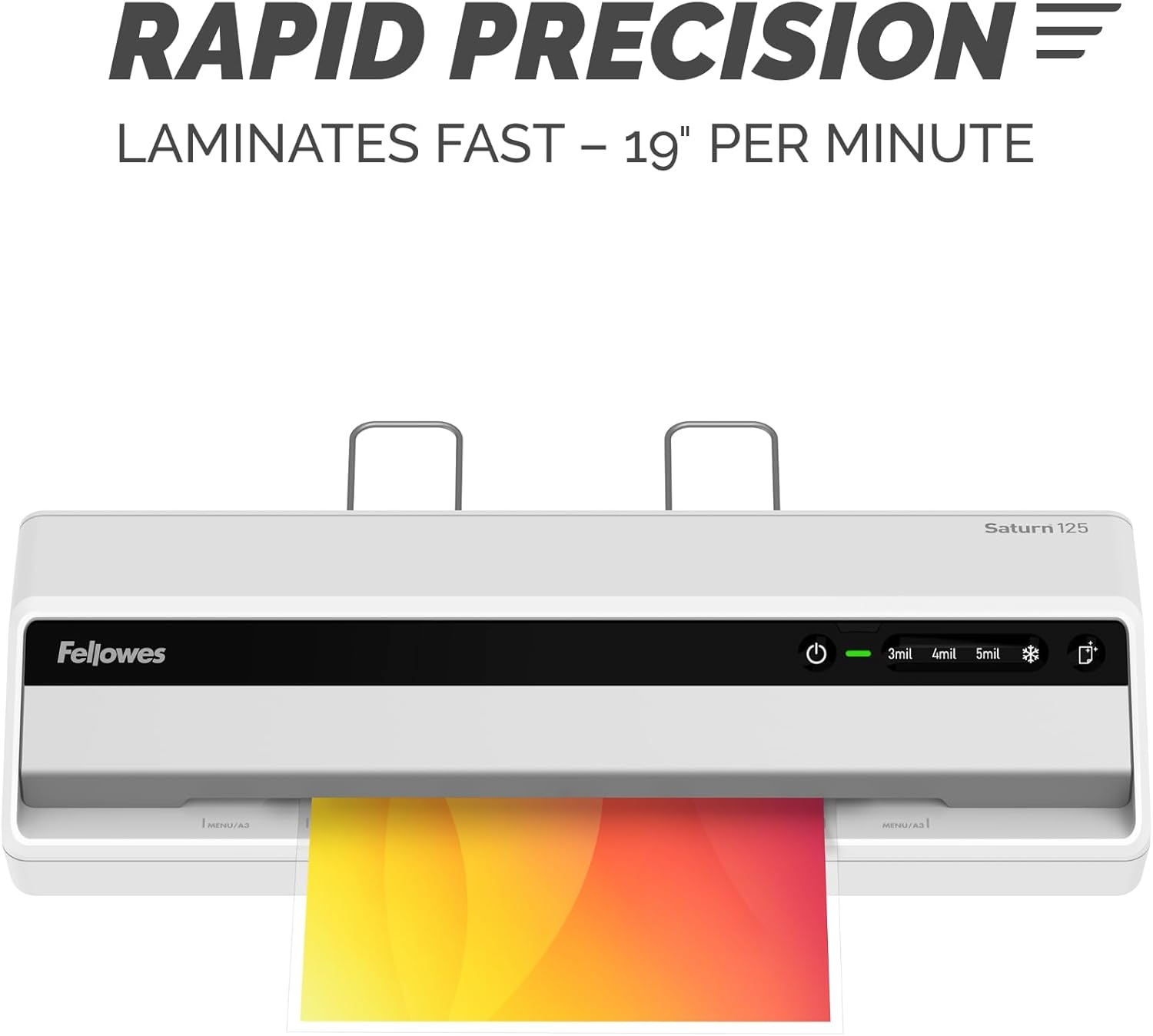
Image: The laminator processes documents quickly at 19 inches per minute.

Image: Choose from 3-mil, 4-mil, 5-mil, or cold settings for various pouch types.
Video: A quick demonstration of the Fellowes Saturn 3i 125 laminator in action, showing the ease of use and efficient lamination process.
Video: This video demonstrates how simple it is to laminate documents using the Fellowes Saturn 125, highlighting its user-friendly operation.
Mantemento
- Limpeza: The laminator features a CleanAlert reminder system. When activated, run a cleaning sheet through the machine to remove adhesive residue and maintain optimal performance.
- Limpeza exterior: Wipe the exterior of the laminator with a soft, dry cloth. Do not use abrasive cleaners or solvents.

Image: The CleanAlert system provides reminders for cleaning to ensure longevity.
Resolución de problemas
- Document Jam: The Saturn 125 includes jam detection technology. If a jam occurs, use the quick release lever to free the pouch. Re-center or remove the pouch and attempt lamination again.
- Bubbles or Uneven Lamination: Ensure the correct pouch thickness setting is selected. For optimal results, use high-quality laminating pouches.
- Sobrequecemento: The laminator is equipped with an automatic shut-off feature that activates after 30 minutes of non-use to prevent overheating and conserve energy. If the machine feels excessively hot, unplug it and allow it to cool.

Image: The jam release lever helps clear jammed pouches for continuous productivity.
Especificacións
| Característica | Detalle |
|---|---|
| Marca | Fellowes |
| Número de modelo | 5736601 |
| Peso do elemento | 5.1 libras |
| Dimensións do produto | 5.75 x 20.94 x 4.13 polgadas |
| Tipo de material | Plástico |
| Max Document Width | 12.5 polgadas |
| Tamaño da folla | Carta |
| Tempo de quecemento | 60 seconds (InstaHeat) |
| Lamination Speed | 19 polgadas por minuto |
| Pouch Thickness Settings | 3-mil, 4-mil, 5-mil, Cold |
| Apagado automático | Yes (after 30 minutes of non-use) |
Garantía e Soporte
For warranty information and customer support, please refer to the official Fellowes websitio web ou póñase en contacto co seu departamento de atención ao cliente. Garde o recibo de compra como proba de compra para calquera reclamación de garantía.
Fabricante: Fellowes