
1. Introdución
The Xiaomi Mi 5000mAh Power Bank is a portable charging solution designed for smartphones and other USB-powered devices. Its slim 9.9mm design and lightweight construction (156 grams) make it highly portable, fitting easily into a pocket or bag. Equipped with a 5000mAh lithium-ion polymer battery, it provides reliable power on the go. The integrated battery indicator keeps you informed about the remaining charge level.
2. Información de seguridade
- Non expoñas a batería externa a temperaturas extremas (superiores a 60 °C / 140 °F ou inferiores a 0 °C / 32 °F), á luz solar directa nin ao lume.
- Avoid dropping, disassembling, or attempting to repair the device yourself. This may cause damage or injury.
- Keep the power bank away from water, moisture, and other liquids.
- Use only certified charging cables and adapters. Using incompatible accessories may lead to fire, explosion, or other hazards.
- Manter fóra do alcance dos nenos.
- Dispose of the power bank according to local regulations for electronic waste. Do not dispose of it in household waste.
3. Contido do paquete
- Xiaomi Mi 5000mAh Power Bank (Model XPB5000)
- USB Charging Cable (Micro USB to USB-A)
- Manual de usuario
4. Produto rematadoview
Familiarize yourself with the components of your Xiaomi Mi 5000mAh Power Bank.
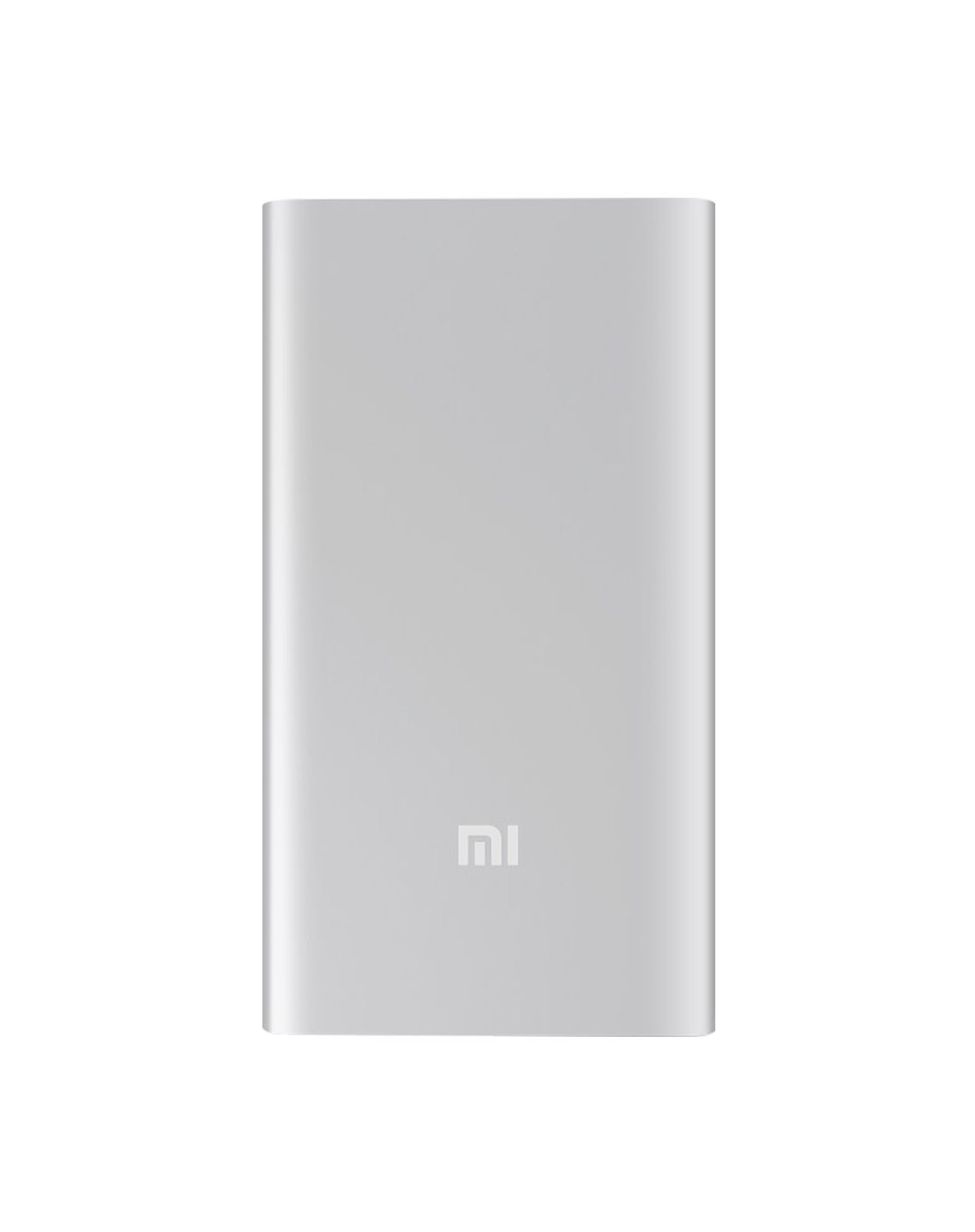
Figura 4.1: Fronte view of the Xiaomi Mi 5000mAh Power Bank, silver color with the 'Mi' logo.

Figura 4.2: Arriba view of the power bank, highlighting the ports and indicators.
- Porto de entrada micro USB: Used to charge the power bank itself.
- Porto de saída USB-A: Used to charge external devices.
- Botón de encendido: Press once to check battery level; press and hold to turn on/off (if applicable, some power banks are auto-on).
- Indicadores LED: Four small lights that show the remaining battery capacity of the power bank. Each light typically represents 25% of the charge.
5. Configuración
5.1 Cargo inicial
Before using your Xiaomi Mi 5000mAh Power Bank for the first time, it is recommended to fully charge it.
- Connect the Micro USB end of the provided cable to the power bank's Micro USB Input Port.
- Connect the USB-A end of the cable to a USB wall adapter (not included) or a computer's USB port.
- The LED indicators will light up and blink, showing the charging progress. All four LEDs will remain solid when the power bank is fully charged.
6. Instrucións de funcionamento
6.1 Carga da batería externa
Para recargar a túa batería externa:
- Use the included USB cable to connect the power bank's Micro USB input port to a power source (e.g., wall charger, computer USB port).
- The LED indicators will show the charging status. When all four LEDs are solid, the power bank is fully charged.
6.2 Cargando o seu dispositivo
To charge a smartphone or other USB-powered device:
- Connect your device's charging cable to the USB-A Output Port of the power bank.
- Conecte o outro extremo do cable ao dispositivo.
- The power bank should automatically begin charging your device. If not, press the power button once to initiate charging.
- The LED indicators will show the power bank's remaining charge while it is in use.
7. Mantemento
- Limpeza: Usa un pano suave e seco para limpar o cargador portátil. Non empregues produtos químicos agresivos nin materiais abrasivos.
- Almacenamento: Store the power bank in a cool, dry place away from direct sunlight and extreme temperatures. If storing for extended periods, charge it to about 50% every three months to prolong battery life.
- Coidado da batería: Evita descargar completamente o banco de enerxía con frecuencia, xa que isto pode reducir a súa vida útil total.
8 Solución de problemas
| Problema | Posible Solución |
|---|---|
| O banco de enerxía non se está cargando | Ensure the charging cable is securely connected to both the power bank and the power source. Try a different cable or wall adapter. Check if the power source is active. |
| O dispositivo non se carga desde o banco de enerxía | Check if the power bank has sufficient charge (indicated by LEDs). Ensure the cable connecting the device to the power bank is functional and securely connected. Press the power button on the power bank once. |
| Carga lenta | Ensure you are using a high-quality cable. The charging speed may vary depending on the device being charged and the power bank's remaining capacity. |
| Os indicadores LED non funcionan | The power bank might be completely discharged or damaged. Try charging it for a few hours. If the issue persists, contact support. |
9. Especificacións
| Característica | Detalle |
|---|---|
| Nome da marca | Xiaomi |
| Número de modelo | XPB5000 |
| Capacidade da batería | 5000 mAh |
| Composición da pila da batería | Polímero de litio |
| Cor | Prata |
| Características especiais | Lixeiro |
| Voltage | 5 voltios |
| Actual | 2.1 Amps |
| Fonte de enerxía | Alimentado por batería |
| Dispositivos compatibles | Smartphones |
| Modelos de teléfonos compatibles | Apple iPhone 5S, Apple iPhone 6 (and other USB-compatible devices) |
| Porto de entrada | 1 (Micro USB) |
| Porto de saída | 1 (USB-A) |
| Dimensións do artigo (L x W x H) | 15 x 4.5 x 2.5 cm |
| Peso | 156 gramos (aprox.) |
| GTIN / UPC | 06954176883742 / 700254076065 190268050890 |
Note: The specification 'Number of Ports: 6' from product data likely refers to the combination of physical ports (Micro USB input, USB-A output) and the four LED indicators.
10. Garantía e soporte
10.1 Información da garantía
According to the product specifications, this item is sold with "No Warranty". Please refer to your point of purchase for any return or exchange policies.
10.2 Atención ao cliente
For further assistance or inquiries regarding your Xiaomi Mi 5000mAh Power Bank, please contact the retailer where the product was purchased or visit the official Xiaomi support websitio web con información xeral sobre o produto.
Xiaomi oficial Websitio: https://www.mi.com/global/support