
1. Introdución
The Sizzix Big Shot Plus is a versatile manual die-cutting and embossing machine designed for crafters. It allows you to cut and emboss a wide range of materials using various dies and embossing folders. Its larger A4-sized opening accommodates bigger materials and dies, expanding your creative possibilities for scrapbooking, paper crafting, quilting, appliqué, and more.

2. Que hai na caixa
Upon unboxing your Sizzix Big Shot Plus machine, you should find the following components:
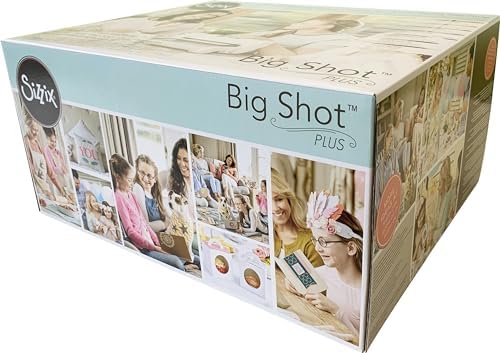
- Sizzix Big Shot Plus Machine
- 1 Pair of Cutting Pads
- 1 Platform, A & B Adapter Pads

3. Especificacións
| Característica | Detalle |
|---|---|
| Número de modelo | 660020 |
| Marca | Sizzix |
| Material | Metal |
| Dimensións do produto | 15.7"D x 11.8"W x 7.6"H (approximately 40 x 30 x 19.5 cm) |
| Peso | 17.09 libras (aproximadamente 7.75 kg) |
| Superficie activa | 68.38 square inches (9-inch opening) |
4. Configuración
Before using your Sizzix Big Shot Plus machine, ensure it is properly set up on a stable, flat surface.
4.1 Fixación da asa
- Locate the handle and the corresponding attachment point on the side of the machine.
- Insert the handle into the opening and secure it by tightening the screw with the provided Allen wrench.
4.2 Stabilizing the Machine
The machine features non-slip rubber feet to ensure stability during operation. Place the machine on a clean, dry, and level surface to prevent movement while cranking the handle.
This video demonstrates the unboxing and initial setup of the Sizzix Big Shot Plus, including handle attachment.
5. Instrucións de funcionamento
The Sizzix Big Shot Plus uses a 'sandwich' method for die-cutting and embossing. The specific plates and adapters required depend on the type of die or embossing folder you are using.
5.1 Die Cutting with Thinlits™ and Framelits™ Dies
For thin metal dies like Thinlits™ and Framelits™, you will typically use the Standard Platform and Adapter Pads to achieve the correct thickness for cutting.
- Place one Cutting Pad on the Standard Platform.
- Place your Thinlits™ or Framelits™ die (cutting side up) on the Cutting Pad.
- Place your material (e.g., paper, cardstock) over the die.
- Cover with the second Cutting Pad.
- Insert the entire 'sandwich' into the machine's opening and turn the handle to roll it through.

5.2 Die Cutting with Bigz™ Dies
Bigz™ dies are thicker and designed to cut a wider range of materials without the need for adapter pads.
- Place one Cutting Pad on the machine's platform.
- Place your material on top of the Bigz™ die.
- Cover with the second Cutting Pad.
- Insert the 'sandwich' into the machine and turn the handle to roll it through.

5.3 Embossing with Textured Impressions™ Embossing Folders
To add texture to your projects, use embossing folders with the appropriate adapter pads.
- Place one Cutting Pad on the Standard Platform.
- Insert your material into the embossing folder.
- Place the closed embossing folder on the Cutting Pad.
- Cover with the second Cutting Pad.
- Insert the 'sandwich' into the machine and turn the handle to roll it through.
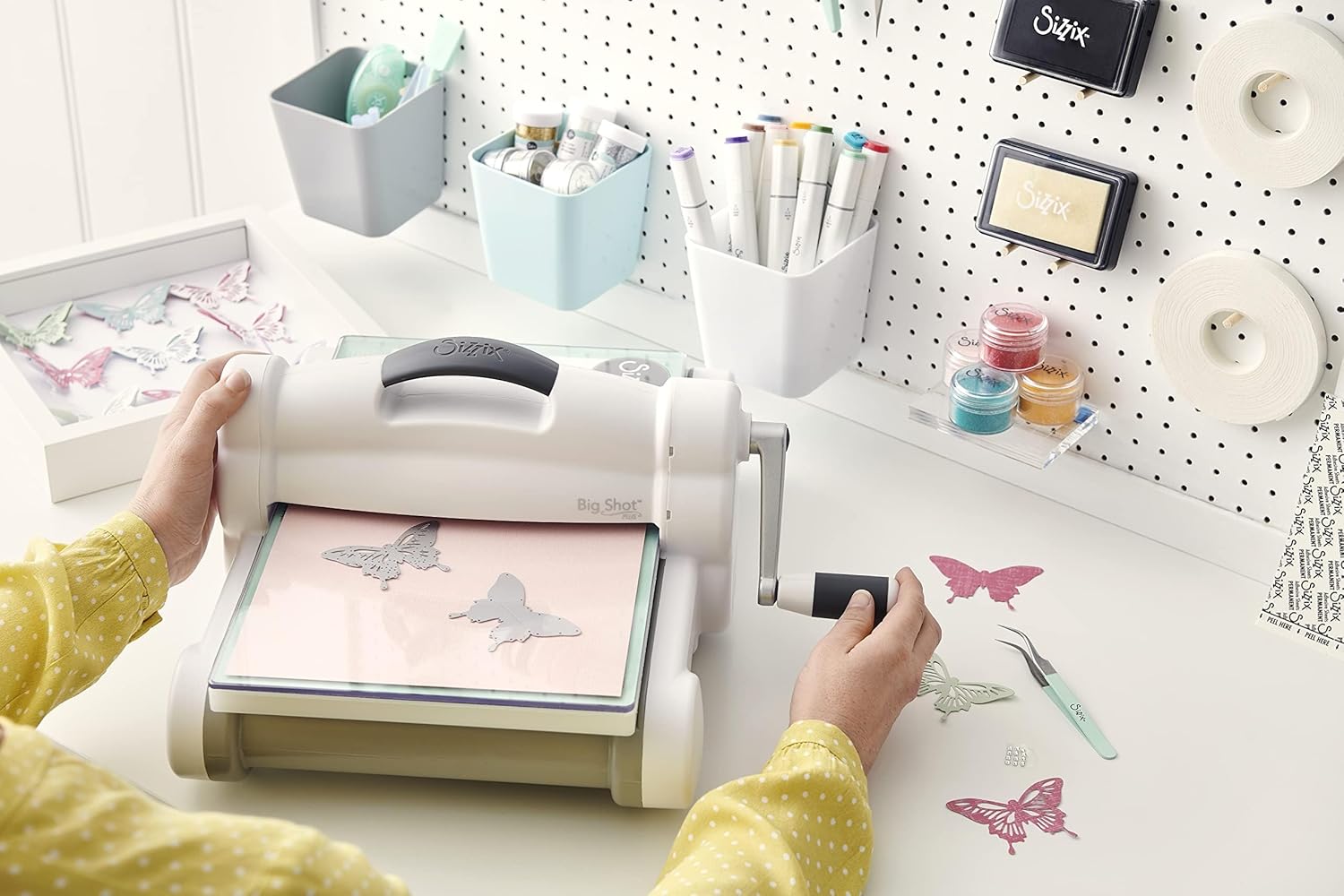
This video demonstrates the process of die-cutting and embossing with an A4 machine, showing various materials and techniques.
Este vídeo ofrece un repaso completoview of the Sizzix Big Shot Plus, including its die-cutting and embossing capabilities for various materials.
6. Materials Compatibility
The Sizzix Big Shot Plus machine is compatible with a wide range of materials, allowing for diverse crafting projects. These include:
- Papel
- Tecido
- Cartulina
- Feltro
- Corcho
- Balsa Wood (up to 21cm or 9 inches wide)
The machine's robust design and various dies (Big Plus, Big XL, Big, Thinlits, Framelits) and embossing folders ensure precise cuts and textures on these materials.
7. Mantemento
Proper maintenance ensures the longevity and optimal performance of your Sizzix Big Shot Plus machine.
- Limpeza: Wipe down the machine regularly with a soft, dry cloth to remove dust and debris. Avoid using harsh chemicals.
- Almacenamento: Store the machine in a clean, dry place when not in use. Keep cutting pads and dies organized to prevent damage.
- Cutting Pads: Cutting pads are consumable items and will show wear over time. Rotate them frequently and replace them when they become too warped or deeply cut to ensure clean cuts.
8 Solución de problemas
If you encounter issues with your Sizzix Big Shot Plus, consider the following common solutions:
- Incomplete Cuts: Ensure your 'sandwich' is correctly assembled according to the die/folder type. The cutting pads should be flat, and the material should be positioned correctly over the die's cutting edge. Try rotating the cutting pads or adding a shim (an extra piece of cardstock) if cuts are consistently incomplete.
- Difficulty Cranking: If the handle is hard to turn, check that your 'sandwich' is not too thick for the machine. Remove a layer or adjust the platform settings if applicable.
- Warped Cutting Pads: This is normal wear and tear. Rotate your pads regularly to distribute wear evenly. Replace them when they significantly affect cutting performance.
9. Garantía e soporte
For warranty information, product support, or to purchase replacement parts and accessories, please refer to the official Sizzix websitio web ou póñase en contacto directamente co servizo de atención ao cliente. Garde o recibo da compra como proba de compra.