
1. Produto rematadoview
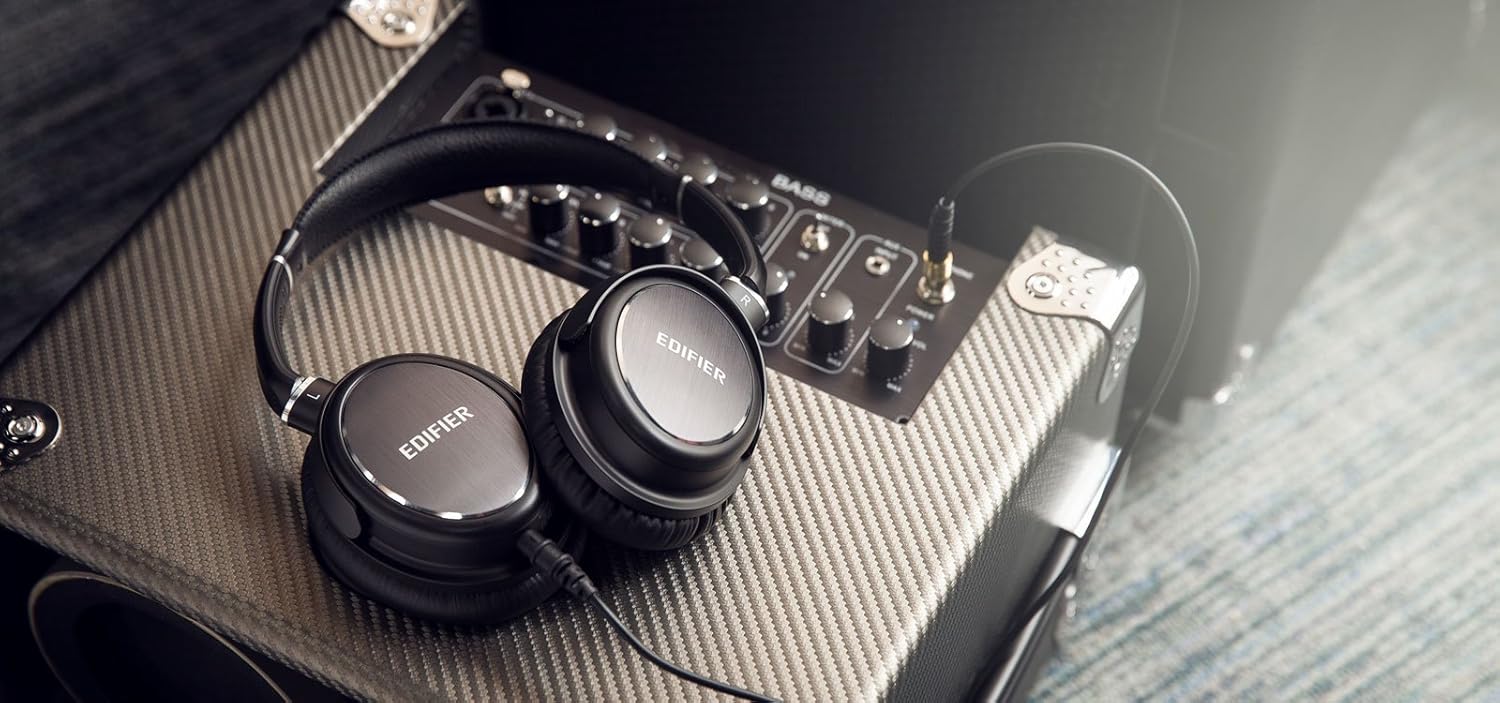
The Edifier H850 Over-The-Ear Pro Headphones are designed for professional audio monitoring and audiophile listening. They feature an ergonomic, lightweight design with comfortable leather earpads for extended use and effective noise isolation. Equipped with fine-tuned 40mm neodymium magnet drivers, these headphones deliver accurate sound reproduction, making them suitable for various applications including electric guitar monitoring, instrument monitoring, and recording.
As características principais inclúen:
- Comodidade durante todo o día: Ergonomic and lightweight design with leather pads for comfort and noise isolation.
- Fine-Tuned Sound: 40mm neodymium magnet drivers in a closed-back design for true sound.
- Musician Oriented: Ideal for guitar amplifier monitoring and auditioning equipment.
- Amigable para viaxes: Fold-flat design and a removable cable for easy transport. A 1/4-inch adapter is included.
2. Que hai na caixa
- Edifier H850 Over-The-Ear Pro Headphones
- Detachable Audio Cable (3.5mm to 3.5mm)
- 1/4-inch (6.35mm) Adapter

3. Configuración e conexión
3.1 Axustar a diadema
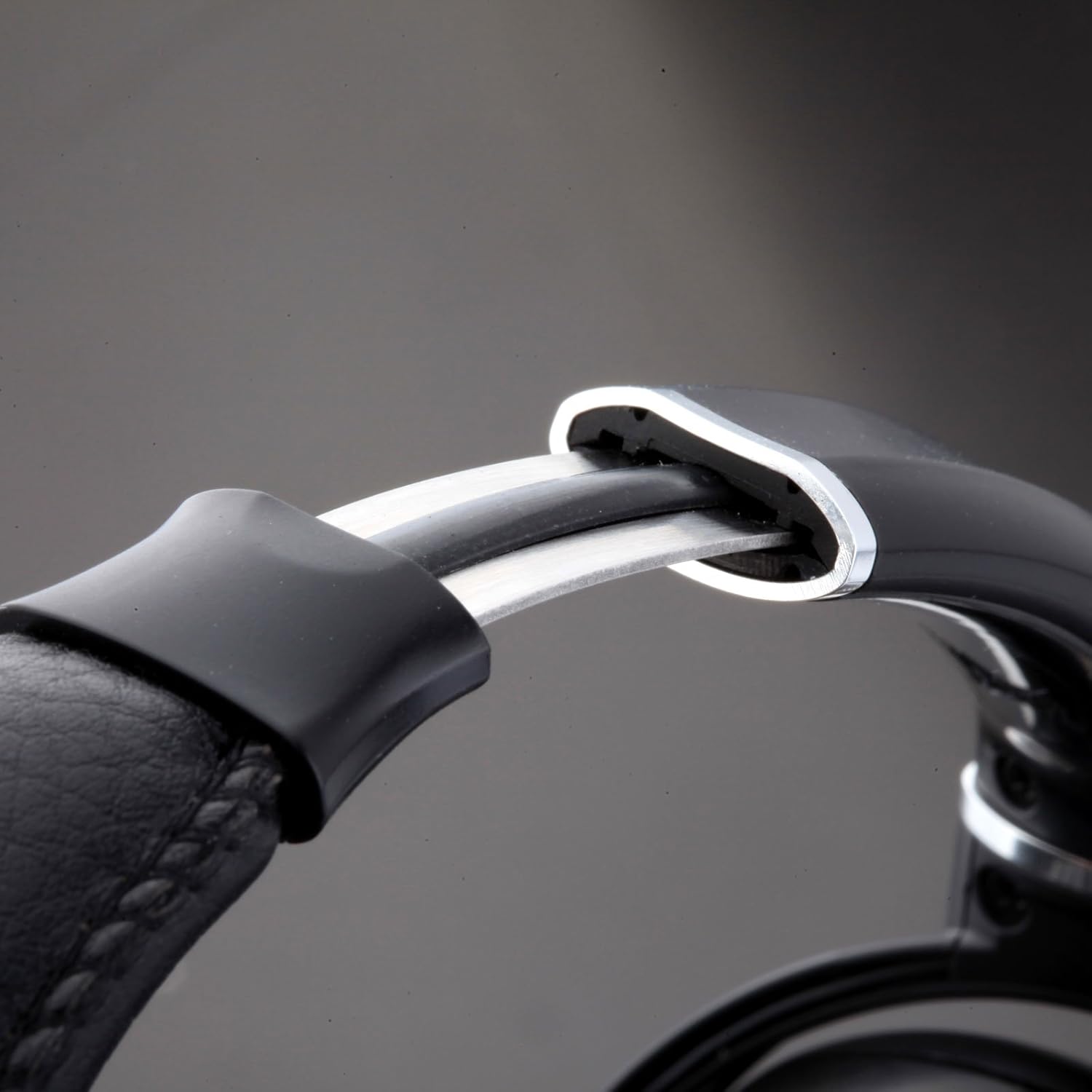
To ensure optimal comfort and sound quality, adjust the headband to fit your head. Gently slide the earcups up or down along the headband until they rest comfortably over your ears. The self-adjusting headband is designed to conform to various head sizes.
3.2 Conexión do cable de son
The Edifier H850 headphones feature a detachable audio cable with a locking mechanism for secure connection. Locate the 3.5mm input port on the left earcup. Insert the smaller end of the audio cable into this port and twist clockwise to lock it in place. Connect the other end of the 3.5mm cable to your audio source (e.g., smartphone, computer, audio interface).
3.3 Using the 1/4-inch Adapter
For audio equipment with a 1/4-inch (6.35mm) output, attach the included 1/4-inch adapter to the 3.5mm plug of your audio cable. Then, connect the adapter to your audio source.
4. Instrucións de funcionamento
Once connected to an audio source, ensure the volume on your device is set to a low level before placing the headphones on your head. Gradually increase the volume to a comfortable listening level. The H850 headphones are designed for a wide range of professional and personal listening environments.

5. Mantemento e coidados
To prolong the life of your Edifier H850 headphones, follow these maintenance guidelines:
- Limpeza: Usa un pano suave e seco para limpar os auriculares e a diadema. Evita o uso de produtos químicos agresivos ou materiais abrasivos.
- Almacenamento: When not in use, store the headphones in a clean, dry place. The fold-flat design allows for compact storage.
- Coidado do cable: Handle the detachable cable with care. Avoid sharp bends or excessive pulling to prevent damage.
- Lonxevidade das almofadas: The leather earpads are designed for durability. Avoid prolonged exposure to direct sunlight or extreme temperatures.

6 Solución de problemas
If you encounter issues with your Edifier H850 headphones, consider the following:
- Sen son: Ensure the audio cable is securely connected to both the headphones and the audio source. Check the volume levels on your audio source. Test with a different audio source or cable if possible.
- Son distorsionado: Reduce the volume on your audio source. Ensure the audio cable is not damaged.
- Molestias: Re-adjust the headband and earcups for a better fit. Allow for a break during long listening sessions.
7. Especificacións
| Característica | Especificación |
|---|---|
| Marca | Edificador |
| Nome do modelo | H850 (ed-h850-us-fbm) |
| Tecnoloxía de conectividade | Con cable |
| Colocación do oído | Sobre orella |
| Tamaño do controlador de audio | 40 milímetros |
| Resposta en frecuencia | 20000 Hz |
| Impedancia | 32 ohmios |
| Sensibilidade | 96 dB |
| Control de ruído | Illamento acústico |
| Material | Coiro |
| Característica especial | Foldable, Detachable Cable |
| Peso do elemento | 1 libras (aproximadamente 16 onzas) |
| Dimensións do produto | 10.63 x 9.13 x 3.5 polgadas |
8. Garantía e soporte
The Edifier H850 Over-The-Ear Pro Headphones come with a UN ANO DE GARANTÍA in the USA and Canada, covering manufacturing defects and ensuring product durability. For technical support, warranty claims, or further assistance, please refer to the contact information provided in your product packaging or visit the official Edifier support websitio.
Para obter máis información e asistencia, visite o Tenda Edifier en Amazon.