Introdución
The Angelbird Wings MX2 SSD PCIe is a high-performance internal solid-state drive designed for professional creative environments. This manual provides comprehensive instructions for the installation, operation, and maintenance of your Wings MX2 SSD, ensuring optimal performance and longevity. It is compatible with both Mac and PC systems, offering impressive transfer speeds and robust construction.

This image shows the Angelbird Wings MX2 SSD PCIe card from a front-facing angle, highlighting its blue heatsink and the PCIe connector. The card is designed for internal installation in compatible computer systems.
Configuración e instalación
The Wings MX2 SSD is designed for easy installation into a compatible PCIe slot. Ensure your system is powered off and unplugged before beginning the installation process.
Requisitos do sistema:
- Available PCIe Gen2 x2 slot (backwards compatible with PCIe Gen1 x2)
- Full-height and half-length PCB compatibility
- Operating System: macOS, Windows, Linux
Pasos de instalación:
- Prepara o teu sistema: Power down your computer completely and disconnect all power cables.
- Abrir a caixa do ordenador: Carefully open your computer's case to access the motherboard and PCIe slots.
- Localizar a ranura PCIe: Identify an available PCIe Gen2 x2 slot. Refer to your computer's motherboard manual if unsure.
- Inserir o SSD: Align the Angelbird Wings MX2 SSD PCIe card with the chosen PCIe slot. Gently but firmly push the card into the slot until it is fully seated. Ensure the retention clip or screw secures the card in place.
- Pechar a caixa e acender: Close your computer's case and reconnect all power cables. Power on your computer.
- Driverless Operation: The Wings MX2 SSD supports driverless operation and can boot from BIOS, EFI, or UEFI. No additional driver installation is typically required.

Esta imaxe ofrece un ángulo view of the Angelbird Wings MX2 SSD PCIe card, showing the blue heatsink and the gold-plated PCIe contacts. This perspective helps in understanding the card's orientation for installation.
Instrucións de funcionamento
Once installed, the Angelbird Wings MX2 SSD PCIe functions as a high-speed storage device. It can be used for operating system installation, application storage, or as a dedicated drive for demanding creative workflows.
Initial Setup (New Drive):
- Inicialización do disco: For a new drive, you may need to initialize and format it through your operating system's Disk Management (Windows) or Disk Utility (macOS) before it can be used.
- Partición: Create one or more partitions as needed for your storage requirements.
- Formato: Format the partitions with a suitable file sistema (por exemplo, NTFS para Windows, APFS/HFS+ para macOS, Ext4 para Linux).
Rendemento:
The Wings MX2 SSD offers exceptional performance:
- Sustained Read Speed: Up to 890 MB/s
- Sustained Write Speed: Up to 800 MB/s
These speeds are ideal for tasks such as 4K video editing, large file transfers, and rapid application loading.
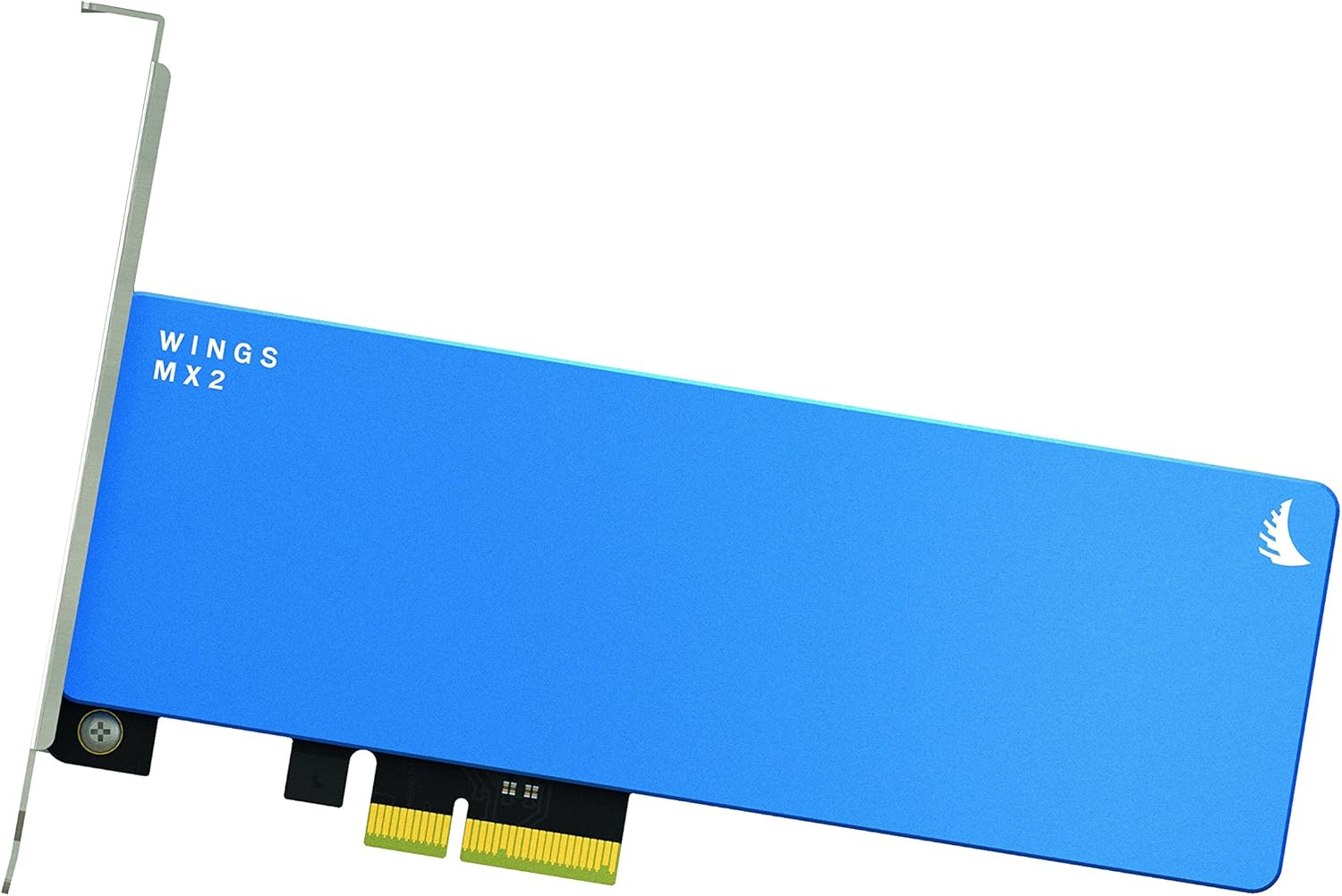
This image displays the Angelbird Wings MX2 SSD PCIe card from a top-down perspective, emphasizing its compact form factor and the "WINGS MX2" branding on the blue heatsink. This view highlights the overall design and size of the card.
Mantemento
As unidades de estado sólido xeralmente requiren menos mantemento que os discos duros tradicionais. Non obstante, seguir estas pautas pode axudar a garantir un rendemento e unha lonxevidade óptimos:
- Soporte de TRIM: Ensure your operating system has TRIM enabled. TRIM helps maintain the performance of the SSD over time by allowing the operating system to inform the SSD which data blocks are no longer in use and can be wiped.
- Actualizacións de firmware: Periodically check the Angelbird website for any available firmware updates for your Wings MX2 SSD. Firmware updates can improve performance, stability, and compatibility.
- Keep System Cool: Ensure adequate airflow within your computer case to prevent excessive heat buildup, which can affect SSD performance and lifespan. The integrated CNC machined aluminum heatsink provides optimal thermal dissipation.
- Evitar choque físico: While SSDs are more resilient than HDDs, avoid unnecessary physical shock or impact to your computer.

Esta imaxe mostra un lado view of the Angelbird Wings MX2 SSD PCIe card, focusing on the PCIe connector and other components. This view is useful for understanding how the card interfaces with the motherboard.
Resolución de problemas
If you encounter issues with your Angelbird Wings MX2 SSD PCIe, refer to the following common troubleshooting steps:
| Problema | Causa posible | Solución |
|---|---|---|
| O sistema non detectou o SSD. |
|
|
| Rendemento lento. |
|
|
| System fails to boot. |
|
|

Esta imaxe ofrece un primeiro plano view of the Angelbird Wings MX2 SSD PCIe card's blue heatsink, highlighting the "WINGS MX2" text and the Angelbird logo. This detail emphasizes the quality of the thermal management design.
Especificacións
| Característica | Detalle |
|---|---|
| Tipo | SSD PCIe Gen2 x2 |
| Capacidade | 2TB (also available in 512GB, 1TB) |
| Conectividade | PCIe Gen2 x2; backwards compatible with PCIe Gen1 x2 |
| Factor de forma | Full-height and half-length PCB |
| Dimensións (L x W) | 179 x 120 mm (7.05 x 4.72 polgadas) |
| Peso | ~150g / ~5.28oz |
| Read Speed (Sustained) | Ata 890 MB/s |
| Write Speed (Sustained) | Ata 800 MB/s |
| Temperatura de funcionamento | 0 ° C ~ +70 ° C |
| -40 °C ~ +85 °C | Temperatura de almacenamento |
| MTBF (tempo medio entre fallos) | 2,000,000 horas |
| Características | Driverless Operation, Boot BIOS/EFI/UEFI, Full Signal Integrity, EMI&HF Shielding, MAC/WINDOWS/LINUX Support, TRIM, White LED Backlight, Power Stabilization, Optimal Thermal Dissipation (Copper, CNC Machined Aluminum Heatsink) |
| Certificacións | RoHS compliant, CE, FCC |
Garantía e Soporte
The Angelbird Wings MX2 SSD PCIe comes with a 3 ano de garantía limitada. Esta garantía cobre os defectos nos materiais e na fabricación no uso normal.
Reclamación de garantía:
To claim warranty service, please retain your proof of purchase and contact Angelbird customer support through their official website. An activation code for full limited warranty and additional free licenses/software content is included with your product.
Soporte técnico:
For technical assistance, troubleshooting, or general inquiries, please visit the official Angelbird website for support resources, FAQs, and contact information. You can also refer to the Angelbird Store on Amazon para obter información adicional sobre o produto.