
Biconic Bluetooth Tough Weatherproof Portable Wireless Speaker User Manual
Model: ABC-AU-BS-103-BK
Marca: Bytech
1. Produto rematadoview
The Biconic Bluetooth Tough Weatherproof Portable Wireless Speaker is designed for robust outdoor and indoor use, providing enhanced bass and clear audio. Its wireless capabilities allow for easy connection to various devices, and its durable, weatherproof construction ensures reliable performance in diverse environments.

Figura 1.1: Fronte view of the Biconic Bluetooth Speaker, showcasinpolo seu deseño robusto e pola grella do altofalante.
Características principais:
- Conectividade sen fíos: Seamless Bluetooth pairing with smartphones, tablets, and other compatible devices.
- Deseño resistente á intemperie: IPX6 water resistance protects against strong jets of water, making it suitable for outdoor use.
- Graves mellorados: Delivers rich, deep bass for a superior audio experience.
- Portátil: Compact design with a durable strap for easy transport.
- Tempo de xogo longo: Up to 4 hours of continuous audio playback on a single charge.
2. Información de seguridade
Lea atentamente todos os avisos e instrucións de seguridade antes de usar este produto para garantir un funcionamento seguro e evitar danos.
- Non expoñas o altofalante a temperaturas extremas (quentes ou frías).
- Do not immerse the speaker in water. While it is IPX6 water resistant, it is not designed for submersion.
- Keep the speaker away from direct heat sources, open flames, and flammable liquids.
- Use only the provided charging cable and a compatible power adapter (5V/1A recommended) to charge the device.
- Do not attempt to disassemble, repair, or modify the speaker. This will void the warranty and may cause harm.
- Manter fóra do alcance dos nenos.
- Limpa o altofalante cun pano suave e seco. Non empregues produtos de limpeza abrasivos nin disolventes.
3. Contido do paquete
Verifica que todos os elementos estean presentes no paquete ao desembalar:
- Biconic Bluetooth Tough Weatherproof Portable Wireless Speaker
- Cable de carga USB
- Manual de usuario (este documento)
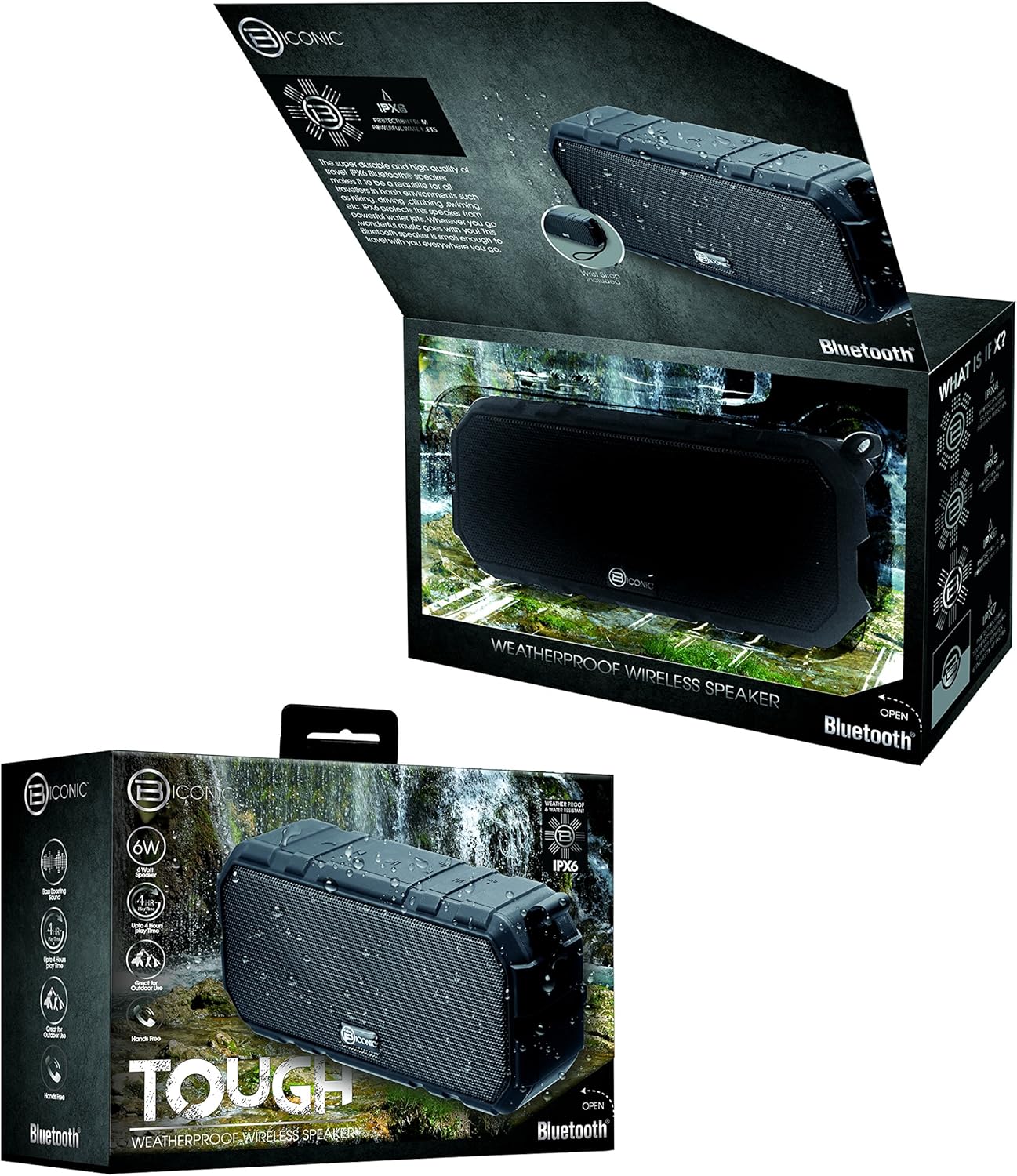
Figure 3.1: The Biconic Bluetooth Speaker shown with its retail packaging, indicating typical package contents.
4. Configuración
4.1 Carga do altofalante
- Locate the charging port on the side of the speaker. This port is typically protected by a rubber flap to maintain water resistance.
- Abra a tapa de goma.
- Conecta o extremo pequeno do cable de carga USB fornecido ao porto de carga do altofalante.
- Conecta o extremo máis grande do cable USB a unha fonte de alimentación USB (por exemplo, un porto USB do ordenador ou un adaptador de parede USB).
- The charging indicator light will illuminate, typically red, to show that the speaker is charging.
- Once fully charged (approximately 2-3 hours), the indicator light will change color (e.g., turn off or turn blue/green). Disconnect the charging cable and close the rubber flap securely to maintain water resistance.
4.2 Acendido/Apagado
- Para acender: Press and hold the Power button (usually marked with a power symbol) for a few seconds until you hear an audible tone or see an indicator light illuminate.
- Para apagar: Press and hold the Power button again for a few seconds until you hear an audible tone or the indicator light turns off.
5. Instrucións de funcionamento
5.1 Emparejamento Bluetooth
Before first use, you need to pair the speaker with your Bluetooth-enabled device.
- Ensure the speaker is fully charged and powered on. It will automatically enter pairing mode, indicated by a flashing blue LED light.
- On your smartphone, tablet, or other Bluetooth device, go to the Bluetooth settings menu.
- Activa o Bluetooth se aínda non está activado.
- Scan for available devices. You should see "Biconic Speaker" or a similar name appear in the list.
- Select "Biconic Speaker" to connect. Once successfully paired, you will hear a confirmation tone, and the blue LED light on the speaker will stop flashing and remain solid.
- Se se lle solicita un contrasinal, introduza "0000".
- O altofalante volverá conectarse automaticamente co último dispositivo emparellado ao acendelo, se o dispositivo está dentro do alcance e o Bluetooth está activado.
5.2 Reprodución de música
Once paired, you can control music playback directly from your connected device or using the speaker's controls.
- Reproducir/Pausa: Press the Play/Pause button (often marked with a triangle or || symbol) once to play or pause music.
- Subir volume: Press the Volume Up button (+) to increase the volume.
- Baixar volume: Press the Volume Down button (-) to decrease the volume.
- Próxima pista: Press and hold the Volume Up button (+) for a few seconds to skip to the next track.
- Pista anterior: Press and hold the Volume Down button (-) for a few seconds to go to the previous track.

Figura 5.1: Arriba view of the Biconic Bluetooth Speaker, highlighting the control buttons for power, volume, and playback.
5.3 Responder a chamadas (función mans libres)
The speaker supports hands-free calling when connected to a smartphone.
- Responder chamada: Cando entre unha chamada, prema o botón Reproducir/Pausa unha vez para responder.
- Finalizar a chamada: Durante unha chamada, prema o botón Reproducir/Pausa unha vez para finalizala.
- Rexeitar a chamada: Press and hold the Play/Pause button for a few seconds to reject an incoming call.
6. Mantemento
Un mantemento axeitado garante a lonxevidade e o rendemento óptimo do teu altofalante.
- Limpeza: Limpe o altofalante cun suave, damp cloth. Do not use harsh chemicals, solvents, or abrasive cleaners. Ensure the charging port flap is closed before cleaning with a damp pano.
- Almacenamento: Garde o altofalante nun lugar fresco e seco, lonxe da luz solar directa e de temperaturas extremas, cando non o use durante períodos prolongados.
- Coidado da batería: To preserve battery life, fully charge the speaker before storing it for long periods. Recharge every 3-6 months if not used regularly.
- Resistencia á auga: Always ensure the rubber flap covering the charging port is securely closed to maintain the IPX6 water resistance rating.

Figure 6.1: The Biconic Bluetooth Speaker demonstrating its water-resistant capabilities, highlighting the importance of proper sealing for maintenance.
7 Solución de problemas
| Problema | Causa posible | Solución |
|---|---|---|
| O altofalante non se acende. | A batería está esgotada. | Cargue o altofalante completamente. |
| Non se pode sincronizar co dispositivo Bluetooth. | Bluetooth is off on your device; speaker is not in pairing mode; device is too far. | Ensure Bluetooth is enabled on your device. Power off and on the speaker to re-enter pairing mode. Move device closer to the speaker (within 10 meters). Forget the device on your phone and try pairing again. |
| Sen son ou volume baixo. | Volume demasiado baixo no altofalante ou dispositivo; o altofalante non está conectado. | Increase volume on both the speaker and your connected device. Ensure the speaker is properly paired and connected. |
| Distorsión do son. | Volume demasiado alto; interferencias; batería baixa. | Baixa o volume. Afasta o altofalante doutros dispositivos electrónicos. Carga o altofalante. |
8. Especificacións
| Característica | Detalle |
|---|---|
| Número de modelo | ABC-AU-BS-103-BK |
| Marca | Bytech |
| Tecnoloxía de conectividade | Bluetooth |
| Potencia de saída máxima do altofalante | 3 vatios |
| Modo de saída de audio | Estéreo |
| Clasificación de resistencia á auga | IPX6 (Water resistant, not submersible) |
| Tipo de batería | 1 batería de ións de litio (requirida) |
| Tempo de xogo | Ata 4 horas |
| Dimensións do produto | 2.54 x 2.54 x 2.54 cm |
| Peso do elemento | 522 g |
| Tipo de montaxe | Mesa |
9. Garantía e soporte
For warranty information and technical support, please contact Bytech customer service. Details are typically provided on the product packaging or the official Bytech websitio.
Conserve o comprobante de compra para calquera reclamación de garantía.
Nota: Os termos da garantía poden variar segundo a rexión.