
1. Introdución
Grazas pola compraasing the FIFINE K669 USB Condenser Microphone. This microphone is designed for high-quality audio capture with a simple plug-and-play setup, making it ideal for various applications including gaming, streaming, online calls, and home recording. Its durable metal construction and compact design ensure reliability and portability. Please read this manual carefully to ensure proper use and optimal performance.
2. Contido do paquete
Verifique que todos os elementos que se indican a continuación estean incluídos no seu paquete:
- FIFINE K669 USB Condenser Microphone
- Soporte de trípode plegable
- USB Cable (1.8m, integrated)
- Manual de usuario

Image: All components included with the FIFINE K669 USB Condenser Microphone, showing the microphone, tripod stand, and integrated USB cable.
3. Instrucións de configuración
- Montar o soporte do trípode: Unfold the legs of the included tripod stand and place it on a stable, flat surface.
- Conecta o micrófono: Screw the microphone onto the tripod stand. Ensure it is securely fastened. The microphone's angle can be adjusted up to 180 degrees for optimal positioning.
- Conéctate ao teu dispositivo: Plug the USB cable directly into an available USB port on your computer (Windows/Mac) or PlayStation console (PS4/PS5). The device will automatically recognize the microphone without requiring additional drivers.
- Seleccionar como dispositivo de entrada: After connecting, go to your device's sound settings and select the FIFINE K669 as your default audio input device.

Image: The FIFINE K669 microphone mounted on its tripod, illustrating the 180-degree adjustable angle for flexible positioning.
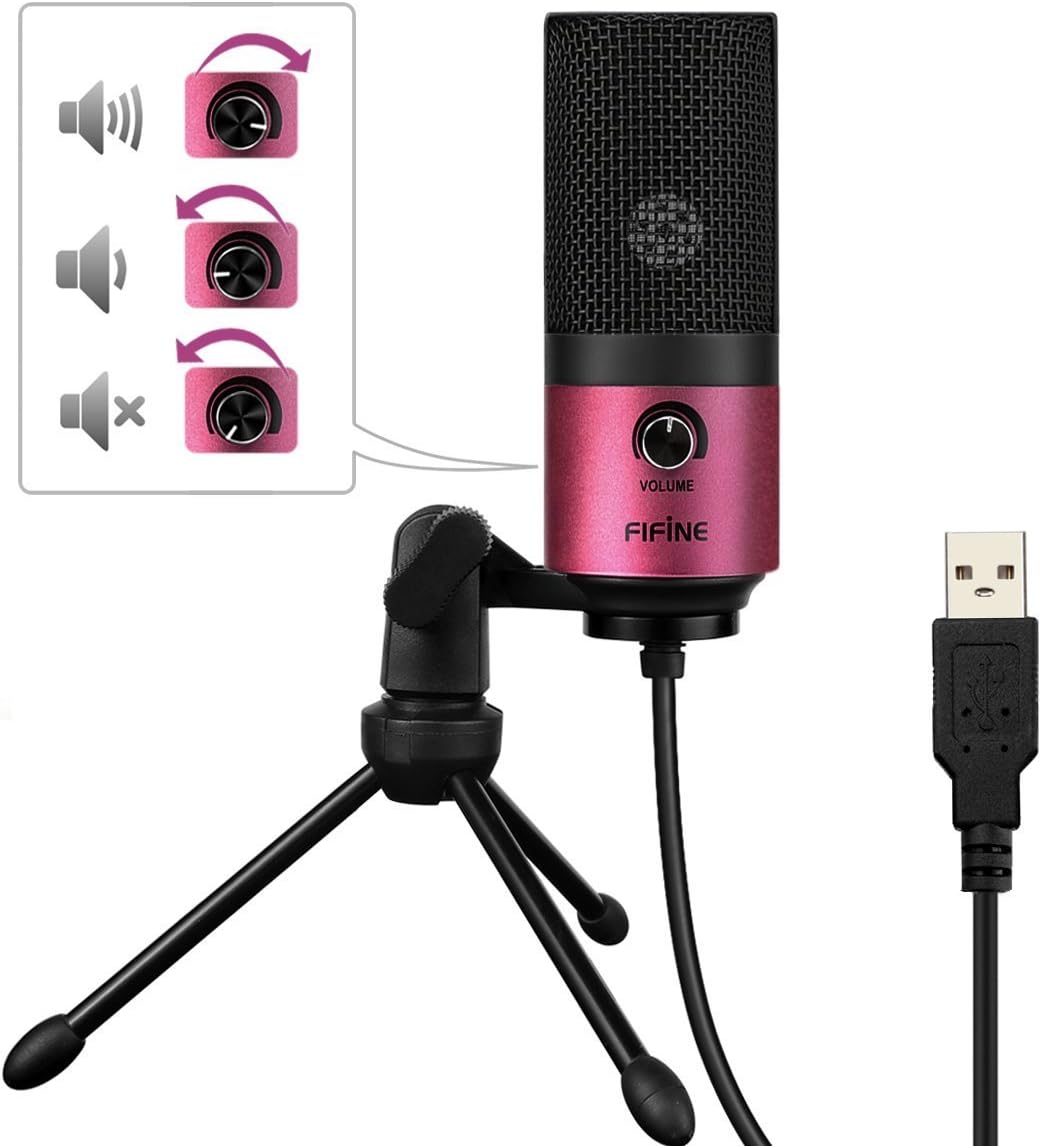
Image: A close-up of the FIFINE K669 microphone's USB cable being plugged into a laptop, demonstrating the plug-and-play connection.
Vídeo: Unha breve presentaciónview demonstrating the setup and key features of the FIFINE K669 microphone, including its plug-and-play functionality and volume control.
4. Instrucións de funcionamento
- Control de volume: The microphone features a volume knob on its body. Rotate the knob clockwise to increase the input volume and counter-clockwise to decrease it.
- Optimal Placement (Cardioid Pattern): The K669 utilizes a cardioid polar pattern, meaning it primarily picks up sound from the front. For best results, position the microphone directly in front of the sound source (e.g., your mouth) within a 30cm range. This helps to minimize background noise and capture clear audio.
Image: The volume control knob on the front of the FIFINE K669 microphone, indicating its function for adjusting audio input levels.

Image: A polar pattern diagram illustrating the cardioid pickup pattern of the FIFINE K669 microphone, highlighting its sensitivity to sounds directly in front (approximately 130-degree range).
5. Características
- Construción metálica duradeira: Both the microphone body and stand are made from a robust alloy, providing excellent durability and stability.
- High Sensitivity & Noise Reduction: Equipped with special noise suppression technology and a cardioid pickup pattern, the microphone effectively reduces ambient noise and white noise, capturing clear and faithful sound from up to 30cm away.
- Conectividade Plug & Play: Connects easily via a single USB cable to PC, Mac, PS4, or PS5 without the need for complex driver installations.
- Deseño portátil: The included foldable tripod stand allows for easy storage and transport, making the microphone convenient for use anywhere.
- Ampla compatibilidade: Suitable for a broad range of applications including gaming, Skype calls, web conferences, live streaming, YouTube video creation, home recording, narration, and game commentary.

Image: A person using the FIFINE K669 microphone with a laptop during an online video call, demonstrating its use for communication.
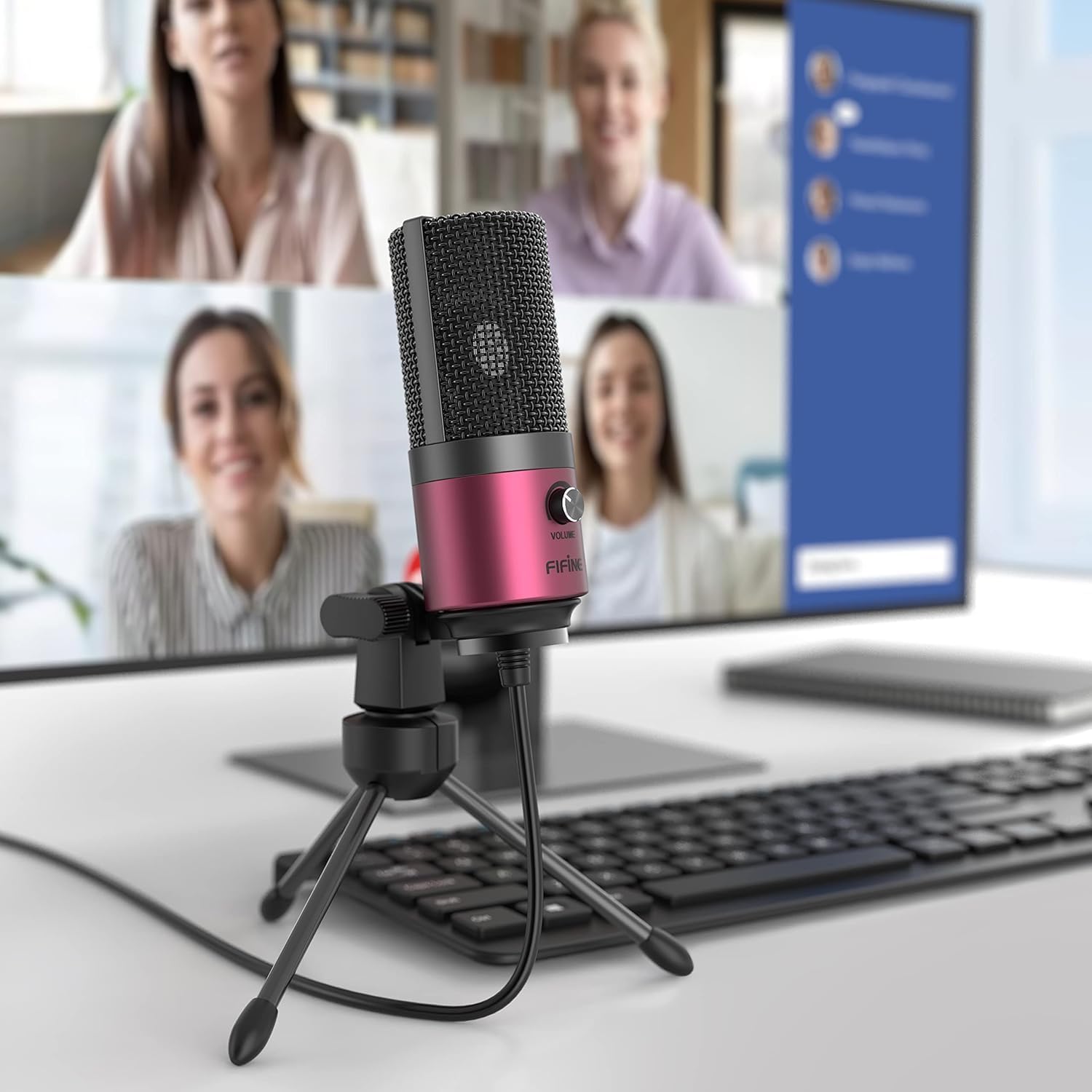
Image: The FIFINE K669 microphone positioned on a desk in front of a computer monitor displaying a video conference, highlighting its suitability for professional and casual online meetings.
6. Especificacións
| Característica | Descrición |
|---|---|
| Marca | FINE |
| Número de modelo | K669 |
| Tecnoloxía de conectividade | USB |
| Tipo de conector | USB tipo A |
| Características especiais | Soporte, control de volume |
| Dispositivos compatibles | Game Console, Laptop, PC |
| Cor | Rosa |
| Compoñentes incluídos | USB Cable, User Manual |
| Patrón polar | Unidireccional (cardioide) |
| Factor de forma do micrófono | Micrófono Pin |
| Tipo de potencia | Eléctrico con cable |
| Relación sinal a ruído (S/N) | 78 dB |
| Plataforma de hardware | Game Console, Desktop PC, Laptop |
| Resposta en frecuencia | 20 Hz - 20 kHz |
| Material | Metal |
| UPC | 712383826909 |
7 Solución de problemas
- Micrófono non recoñecido:
- Asegúrate de que o cable USB estea conectado correctamente tanto ao micrófono como ao dispositivo.
- Try a different USB port on your computer or console.
- Reinicia o teu ordenador ou a consola.
- Check your device's sound settings to ensure the FIFINE K669 is selected as the input device.
- Volume baixo ou sen son:
- Adjust the volume knob on the microphone itself.
- Increase the input volume level in your device's sound settings.
- Asegúrate de que o micrófono estea colocado correctamente, mirando directamente cara á fonte de son.
- Check if any other applications are muting or lowering the microphone input.
- Ruído de fondo:
- The K669 has a cardioid pattern; ensure you are speaking directly into the front of the microphone.
- Minimize ambient noise in your environment (e.g., close windows, turn off fans).
- Adjust microphone sensitivity in your device's sound settings if necessary.
8. Garantía e soporte
The FIFINE K669 USB Condenser Microphone comes with a 1 anos de garantía do fabricante.
For further assistance, technical support, or warranty claims, please contact FIFINE customer service. You can typically find contact information on the official FIFINE websitio web ou a través do vendedor onde adquiriu o produto.
When contacting support, please have your product model (K669) and proof of purchase readily available.