
1. Introdución
The Rocketek TFU3R is a compact and portable USB 3.0 card reader designed for Micro SD (TF) cards. It allows for high-speed data transfer between your Micro SD card and USB-enabled devices such as laptops and tablets. This device supports plug-and-play functionality and hot-swapping, making it convenient for various applications.
Características principais:
- Pequeno e portátil: Designed for easy portability, fitting conveniently in a wallet or pocket.
- Plug and Play: Non se requiren controladores para a maioría dos sistemas operativos.
- Intercambio en quente: Allows insertion and removal of the device without restarting the computer.
- Alimentado por USB: Operates without external power or batteries.
- USB 3.0 de supervelocidade: Offers data transfer speeds up to 5 Gbps, backward compatible with USB 2.0/1.1.
- Deseño duradeiro: Constructed with an aluminum case for enhanced durability and efficient heat dissipation.
2. Instrucións de configuración
Follow these steps to set up and begin using your Rocketek TFU3R Micro SD Card Reader.
2.1 Inserción da tarxeta Micro SD
- Locate the Micro SD card slot on the Rocketek TFU3R card reader.
- Gently insert your Micro SD (TF) card into the slot until it clicks into place. Ensure the card is oriented correctly to avoid damage.
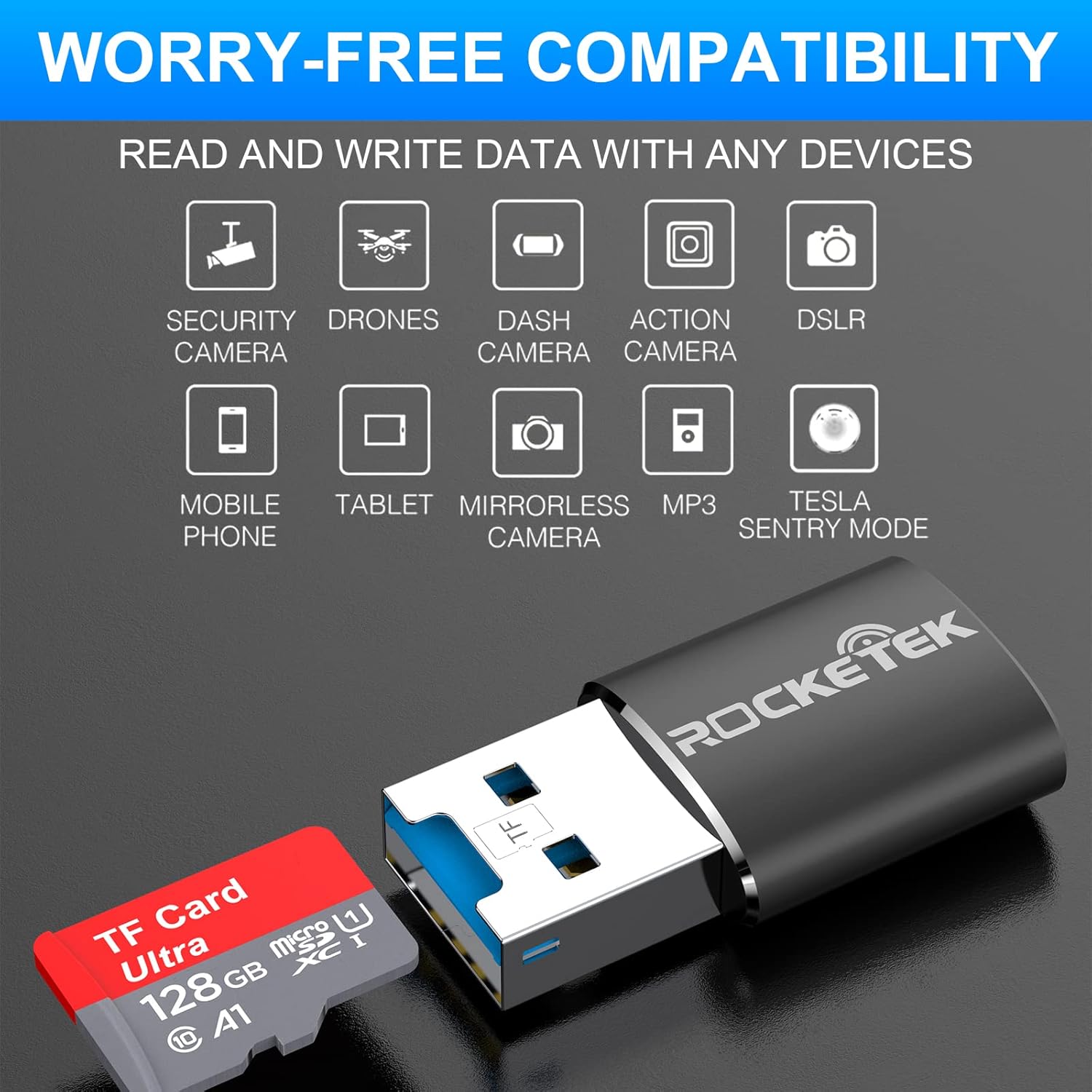
Image: Hands inserting a Micro SD card into the Rocketek TFU3R USB 3.0 card reader.
2.2 Conexión ao teu dispositivo
- Locate an available USB 3.0 or USB 2.0 port on your computer, laptop, or tablet.
- Plug the Rocketek TFU3R card reader, with the Micro SD card inserted, into the USB port.
- The device is plug-and-play; your operating system should automatically detect it and install any necessary generic drivers.
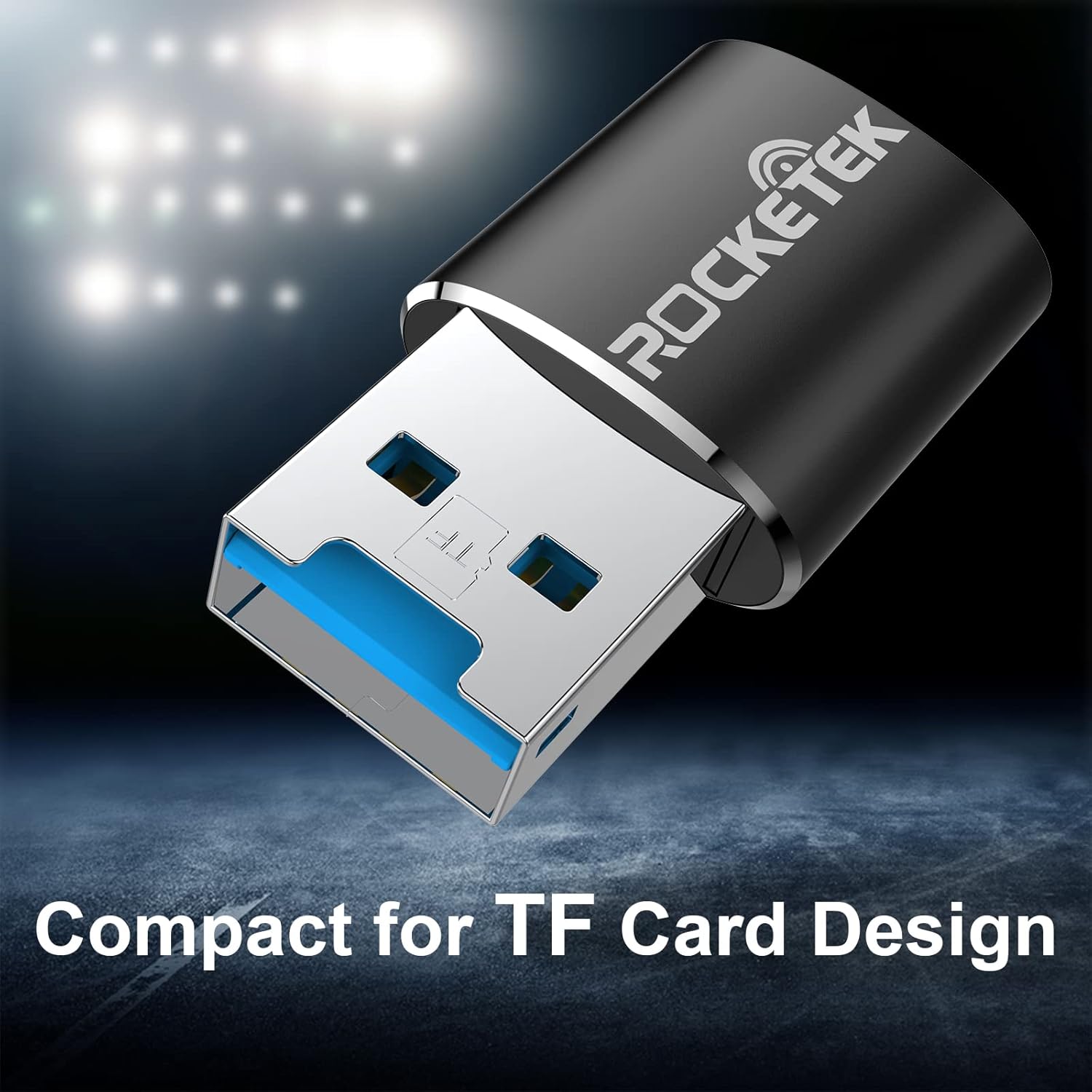
Image: Rocketek TFU3R USB 3.0 card reader plugged into a laptop's USB port, displaying 'Plug & Play'.
Video: A short demonstration showing how to insert a TF card into the Rocketek reader and connect it to a laptop for immediate use, highlighting its portability and plug-and-play functionality.
3. Instrucións de funcionamento
Once connected, the Rocketek TFU3R functions like any standard external storage device.
3.1 Transferencia de datos
- After connecting the card reader to your device, open your computer's file explorer (Windows) or Finder (Mac OS).
- The Micro SD card will appear as a removable drive.
- Agora podes arrastrar e soltar files to and from the Micro SD card, or use copy/paste functions to transfer data.
- The USB 3.0 interface provides SuperSpeed data transfer up to 5 Gbps, ensuring quick transfers of large files.
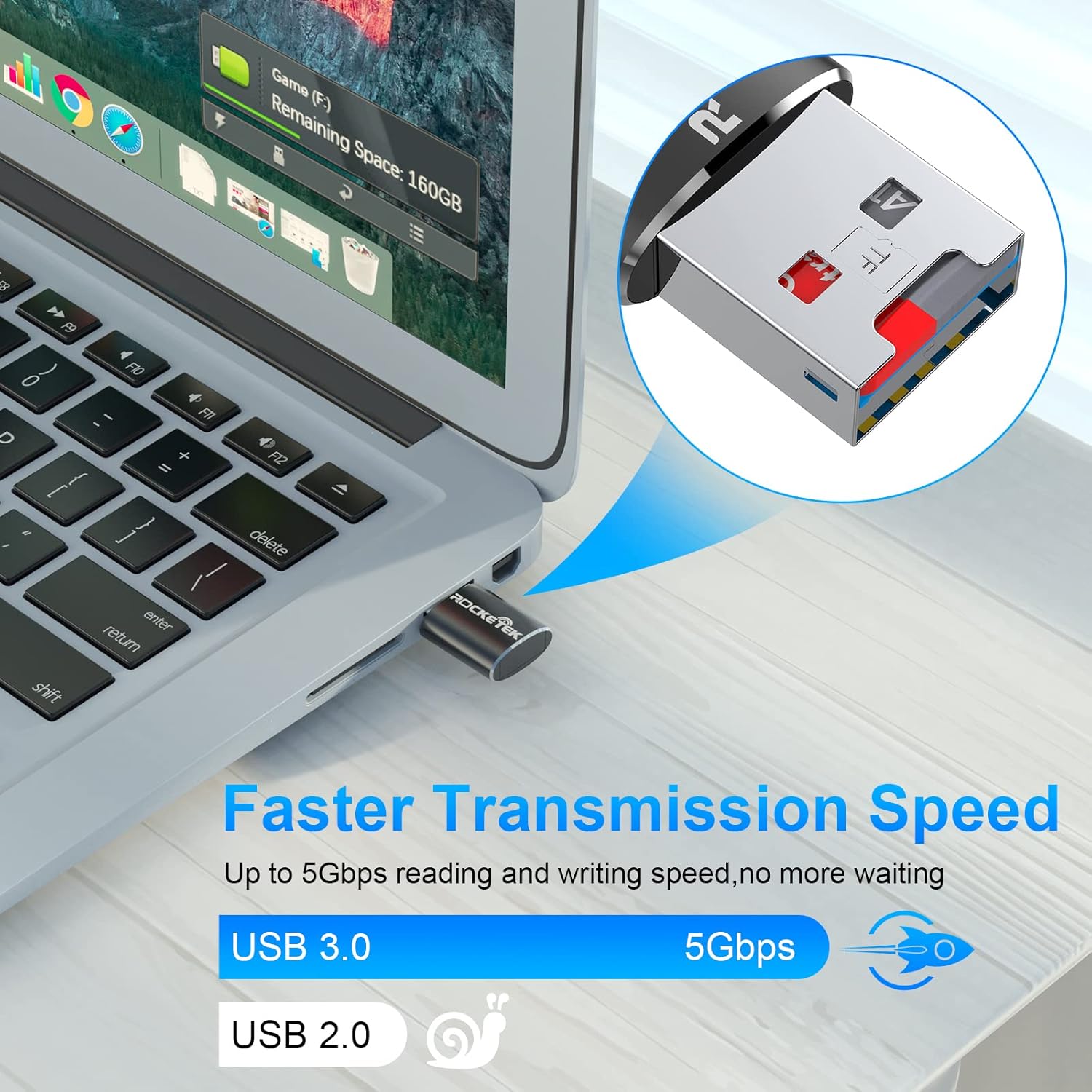
Image: Laptop screen showing file transfer with the Rocketek TFU3R plugged in, indicating 'Faster Transmission Speed' and 'USB 3.0 5Gbps'.
3.2 Eliminación segura
To prevent data corruption, always safely remove the card reader before unplugging it from your computer.
- Windows: Right-click on the drive icon in 'This PC' or the taskbar's 'Safely Remove Hardware' icon, then select 'Eject'.
- MacOS: Drag the drive icon to the Trash or click the Eject button next to the drive name in Finder.
4. Compatibilidade
The Rocketek TFU3R card reader offers broad compatibility with various devices and operating systems.
4.1 Dispositivos compatibles
- Portátiles
- Tabletas
- Ordenadores de escritorio
- Other USB-enabled devices

Image: Diagram illustrating the Rocketek TFU3R's compatibility with tablets and laptops, showing a Micro SD card being inserted.
4.2 Sistemas operativos compatibles
- Windows 7 / 8 / 8.1 / 10+
- Mac OS
- Linux

Image: The Rocketek TFU3R is compatible with a wide range of devices, including security cameras, drones, dash cameras, action cameras, DSLRs, mobile phones, tablets, mirrorless cameras, MP3 players, and for Tesla Sentry Mode.
5. Especificacións
| Característica | Detalle |
|---|---|
| Número de modelo | TFU3R (RT-TFU3R-B) |
| Marca | Rocketek |
| Tipo de medios | Micro SD (TF) |
| Tecnoloxía de conectividade | USB |
| Interface de hardware | USB 3.0 (compatible con versións anteriores de USB 2.0/1.1) |
| Taxa de transferencia de datos | Up to 5 Gigabits Per Second (USB 3.0) |
| Slot Count | 1 (for Micro SD/TF cards) |
| Característica especial | Portable, Plug & Play, Hot Swapping |
| Material | Caja de aluminio |
| Compatibilidade do sistema operativo | Windows 7/8/8.1/10+, Mac OS, Linux |
6 Solución de problemas
If you encounter issues with your Rocketek TFU3R, refer to the following common troubleshooting steps.
6.1 Dispositivo non recoñecido
- Comprobar a conexión: Ensure the card reader is fully inserted into the USB port.
- Proba outro porto USB: Connect the card reader to a different USB port on your computer.
- Proba outro dispositivo: Test the card reader on another computer or compatible device to rule out a port issue.
- Check Micro SD Card: Ensure the Micro SD card is properly inserted into the card reader and is not damaged. Test the Micro SD card in another device if possible.
- Reiniciar o ordenador: Ás veces, un simple reinicio pode resolver os problemas de detección.
6.2 Slow Data Transfer Speed
- Usar o porto USB 3.0: For optimal speeds (up to 5 Gbps), ensure the card reader is plugged into a USB 3.0 port (often identified by a blue interior). Connecting to a USB 2.0 port will result in slower speeds.
- Check Micro SD Card Speed Class: The actual transfer speed is also limited by the speed class of your Micro SD card. Use a high-speed card for better performance.
- Evitar outros dispositivos USB: Disconnect other high-bandwidth USB devices if you are experiencing unusually slow speeds.
6.3 Card Not Reading
- Reinserir a tarxeta: Remove and reinsert the Micro SD card, ensuring it is seated correctly.
- Contactos limpos: Gently clean the metal contacts on the Micro SD card with a soft, dry cloth.
- Check Card Format: Ensure the Micro SD card is formatted in a file system compatible with your operating system (e.g., FAT32, exFAT, NTFS).
7. Mantemento
Proper care and maintenance will extend the lifespan of your Rocketek TFU3R card reader.
- Manter seco: Evite expoñer o dispositivo á humidade ou a líquidos.
- Limpar suavemente: Usa un pano suave e seco para limpar o exterior. Non empregues produtos químicos agresivos nin materiais abrasivos.
- Almacenar correctamente: When not in use, store the card reader in a cool, dry place away from direct sunlight and extreme temperatures.
- Manipular con coidado: Evite deixar caer ou someter o dispositivo a fortes impactos.
8. Garantía e soporte
Rocketek stands behind the quality of its products.
8.1 Información da garantía
The Rocketek TFU3R USB 3.0 Micro SD Card Reader comes with a hassle-free 24-month warranty from the date of purchase. This warranty covers manufacturing defects and ensures reliable performance under normal use. Please retain your proof of purchase for warranty claims.
8.2 Atención ao cliente
For technical assistance, warranty claims, or any questions regarding your Rocketek TFU3R, please contact our customer support team:
- Correo electrónico: support@rocketek.com (Example email, please refer to product packaging for actual contact)
- Websitio: Visit the official Rocketek websitio web con preguntas frecuentes e recursos adicionais.