
1. Produto rematadoview
The EJEAS V6 Bluetooth Intercom Headset is designed for clear communication among riders. It supports up to 6 rider connections with real-time intercom for 2 riders, offering a maximum range of 800m (600-800m in environments with interference). This device is suitable for most motorcycle helmets and features Bluetooth 5.1 connectivity, CVC noise reduction, and a large capacity battery.

Image: The EJEAS V6 Bluetooth Intercom unit, showing its compact design and control buttons.
2. Contido do paquete
O paquete inclúe os seguintes elementos:
- 1 x Bluetooth Motorcycle Intercom Unit
- 1 x Ear Speaker and Microphone Headset
- 1 x cable USB
- 2 x Self-adhesive Headphone Felt Pads
- 1 x Desaparafusador
- 1 x Headphone Clamp and Mounting Screws
- 1 x Manual de usuario

Image: All components included in the EJEAS V6 Bluetooth Intercom package, laid out neatly, including the intercom unit, headset, cables, and mounting accessories.
3. Disposición e controis do dispositivo
Familiarize yourself with the buttons and ports on your EJEAS V6 intercom unit.

Image: Detailed diagram showing the antenna, power on/off, phone/play, volume controls, and headphone jack on the EJEAS V6 intercom unit. Dimensions of the unit and cables are also shown.
- Antena: Para transmisión de sinal.
- Rider E / Power On/Off / Rider A: Multi-function buttons for power and intercom connections.
- Phone / Play: Button for call management and music playback.
- Rider B / Rider C / Rider D: Buttons for connecting to other intercom units.
- Volume +/-: Axusta o volume de audio.
- Jack para auriculares: Connects the ear speaker and microphone headset.
4. Configuración e instalación
4.1. Cargando o dispositivo
Before first use, fully charge the intercom unit. The device features a Type-C interface for charging.

Image: The EJEAS V6 intercom unit connected to a power adapter via a USB-C cable for charging, also showing the Type-C interface for headphones and software upgrades.
The charging cable provided is for charging only and does not support data transmission. For software upgrades, use a Type-C data cable with data transmission functionality.
4.2. Pairing Two V6 Intercoms
Follow these steps to pair two EJEAS V6 intercom units for communication:
- Encendido: Short-press the intercom button on both devices to turn them on. The indicator light will flash blue.
- Entrar no modo de emparellamento: Long-press the intercom button on both devices until the indicator lights flash red and blue alternately.
- Select Master: Choose one device as the master. Click the intercom button on the master device to start searching for the other unit.
- Emparellamento completo: When both devices flash blue at the same rate, pairing is complete.
- Enter Intercom Mode: Click the intercom button on the master device to enter intercom mode.
Video: A visual guide demonstrating the steps to pair two EJEAS V6 intercom units.
4.3. Reconnecting Two V6 Intercoms
To reconnect two V6 intercoms after initial pairing:
- Boot Devices: Short-press the intercom button on both V6 intercoms to turn them on.
- Iniciar conexión: Click the intercom button on either device (master or slave) to initiate the connection.
Video: A visual guide demonstrating how to pair and reconnect EJEAS V6 intercom units.
5. Instrucións de funcionamento
5.1. Comunicación por intercomunicador
The V6 system supports up to 6 rider connections and real-time intercom for 2 riders. The maximum effective distance is 800 meters.

Image: An illustration depicting six motorcycle riders connected via the EJEAS V6 intercom system, highlighting the 1200m ideal distance.
5.2. Conectividade Bluetooth
The intercom connects to mobile phones and GPS devices via Bluetooth 5.1. Key functions include:
- Escoitando música
- Receiving voice commands from GPS
- Activating Siri and other mobile assistants
- Automatic call answering within 5 seconds
- Ending calls with a single button
- Volver marcar a última chamada
5.3. Redución do ruído
The V6 features advanced DSP noise reduction technology, which effectively reduces background noise by over 90%. This ensures clear voice quality even at speeds up to 120 km/h.
6. Battery and Durability
The EJEAS V6 intercom is equipped with an 850 mAh large capacity battery.
- Tempo de uso: Ata 18 horas
- Tempo de espera: Ata 260 horas
The device is IP67 waterproof, making it suitable for various applications and weather conditions.
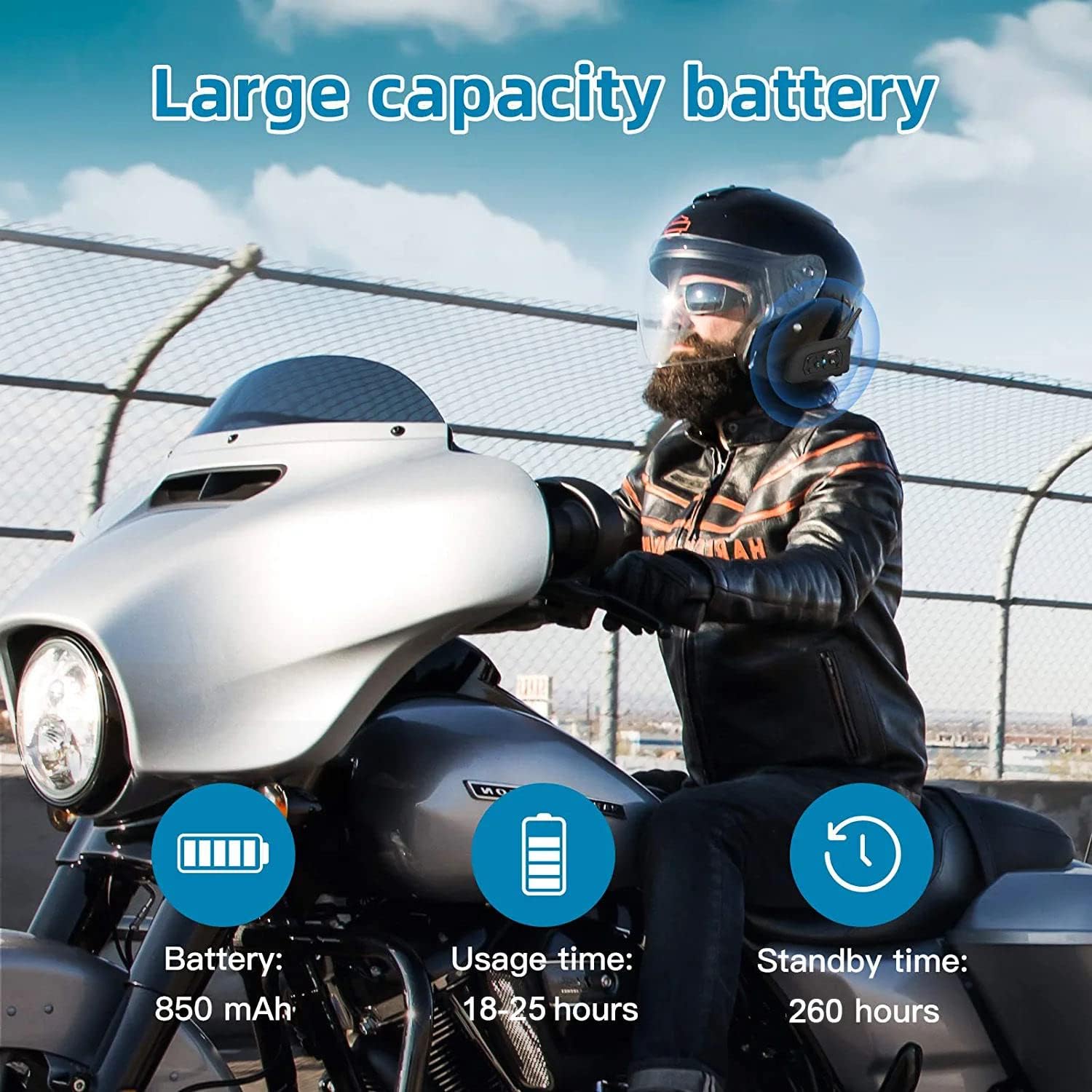
Image: An illustration highlighting the large battery capacity (850mAh), usage time (18-25 hours), standby time (260 hours), Bluetooth 5.1 chip, IP65 waterproof rating, GPS support, DSP noise reduction, 2-person real-time chat, call function, and music playback.
7. Aplicacións
The EJEAS V6 Bluetooth headset is versatile and can be used in various scenarios, including:
- Condución en motocicleta
- Esquí
- Obras de construción
- Referee communication

Image: A collage showing the EJEAS V6 intercom being used for motorcycle riding, skiing, referee communication, and on a construction site.
8. Especificacións
| Característica | Detalle |
|---|---|
| Marca | EXEAS |
| Nome do modelo | V6 |
| Tecnoloxía de conectividade | Sen fíos (Bluetooth) |
| Versión Bluetooth | 3.0 |
| Colocación do oído | Sobre orella |
| Factor de forma | No oído |
| Control de ruído | Cancelación activa de ruído |
| Conector de auriculares | USB-C |
| Impedancia | 50 ohmios |
| Rango de frecuencias | 20 Hz - 20,000 Hz |
| Capacidade da batería | 850 mAh |
| Tempo de carga da batería | 3 horas |
| Duración da batería (en espera) | 260 horas |
| Nivel de resistencia á auga | Impermeable |
| Material | Plástico |
| Tipo de control | Control de volume |
| Método de control | Voice-controlled, Touch |
| Dispositivos compatibles | Motos |
9 Solución de problemas
If you encounter any issues with your EJEAS V6 intercom, please consider the following:
- Sen enerxía: Asegúrate de que o dispositivo estea completamente cargado. Conéctao a unha fonte de alimentación usando o cable USB-C fornecido.
- Problemas de emparellamento: Repeat the pairing steps carefully. Ensure both devices are in pairing mode (flashing red and blue) before initiating the search from the master unit.
- Intercom Disconnection: If the intercom disconnects, try re-initiating the connection by pressing the intercom button on either unit. Ensure you are within the effective range (up to 800m).
- Mala calidade de audio: Check the microphone and speaker placement within your helmet. Ensure the CVC noise reduction is active.
- Bluetooth Connection to Phone: If your phone doesn't connect, ensure Bluetooth is enabled on your phone and the V6 is in pairing mode. Forget the device on your phone and try pairing again.
10. Garantía e soporte
For warranty information and technical support, please refer to the official EJEAS websitio web ou póñase en contacto co seu vendedor. Garde o recibo da compra para reclamacións de garantía.