
SUNITEC BC920
SUNITEC BC920 Bluetooth Car Speaker User Manual
Hands-Free Bluetooth Car Speaker for Cell Phone
1. Produto rematadoview
The SUNITEC BC920 is a versatile Bluetooth car speaker designed to provide clear, hands-free communication and audio streaming in your vehicle. It features advanced DSP noise-cancellation technology for crystal-clear calls and supports voice assistants like Siri and Google Assistant for safe driving.

Imaxe: Fronte view of the SUNITEC BC920 Bluetooth Car Speaker, showing its compact design and control buttons.
2. Contido do paquete
Marque a caixa para os seguintes elementos:
- SUNITEC BC920SA Bluetooth Car Kit
- Cargador de coche
- cable de carga USB
- Quick user guide / User Manual

Image: Back of the SUNITEC BC920 product box, detailing key features and package contents.
3. Disposición do dispositivo
Familiarize yourself with the buttons and ports on your SUNITEC BC920 speakerphone.
- Botón de chamada: Answer/End calls, Redial.
- Subir volume (+): Aumentar o volume.
- Baixar o volume (-): Diminuír o volume.
- Botón de silencio: Activar/silenciar o micrófono.
- Interruptor de alimentación: On/Off.
- Porto micro USB: Para cargar.
- Clip de visera: For attaching to car visor.

Imaxe: Primeiro plano view of the SUNITEC BC920, highlighting the call button, volume controls, and mute button.
4. Configuración e carga
4.1 Carga inicial
Before first use, fully charge the SUNITEC BC920. Connect the provided USB charging cable to the Micro USB port on the device and the other end to the car charger or a standard USB power adapter (not included). The LED indicator will show charging status.
The device features a long-lasting battery, providing up to 22 hours of talk time and 1000 hours of standby time on a full charge.

Image: Illustration showing the SUNITEC BC920 and its impressive battery life, with icons for 22 hours talk time and 1000 hours standby time.
4.2 Acendido/Apagado
- Para acender: Slide the power switch to the "ON" position. You will hear a voice prompt "Power On".
- Para apagar: Slide the power switch to the "OFF" position. You will hear a voice prompt "Power Off".
The device also features an auto power on/off function. A built-in vibration sensor automatically turns on the car kit when it detects car door opening, allowing it to reconnect with your phone. When the device is not in use for a period, it will turn off automatically to save battery.

Image: Visual representation of the SUNITEC BC920's auto power-on feature, showing the device activating when a car door is opened.
4.3 Emparejamento Bluetooth
To connect the SUNITEC BC920 to your mobile phone:
- Ensure the speakerphone is powered on.
- On your phone, go to Bluetooth settings and enable Bluetooth.
- Busca available devices. The speakerphone will appear as "BC920".
- Select "BC920" to pair. You will hear a voice prompt "Pairing" and then "Connected" upon successful connection.
The SUNITEC BC920 supports connecting two Bluetooth cell phones simultaneously, allowing for easy switching between music and calls from different devices.

Image: Diagram illustrating the dual connection capability of the SUNITEC BC920, showing two smartphones connected simultaneously.
5. Instrucións de funcionamento
5.1 Facer e recibir chamadas
- Respondendo a unha chamada: Preme o Botón de chamada unha vez.
- Finalizando unha chamada: Preme o Botón de chamada unha vez durante unha chamada.
- Rexeitar unha chamada: Manteña premido o Botón de chamada durante 2 segundos.
- Remarcando o último número: Prema dúas veces o Botón de chamada.
- Axuste do volume: Usa o Subir volume (+) e Baixar volume (-) botóns.
- Silenciar o micrófono: Preme o Botón de silencio during a call. Press again to unmute.
The built-in 2W powerful speaker and DSP noise-cancellation technology ensure clear calls and high-quality audio even in noisy environments.

Image: Graphic highlighting the clear speech and high-quality audio features of the SUNITEC BC920, with sound waves emanating from the speaker.
5.2 Asistente de voz (Siri/Asistente de Google)
The SUNITEC BC920 supports voice assistants, allowing you to make calls, send texts, or get driving directions hands-free, enhancing driving safety.
- Activando o asistente de voz: Manteña premido o Botón de chamada for 2 seconds to activate Siri (iOS) or Google Assistant (Android).
- Once activated, you can issue commands such as:
- "Call [Contact Name]"
- "Text [Contact Name] [Message]"
- "Show me directions to [Destination]"
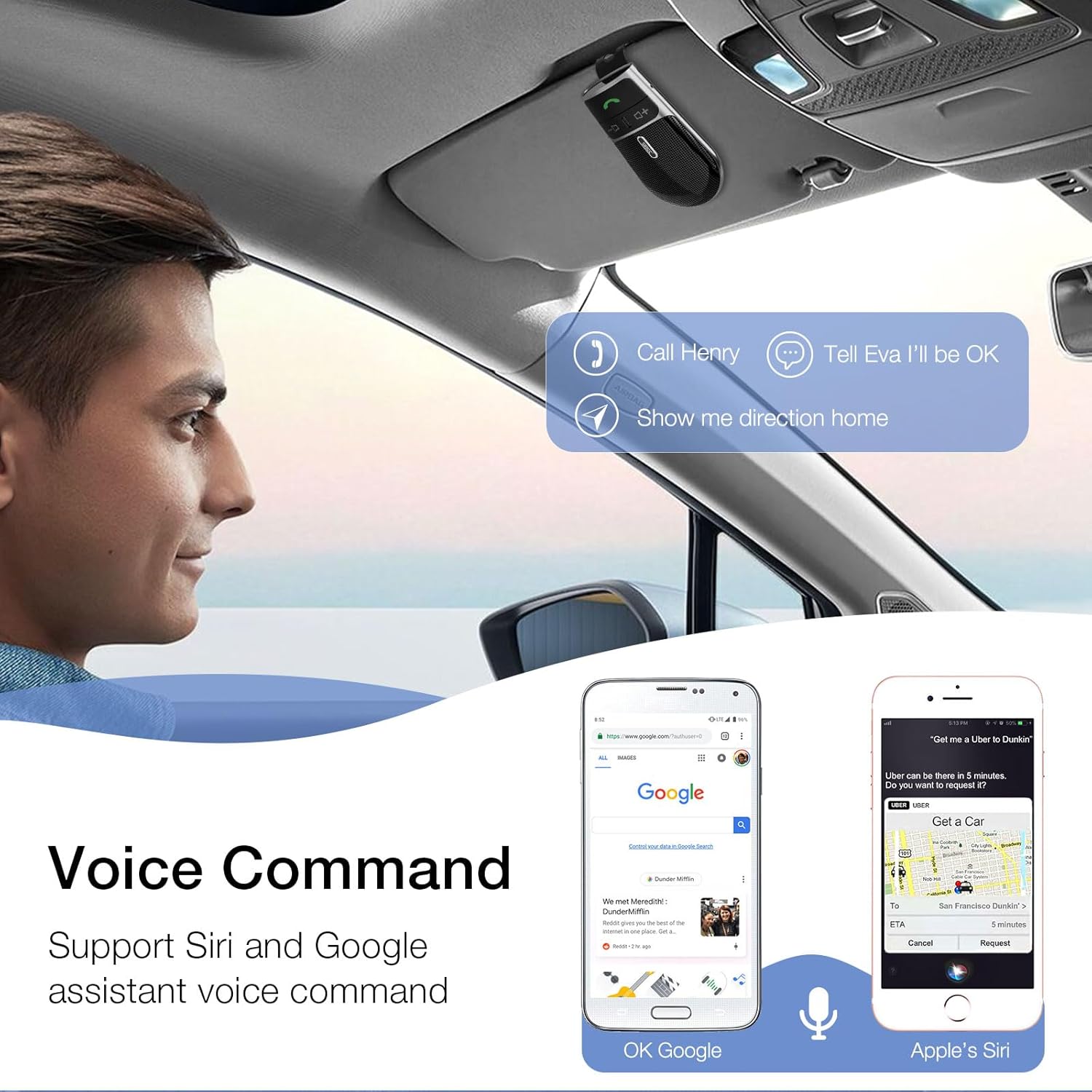
Image: A user in a car interacting with the SUNITEC BC920 to use voice commands for calling, texting, and navigation via Siri or Google Assistant.
5.3 Voice Guidance
The device provides clear voice prompts for various operational statuses, making it easy to use without visual confirmation.
- "Power On"
- "Power Off"
- "Pairing"
- "Connected"
- "Disconnected"
- "Battery Low"
Image: Depiction of the SUNITEC BC920 providing voice guidance, with a list of common voice prompts.
6. Mantemento
- Limpa o dispositivo cun pano suave e seco. Non empregues produtos de limpeza abrasivos nin disolventes.
- Manteña o dispositivo lonxe de temperaturas extremas, humidade e luz solar directa.
- Do not disassemble the device. This will void the warranty and may cause damage.
- Almacene nun lugar fresco e seco cando non se use durante períodos prolongados.
7 Solución de problemas
| Problema | Causa posible | Solución |
|---|---|---|
| O dispositivo non se acende. | A batería está esgotada. | Cargue o dispositivo completamente. |
| Non se pode emparellar co teléfono. | Bluetooth is off on phone; device not in pairing mode; too many paired devices. | Ensure phone Bluetooth is on. Restart both devices. Clear previous Bluetooth connections on your phone. |
| Mala calidade de audio durante as chamadas. | Low battery; interference; device too far from phone. | Charge the device. Move closer to your phone. Avoid sources of strong electromagnetic interference. |
| O asistente de voz non responde. | Not activated correctly; phone settings. | Ensure you press and hold the Call Button for 2 seconds. Check voice assistant settings on your phone. |
8. Especificacións
| Característica | Detalle |
|---|---|
| Número de modelo | BC920 |
| Dimensións do produto | 4.5 x 2.6 x 1 polgadas |
| Peso do elemento | 2.2 onzas |
| Baterías | 1 batería de polímero de litio (incluída) |
| Tecnoloxía de conectividade | Bluetooth |
| Fonte de enerxía | Alimentado por batería |
| Material | Plástico |
| Característica especial | DSP Noise Cancellation, Microphone |
| Tempo de conversa | Ata 22 horas |
| Tempo de espera | Ata 1000 horas |
9. Información de seguridade
Proper usage while driving and battery handling precautions are essential. Always refer to the full user manual for comprehensive safety warnings.
- Non manexes o dispositivo dun xeito que te distraia da condución. Prioriza sempre a seguridade viaria.
- Non expoñas o dispositivo á auga nin a humidade excesiva.
- Evita temperaturas extremas.
- Desfágase das baterías segundo a normativa local. Non as incinere.
10. Garantía e soporte
SUNITEC offers a customer-friendly policy for its products:
- Garantía: 365 Days free return for any problems.
- Atención ao cliente: Expect a quick response within 24 hours for inquiries.
For further assistance, please contact SUNITEC support:
- Teléfono: 0755-36863386 / 26863387 / 36863389
- Correo electrónico: support@sunitec.net
- Websitio: www.sunitec.net/en/

Image: Information regarding SUNITEC's customer service, including contact details and warranty period.
Ask a question about this manual
Ask about setup, troubleshooting, compatibility, parts, safety, or missing instructions. Manuals+ will review the question and use this page’s manual context to help answer it.