
1. Introdución
This manual provides detailed instructions for the setup, operation, maintenance, and troubleshooting of your DOGNESS Smart Cam Black Treater (Model T03BK). This device allows you to interact with your pet remotely by dispensing treats and monitoring them via a built-in camera and two-way audio.

Image 1.1: DOGNESS Smart Cam Black Treater in use with a dog.
2. Información de seguridade
- Le todas as instrucións antes de usar o dispositivo.
- Manteña o dispositivo lonxe da auga ou da humidade excesiva.
- Use só o adaptador de alimentación proporcionado.
- Non intente desmontar ou reparar o dispositivo vostede mesmo. Póñase en contacto co servizo de atención ao cliente para obter asistencia.
- Ensure the device is placed on a stable surface to prevent tipping. The integrated suction cups can assist with stability.
- Este dispositivo está pensado só para uso en interiores.
- Keep out of reach of small children and pets when not in use or supervised.
3. Contido do paquete
Verifica que todos os elementos estean presentes no paquete:
- DOGNESS Smart Cam Black Treater (Model T03BK)
- Adaptador de alimentación (AC/DC)
- Manual de instrucións
4. Produto rematadoview
Familiarize yourself with the components of your Smart Cam Treater:
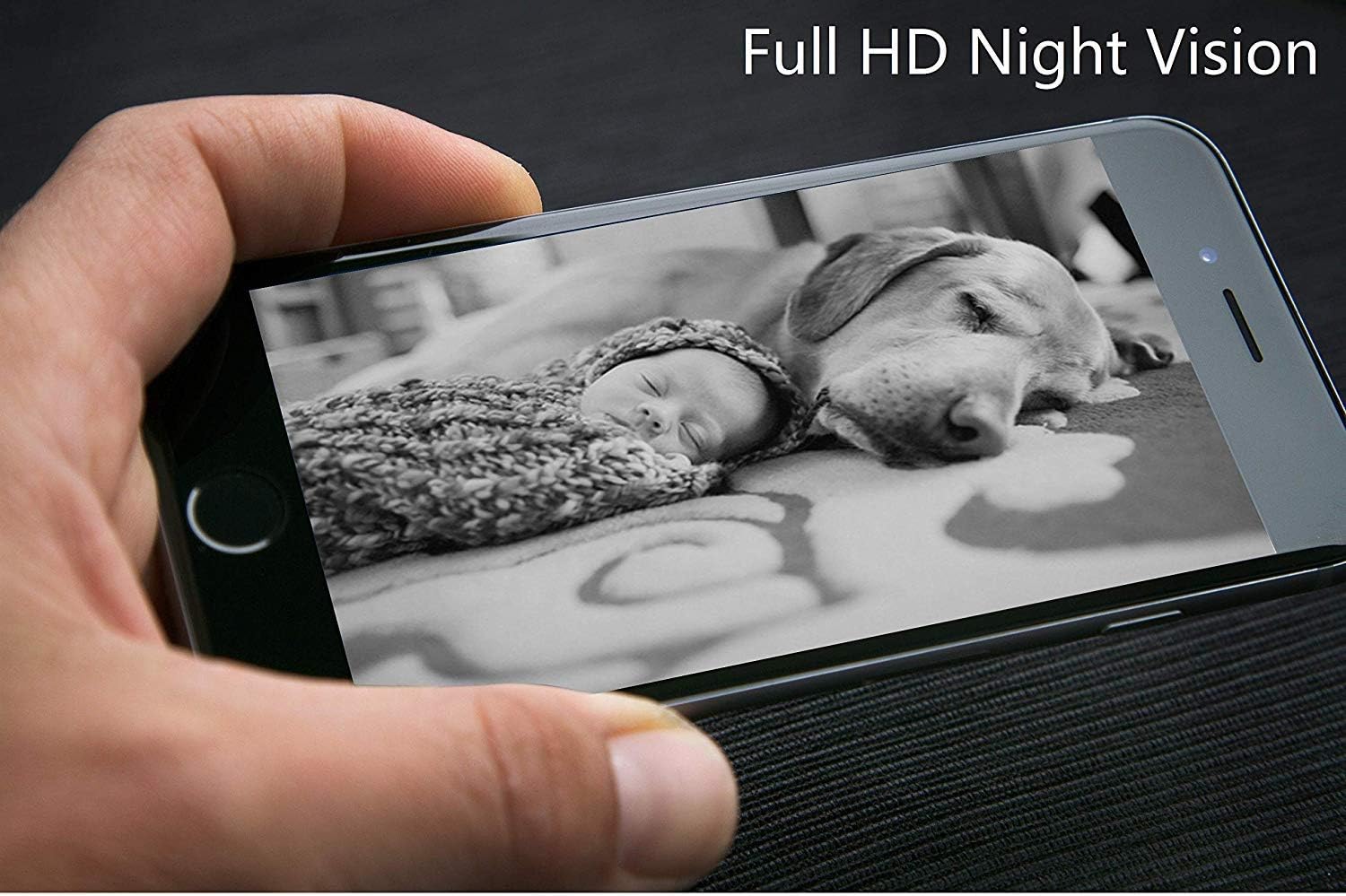
Image 4.1: Labeled diagram of the DOGNESS Smart Cam Black Treater components.
- Luz indicadora de WiFi: Shows the device's network connection status.
- Natural Bamboo Lid: Covers the treat compartment.
- 165° HD Camera with Night Vision: Proporciona un gran angular view of your pet, even in low light conditions.
- Micrófono: Allows you to listen to your pet and surroundings.
- Relator: Enables two-way audio communication with your pet.
- SET Button / Manual Treating Button: Used for Wi-Fi setup and manual treat dispensing.
- Snack Outlet: Where treats are dispensed.
5. Configuración
5.1 Conexión de alimentación
- Place the device on a flat, stable surface. The suction cups on the bottom help secure it.
- Connect the power adapter to the device's power input port.
- Conecta o adaptador de corrente a unha toma de corrente estándar. O dispositivo acenderase automaticamente.
5.2 Descarga e instalación da aplicación
- Download the "DOGNESS" app from your smartphone's app store (iOS App Store or Google Play Store).
- Instala a aplicación e crea unha conta se es un usuario novo ou inicia sesión coas túas credenciais existentes.
5.3 Conexión Wi-Fi
Ensure your smartphone is connected to a 2.4GHz Wi-Fi network. The device does not support 5GHz Wi-Fi networks.
- Open the DOGNESS app and follow the on-screen instructions to add a new device.
- Select the Smart Cam Treater from the list of devices.
- Press and hold the SET button on the device until the Wi-Fi indicator light blinks rapidly, indicating it's in pairing mode.
- Enter your Wi-Fi network name and password into the app.
- The app will generate a QR code. Hold your smartphone screen in front of the device's camera (approximately 4-8 inches away) until you hear a confirmation sound from the treater.
- Once connected, the Wi-Fi indicator light will turn solid.
5.4 Filling Treats
- Remove the natural bamboo lid from the top of the device.
- Fill the treat compartment with dry, crunchy treats that are approximately 0.2-0.6 inches (0.5-1.5 cm) in diameter. Avoid soft, sticky, or oversized treats that may cause jamming.
- Coloque a tapa de forma segura.
6. Instrucións de funcionamento
6.1 Using the DOGNESS App
The DOGNESS app provides full control over your Smart Cam Treater.

Image 6.1: DOGNESS app interface showing live video feed.
- Feed de vídeo en directo: Access real-time video from the 165° HD camera.
- Audio bidireccional: Use the microphone and speaker icons in the app to speak to your pet and hear their responses.
- Treat Dispensing: Tap the treat icon in the app to remotely dispense treats.
- Captura de foto/vídeo: Capture photos or record videos of your pet directly from the app.
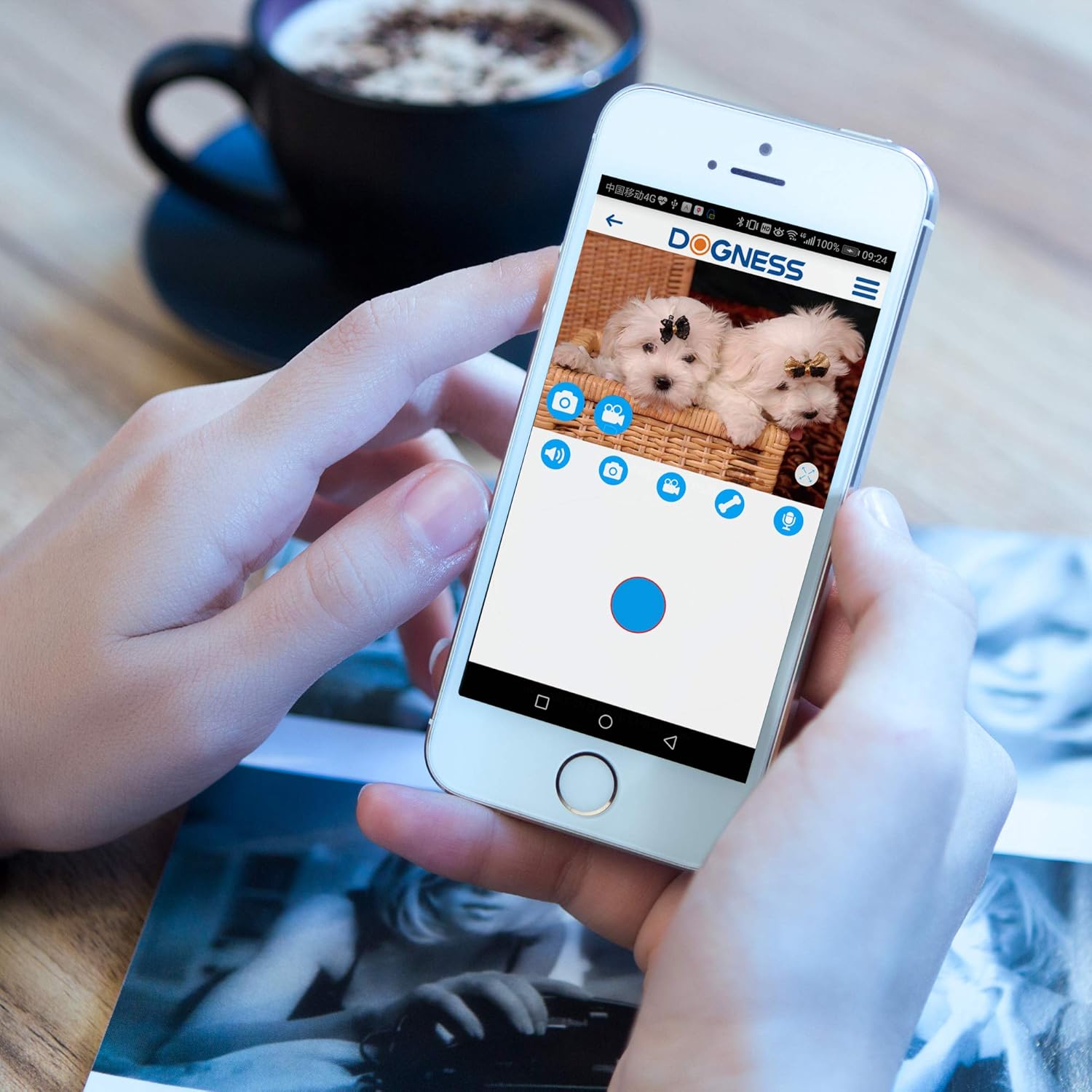
Image 6.2: DOGNESS app control panel for interaction.
6.2 Visión nocturna
The device automatically switches to night vision mode in low-light conditions, providing clear monitoring capabilities 24/7.

Imaxe 6.3: Ex.ample of Full HD Night Vision.
6.3 Manual Treat Dispensing
Press the SET button on the front of the device to manually dispense a treat without using the app.
7. Mantemento
7.1 Limpeza
- Desenchufe o dispositivo antes de limpar.
- Limpe o exterior do dispositivo cun suave, damp pano. Non use produtos de limpeza abrasivos nin somerxa o dispositivo en auga.
- Clean the treat compartment regularly to prevent residue buildup. Ensure it is completely dry before refilling with treats.
- Gently wipe the camera lens with a soft, dry cloth to maintain clear image quality.
7.2 Treat Refilling
Refer to Section 5.4 for instructions on refilling the treat compartment.
8 Solución de problemas
| Problema | Causa posible | Solución |
|---|---|---|
| O dispositivo non se acende | O adaptador de corrente non está conectado ou a toma de corrente está defectuosa. | Asegúrate de que o adaptador de corrente estea conectado correctamente e que a toma de corrente funcione. Proba cunha toma de corrente diferente. |
| Non se puido conectar á wifi | Incorrect Wi-Fi password; device too far from router; 5GHz Wi-Fi network used; Wi-Fi indicator not blinking. |
|
| Treats not dispensing | Treats jammed; treat compartment empty; incorrect treat size. |
|
| Poor video quality or no image | Dirty camera lens; poor Wi-Fi signal; app issue. |
|
| Audio issues (cannot hear or speak) | Microphone/speaker blocked; app settings; poor network connection. |
|
9. Especificacións
| Característica | Detalle |
|---|---|
| Número de modelo | T03BK |
| Dimensións (L x W x H) | 5.75 x 5.75 x 11.42 polgadas |
| Peso do elemento | 3.24 libras |
| Fonte de enerxía | Adaptador AC/DC |
| Protocolo de conectividade | Wi-Fi (só 2.4 GHz) |
| Resolución de captura de vídeo | 1080p, 720p |
| Resolución efectiva de vídeo | 1080 píxeles |
| Viewángulo ing | 165 graos |
| Características especiais | Sensor de movemento, visión nocturna, audio bidireccional |
| Dispositivos compatibles | Teléfono intelixente (iOS/Android) |
| Clasificación de protección internacional | IP54 |
| GTIN/UPC | 843775107099 |
10. Garantía e soporte
For warranty information and technical support, please refer to the warranty card included with your product or visit the official DOGNESS website. You can also contact customer service via the DOGNESS app or through the contact details provided on their websitio.
Websitio: www.dogness.com (Nota: Este é un marcador de posición URL, please refer to your product packaging for the correct websitio.)