
1. Introdución
Thank you for choosing the Hoco ES24 Wireless Sound Earphones. This manual provides detailed instructions on how to set up, operate, and maintain your earphones. Please read this manual carefully before use to ensure optimal performance and longevity of your device.
2. Contido do paquete
Asegúrate de que todos os elementos que se indican a continuación estean presentes no teu paquete:
- Hoco ES24 Wireless Earphones (Left and Right)
- Estuche de carga
- Cable de carga USB
- Varios tamaños de almofadas para os oídos (S, M, L)
- Manual de usuario

Image: The Hoco ES24 earphones, charging case, USB cable, and various ear tip sizes included in the package.
3. Produto rematadoview
The Hoco ES24 earphones are designed for comfortable, wireless audio experience. They come with a compact charging case that not only protects the earphones but also recharges them on the go.

Image: The Hoco ES24 earphones resting inside their open charging case, showcasing o seu deseño compacto.
4. Configuración
4.1 Carga inicial
- Antes do primeiro uso, carga completamente os auriculares e a caixa de carga.
- Coloque os dous auriculares na caixa de carga.
- Conecta o cable de carga USB ao porto de carga da carcasa e a unha fonte de alimentación (por exemplo, un adaptador de parede USB, un porto USB do ordenador).
- The LED indicator on the charging case will show the charging status. A full charge typically takes about 1 hour for fast charging.

Image: The Hoco ES24 charging case displaying the battery percentage via an LED screen, indicating charging status and capacity.
5. Instrucións de funcionamento
5.1 Acendido/Apagado
- Encendido: Open the charging case, and the earphones will automatically power on. Alternatively, press and hold the touch control area on both earphones for 3 seconds.
- Apagado: Place the earphones back into the charging case and close the lid. They will automatically power off and begin charging. Alternatively, press and hold the touch control area on both earphones for 5 seconds.
5.2 Emparejamento Bluetooth
- Primeira parella:
a. Ensure the earphones are charged.
b. Open the charging case. The earphones will automatically enter pairing mode, indicated by a flashing LED light on one of the earbuds.
c. On your device (smartphone, tablet, etc.), enable Bluetooth and search for available devices.
d. Select "Hoco ES24" from the list of devices. Once connected, the LED indicator on the earphone will stop flashing. - Emparejamento posterior:
Once paired, the earphones will automatically connect to the last paired device when taken out of the charging case, provided Bluetooth is enabled on your device.
5.3 Controis táctiles
The Hoco ES24 earphones feature touch-sensitive controls for easy management of music and calls.
- Reproducir/Pausa: Un só toque en calquera dos auriculares.
- Próxima pista: Toca dúas veces no auricular dereito.
- Pista anterior: Toca dúas veces no auricular esquerdo.
- Responder/Finalizar chamada: Toque unha vez en calquera dos auriculares durante unha chamada entrante ou activa.
- Rexeitar a chamada: Manteña premido calquera dos auriculares durante 2 segundos durante unha chamada entrante.
- Activar o asistente de voz: Toque tres veces en calquera dos auriculares.

Image: A user wearing the Hoco ES24 earphones, illustrating their in-ear fit and highlighting features like Bluetooth 5.0 connectivity and clear call quality.
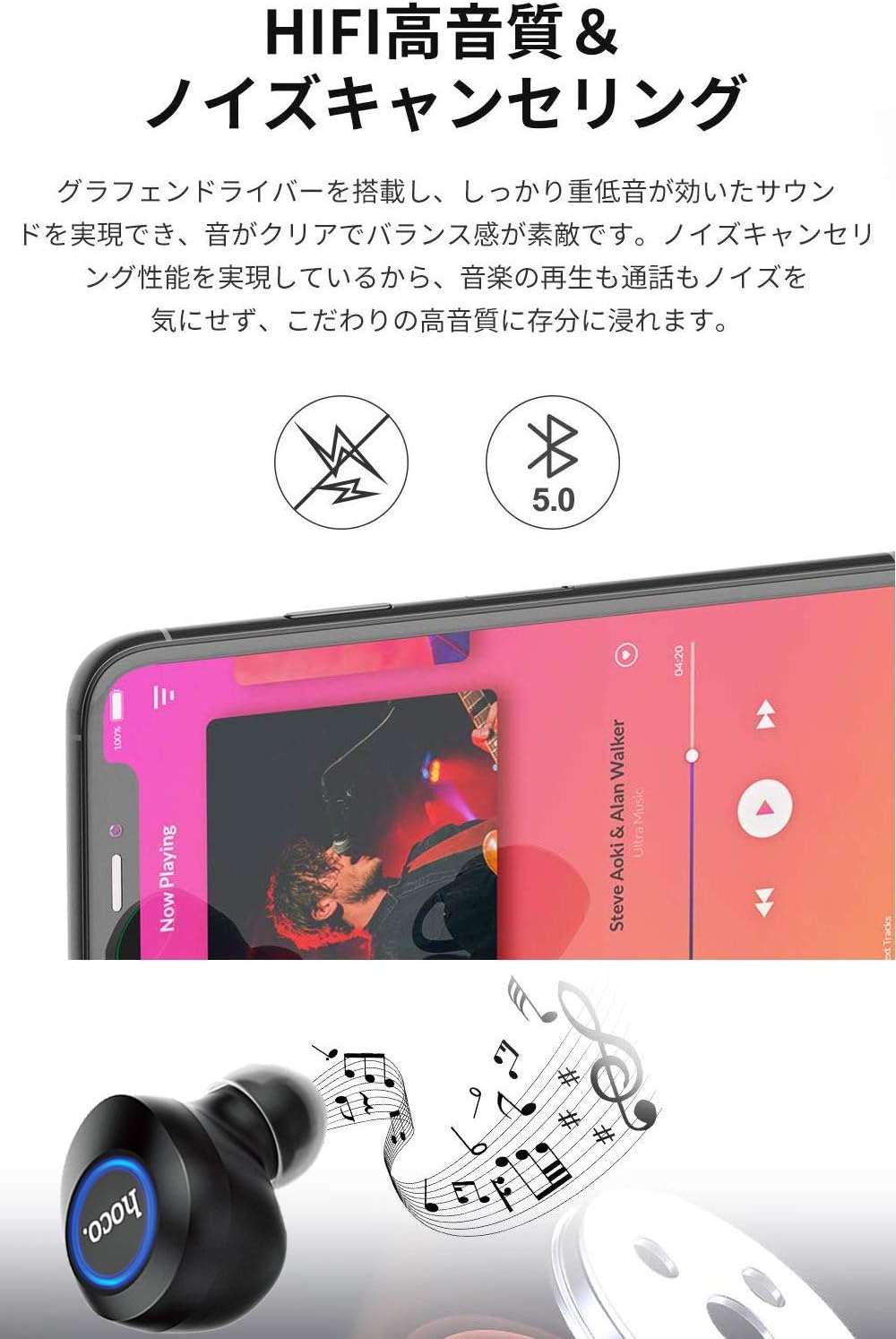
Image: A close-up of a Hoco ES24 earphone, with a smartphone screen in the background showing music playback, emphasizing HiFi sound quality and noise cancellation capabilities.
6. Mantemento
6.1 Limpeza
- Limpa regularmente os auriculares e a caixa de carga cun pano suave, seco e sen fiapos.
- Non empregue produtos de limpeza abrasivos, alcol nin disolventes químicos.
- Retire con coidado calquera cerumen ou residuos das almofadas e da malla do altofalante cun cepillo pequeno e suave ou un hisopo de algodón.
6.2 Almacenamento
- Cando non os uses, garda os auriculares na súa funda de carga para protexelos do po e dos danos.
- Avoid storing the device in extreme temperatures (hot or cold) or in humid environments.
6.3 Coidado coa batería
- Para prolongar a duración da batería, evite descargar completamente os auriculares e a caixa de carga con frecuencia.
- Cargue o dispositivo regularmente, mesmo se non o usa con frecuencia.
7 Solución de problemas
If you encounter any issues with your Hoco ES24 earphones, refer to the following common problems and solutions:
| Problema | Solución |
|---|---|
| Os auriculares non se acenden. | Ensure the earphones and charging case are fully charged. Place earphones in the case and close the lid, then open again. |
| Non se pode emparellar co dispositivo. | Make sure Bluetooth is enabled on your device. Ensure earphones are in pairing mode (flashing LED). Turn off and on your device's Bluetooth. Forget "Hoco ES24" from your device's Bluetooth list and try pairing again. |
| Non se escoita son dun ou de ambos auriculares. | Check device volume. Ensure earphones are properly connected. Try re-pairing. Clean any debris from the speaker mesh. |
| A caixa de carga non carga. | Verifica que o cable USB estea conectado correctamente tanto á carcasa como á fonte de alimentación. Proba cun cable USB ou adaptador de corrente diferente. |
| Os controis táctiles non responden. | Ensure your fingers are clean and dry. Restart the earphones by placing them in the case and taking them out again. |
8. Especificacións
Below are the technical specifications for the Hoco ES24 Wireless Sound Earphones:
- Modelo: ES24
- Conectividade: Sen fíos (Bluetooth 5.0)
- Factor de forma: In-Ear
- Material: Plástico
- Método de control: Toca
- Micrófono: Si
- Cancelación de ruído: No (Passive noise isolation may be present due to in-ear design)
- Dispositivos compatibles: All devices with Bluetooth functionality
- Peso do artigo: 55 grams (earphones + case)
- Dimensións do produto: 2.38 x 2.1 x 2.35 cm (earphone dimensions)
- Compoñentes incluídos: Protective charging case
- Cor: Negro
- Rango de idade: Adulto
- Tempo de carga: Approximately 1 hour (fast charge)
- Tempo de uso: Approximately 4-5 hours (single use)
9. Información de seguridade
Siga as seguintes pautas de seguridade para evitar danos no dispositivo ou lesións a vostede mesmo:
- Non desmonte, repare nin modifique o produto.
- Manteña o dispositivo lonxe da auga, da humidade e das temperaturas extremas.
- Evite a exposición prolongada a altos niveis de volume para evitar danos auditivos.
- Manter fóra do alcance dos nenos e animais.
- Eliminar o produto de forma responsable segundo a normativa local.
10. Garantía e soporte
Hoco products are designed and manufactured to the highest quality standards. For warranty information, technical support, or customer service inquiries, please refer to the warranty card included in your package or contact your local retailer or Hoco customer support directly. Please retain your proof of purchase for any warranty claims.