
1. Introdución
This manual provides essential information for the safe and efficient use of your ROMOSS 20000mAh Portable Charger, Model PAS20. Please read it thoroughly before first use and retain it for future reference.

Image 1.1: The ROMOSS 20000mAh Portable Charger. This image displays the compact black power bank with its LED digital display showing '100' and the ROMOSS logo. The input/output ports are visible on one end.
2. Produto rematadoview
2.1 Características principais
- 20000 mAh de alta capacidade: Provides multiple charges for various devices.
- Deseño compacto: Measures approximately 5.7 x 2.7 x 1.1 inches for portability.
- Precise LED Digital Display: Mostra o porcentaxe da bateríatage do 0% ao 100%.
- 3 Input Ports: Recharge the power bank using Micro-USB, Lightning, or Type-C cables.
- 2 USB Output Ports: Charge two devices simultaneously at up to 2.1A.
- Protección de seguridade: Built-in intelligent system protects against over-heat, over-charge, over-current, over-discharge, and short-circuit.
2.2 Compoñentes
The ROMOSS PAS20 features a streamlined design with clearly marked ports and an intuitive display.
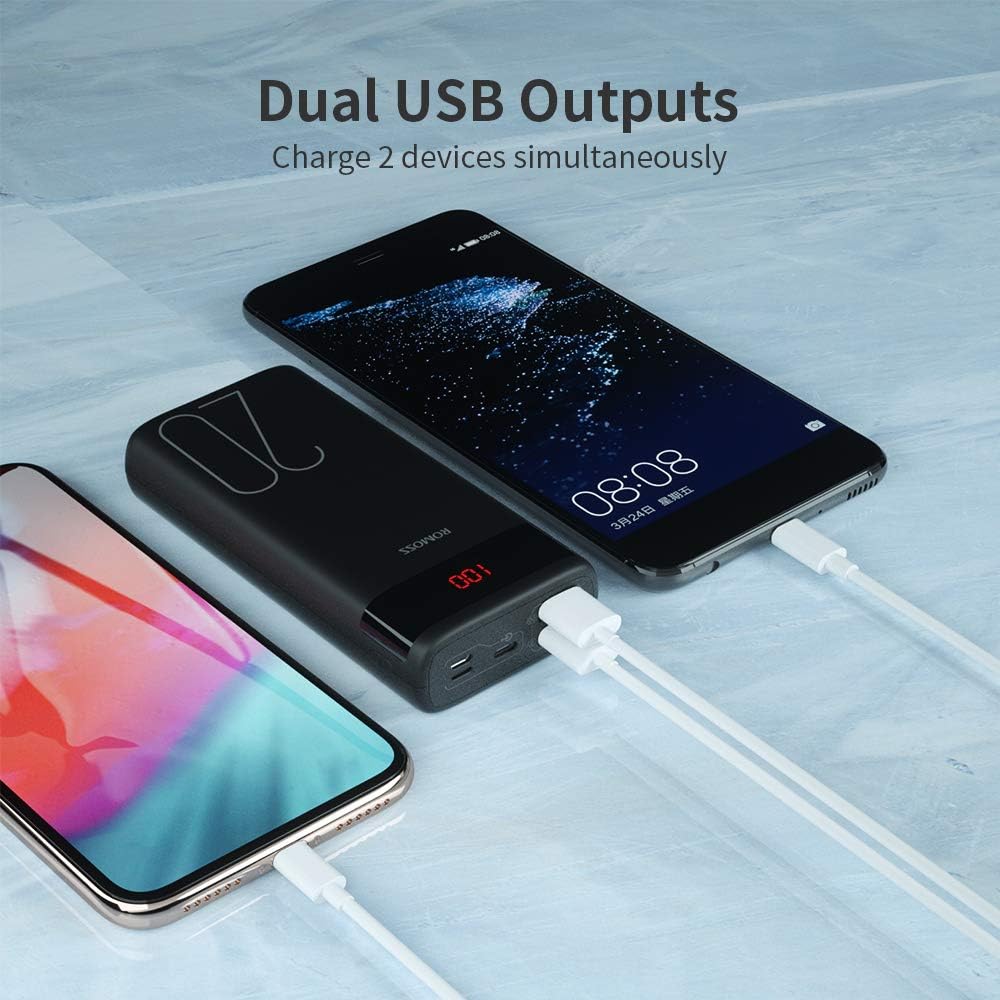
Image 2.1: Dual USB Output Ports. This image shows the end of the power bank with two USB-A output ports, allowing two devices to be charged simultaneously. Two smartphones are connected and charging.

Image 2.2: Charging Capacity Examples. This image illustrates the approximate number of charges the power bank can provide for various devices, including iPhone 8 (8.2 charges), iPhone XR (5 charges), Samsung S10 (4.4 charges), and Nintendo Switch (2 charges).

Image 2.3: Charging a Nintendo Switch. A user is shown holding a Nintendo Switch while it is connected and charging from the ROMOSS power bank, demonstrating its compatibility with gaming devices.
3. Configuración
3.1 Carga inicial do banco de enerxía
Before first use, it is recommended to fully charge your ROMOSS power bank. The power bank may not be fully charged upon initial receipt.
- Connect a compatible charging cable (Micro-USB, Lightning, or Type-C) to one of the input ports on the power bank.
- Conecta o outro extremo do cable a un adaptador USB de parede (non incluído) ou a un porto USB con alimentación.
- The LED digital display will show the charging progress. It is fully charged when the display shows '100'.
Note: A charging cable is not included with the power bank.
4. Instrucións de funcionamento
4.1 Carga dos seus dispositivos
The power bank features two USB-A output ports to charge your electronic devices.
- Connect your device's USB charging cable to one of the USB output ports on the power bank.
- Conecte o outro extremo do cable ao dispositivo.
- The power bank will automatically begin charging your device. If it does not, press the power button on the side of the power bank.
- A pantalla LED mostrará a porcentaxe restante da bateríatage do banco de enerxía.
4.2 Comprobación do nivel da batería
To check the remaining battery level of the power bank, simply press the power button once. The LED digital display will illuminate and show the current percentage.
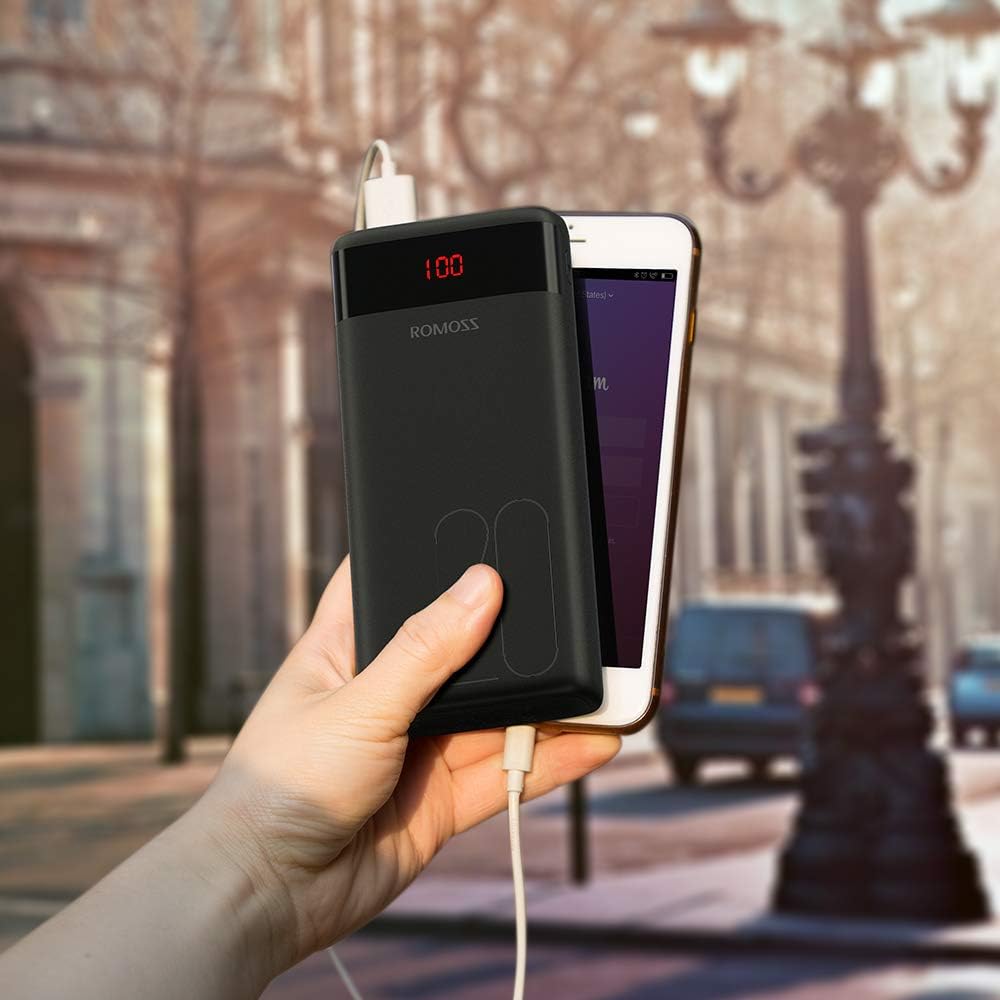
Image 4.1: Power Bank in Use. This image shows the ROMOSS power bank being held in a hand, connected to a smartphone via a charging cable, demonstrating its portable use.
5. Mantemento
- Manteña o banco de enerxía lonxe de temperaturas extremas, luz solar directa e líquidos.
- Limpa o dispositivo cun pano suave e seco. Non empregues produtos de limpeza abrasivos nin disolventes.
- Almacenar nun lugar fresco e seco cando non estea en uso.
- If the power bank is not used for extended periods, charge it at least once every three months to maintain battery health.
6 Solución de problemas
- O banco de enerxía non carga: Ensure the charging cable is securely connected to both the power bank input port and the power source. Try a different cable or power adapter.
- O dispositivo non se carga desde o banco de enerxía: Ensure the device's charging cable is securely connected to both the power bank output port and the device. Press the power button on the power bank to activate charging. Check if the power bank has sufficient charge.
- Carga lenta: Ensure you are using appropriate cables and adapters. Charging speed can vary depending on the device and cable quality.
- A pantalla LED non funciona: Press the power button. If it still doesn't light up, the power bank might be completely discharged or require service.
7. Especificacións
| Característica | Detalle |
|---|---|
| Número de modelo | PAS20 |
| Capacidade da batería | 20000 millónsamp Horas (mAh) |
| Dimensións do produto | 5.73 x 1.17 x 2.75 polgadas |
| Peso do elemento | 15.2 onzas |
| Portos de entrada | Micro USB, Lightning, Type-C |
| Portos de saída | 2 x USB-A (2.1A max) |
| Características especiais | Digital Display, Portable, Travel-friendly |
8. Información de seguridade
Please observe the following safety guidelines to prevent injury or damage to the device:
- Non desmontes, modifiques nin repares o dispositivo ti mesmo.
- Non expoñas o cargador portátil ao lume, á auga nin a temperaturas extremas.
- Evite deixar caer ou someter o dispositivo a fortes impactos.
- Manter fóra do alcance dos nenos.
- Use só cables de carga e adaptadores compatibles.
- Se o banco de enerxía se incha, ten fugas ou emite un cheiro inusual, interrompa o seu uso inmediatamente.
- The power bank is not fully charged when first used; charge it fully before use.
- If the power bank is not recharging, press the power button or reinsert the cable to activate the charger.
9. Vídeo do produto
Mira este vídeo oficial do produto para obter unha visión xeralview of the ROMOSS 20000mAh Portable Charger.
Video 9.1: ROMOSS 20000mAh Portable Phone Charger. This video provides a detailed visual demonstration of the power bank's features, including its compact size, LED display, multiple input/output ports, and charging capabilities for various devices.