

1. Introdución
The Thetis FIDO2 Security Key is a universal two-factor authentication device designed to provide enhanced security for your online accounts. Utilizing FIDO2 and U2F protocols, along with HOTP (HMAC-based One-Time Password) technology, it offers a robust defense against phishing, hacking, and other unauthorized access attempts. This manual provides essential information for setting up, operating, and maintaining your security key.
2. Produto rematadoview
The Thetis FIDO2 Security Key features a compact and durable design, making it convenient for everyday use. Its 360-degree rotating aluminum alloy cover protects the USB connector from physical damage, ensuring longevity and reliability.

Imaxe: Primeiro plano view of the Thetis FIDO2 Security Key demonstrating its 360-degree rotating aluminum alloy cover, highlighting its durable construction.
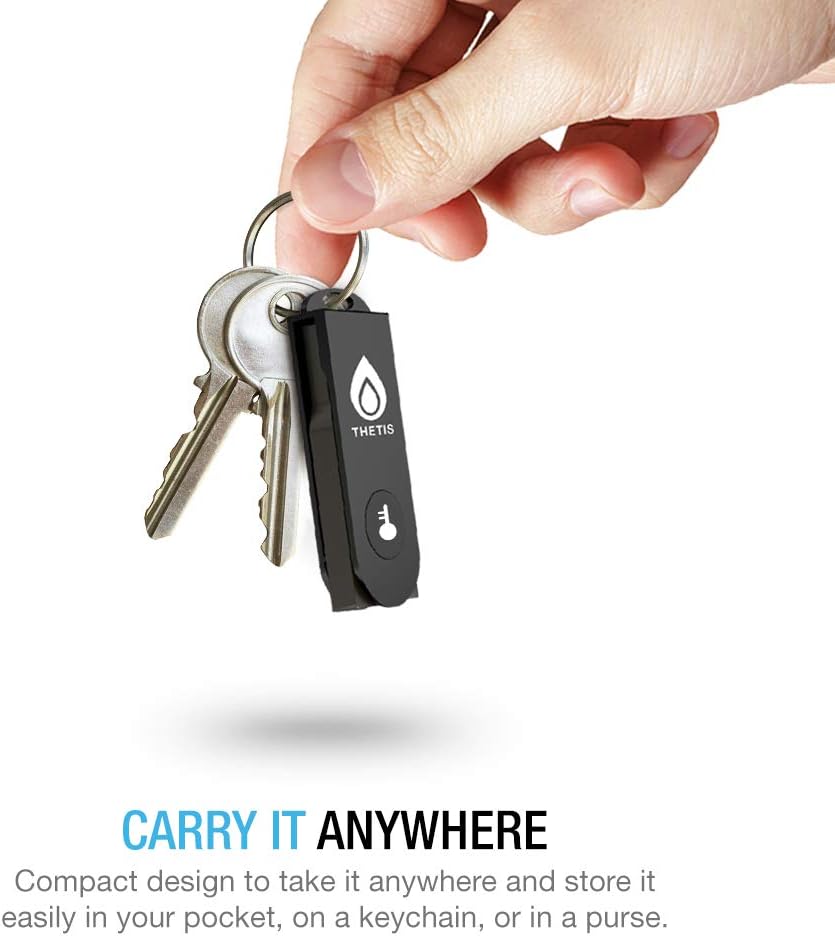
Image: The Thetis FIDO2 Security Key attached to a keychain with other keys, illustrating its portable and compact design.
3. Configuración e compatibilidade
3.1 Configuración inicial
To begin using your Thetis FIDO2 Security Key, simply insert it into an available USB Type-A port on your computer. The key is generally plug-and-play, and specific setup steps will depend on the online service or operating system you are configuring it with. Follow the on-screen prompts provided by the service to register your key.
3.2 System Requirements and Compatibility
The Thetis FIDO2 Security Key is compatible with various operating systems and web browsers that support FIDO2 and U2F protocols:
- Sistemas operativos: Windows, macOS, Linux.
- Navegadores: Chrome (for FIDO2/U2F), Edge (for FIDO2/U2F), Safari (for U2F).
Notas importantes:
- FIDO2 does NON support Mac login.
- Access to Windows Hello login via the Thetis FIDO2 Security Key is available only for Enterprise Users utilizing Azure Active Directory.

Image: A compatibility chart detailing supported websites and operating systems (Windows, macOS, iOS, Android) across different browsers (Edge, Chrome, Safari, App) for the Thetis FIDO2 Security Key.
4. Instrucións de funcionamento
4.1 Multi-Factor Authentication Process
The Thetis FIDO2 Security Key enhances your account security through multi-factor authentication (MFA). When logging into a supported service, you will typically enter your username and password, and then be prompted to insert and activate your security key. This usually involves touching the key's sensor or pressing a button, confirming your presence and authorizing the login.
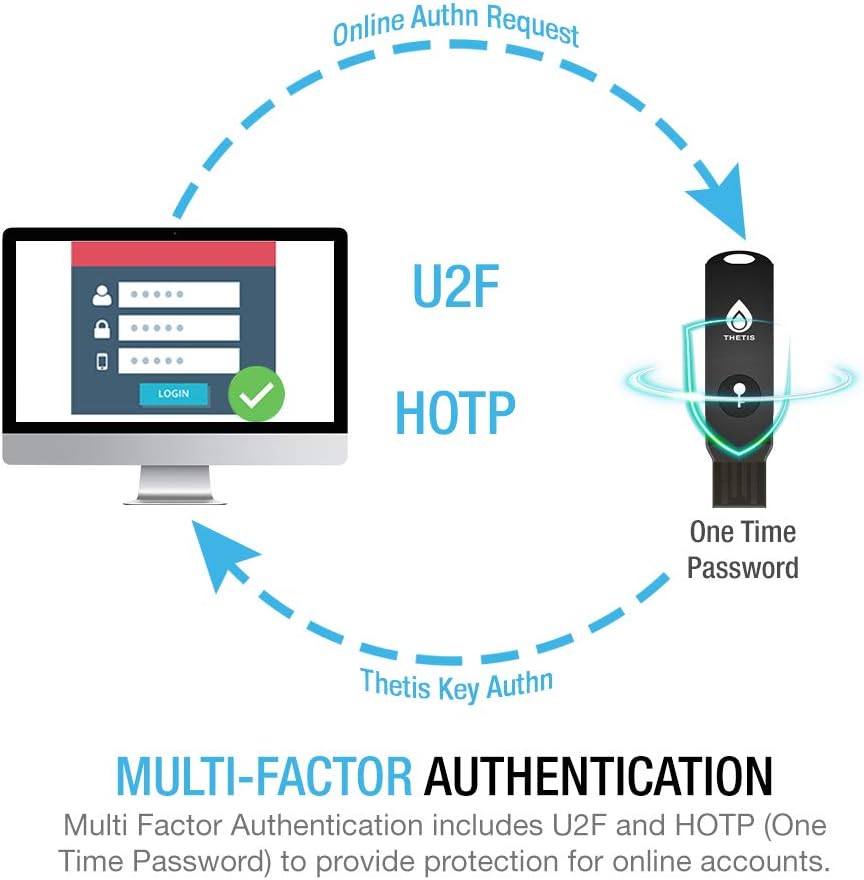
Image: A diagram illustrating the multi-factor authentication process, showing an online authentication request from a computer, the Thetis key providing a one-time password (HOTP), and the key's authentication completing the login.
4.2 Passwordless Protection
For services that support FIDO2 passwordless authentication, your security key can replace traditional passwords entirely. After initial registration, you can log in by simply inserting your key and confirming your identity, streamlining the login process while maintaining high security.
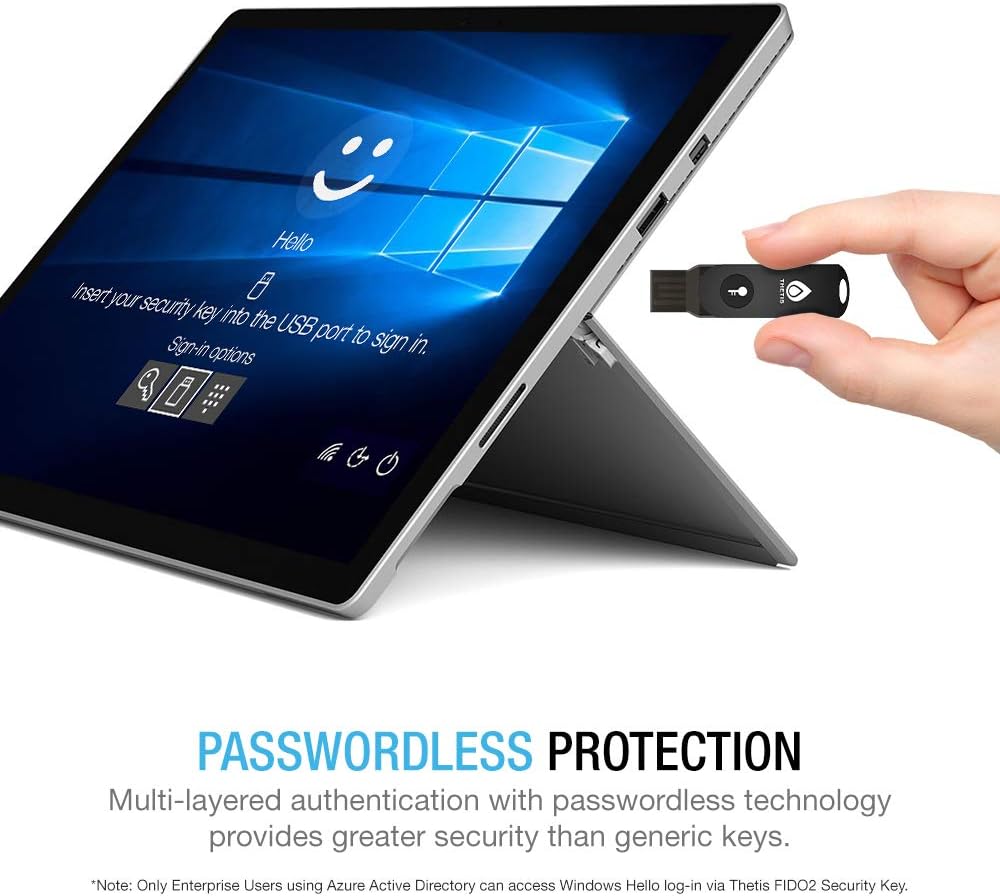
Image: A laptop screen displaying a Windows Hello login prompt, instructing the user to insert their security key, with the Thetis FIDO2 Security Key being held near the USB port.
5. Mantemento
The Thetis FIDO2 Security Key is designed for durability. To ensure its optimal performance and longevity:
- Manteña o dispositivo limpo e libre de po e restos.
- Avoid exposing the key to extreme temperatures or moisture.
- Utilize the rotating cover to protect the USB connector when not in use.
- Store the key in a safe place to prevent loss or physical damage.
6 Solución de problemas
If you encounter issues with your Thetis FIDO2 Security Key, consider the following:
- Key Not Recognized: Ensure the key is fully inserted into a functional USB Type-A port. Try a different USB port or computer.
- Problemas de inicio de sesión: Verify that the online service you are using supports FIDO2 or U2F authentication. Some services may require specific browser extensions or settings.
- Mac Login: Remember that FIDO2 does not support Mac login directly. The key can be used for web-based authentication on macOS, but not for operating system login.
- Windows Hello Login: This feature is restricted to Enterprise Users with Azure Active Directory. Standard Windows users cannot use the key for Windows Hello login.
- Compatibilidade do servizo: Not all online services currently support FIDO2/U2F security keys. Confirm compatibility with the specific service's documentation.
Para unha resolución de problemas máis detallada, consulte a información oficial Thetis Troubleshooting Guide (PDF).
7. Especificacións
| Característica | Detalle |
|---|---|
| Nome do modelo | Thetis FIDO2 Security Key |
| Número de modelo do artigo | MB000368 |
| Tecnoloxía de conectividade | USB tipo A |
| Cor | Negro |
| Dimensións do produto | 1.73"H x 0.59"W x 0.39"D (4.4 x 1.5 x 1 cm) |
| Peso do elemento | 0.3 onzas (8.5 gramos) |
| Tipo de memoria flash | USB |
| Característica especial | Certificado FIDO2 |
| UPC | 600231109321 |
| Linguaxe | inglés |
8. Garantía e soporte
8.1 Información da garantía
For detailed warranty information regarding your Thetis FIDO2 Security Key, please refer to the official Thetis website or the documentation included with your purchase. Warranty terms typically cover manufacturing defects for a specified period from the date of purchase.
8.2 Atención ao cliente
If you require further assistance, have questions, or encounter issues not covered in this manual, please contact Thetis customer support. Contact details can usually be found on the official Thetis websitio web ou a través do seu vendedor.