
Introdución
Thank you for choosing the Edifier TWS1 True Wireless Stereo Earbuds. This manual provides essential information for the proper use and maintenance of your device. The TWS1 earbuds offer a wire-free audio experience with dynamic stereo sound. They feature an impressive 32-hour total playtime with the charging case and are designed with an IPX5 rating for splash and sweat resistance, making them suitable for various activities.
Please read this manual thoroughly before operating the earbuds to ensure optimal performance and longevity.
Contido do paquete
Verifique que todos os elementos que se indican a continuación estean incluídos no seu paquete:
- Edifier TWS1 True Wireless Stereo Earbuds (Left and Right)
- Estuche de carga
- Cable de carga USB
- Varios tamaños de almofadas para os oídos (pequenas, medianas, grandes)
- Manual de usuario
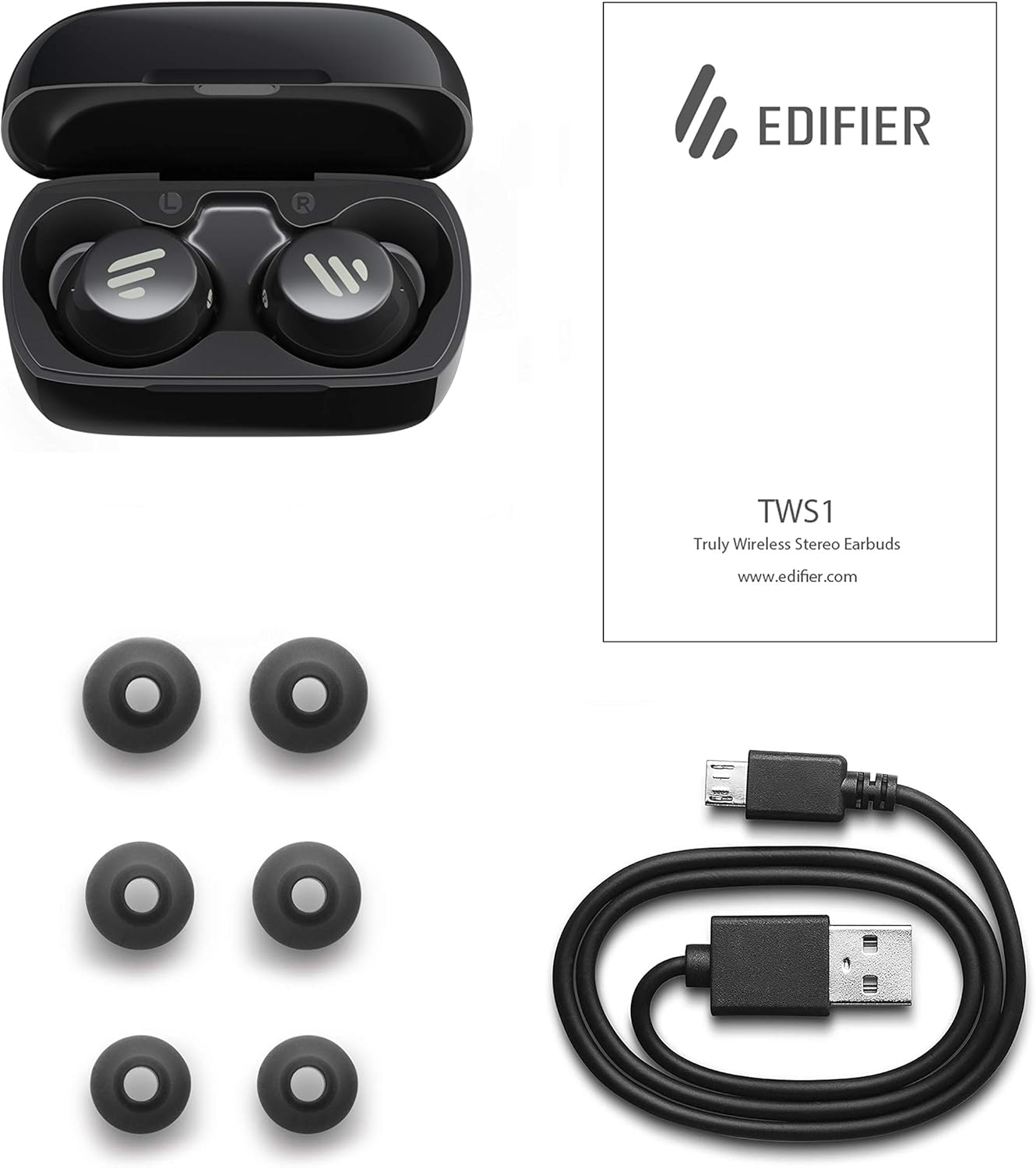
Image: The Edifier TWS1 earbuds, charging case, USB charging cable, and various sizes of ear tips are displayed alongside the user manual, illustrating the complete package contents.
Configuración
1. Carga dos auriculares e da funda
Before first use, fully charge the earbuds and the charging case. Place the earbuds into the charging case. Connect the USB charging cable to the charging port on the case and a power source. The indicator light on the case will show charging status. Once fully charged, the indicator will change or turn off.
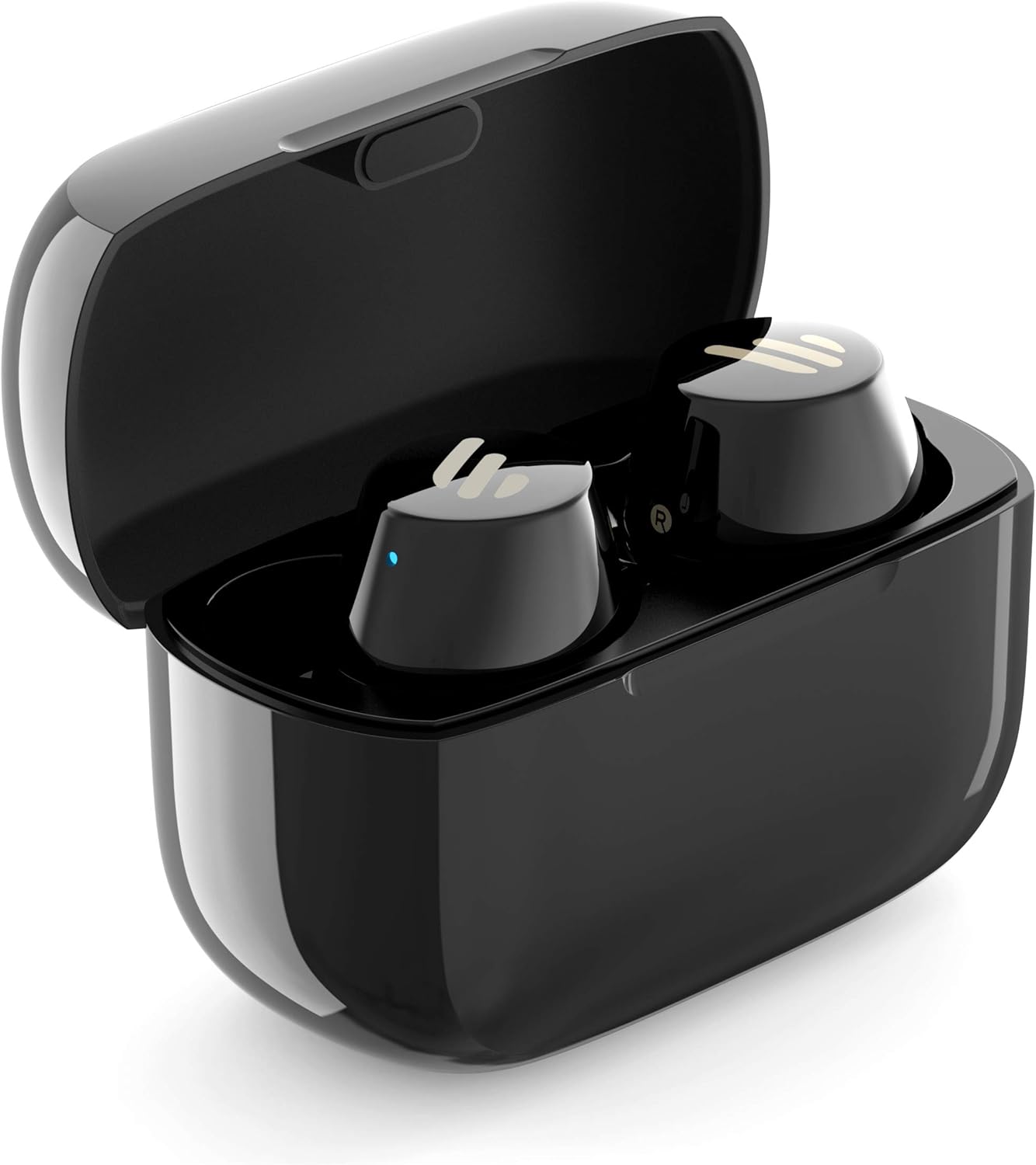
Image: The Edifier TWS1 earbuds are shown nestled within their open charging case, with a blue indicator light visible, signifying charging or power status.
2. Emparejamento cun dispositivo
- Asegúrate de que os auriculares estean cargados.
- Open the charging case. The earbuds will automatically enter pairing mode, and the indicator light on one earbud will flash rapidly.
- No teu dispositivo (teléfono intelixente, tableta, portátil), activa o Bluetooth e busca novos dispositivos.
- Seleccione "EDIFIER TWS1" na lista de dispositivos dispoñibles.
- Once connected, the indicator light on the earbuds will stop flashing.
3. Colocación dos auriculares
Choose the ear tips that provide the most comfortable and secure fit for your ears. Insert the earbuds into your ear canals and gently twist them until they feel snug and stable. A proper fit is crucial for optimal sound quality and noise isolation.
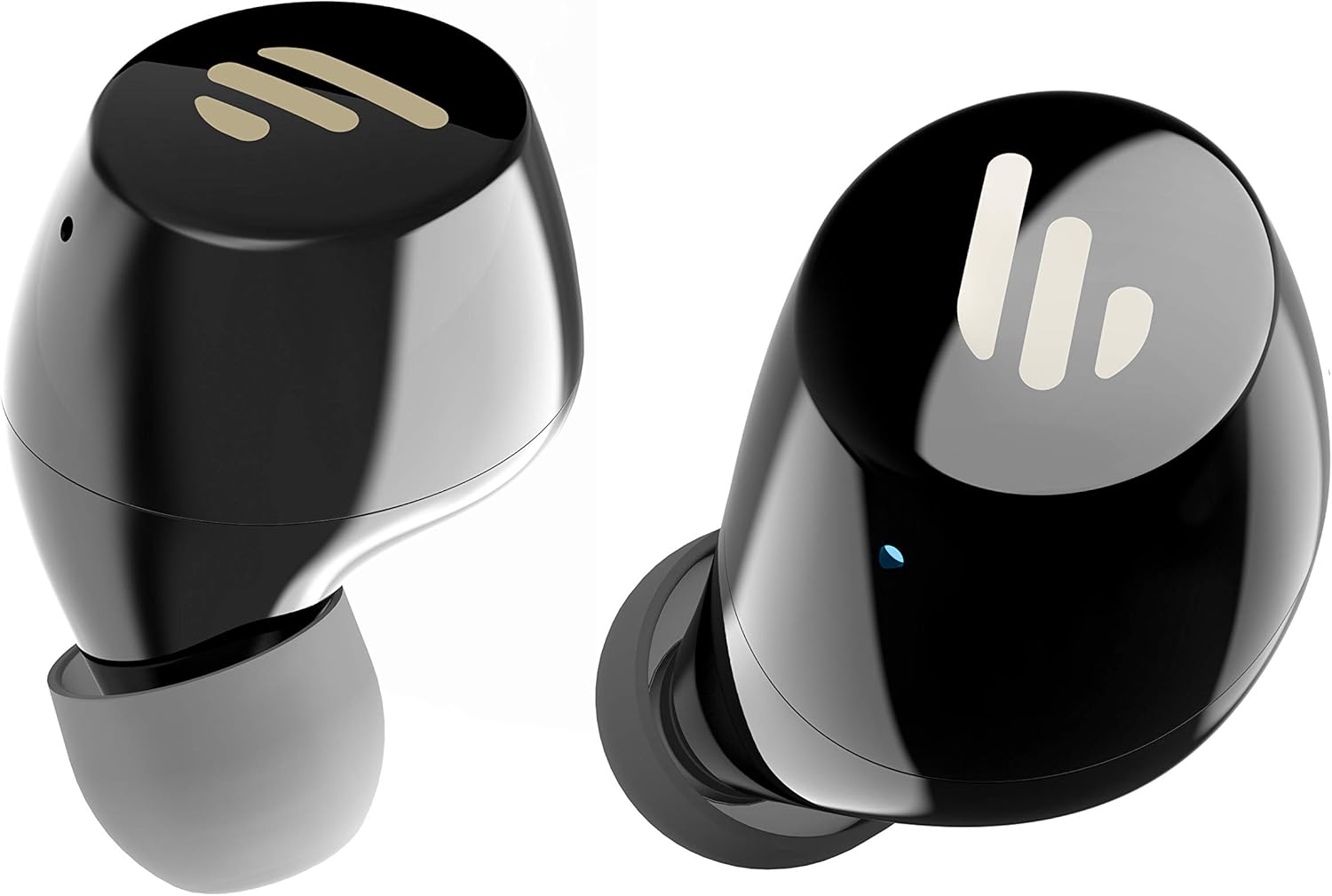
Imaxe: Unha detallada view of the Edifier TWS1 earbuds, highlighting their ergonomic shape and the silicone ear tips designed for a comfortable and secure in-ear fit.
Instrucións de funcionamento
The Edifier TWS1 earbuds feature touch controls for easy operation.
- Encendido: Os auriculares acéndense automaticamente ao retiralos da caixa de carga.
- Apagado: Place earbuds back into the charging case to power off automatically.
- Reproducir/Pausa: Toca dúas veces o panel táctil de calquera dos auriculares.
- Próxima pista: Triple-tap the touch panel on the right earbud.
- Pista anterior: Triple-tap the touch panel on the left earbud.
- Responder/Finalizar chamada: Toca dúas veces o panel táctil de calquera dos auriculares.
- Rexeitar a chamada: Press and hold the touch panel on either earbud for 2 seconds.
- Activar o asistente de voz: Press and hold the touch panel on the left earbud for 2 seconds.
Mantemento
- Limpeza: Limpa regularmente os auriculares e a caixa de carga cun pano suave e seco. Non empregues produtos de limpeza abrasivos nin solventes.
- Resistencia á auga: The earbuds are IPX5 rated, meaning they are resistant to splashes and sweat. Do not submerge them in water or expose them to heavy rain. Ensure the charging port is dry before charging.
- Almacenamento: Cando non estean en uso, garde os auriculares no seu estoxo de carga para protexelos e mantelos cargados. Garde nun lugar fresco e seco, lonxe de temperaturas extremas.
- Coidado da batería: To preserve battery life, avoid fully discharging the earbuds and charging case frequently. Charge them regularly, even if not in constant use.
Resolución de problemas
If you encounter issues with your Edifier TWS1 earbuds, please refer to the following common solutions:
| Problema | Solución |
|---|---|
| Os auriculares non se acenderon. | Ensure the earbuds and charging case are fully charged. Place earbuds in the case and close it, then open to power on. |
| Non se pode emparellar co dispositivo. | Make sure Bluetooth is enabled on your device. Ensure earbuds are in pairing mode (flashing indicator). Try forgetting the device in your Bluetooth settings and re-pairing. |
| Só funciona un auricular. | Place both earbuds back into the charging case, close the lid, and then open it again. This should re-sync them. If the issue persists, try resetting the earbuds. |
| Sen son ou volume baixo. | Check the volume level on both your device and the earbuds. Ensure earbuds are properly seated in your ears. Try cleaning the ear tips and speaker mesh. |
| Problemas de carga. | Ensure the charging cable is securely connected. Try a different USB port or power adapter. Clean the charging contacts on the earbuds and inside the case. |
Restablecemento de fábrica
If problems persist, a factory reset may resolve them:
- Coloque os dous auriculares no estoxo de carga.
- Press and hold the touch panel on both earbuds simultaneously for approximately 8 seconds until the indicator lights flash rapidly, then release.
- Saca os auriculares da funda e tenta emparellalos de novo co dispositivo.
Especificacións
| Característica | Detalle |
|---|---|
| Nome da marca | Edificador |
| Nome do modelo | TWS1 BK |
| Número de modelo do artigo | TWS1_BK |
| Cor | Negro |
| Materiais | Plástico |
| Tecnoloxía de conectividade | Sen fíos |
| Tecnoloxía de comunicación sen fíos | Bluetooth |
| Factor de forma dos auriculares | En Orella |
| Colocación do oído | En Orella |
| Conector para auriculares | Sen Jack |
| Método de control | Toca |
| Nivel de resistencia á auga | Resistente á auga (IPX5) |
| Dispositivos compatibles | Teléfonos intelixentes, tabletas, portátiles, ordenadores de sobremesa |
| Usos específicos do produto | Comunicación |
| Dimensións do produto | 2.32 x 1.72 x 2.04 cm; 130 gramos |
| Compoñentes incluídos | TWS1 Earbuds |
| Descrición do intervalo de idade | Adulto |
Garantía e Soporte
Os produtos Edifier están deseñados e fabricados cos máis altos estándares de calidade. Para obter información sobre a cobertura da garantía, consulte a tarxeta de garantía incluída co seu produto ou visite o sitio web oficial de Edifier. website. For technical support or further assistance, please contact Edifier customer service through their official channels.