
Fellowes CRC34008
Fellowes CRC34008 Cross-Cut Paper Shredder Instruction Manual
Modelo: CRC34008
1. Instrucións de seguridade importantes
Please read these instructions carefully before using your Fellowes CRC34008 Cross-Cut Paper Shredder. Failure to follow these instructions may result in injury or damage to the shredder.
- Keep hands, jewelry, loose clothing, and hair away from the paper entry slot.
- Keep children and pets away from the shredder at all times.
- Desconecte a trituradora antes de movela, limpala ou baleirar o colector de lixo.
- Do not use aerosol products, petroleum-based lubricants, or flammable products on or near the shredder.
- Do not shred metal objects, large paper clips, or continuous forms.
- Ensure the shredder is placed on a level surface.
- Non faga funcionar a trituradora se o cable de alimentación está danado.
2. Configuración
Follow these steps to set up your shredder for first-time use.
- Desembalar a trituradora: Retire con coidado a trituradora e os seus compoñentes da embalaxe.
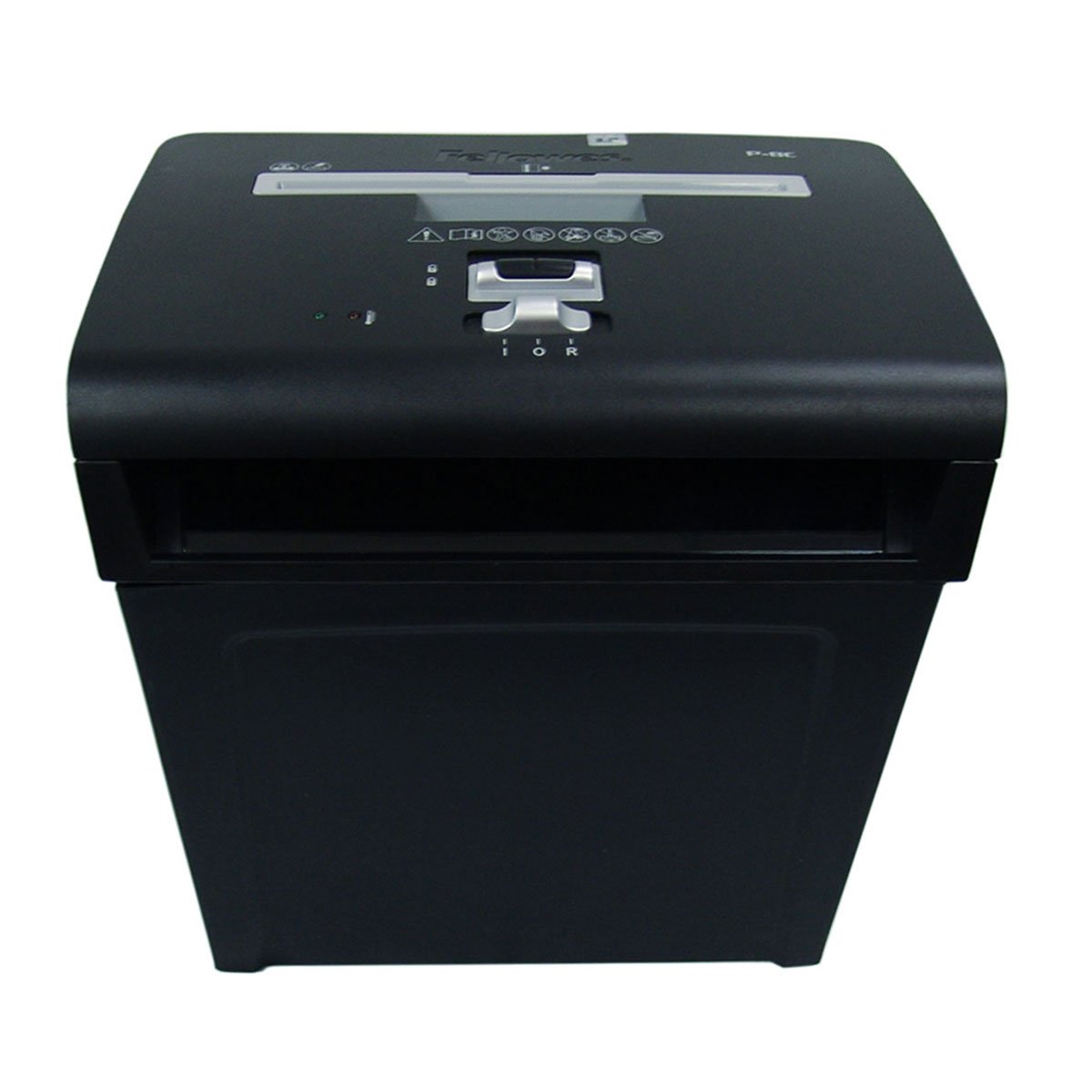
Imaxe 1: Fronte view of the Fellowes CRC34008 Cross-Cut Paper Shredder.
- Position the Waste Bin: Place the shredder head securely on top of the provided waste bin. Ensure it is seated correctly to activate the safety interlock.
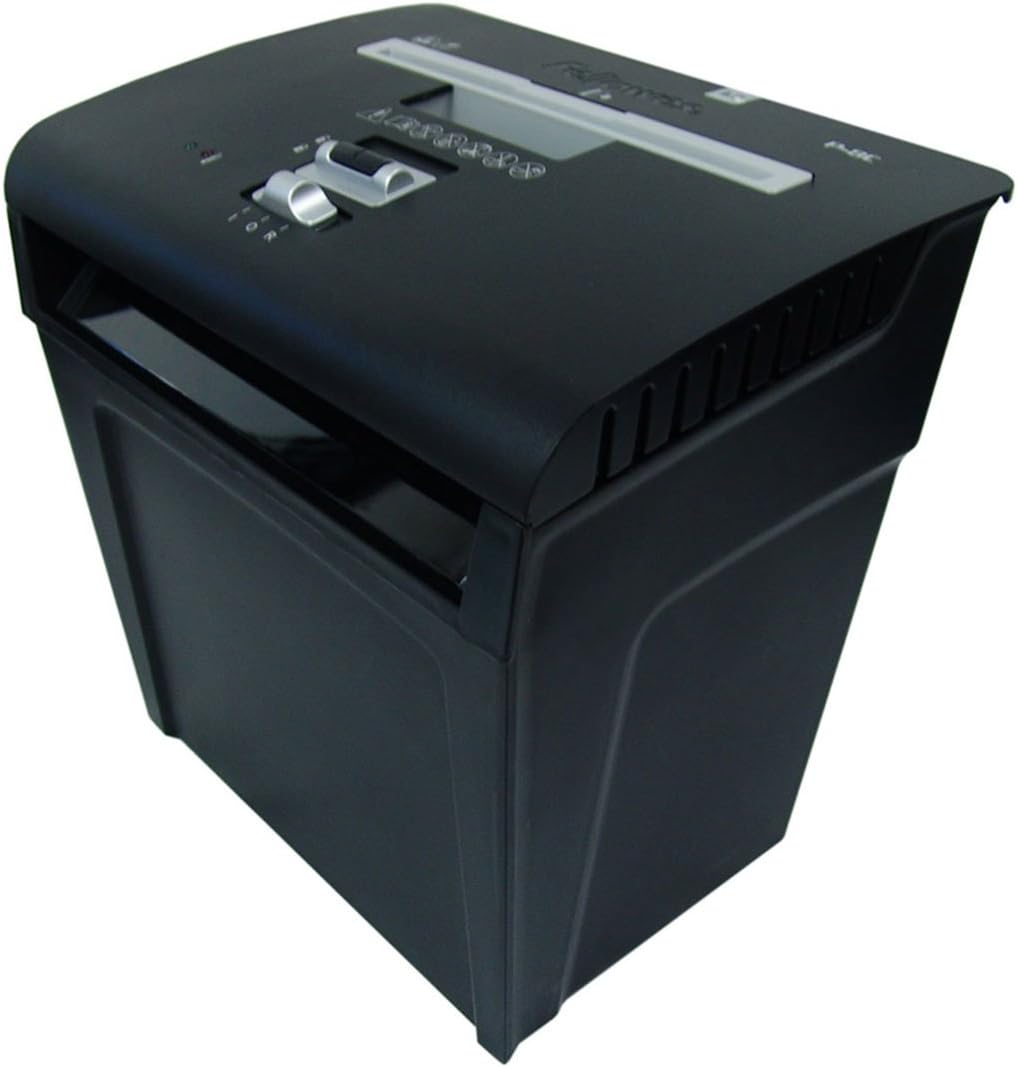
Image 2: The shredder head properly seated on its waste bin.
- Conectar enerxía: Enchufe o cable de alimentación a unha toma eléctrica conectada a terra.

Imaxe 3: Traseira view of the shredder, illustrating the power cord connection.
3. Instrucións de funcionamento
This section details how to operate your shredder safely and effectively.
- Encendido: Locate the control switch on the top of the shredder. Move the switch to the "ON" (I) position. The shredder is now ready for use.

Image 4: Close-up of the shredder's control panel, showing the power switch.
- Papel triturador: Insert paper directly into the paper entry slot. The shredder will automatically start and stop once the paper has passed through. Do not exceed the maximum sheet capacity (refer to specifications).
- Función inversa: In case of a paper jam, move the control switch to the "REV" (R) position to clear the jam.
- Apagado: When finished shredding, move the control switch to the "OFF" (O) position. For extended periods of non-use, unplug the shredder from the power outlet.
4. Mantemento
Un mantemento regular garante un rendemento óptimo e prolonga a vida útil da súa trituradora.
- Baleirar a papeleira: Empty the waste bin regularly to prevent paper jams and ensure continuous operation. Always unplug the shredder before removing the shredder head to empty the bin.
- Lubricando os cortadores: For cross-cut shredders, it is recommended to oil the cutters periodically (e.g., after every 30 minutes of cumulative shredding or when performance decreases). Use only vegetable-based shredder oil. Apply a thin line of oil across the paper entry slot, then run a few sheets of paper through the shredder.
- Limpeza: Limpe o exterior da trituradora cun pano suave e seco. Non empregue produtos de limpeza abrasivos nin solventes.
5 Solución de problemas
Consulta esta sección para obter solucións a problemas comúns.
| Problema | Causa posible | Solución |
|---|---|---|
| A trituradora non arranca. |
|
|
| Atasco de papel. |
|
|
| Shredder runs continuously. |
|
|
6. Especificacións
Key technical details for the Fellowes CRC34008 Cross-Cut Paper Shredder.
- Modelo: CRC34008
- Tipo de trituración: Corte transversal
- Capacidade da folla: Up to 8 sheets (70gsm paper)
- Tamaño de trituración: Approximately 4x35mm
- Capacidade do lixo: Aproximadamente 15 litros
- Ciclo de traballo: 3-5 minutes on / 20-30 minutes off (approximate, to prevent overheating)
- Ancho da gorxa: 220 mm
- Vol. De entradatage: 120V AC, 60Hz (typical for North America)
Nota: As especificacións son aproximadas e poden variar lixeiramente.
7. Garantía e soporte
For warranty information and technical support, please refer to the official Fellowes websitio ou póñase en contacto co seu departamento de atención ao cliente.
Soporte en liña: Visita www.fellowes.com/support
Atención ao cliente: Refer to your product packaging or the Fellowes websitio web para obter información de contacto rexional.
Ask a question about this manual
Ask about setup, troubleshooting, compatibility, parts, safety, or missing instructions. Manuals+ will review the question and use this page’s manual context to help answer it.