
HyperGear 15077
HyperGear RaveMini Portable Wireless LED Speaker Instruction Manual
Modelo: 15077
Introdución
The HyperGear RaveMini is a compact, portable wireless speaker designed to deliver powerful sound with an interactive, beat-driven LED light show. This speaker is suitable for both indoor and outdoor use, offering extended battery life and multiple playback options for a versatile audio experience.

The HyperGear RaveMini speaker and its packaging.
O que hai na caixa
- HyperGear RaveMini Portable Wireless LED Speaker
- Cable de carga micro USB
- 3.5mm Stereo Auxiliary Cable
Características
- Small Size, Big Sound: Engineered with a 40mm neodymium driver for room-filling sound.
- Beat-Driven LED Lightshow: Multi-colored LEDs flash to the beat of your music.
- Conectividade sen fíos: Connects with any Bluetooth device within a 33-foot range.
- Duración prolongada da batería: Built-in rechargeable battery provides up to 3 hours of wireless playback on a single charge.
- Comunicación mans libres: Integrated microphone and intuitive controls for managing calls and playlists.
- Múltiples opcións de reprodución: Supports Bluetooth, Aux-in, Micro SD memory card, and USB flash drive audio playback.

The RaveMini combines HD sound with a vibrant LED lightshow.

The multi-colored LED lights dance to the beat of the music.
Configuración
Cargando o altofalante
Before first use, fully charge your RaveMini speaker. Connect the included Micro USB charging cable to the speaker's charging port and the other end to a USB power source (e.g., wall adapter, computer USB port). The charging time is approximately 1 hour, providing up to 3 hours of playback.
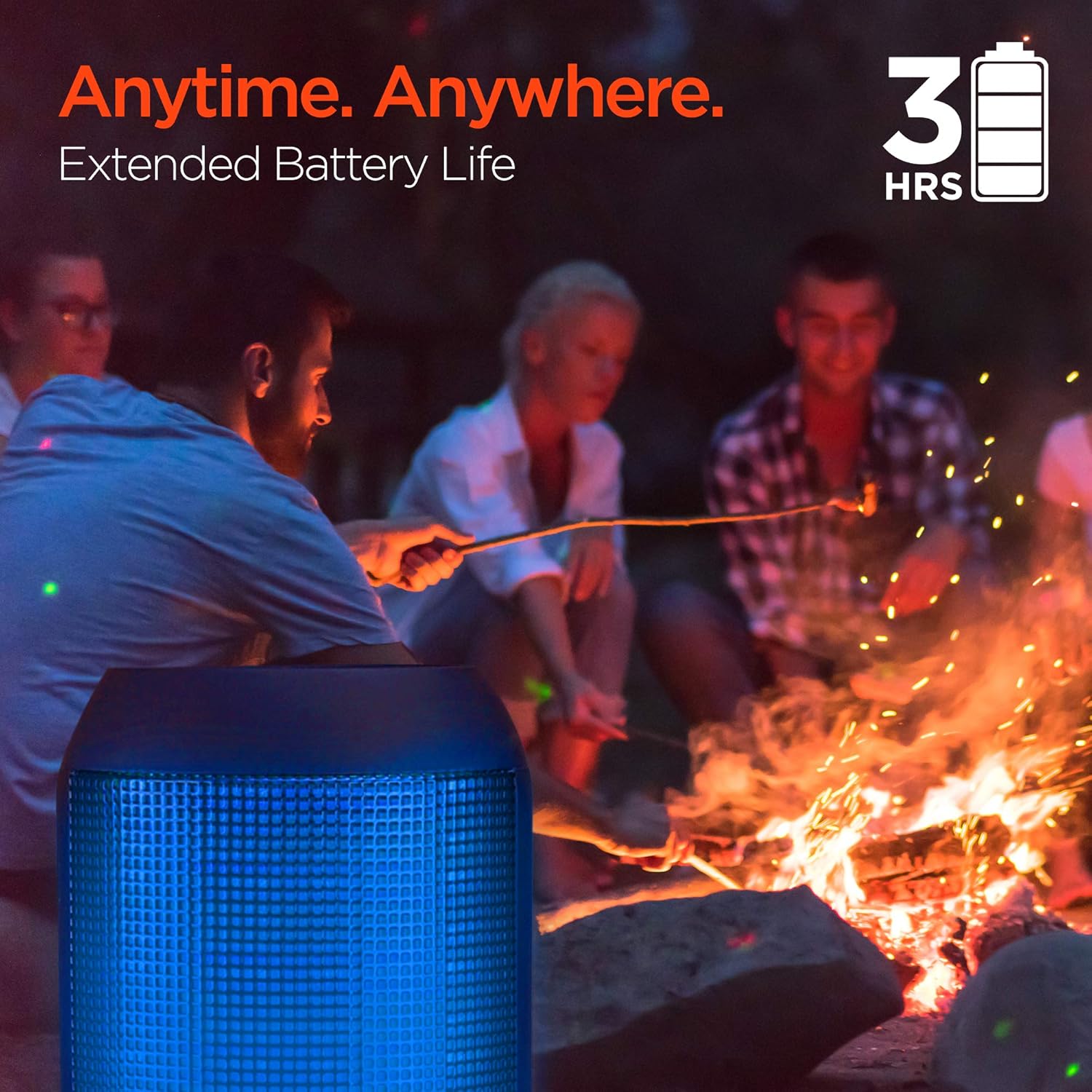
Enjoy up to 3 hours of music with the RaveMini's extended battery life.
Encendido/apagado
Locate the power button on the speaker. Press and hold the power button for a few seconds to turn the speaker on or off. An audible cue or LED indicator will confirm the power status.
Emparejamento Bluetooth
- Ensure the RaveMini speaker is powered on and in pairing mode (usually indicated by a flashing LED light).
- No teu dispositivo con Bluetooth (teléfono intelixente, tableta, etc.), vai á configuración de Bluetooth.
- Busca available devices and select "HyperGear RaveMini" (or similar name) from the list.
- Once connected, the speaker will provide an audible confirmation, and the LED light may change to a solid color.
- The speaker has a wireless range of up to 33 feet.
Funcionamento do altofalante
Controis e funcións
The RaveMini features intuitive controls for managing your audio and calls directly from the speaker. Refer to the specific button layout on your device for functions such as:
- Reproducir/pausar música
- Adjust Volume (Volume Up/Down)
- Skip Tracks (Next/Previous)
- Responder/Finalizar chamadas
- Activate Voice Assistant (if supported)
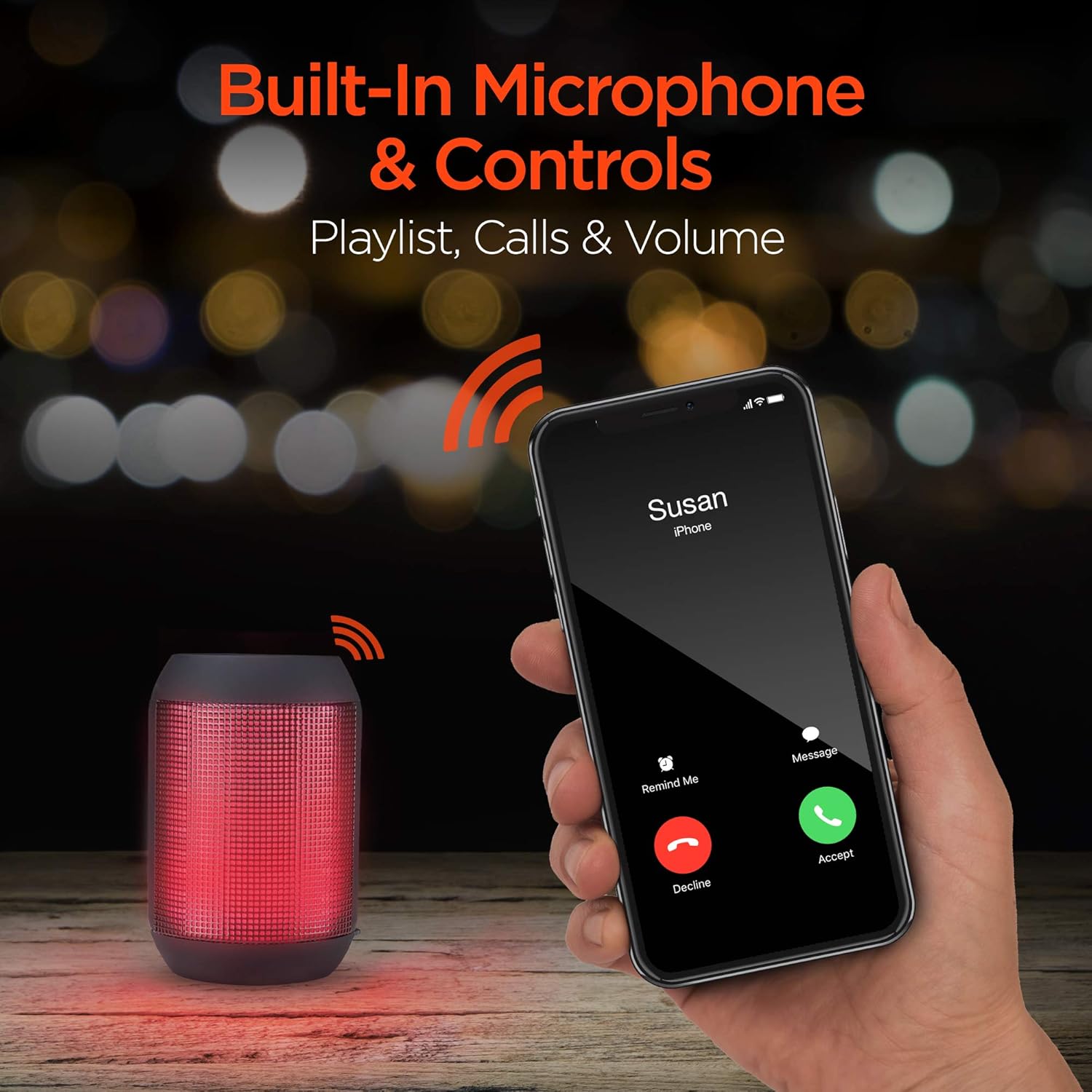
Built-in microphone and controls allow for hands-free calls and playlist navigation.
Modos de reprodución
The RaveMini offers four ways to play your audio:
- Bluetooth: Conéctate sen fíos ao teu teléfono intelixente, tableta ou outros dispositivos con Bluetooth.
- Entrada auxiliar: Use the included 3.5mm stereo auxiliary cable to connect to non-Bluetooth devices.
- Tarxeta Micro SD: Insert a Micro SD memory card with audio files na ranura designada.
- Unidade flash USB: Conecta unha unidade flash USB que conteña son files ao porto USB.

The RaveMini supports four versatile playback options.
Mantemento
- Keep the speaker dry. Do not expose it to excessive moisture or liquids.
- Clean the speaker with a soft, dry cloth. Avoid using harsh chemicals or abrasive cleaners.
- Garda o altofalante nun lugar fresco e seco cando non estea en uso.
- Evite deixar caer ou someter o altofalante a fortes impactos.
Resolución de problemas
| Problema | Posible Solución |
|---|---|
| O altofalante non se acende. | Asegúrate de que o altofalante estea completamente cargado. Conéctao a unha fonte de alimentación mediante o cable micro USB. |
| Non se pode sincronizar co dispositivo Bluetooth. |
|
| Sen son ou volume baixo. |
|
| As luces LED non funcionan. | Check if the light show feature is enabled (if there's a dedicated button). Ensure the speaker has sufficient battery charge. |
Especificacións
| Característica | Detalle |
|---|---|
| Nome do modelo | 15077 |
| Tipo de altofalante | Ao aire libre |
| Característica especial | Wireless Music + Calls, HD Stereo Sound, Beat-Driven LED Lightshow, Aux-in, Micro SD & USB compatible |
| Usos recomendados para o produto | Para reprodutores de música |
| Tipo de controlador | Alimentado por batería |
| Cor | Negro |
| Duración da batería | 3 horas |
| Tempo de carga | 1 horas |
| É Impermeable | FALSO |
| Método de control | Aplicación |
| Tecnoloxía de comunicación sen fíos | Bluetooth |
| Tamaño do altofalante | 40 milímetros |
| Fonte de enerxía | Alimentado por batería |
| Número de baterías | 2 pilas AAA necesarias. (incluído) |
| Tipo de controlador de audio | Driver dinámico |
| Alcance Bluetooth | 33 pés |
| Tamaño do controlador de audio | 40 milímetros |
| Protocolo de conectividade | Bluetooth |
| Número de portos USB 2 | 1 |
| UPC | 633755150777 |
| Fabricante | HIPERGEAR |
| Peso do elemento | 10.9 onzas |
| ASIN | B07VHTZHJ4 |
| Data de primeira dispoñibilidade | 18 de xullo de 2019 |
| Marca | HyperGear |
| Potencia de saída máxima do altofalante | 5 vatios |
| Tecnoloxía de conectividade | Bluetooth, Auxiliar, USB |
| Modo de saída de audio | Estéreo |
| Tipo de montaxe | Soporte de mesa |
Garantía
The HyperGear RaveMini Portable Wireless LED Speaker comes with a Limited Warranty. For detailed information regarding warranty coverage, terms, and conditions, please refer to the official HyperGear websitio web ou póñase en contacto directamente co servizo de atención ao cliente. Garde o comprobante de compra para reclamacións de garantía.
Apoio
Para obter máis axuda, rexistro de produtos ou para view frequently asked questions, please visit the official HyperGear websitio:
Visit the HyperGear Store on Amazon
You may also contact HyperGear customer service for direct support.