
1. Introdución
This manual provides essential information for the proper setup, operation, and maintenance of your Snopy Rampage SG-R601 USB Gamepad. This gamepad is designed for use with PlayStation 3 (PS3) and Personal Computers (PC), offering a reliable wired connection for an enhanced gaming experience. Please read these instructions carefully before using the product.
2. Contido do paquete
- 1x Snopy Rampage SG-R601 USB Gamepad
3. Configuración
3.1 Conexión a un PC
- Asegúrate de que o teu PC estea acendido.
- Localiza un porto USB dispoñible no teu ordenador.
- Plug the USB connector of the SG-R601 Gamepad into the USB port.
- O sistema operativo detectará e instalará automaticamente os controladores necesarios. Este proceso pode tardar uns intres.
- Once the drivers are installed, the gamepad is ready for use. You may need to configure the gamepad within your game settings.
3.2 Connecting to a PlayStation 3 (PS3)
- Asegúrate de que a túa consola PS3 estea acendida.
- Locate an available USB port on your PS3 console.
- Plug the USB connector of the SG-R601 Gamepad into the USB port.
- The PS3 console will recognize the gamepad. It should function as a standard wired controller.
4. Instrucións de funcionamento
The Snopy Rampage SG-R601 Gamepad features a standard layout for intuitive control in various games.
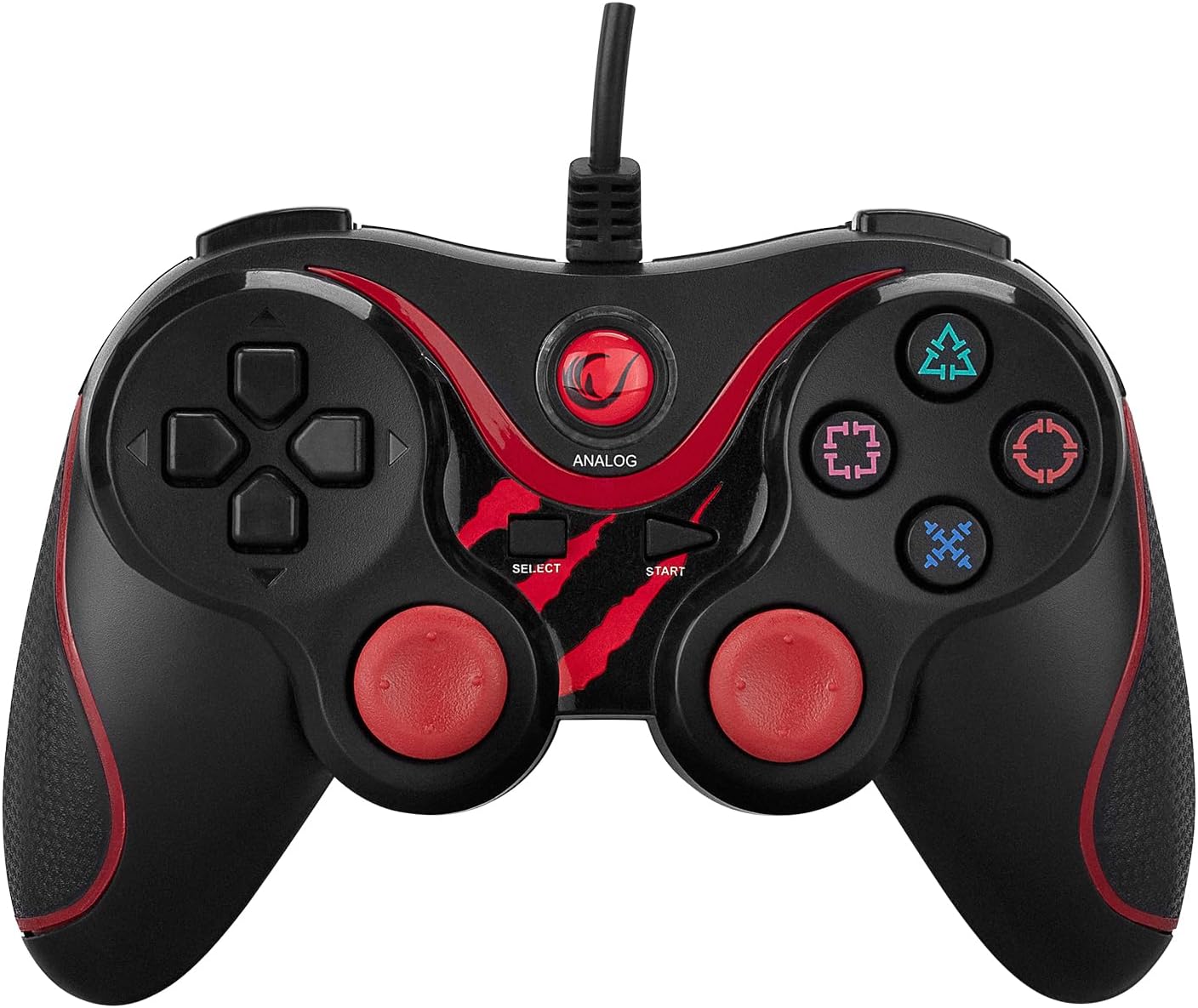
Figura 1: Fronte view of the Snopy Rampage SG-R601 USB Gamepad, showing the D-pad, action buttons, analog sticks, and central function buttons.
4.1 Disposición e funcións dos botóns
- Pad direccional (D-Pad): Located on the left, used for precise directional input.
- Joystick analóxico esquerdo: Located below the D-Pad, provides analog movement control.
- Joystick analóxico dereito: Located on the right, provides analog camera or aiming control.
- Botóns de acción: Typically labeled as Triangle, Circle, Cross (X), Square (or similar symbols), used for in-game actions.
- Botón INICIO: Used to pause games or access menus.
- Botón SELECCIONAR: Used for various in-game functions or menu navigation.
- ANALOG Button: Toggles between digital and analog modes for the left stick and D-pad, if supported by the game. An indicator light may illuminate when in analog mode.
- Botóns de ombreiro (L1, R1): Located on the top front edge of the gamepad.
- Botóns de disparo (L2, R2): Located below the shoulder buttons on the top front edge.

Figura 2: Arriba view of the Snopy Rampage SG-R601 USB Gamepad, highlighting the L1, R1, L2, and R2 buttons and the cable connection point.
4.2 Retroalimentación de vibración
The gamepad supports vibration feedback in compatible games, providing tactile sensations for in-game events such as impacts or explosions. This feature is automatically enabled when supported by the game and platform.
5. Mantemento
5.1 Limpeza
- Disconnect the gamepad from your device before cleaning.
- Usa un pano suave e seco para limpar a superficie do gamepad.
- Para a sucidade persistente, d lixeiramenteampEnxágüe o pano con auga ou unha solución de limpeza suave. Evite produtos químicos agresivos ou materiais abrasivos.
- Do not allow liquids to enter the gamepad's internal components.
5.2 Almacenamento
- Garda o gamepad nun lugar fresco e seco, lonxe da luz solar directa e de temperaturas extremas.
- Avoid wrapping the cable too tightly around the gamepad to prevent damage to the cable or connector.

Figura 3: Lateral view of the Snopy Rampage SG-R601 USB Gamepad, illustrating the ergonomic design and textured grip for comfortable handling.
6 Solución de problemas
If you encounter issues with your gamepad, please refer to the following common problems and solutions:
- Gamepad not recognized by PC/PS3:
- Ensure the USB cable is securely plugged into both the gamepad and the device.
- Proba a conectar o gamepad a outro porto USB.
- Restart your PC or PS3 console.
- For PC, check Device Manager to see if the gamepad is listed and if there are any driver issues.
- Buttons or analog sticks are unresponsive/behaving erratically:
- Test the gamepad on another game or device to determine if the issue is with the gamepad or the specific game/software.
- Ensure the gamepad is in the correct mode (digital/analog) if applicable, by pressing the ANALOG button.
- Clean around the buttons and analog sticks to remove any debris that might be causing interference.
- Sen retroalimentación de vibración:
- Verifica que o xogo ao que estás a xogar admite a retroalimentación por vibración.
- Revisa a configuración do xogo para asegurarte de que a vibración estea activada.
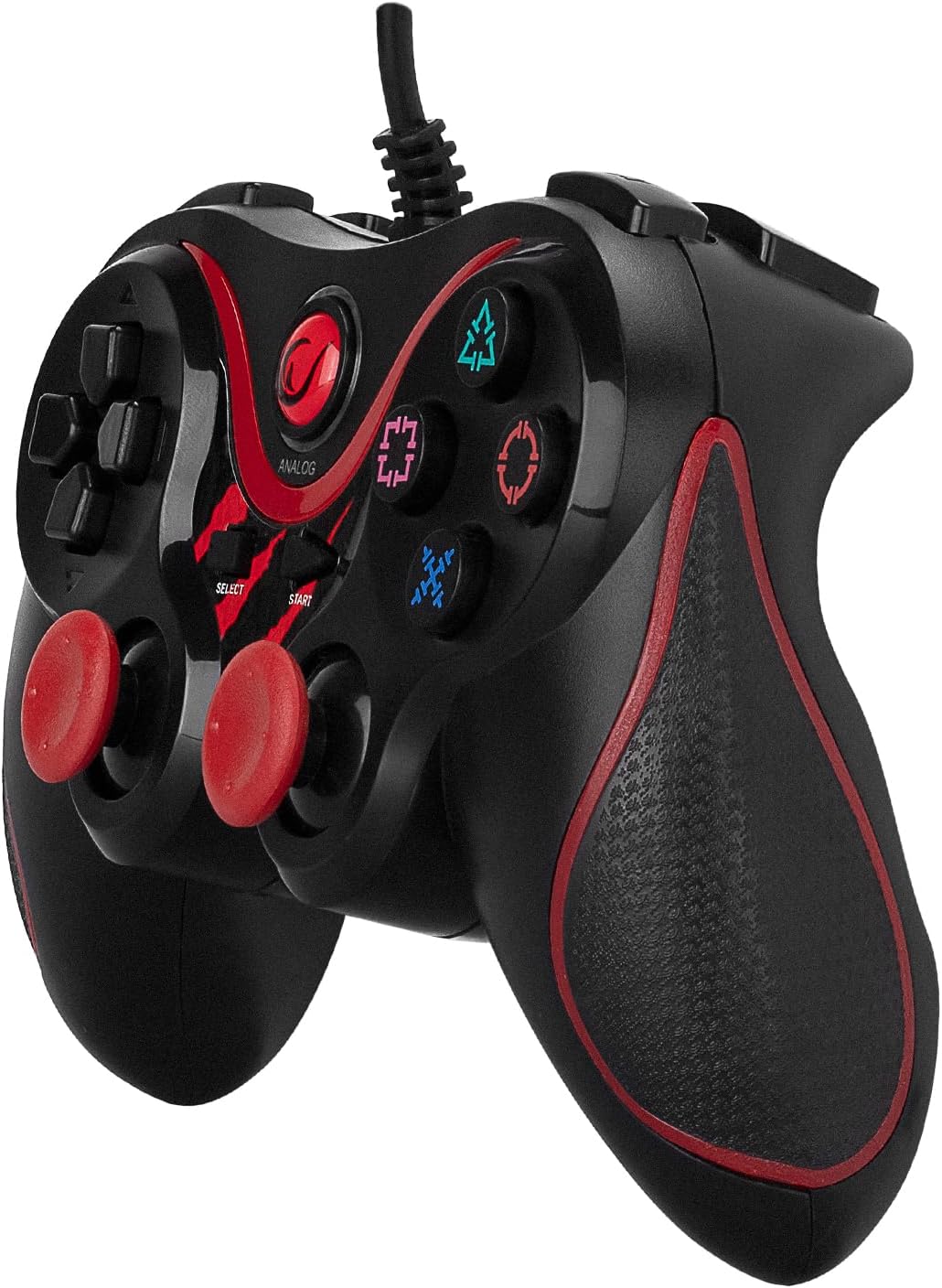
Figura 4: En ángulo view of the Snopy Rampage SG-R601 USB Gamepad, showcasing its overall design and button placement from a different perspective.
7. Especificacións
| Característica | Detalle |
|---|---|
| Marca | Rampidade |
| Nome do modelo | SG-R601 |
| Dispositivos compatibles | PlayStation 3, PC |
| Tipo de controlador | Gamepad |
| Tecnoloxía de conectividade | USB |
| Número de botóns | 10 |
| Plataforma de hardware | PlayStation |
| Fonte de enerxía | Eléctrico con cable |
| Modelos de consolas de videoxogos compatibles | sony_playstation_3 |
| Peso do produto | 0.17 quilogramos |
| Dimensións do produto | 6 x 9.4 x 15.5 centímetros |
| Fabricante | Snopy |
| Nome do tipo de produto | Joypad |
| Número de peza | 30489 |
| Cor | Vermello |
8. Información da garantía
Warranty details for the Snopy Rampage SG-R601 USB Gamepad are typically provided at the point of purchase or can be found on the manufacturer's official websitio. Garde o comprobante de compra para calquera reclamación de garantía.
9. Apoio
For further assistance, technical support, or inquiries not covered in this manual, please contact the manufacturer's customer service or visit their official support channels. Contact information is usually available on the product packaging or the manufacturer's websitio.