
1. Introdución
The Xtrfy M4 RGB is an ultra-light wired gaming mouse designed for right-handed users, offering an ergonomic form factor combined with high-performance features. This manual provides essential information for setting up, operating, customizing, and maintaining your mouse to ensure optimal performance and longevity.

Figura 1: Arriba view of the Xtrfy M4 RGB mouse in white, showcasing its perforated shell design and illuminated scroll wheel and logo.
2. Configuración
Setting up your Xtrfy M4 RGB mouse is straightforward, requiring no additional software installation for basic functionality.
- Conecta o rato: Plug the USB connector of the Xtrfy EZcord cable into an available USB port on your computer.
- Instalación de controladores: The mouse is plug-and-play. Your operating system will automatically detect and install the necessary drivers. No manual driver installation is typically required.
- Uso inicial: Unha vez conectado, o rato está listo para o seu uso inmediato.

Figure 2: The Xtrfy M4 RGB mouse positioned on a dark mouse pad, with a white mechanical keyboard in the background, illustrating a typical gaming setup.
3. Características clave
- Ultra-Light Design: Weighing approximately 2.5 ounces, the mouse features an ergonomic design for right-handers with a perforated structure for enhanced grip and comfort.
- Pixart 3389 Sensor: Equipped with a cutting-edge Pixart 3389 sensor, offering spontaneous sensitivity settings from 400 to 16,000 CPI, a polling rate from 125 to 1,000 Hz, 400 IPS, and self-adjusting FPS for top-tier performance.
- Adaptable RGB Lighting: Customize your mouse with individual colors or various LED effects. Brightness can be adjusted, or lighting can be switched off entirely, with all settings controllable directly on the mouse.
- Flexible Xtrfy EZcord Cable: The soft, lightweight, and flexible 1.8-meter USB cable ensures smooth mouse movements and matches the mouse’s color.
- Dust and Splash-Proof: An even coating on the internal components provides optimal protection against dust and water splashes.
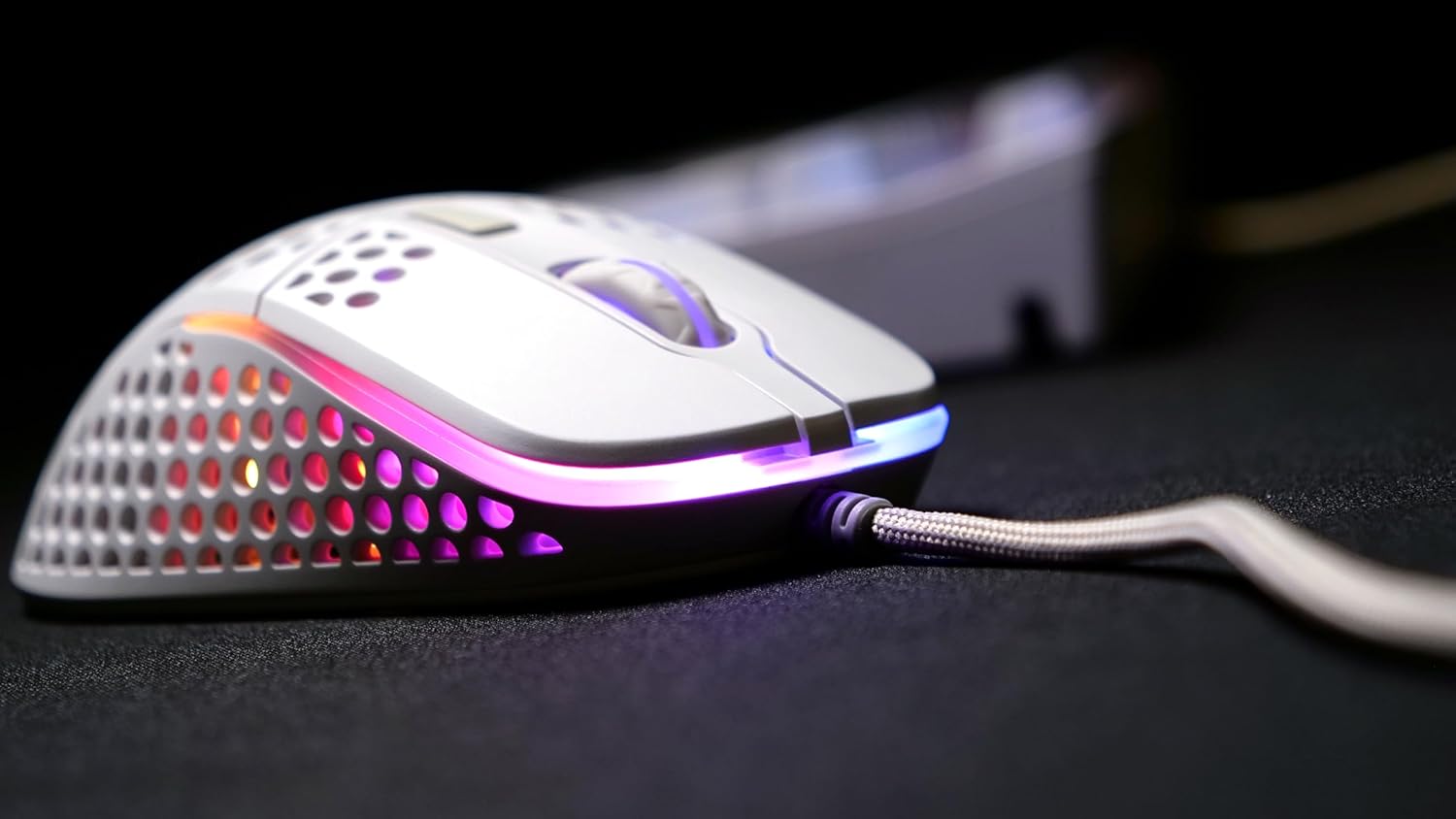
Figura 3: Lado A view of the Xtrfy M4 RGB mouse, highlighting the ergonomic shape and the customizable RGB lighting strip along its base.
4. Instrucións de funcionamento
4.1 Funcións básicas do rato
- Clic esquerdo: Botón de acción principal.
- Clic dereito: Botón de acción secundaria, normalmente para menús contextuais.
- Roda de desprazamento: Úsase para o desprazamento vertical. Tamén se pode premer para unha función do botón central do rato.
- Botóns laterais: Two programmable buttons located on the left side of the mouse for quick access to in-game commands or desktop functions.
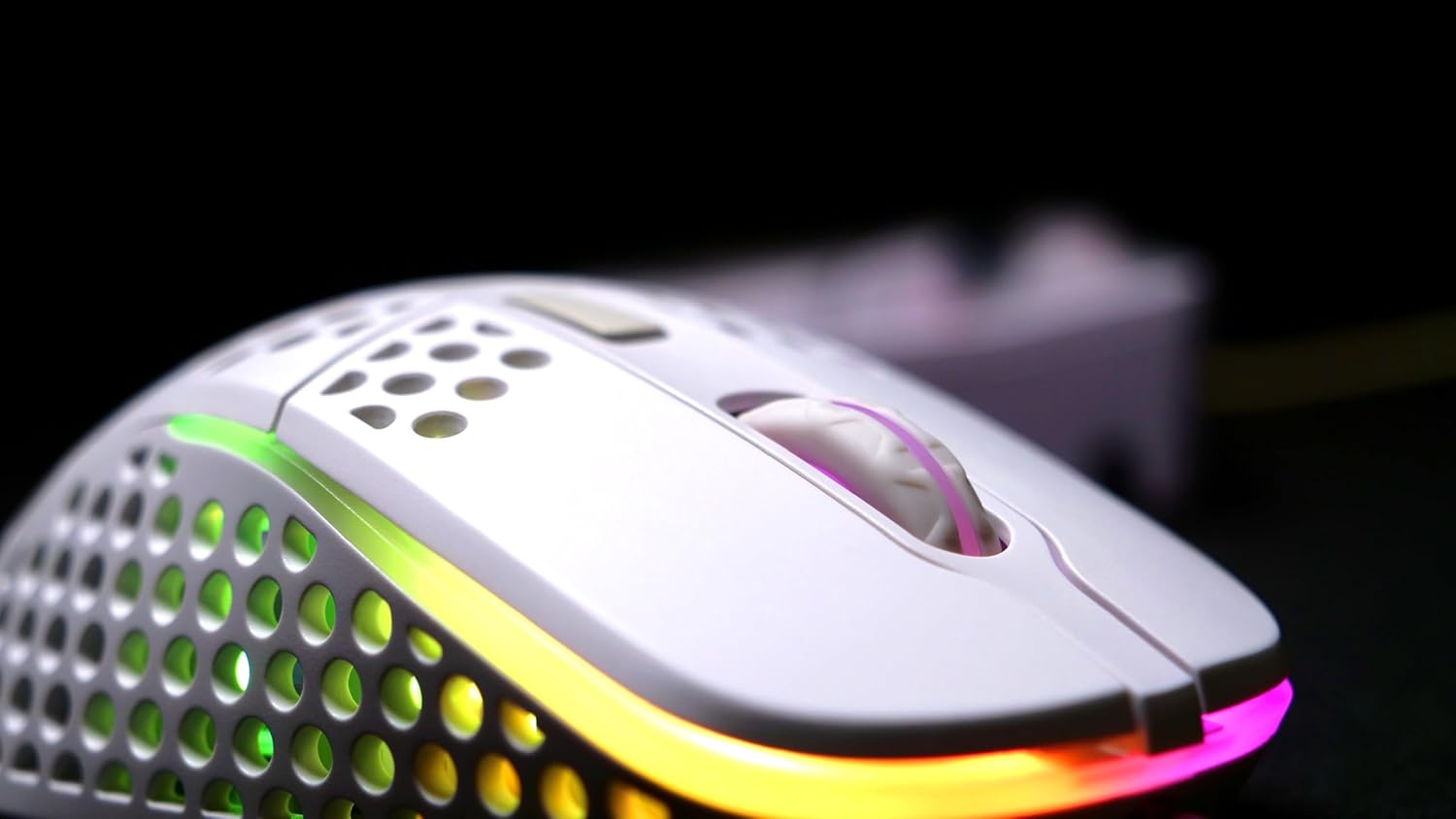
Figura 4: Detalle view of the Xtrfy M4 RGB mouse's scroll wheel and primary click buttons, with subtle RGB glow.
4.2 CPI/DPI Adjustment
The mouse allows for on-the-fly adjustment of CPI (Counts Per Inch) settings, which directly affects cursor sensitivity.
- Locate the dedicated CPI button, usually on the underside of the mouse or near the scroll wheel.
- Press the CPI button to cycle through predefined sensitivity levels (e.g., 400, 800, 1200, 1600, 3200, 6400, 12000, 16000 CPI). An indicator light will typically change color to show the current setting.
4.3 Axuste da taxa de sondaxe
The polling rate determines how often the mouse reports its position to the computer. Higher polling rates result in smoother and more responsive tracking.
- Refer to the mouse's underside or a small button near the CPI button for polling rate adjustment.
- Cycle through available polling rates (e.g., 125 Hz, 500 Hz, 1000 Hz) to find your preferred setting.
5. Personalización da iluminación RGB
The Xtrfy M4 RGB mouse features customizable RGB lighting that can be adjusted directly on the device.
- Change Colors/Effects: Use the dedicated RGB control button (often located near the scroll wheel or on the underside) to cycle through various lighting modes, colors, and effects.
- Axustar o brillo: Some models allow brightness adjustment through specific button combinations (e.g., holding the RGB button and scrolling the wheel).
- Apagar a iluminación: The lighting can be switched off entirely if desired, typically by cycling through the modes or holding the RGB button.

Figure 5: An angled shot of the Xtrfy M4 RGB mouse, emphasizing its lightweight, perforated design and the dynamic RGB illumination.
6. Mantemento
6.1 Limpeza
To maintain optimal performance and hygiene, regularly clean your mouse.
- Use un pano suave e sen pelusa lixeiramente dampened with water or a mild cleaning solution to wipe the exterior.
- For the perforated areas, use compressed air to remove dust and debris.
- Avoid using harsh chemicals or abrasive materials that could damage the mouse's finish or internal components.
6.2 Dust and Splash Protection
The Xtrfy M4 RGB features an internal coating designed to protect components from dust and splashes. While this offers enhanced durability, it is not fully waterproof. Avoid submerging the mouse in liquids.
7 Solución de problemas
- O rato non responde:
- Asegúrate de que o cable USB estea conectado correctamente a un porto USB que funcione.
- Tenta conectar o rato a un porto USB diferente ou a outro ordenador para descartar problemas co porto ou co sistema.
- Reinicia o teu ordenador.
- Seguimento inconsistente:
- Clean the mouse sensor area on the underside of the mouse.
- Ensure you are using the mouse on a suitable surface, preferably a quality mouse pad.
- Adjust the CPI/DPI settings to see if it resolves the issue.
- A iluminación RGB non funciona:
- Cycle through the lighting modes using the dedicated RGB button.
- Ensure the mouse is properly connected and receiving power.
If issues persist, please refer to the support section for further assistance.
8. Especificacións
| Característica | Detalle |
|---|---|
| Marca | Xtrfy |
| Modelo | XG-M4-RGB |
| Tecnoloxía de conectividade | USB (con cable) |
| Tecnoloxía de detección de movemento | Óptica (Pixart 3389) |
| Rango de CPI/DPI | 400-16,000 |
| Taxa de votación | 125-1,000 Hz |
| Peso do elemento | 2.5 onzas |
| Dimensións do produto (LxWxH) | 1.54 x 4.72 x 2.68 polgadas |
| Características especiais | Ergonomic Design, LED Lights, Lightweight, Dust and Splash-Proof |
9. Garantía e soporte
For warranty information, please refer to the documentation included with your product at the time of purchase or visit the official Xtrfy website. If you encounter any issues not covered in this manual, please contact Xtrfy customer support for assistance.