
Introdución
Thank you for choosing Blukar K9203 In-Ear Headphones. This manual provides essential information for the proper setup, operation, and maintenance of your headphones. Please read it carefully before use.

Image: Diagram illustrating the internal components of the Blukar K9203 in-ear headphones, highlighting dynamic audio quality. A frequency response graph is also shown below the headphone diagram.
Configuración
1. Escolla das almofadas axeitadas
The Blukar K9203 headphones come with four sizes of soft silicone ear tips (XS, S, M, L) to ensure a comfortable and stable fit. Choosing the correct size is crucial for optimal sound quality and noise isolation.
- Test different sizes: Try each ear tip size to find the one that creates a snug seal in your ear canal without causing discomfort.
- Axuste adecuado: A good fit will block out external noise and enhance bass response.

Image: A visual guide showing the four different sizes of silicone ear tips (XS, S, M, L) included with the Blukar K9203 headphones. A person is shown wearing the headphones, demonstrating proper fit.
2. Conectando ao teu dispositivo
The Blukar K9203 headphones feature a standard 3.5mm audio jack for wide compatibility.
- Locate the audio port: Identify the 3.5mm headphone jack on your smartphone, tablet, laptop, or other audio device.
- Insert the jack: Firmly insert the 3.5mm audio jack of the headphones into your device's audio port until it clicks into place.
- Compatibilidade: These headphones are compatible with most devices equipped with a 3.5mm headphone jack.
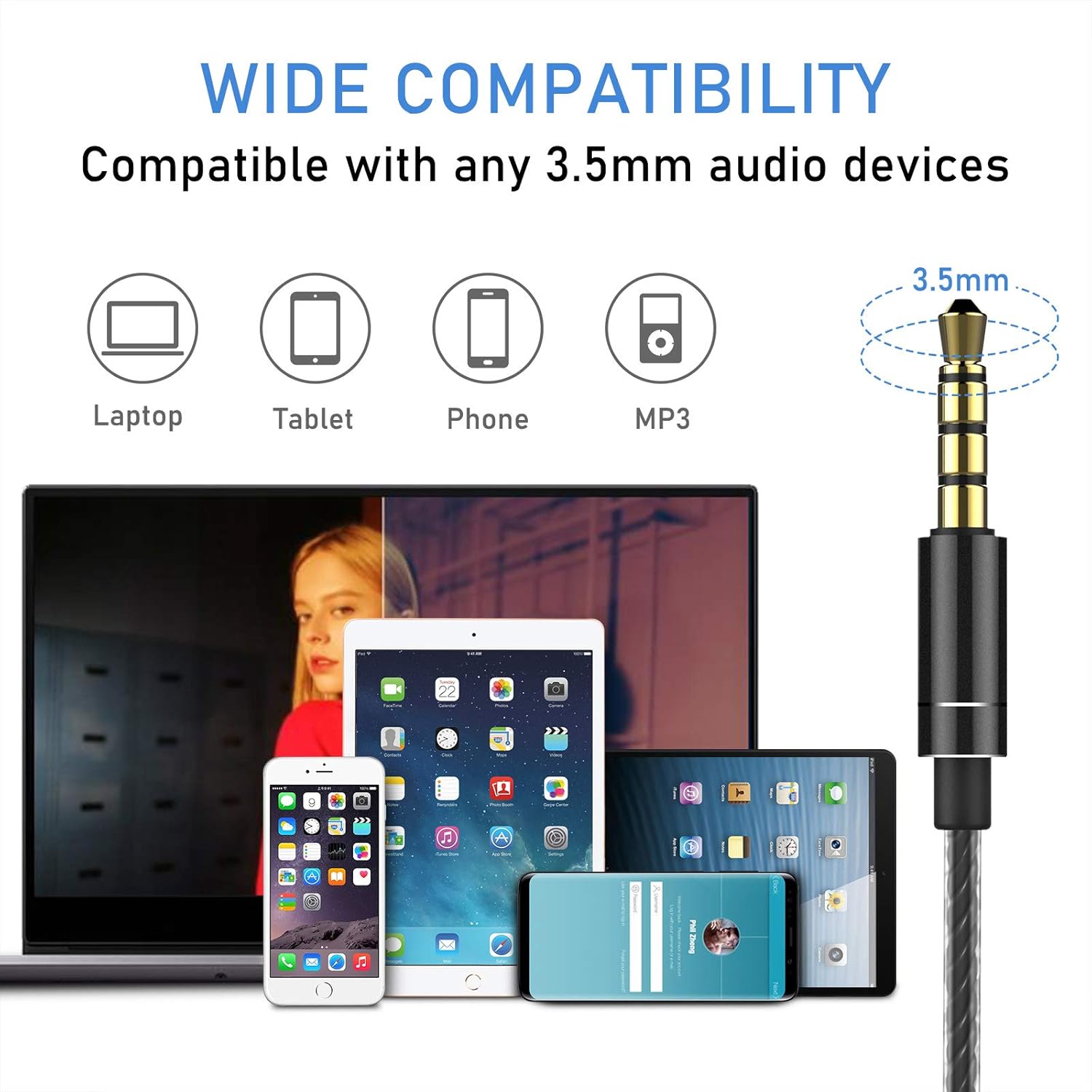
Image: An illustration demonstrating the wide compatibility of the Blukar K9203 headphones' 3.5mm jack with various devices, including laptops, tablets, smartphones, and MP3 players.
Instrucións de funcionamento
The Blukar K9203 headphones feature an in-line remote control with a built-in microphone for convenient audio and call management.
Funcións de control remoto:
| Acción | Función |
|---|---|
| Subir volume (+) | Aumentar o volume |
| Baixar volume (-) | Diminuír o volume |
| Press once (Center Button) | Reproducir/Pausar música; Responder/Finalizar chamada |
| Double click (Center Button) | Próxima canción |
| Triple click (Center Button) | Canción anterior |
| Long press (Center Button) | Rexeitar a chamada entrante |

Imaxe: Unha detallada view of the in-line remote control on the Blukar K9203 headphones, illustrating the functions of each button for music playback and call management.
Uso do micrófono:
The integrated HD microphone allows for clear conversations during calls. Ensure the microphone is positioned appropriately for optimal voice pickup.

Image: Individuals using the Blukar K9203 headphones in different environments, highlighting the noise-isolating capabilities for an immersive audio experience.
Mantemento
Proper care will extend the lifespan of your Blukar K9203 headphones.
- Limpeza: Regularly clean the ear tips with a soft, dry cloth. For deeper cleaning, remove the ear tips and wash them with mild soap and water, ensuring they are completely dry before reattaching.
- Coidado do cable: Avoid sharp bends, twists, or excessive pulling on the cable. Store the headphones neatly to prevent tangling. The durable metal and plastic material of the cable is designed to resist wear, but proper handling is still recommended.
- Almacenamento: When not in use, store the headphones in a clean, dry place, preferably in a protective pouch to prevent dust accumulation and physical damage.
- Evitar a humidade: While the headphones have some water resistance, avoid prolonged exposure to water or high humidity. Do not submerge them in liquid.
Resolución de problemas
If you encounter issues with your Blukar K9203 headphones, refer to the following common solutions:
Sen son ou volume baixo:
- Comprobar a conexión: Asegúrate de que o conector de 3.5 mm estea completamente inserido no porto de son do dispositivo.
- Niveis de volume: Verify that the volume on both your device and the headphone's in-line remote is turned up.
- Fonte de audio: Confirm that the audio is playing correctly from your device's selected output.
- Proba con outro dispositivo: Connect the headphones to a different device to determine if the issue is with the headphones or the original device.
Mala calidade do son (distorsión, son apagado):
- Axuste da punta da orella: Ensure you are using the correct size ear tips for a proper seal. An improper fit can significantly affect sound quality, especially bass.
- Clean Ear Tips/Grilles: Check if the ear tips or headphone grilles are obstructed by earwax or debris. Clean them carefully.
- Calidade da fonte de audio: Low-quality audio files or streaming can result in poor sound. Try playing a high-quality audio file.
O micrófono non funciona:
- Compatibilidade do dispositivo: Ensure your device supports external microphones via the 3.5mm jack.
- Permisos da aplicación: Check microphone permissions in the settings of the app you are using (e.g., calling app, voice recorder).
- Micrófono de proba: Use a voice recording app on your device to test if the microphone is picking up sound.
Especificacións
| Característica | Detalle |
|---|---|
| Marca | Blukar |
| Número de modelo | K9203 |
| Tecnoloxía de conectividade | Con cable (conector de 3.5 mm) |
| Colocación do oído | In-Ear |
| Factor de forma | In-Ear |
| Control de ruído | Illamento acústico |
| Micrófono | Integrado |
| Tipo de control | Volume Control, Button Push |
| Rango de frecuencias | 20 Hz - 20,000 Hz |
| Tipo de controlador de audio | Dinámico |
| Material | Silicona, plástico, metal |
| Características do cable | Durable, 120 cm length |
| Nivel de resistencia á auga | Waterproof (Implies resistance, not submersible) |
| Dispositivos compatibles | Phones, Mobile Phones, Laptops, Tablets |
| Compoñentes incluídos | Cable, Ear Tips (XS/S/M/L) |
| Cor | Gris |
| GTIN (UPC) | 631060836911 |
Información da garantía
Blukar products are designed and manufactured to the highest quality standards. For specific warranty details, please refer to the warranty card included with your purchase or contact Blukar customer support. Typically, a standard manufacturer's warranty covers defects in materials and workmanship under normal use.
Atención ao cliente
If you have any questions, require technical assistance, or need further support regarding your Blukar K9203 In-Ear Headphones, please contact Blukar customer service through the retailer where you purchased the product or visit the official Blukar websitio para información de contacto.
For online support, you may visit the Blukar store page: Blukar Store