
Introdución
This manual provides essential instructions for the safe and efficient use of your Redmi 10000mAh Power Bank (Model PB100LZm). Please read this manual thoroughly before using the product and retain it for future reference.
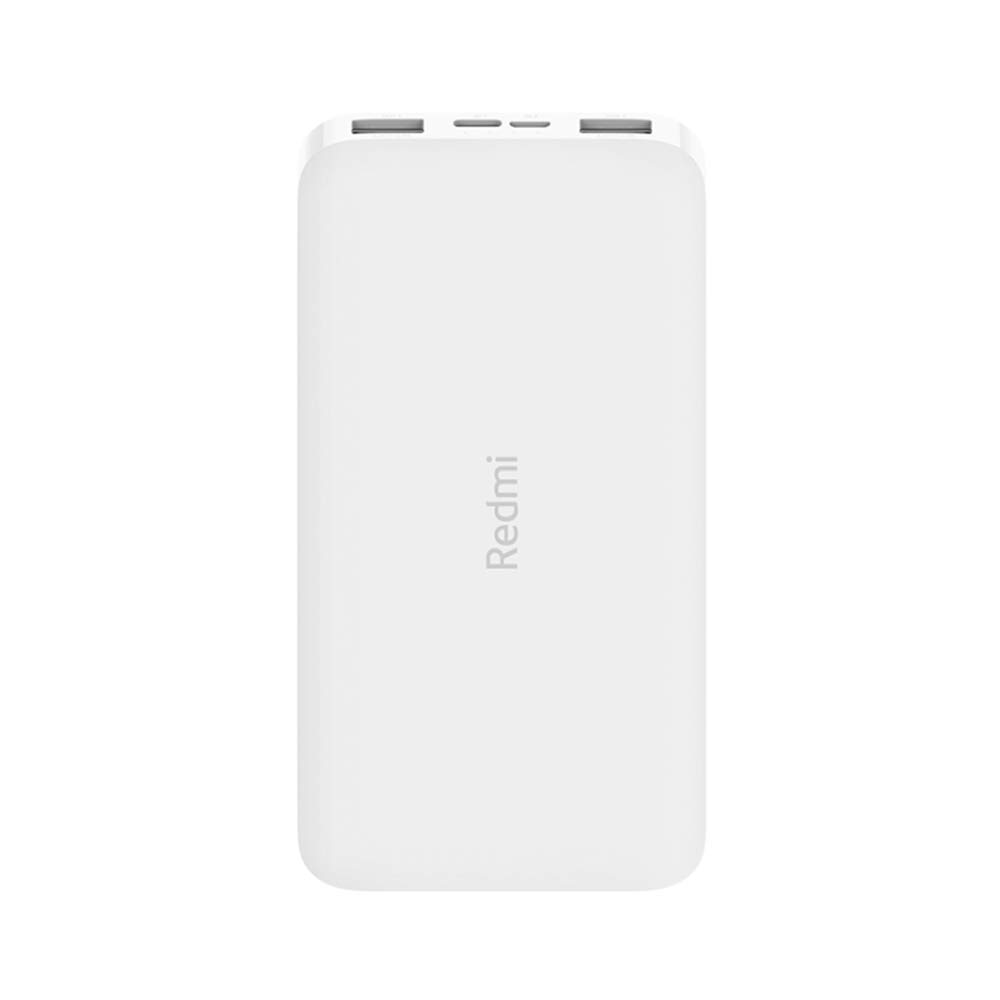
Imaxe: En ángulo view of the white Redmi 10000mAh Power Bank.
Información de seguridade
To prevent injury, damage to the product, or damage to property, observe the following safety precautions:
- Non desmontes, repares nin modifiques o banco de enerxía.
- Non expoñas o cargador portátil ao lume, a altas temperaturas nin á luz solar directa.
- Evite o contacto con auga ou outros líquidos.
- Non deixe caer, non golpee nin someta o cargador portátil a vibracións fortes.
- Manter fóra do alcance dos nenos.
- Use só cables de carga e adaptadores compatibles.
- Dispose of the power bank according to local regulations.
Produto rematadoview
Familiarize yourself with the components of your Redmi 10000mAh Power Bank.

Image: Close-up of the power bank's top edge showing two USB-A output ports (OUT1, OUT2), one Micro-USB input port (IN1), one USB-C input port (IN2), and four LED battery level indicators.
- USB-A Output Ports (OUT1, OUT2): Used to charge external devices.
- Micro-USB Input Port (IN1): Used to charge the power bank.
- USB-C Input Port (IN2): Used to charge the power bank.
- Indicadores LED: Four small lights indicating the remaining battery level.
- Botón de encendido: Located on the side, used to check battery level or activate charging.

Imaxe: Lateral view of the power bank highlighting the power button.
Configuración
Carga inicial do banco de enerxía
Before first use, fully charge your Redmi 10000mAh Power Bank.
- Connect a compatible USB cable to either the Micro-USB (IN1) or USB-C (IN2) input port on the power bank.
- Conecta o outro extremo do cable a un adaptador de corrente USB (non incluído) ou ao porto USB dun ordenador.
- The LED indicators will light up, showing the charging progress. All four LEDs will be solid when fully charged.
Conectando Dispositivos
The power bank is compatible with mobile phones and other USB-powered devices.
- Use the appropriate charging cable for your device.
- Connect one end of the cable to one of the USB-A output ports (OUT1 or OUT2) on the power bank.
- Conecta o outro extremo do cable ao porto de carga do teu dispositivo.
Instrucións de funcionamento
Carga de dispositivos externos
Once a device is connected, the power bank should automatically begin charging. If not, press the power button once to initiate charging.

Image: The power bank connected via a USB cable to charge a mobile phone, resting on a wooden table.
- The LED indicators will show the power bank's remaining battery level during charging.
- Podes cargar dous dispositivos simultaneamente usando os dous portos de saída USB-A.
Comprobando o nivel da batería
Press the power button once to check the remaining battery level. The LED indicators will light up for a few seconds:
- 1 LED: 0-25% batería restante
- 2 LED: 25-50% batería restante
- 3 LED: 50-75% batería restante
- 4 LED: 75-100% batería restante
Mantemento
- Limpeza: Limpa a batería externa cun pano suave e seco. Non empregues produtos químicos agresivos nin materiais abrasivos.
- Almacenamento: Garda o banco de enerxía nun lugar fresco e seco, lonxe da luz solar directa e de temperaturas extremas.
- Coidado da batería: For optimal battery life, avoid fully discharging the power bank frequently. Recharge it when the battery level is low. If not used for extended periods, charge it to about 50% every three months.
Resolución de problemas
| Problema | Posible Solución |
|---|---|
| O banco de enerxía non carga. |
|
| O dispositivo non se carga coa batería externa. |
|
| Carga lenta. |
|
Especificacións
| Marca | Xiaomi |
| Número de modelo | PB100LZm |
| Capacidade | 10000 mAh |
| Cor | Branco |
| Tipo de batería | Polímero de litio |
| Portos de entrada | 1x Micro-USB, 1x USB-C |
| Portos de saída | 2x USB-A (5.1V=2.4A each) |
| Dispositivos compatibles | Mobile Phones and other USB-powered devices |
| Dimensións | 15.8 x 8 x 2 cm |
| Peso | 276 gramos |
Garantía e Soporte
Based on the provided product information, this product is indicated as having sen garantía. For any product-related inquiries or technical support, please refer to the official Xiaomi support channels or your point of purchase.