
Introdución
Grazas pola compraasing the Helix True Wireless Earbuds. This manual provides essential information for setting up, operating, and maintaining your earbuds. Please read it carefully before use and retain it for future reference.

Image: Helix True Wireless Earbuds, black and white, resting inside their open black charging case. One earbud is also shown outside the case, indicating its design.
O que hai na caixa
- True Wireless Earbuds (Left and Right)
- Estuche de carga
- Cable de carga USB
- Manual de usuario
Configuración
1. Carga inicial
Before first use, fully charge the earbuds and the charging case. Connect the USB charging cable to the charging case and a power source. The LED indicators on the case will show charging status.

Image: An open charging case with two earbuds inside. Three blue LED lights are visible on the case, indicating power status. Text overlays highlight "Superior HD Audio", "Hands-Free Calling", and "Power LED Indicators".
2. Power On/Off and Auto-Pairing
The earbuds feature auto on/off and pairing. Simply remove the earbuds from the charging case to power them on. They will automatically enter pairing mode or reconnect to the last paired device. Place them back into the case to power off and begin charging.
3. Emparellamento Bluetooth
- Asegúrate de que os auriculares estean cargados e retirados da caixa de carga.
- No teu dispositivo (teléfono intelixente, tableta, etc.), vai á configuración de Bluetooth.
- Busca new devices and select "Helix TW" from the list.
- Once connected, your device will indicate successful pairing.
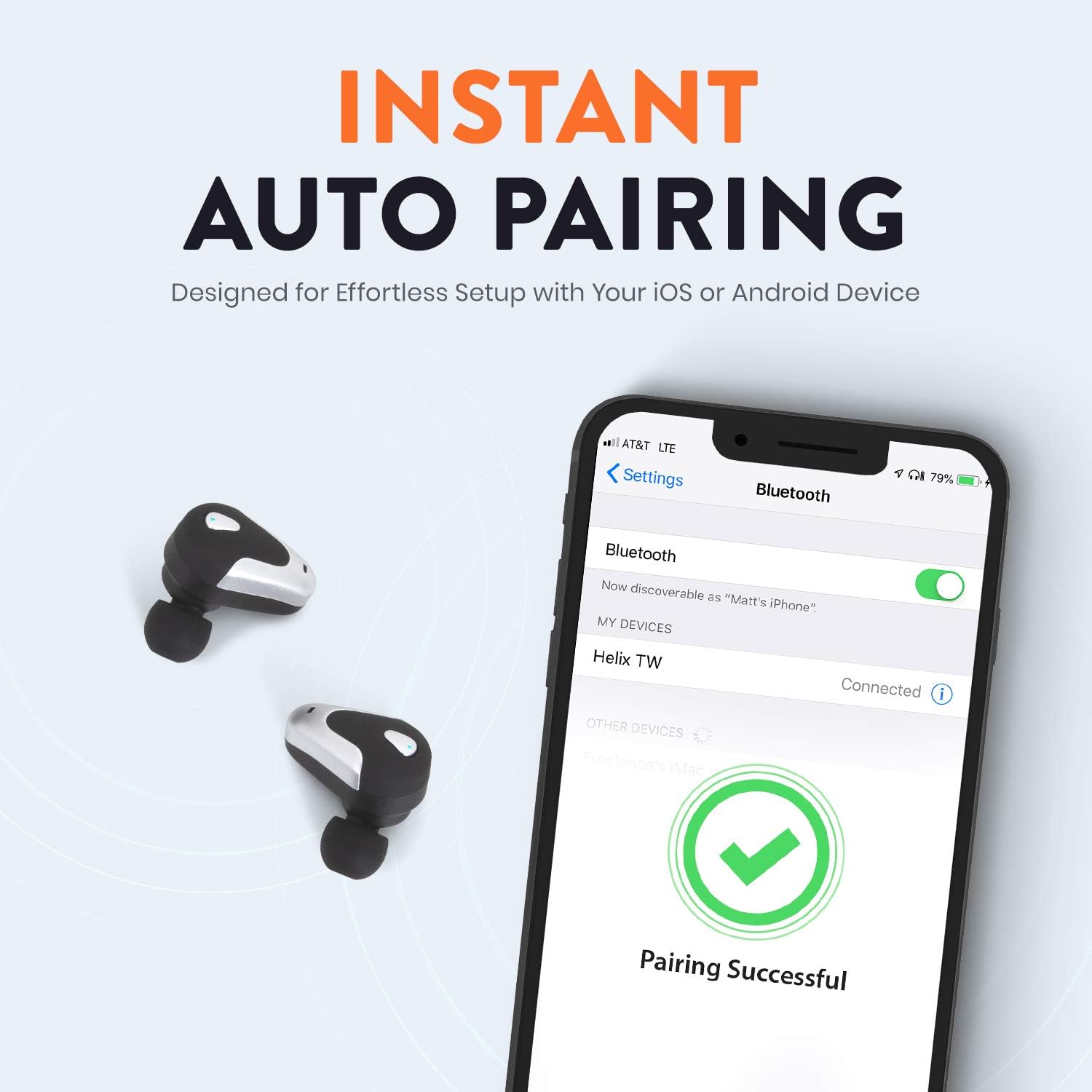
Image: A smartphone screen displaying Bluetooth settings, showing "Helix TW" as a connected device and a "Pairing Successful" message with a green checkmark. Two Helix earbuds are shown next to the phone.
4. SecureLock Fit
The Helix True Wireless Earbuds are designed with an ergonomic SecureLock Fit for comfort and stability during various activities. Gently insert the earbuds into your ears and twist slightly to secure them.

Image: A diagram illustrating the ergonomic SecureLock Fit of the earbuds, showing how they twist into the ear for a secure hold. In the background, people are exercising, suggesting the earbuds' suitability for active use.
Instrucións de funcionamento
Reprodución de audio
- Reproducir/Pausa: Tap the control area on either earbud once.
- Próxima pista: Double-tap the control area on the right earbud.
- Pista anterior: Double-tap the control area on the left earbud.
Chamadas mans libres
- Responder/Finalizar chamada: Tap the control area on either earbud once.
- Rexeitar a chamada: Press and hold the control area on either earbud for 2 seconds.
Control do asistente de voz
Triple-tap the control area on either earbud to activate your device's voice assistant (e.g., Siri, Google Assistant).
Duración da batería
The earbuds provide up to 4 hours of run time on a single charge. The charging case extends total listening time to approximately 16 hours.

Image: A graphic illustrating the battery life of the Helix earbuds. It shows "4 HOURS" for a single charge of the earbuds and "16 HOURS" when combined with the charging case.
Audio HD
Experience HD audio with unrivaled bass, midtones, and treble frequencies for a rich listening experience.

Image: A graphic titled "NEXT-LEVEL HD AUDIO" with sound wave patterns in blue, representing high-definition audio quality. Two Helix earbuds are depicted in the foreground.
Mantemento
- Limpeza: Usa un pano suave e seco para limpar os auriculares e a caixa de carga. Non uses produtos de limpeza abrasivos nin os mergulles en auga.
- Almacenamento: Cando non estean en uso, garde os auriculares no seu estoxo de carga para protexelos e mantelos cargados.
- Resistencia á auga: The earbuds are water resistant, but not waterproof. Avoid prolonged exposure to water or submersion.
Resolución de problemas
| Problema | Solución |
|---|---|
| Os auriculares non se emparellan co dispositivo. |
|
| Sen son dun auricular. |
|
| Os auriculares non cargan. |
|
| Mala calidade de audio. |
|
Especificacións
| Característica | Detalle |
|---|---|
| Nome do modelo | Hélice |
| Número de modelo | ETHTWB |
| Tecnoloxía de conectividade | Bluetooth |
| Versión Bluetooth | 5.0 |
| Alcance Bluetooth | 10 metros |
| Duración da batería (auriculares) | Ata 4 horas |
| Duración total da batería (con funda) | Ata 16 horas |
| Tipo de controlador de audio | Controlador de armadura equilibrada |
| Rango de frecuencias | 20 Hz a 20,000 Hz |
| Tipo de control | Media Control, Voice Assistant |
| Micrófono | Included for Hands-Free Calling |
| Nivel de resistencia á auga | Resistente á auga |
| Forma do auricular | No oído |
| Material | Plástico |
| Cor | Negro |
| Peso do elemento | 3.2 onzas |
| Fabricante | Hélice |
| UPC | 816983019126 |
Información da garantía
Specific warranty details are typically provided with your product packaging or available on the manufacturer's official websitio. Consulte a documentación incluída coa súa compra para coñecer os termos e condicións completos da garantía.
Apoio
For further assistance, technical support, or customer service inquiries, please visit the official Helix website or contact their customer support channels as listed in your product documentation.
Tamén podes visitar o Tenda Helix en Amazon para obter máis información sobre o produto.