
Introdución
This manual provides detailed instructions for the ECHTPower Wireless Pro Controller, designed for use with Nintendo Switch and Switch OLED consoles. It covers setup, operation, maintenance, and troubleshooting to ensure an optimal gaming experience. Please read this manual carefully before using the product.
Produto rematadoview
Familiarize yourself with the controller's buttons and ports.

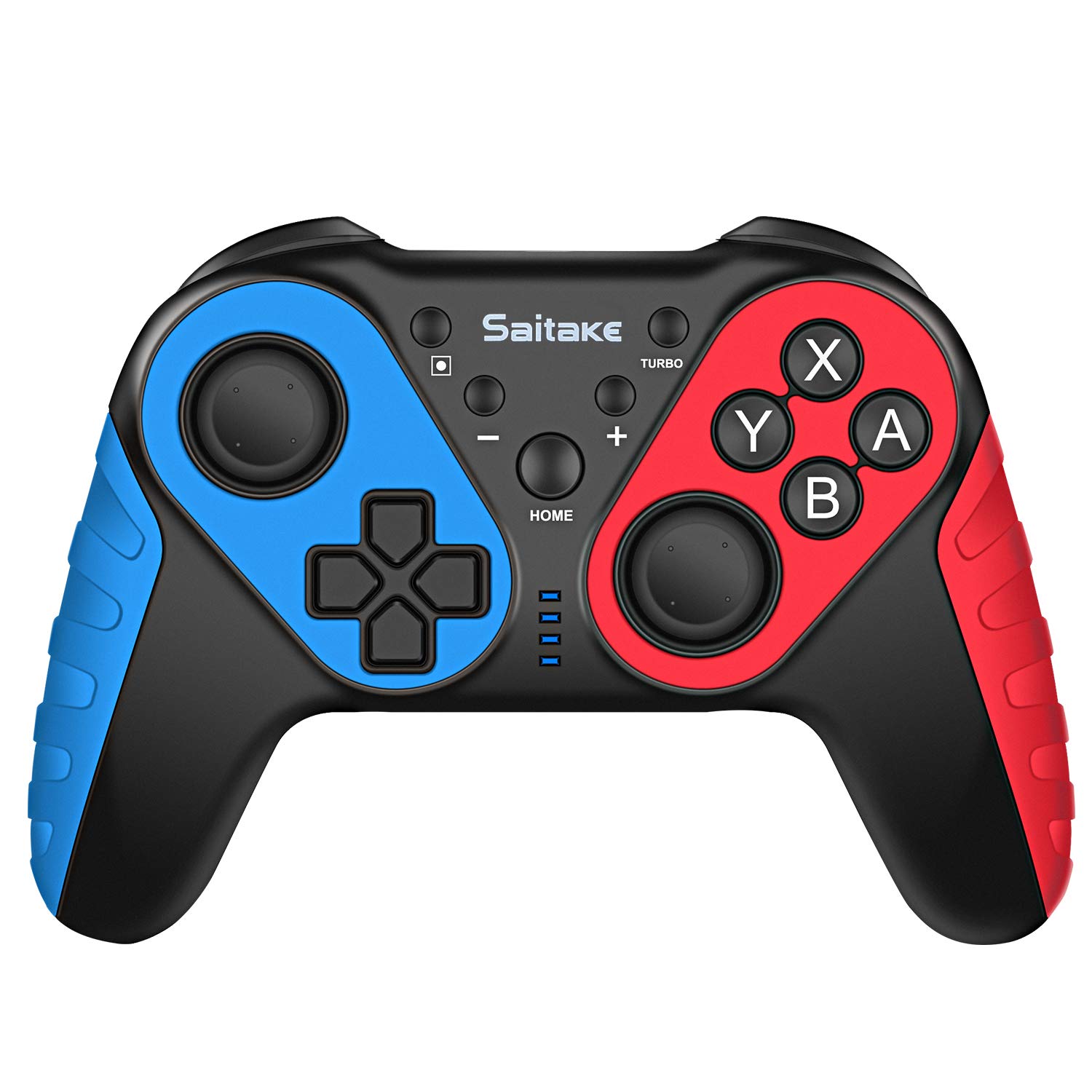
Imaxe: Fronte e parte superior view of the ECHTPower Wireless Pro Controller, highlighting the D-Pad, Home button, Left and Right Joysticks, A/B/X/Y buttons, Capture button, Turbo button, Plus and Minus buttons, R/L/RZ/LZ triggers, Type-C Charging Port, and Skid-Proof Design.
- D-Pad: Panel direccional para movemento e navegación por menús.
- Joystick esquerdo: Joystick analóxico para movementos precisos.
- Joystick dereito: Analog stick for camera control and aiming.
- Botóns A/B/X/Y: Action buttons for in-game commands.
- Botón HOME: Returns to the Nintendo Switch Home menu.
- Botón de captura: Takes screenshots or video clips.
- Botón Turbo: Activates/deactivates turbo function for rapid button presses.
- Botóns + / -: Plus and Minus buttons for in-game functions and menu navigation.
- R / L / RZ / LZ Buttons: Botóns de ombreiro e gatillo para varias accións no xogo.
- Porto de carga tipo C: Used for charging the controller.
- Área NFC: Located near the HOME button, used for Amiibo functionality.
Configuración
1. Pairing with Nintendo Switch/OLED
- Ensure your Nintendo Switch/OLED console is powered on and updated to the latest system version.
- No menú INICIO, selecciona "Controis" > "Cambiar agarre/orde".
- On the ECHTPower controller, press and hold the Botón HOME e o Botón Y simultaneamente durante 3-5 segundos ata que os indicadores LED comecen a parpadear rapidamente.
- The controller will automatically pair with the Switch. Once connected, the corresponding player LED(s) on the controller will light up solid.
2. Conectando ao PC
The controller can also be connected to a Desktop PC or Notebook PC. Connection methods may vary depending on the PC's Bluetooth capabilities. For wired connection, use a USB-C cable.

Imaxe: Illustration showing the ECHTPower Wireless Pro Controller compatible with Nintendo Switch, Desktop PC, and Notebook PC, allowing for multiplayer gaming.
Instrucións de funcionamento
1. Función Turbo
The Turbo function allows for continuous rapid pressing of a button. This can be useful in games requiring quick, repeated inputs.
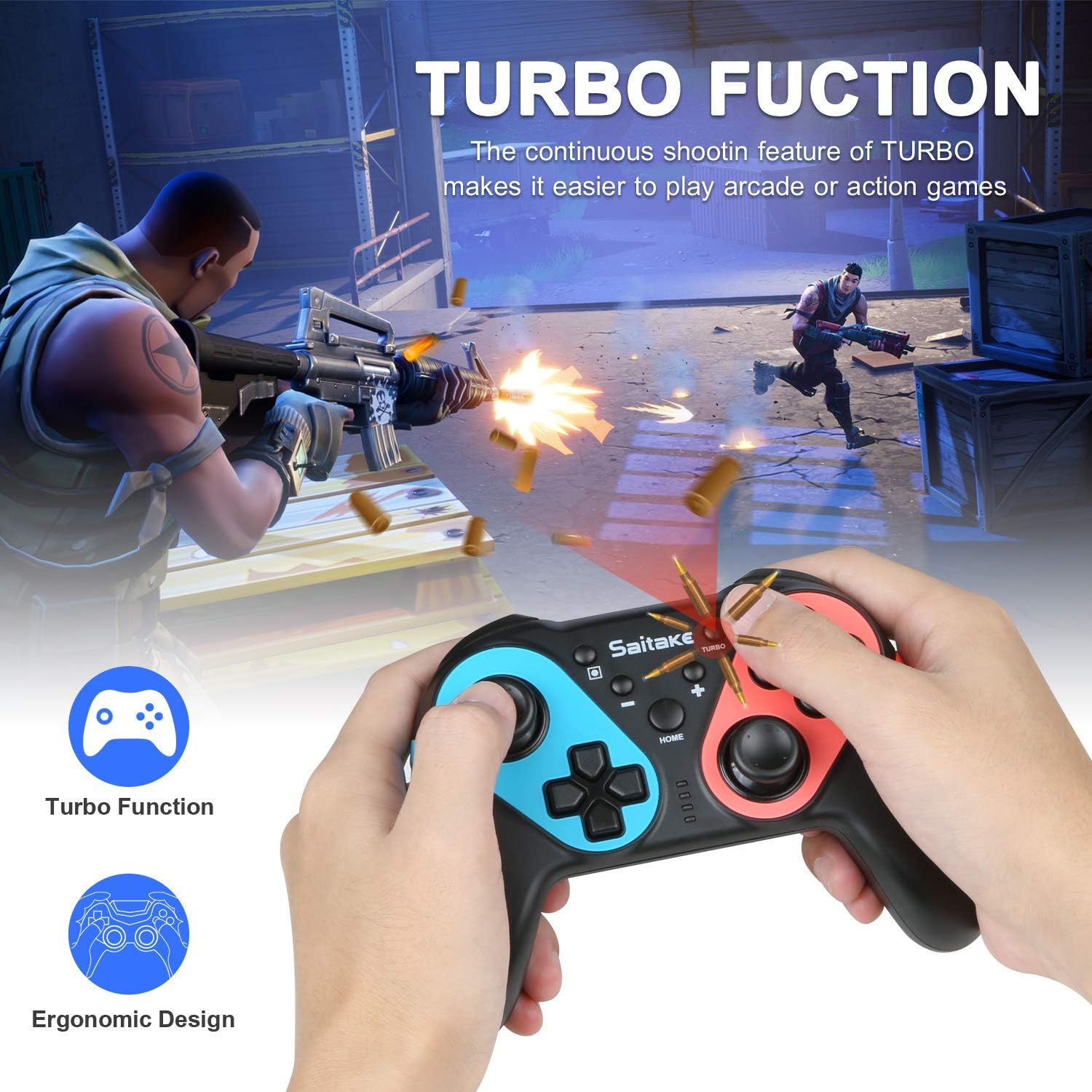
Imaxe: Depiction of the Turbo function in action, showing rapid firing in a game, alongside an ergonomic design.
- Para activar o Turbo: Manteña premido o Botón Turbo, then press the desired action button (A/B/X/Y/L/R/ZL/ZR). The button will now continuously input when held down.
- Para desactivar Turbo: Repeat the activation steps (hold Turbo, then press the action button again).
2. Vibración axustable
The controller features dual motors with three levels of vibration feedback (Weak, Moderate, Strong) to enhance your gaming experience.

Imaxe: Diagram illustrating the three adjustable vibration levels: Weak, Moderate, and Strong, with internal motor representation.
Specific instructions for adjusting vibration levels are typically found in the console's controller settings or through a button combination (refer to the product packaging or manufacturer's website if not detailed here).
3. NFC Function (Amiibo Support)
The controller includes built-in NFC functionality, allowing you to use Amiibo figures for in-game bonuses and features.
Imaxe: The ECHTPower Wireless Pro Controller with an NFC icon, surrounded by various Amiibo figures (Pikachu, Ryu, Mario, Link, Rathalos), demonstrating quick induction for equipment.
- To use an Amiibo, place the Amiibo figure on the NFC area of the controller (typically near the HOME button) when prompted by a compatible game.
4. 6-Axis Gyroscope and High Precise Joysticks
The controller features a sensitive 6-axis gyroscope for motion control and high-precision joysticks for accurate input, enhancing gameplay in titles that utilize these features.
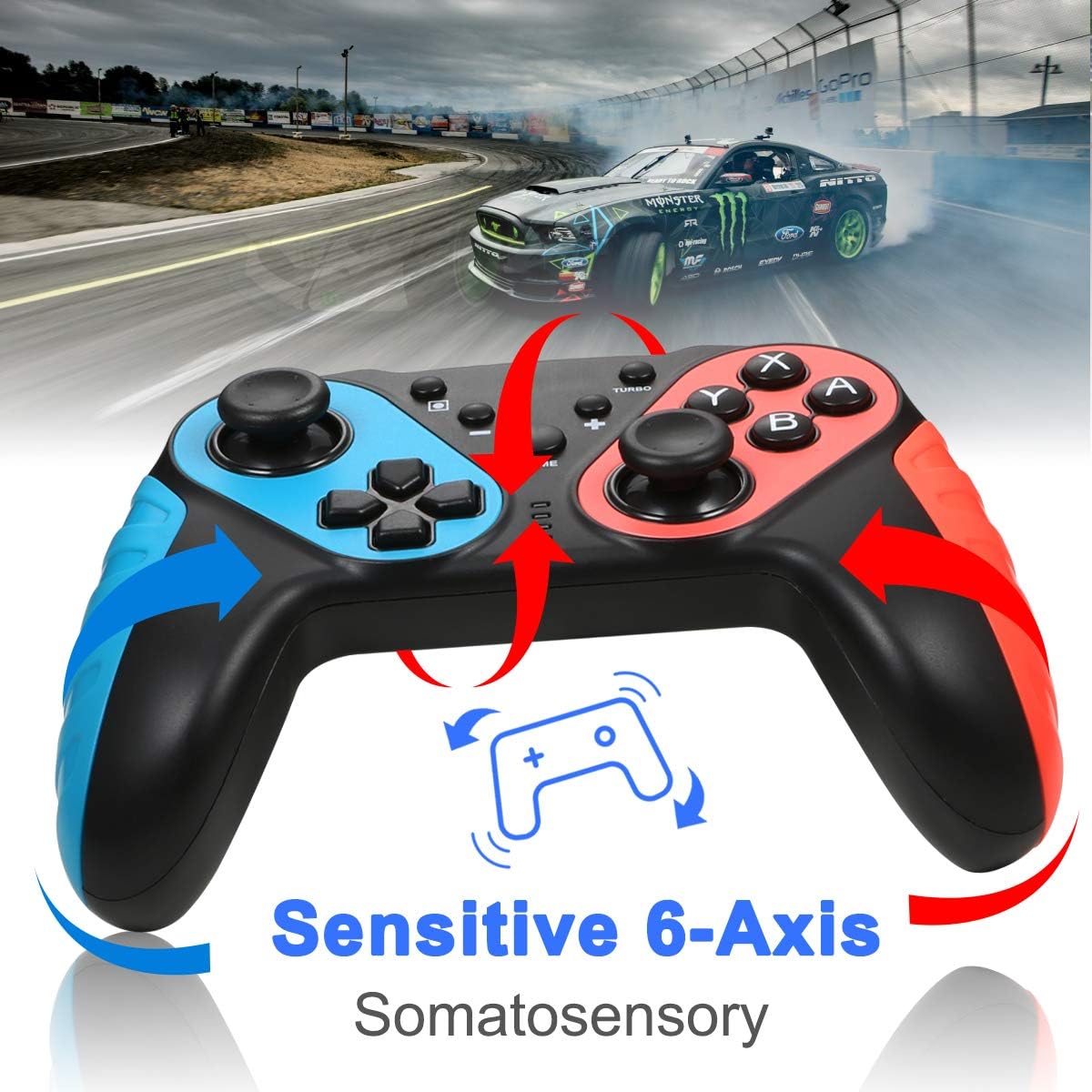
Imaxe: The ECHTPower Wireless Pro Controller with arrows indicating sensitive 6-axis somatosensory movement, suggesting motion control capabilities.

Imaxe: Close-up of the ECHTPower Wireless Pro Controller's joystick, highlighting its high precision with glowing effects.
5. Carga do controlador
- Connect the provided USB Type-C cable to the controller's charging port and the other end to a USB power source (e.g., Nintendo Switch dock, PC, USB wall adapter).
- The LED indicators on the controller will show charging status and turn off or change color when fully charged.
Mantemento
- Manteña o controlador seco e lonxe de temperaturas extremas.
- Limpa o controlador cun pano suave e seco. Non empregues produtos químicos agresivos nin materiais abrasivos.
- Evite deixar caer o controlador nin someterlo a impactos fortes.
- Garde o controlador nun lugar seguro cando non o use para evitar danos.
Resolución de problemas
- O controlador non se conecta:
- Asegúrese de que o controlador estea cargado.
- Repeat the pairing process (HOME + Y).
- Check if the Switch console's system software is up to date.
- Move closer to the Switch console to ensure a strong Bluetooth signal.
- Os botóns ou os joysticks non responden:
- Restart the controller by holding the HOME button for 10 seconds, then re-pair.
- Ensure no physical obstructions are affecting button presses.
- Vibration is not working:
- Check in-game settings and Switch console settings to ensure vibration is enabled.
- Adjust vibration intensity if applicable.
- NFC (Amiibo) not detected:
- Ensure the Amiibo is placed correctly on the NFC area.
- Verifica que o xogo sexa compatible coa funcionalidade Amiibo.
Especificacións
| Conectividade | Wireless (Bluetooth) / Wired (USB Type-C) |
| Compatibilidade | Nintendo Switch, Nintendo Switch OLED, Desktop PC, Notebook PC |
| Características especiais | Turbo Function, 6-Axis Gyroscope, Dual Motor Vibration (3 levels), NFC (Amiibo Support), High Precise Joysticks, Ergonomic Design |
| Porto de carga | USB tipo C |
Garantía e Soporte
For warranty information or technical support, please refer to the contact details provided on the product packaging or visit the official ECHTPower websitio. Conserve o recibo de compra para reclamacións de garantía.