
Introdución
The Picun Elite P80S Wireless Headset provides a high-definition audio experience with multidimensional surround sound, extra bass, and noise reduction. Designed for comfort and versatility, it features both wireless and wired connectivity options, a detachable microphone, and intuitive controls. This manual provides detailed instructions for setup, operation, maintenance, and troubleshooting to ensure optimal performance of your headset.
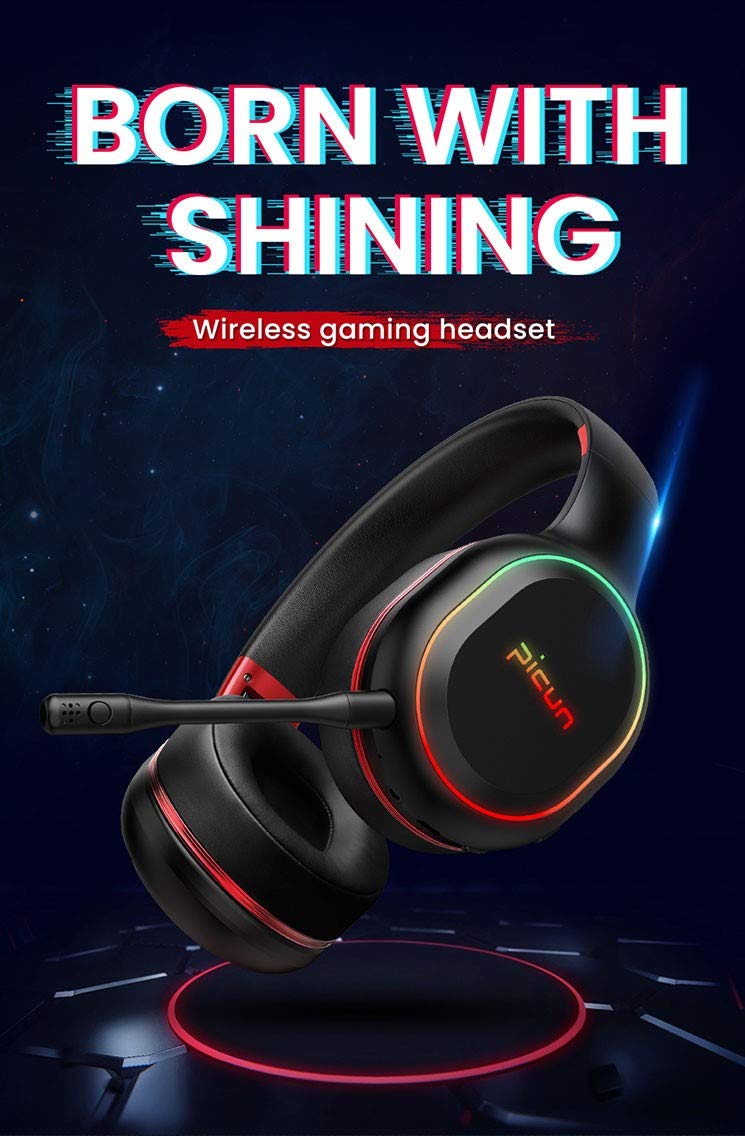
Image: The Picun Elite P80S Wireless Headset, showcasing its design and integrated microphone.
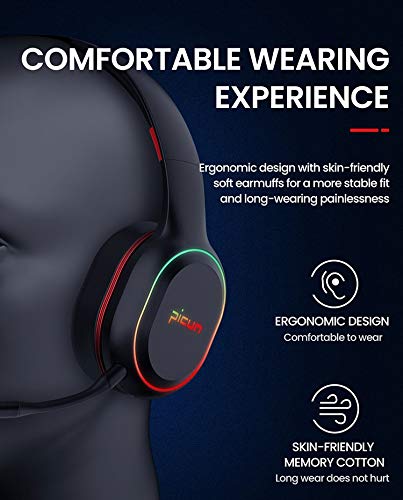
Image: The Picun Elite P80S Headset demonstrating its ergonomic design and comfortable earcups made from skin-friendly memory cotton.
O que hai na caixa
Comprobe que todos os elementos estean presentes no paquete:
- Picun Elite P80S Wireless Headset
- Micrófono desmontable
- Cable de carga USB
- Cable de audio AUX de 3.5 mm
- Manual de usuario (este documento)
Configuración
1. Cargando os auriculares
Before initial use, fully charge the headset. Connect the provided USB charging cable to the headset's charging port and to a compatible USB power source (e.g., computer USB port, USB wall adapter). The LED indicator will show charging status and turn off or change color when fully charged.
Unha carga completa proporciona aproximadamente 40 horas de xogo ou 60 horas de reprodución de música/multimedia en modo sen fíos.
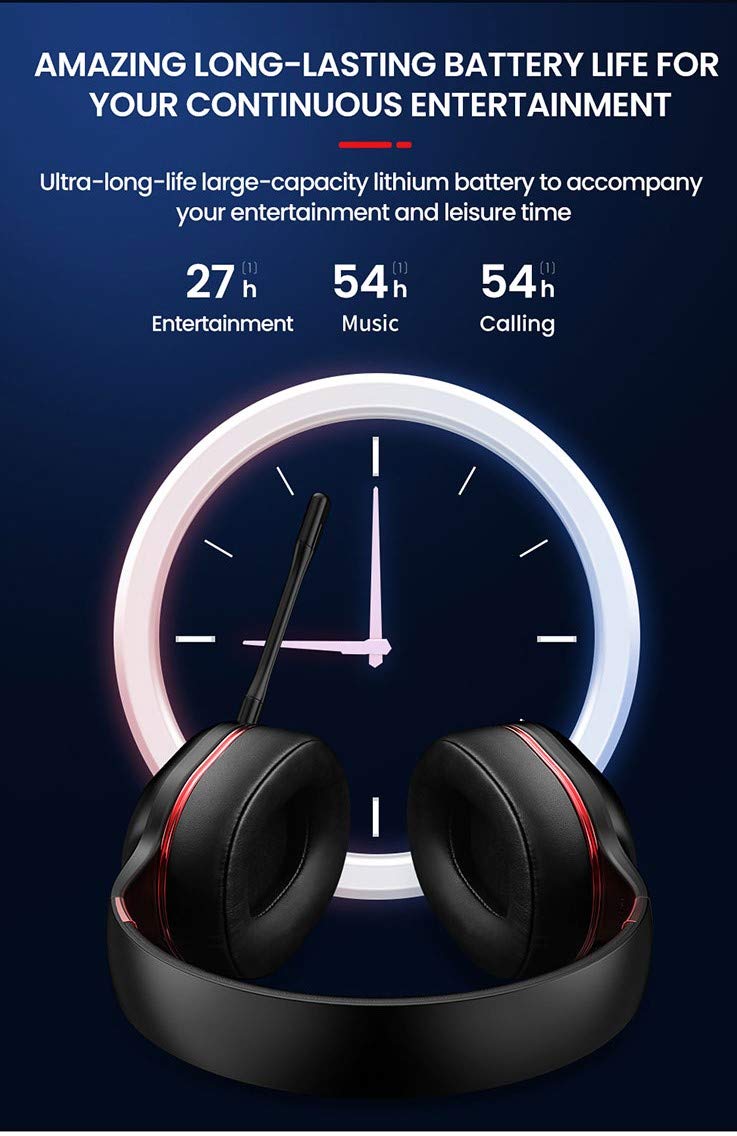
Image: Picun Elite P80S Headset illustrating long battery life for entertainment, music, and calls.
2. Conexión do micrófono
The professional detachable microphone can be inserted into the designated port on the left earcup. Ensure it is securely connected for clear voice communication. The microphone can be rotated 360 degrees for optimal positioning.
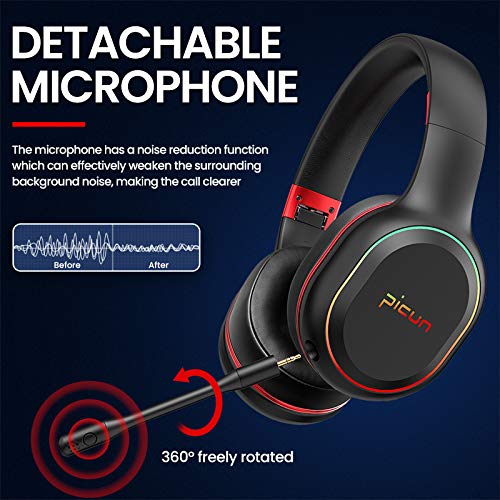
Image: Picun Elite P80S Headset showing the detachable microphone and its 360-degree rotation capability.
Instrucións de funcionamento
1. Acendido/apagado
- Encendido: Manteña premido o botón de acendido durante aproximadamente 3 segundos ata que o indicador LED se acenda.
- Apagado: Manteña premido o botón de acendido durante aproximadamente 3 segundos ata que o indicador LED se apague.
2. Emparellamento Bluetooth (modo sen fíos)
After powering on, the headset will automatically enter pairing mode (LED indicator will flash). On your device (smartphone, PC, console), enable Bluetooth and search for "Picun Elite P80S". Select it to connect. A voice prompt will confirm successful pairing. The headset maintains a stable connection up to 10 meters.

Image: Diagram illustrating the stable and instant connection features of the Picun Elite P80S headset, highlighting 10-meter transmission, audio/video synchronization, call stability, and no in-game delay.
3. Wired Mode (AUX Connection)
To use the headset in wired mode, connect the provided 3.5mm AUX audio cable to the headset's AUX port and to your audio source. Wired mode allows for indefinite playback regardless of battery charge. The headset functions as a passive headphone in wired mode.
4. Uso do micrófono
- Detachable Pro Microphone: Provides high-definition vocals and effectively reduces ambient noise for clear communication during gaming or calls.
- Inbuilt Microphone: An additional microphone is integrated for general use, ensuring seamless communication even without the detachable mic.
5. Funcións de audio
The Picun Elite P80S provides omnidirectional stereo sound, allowing for an immersive audio experience, especially beneficial for gaming to detect subtle sound cues.
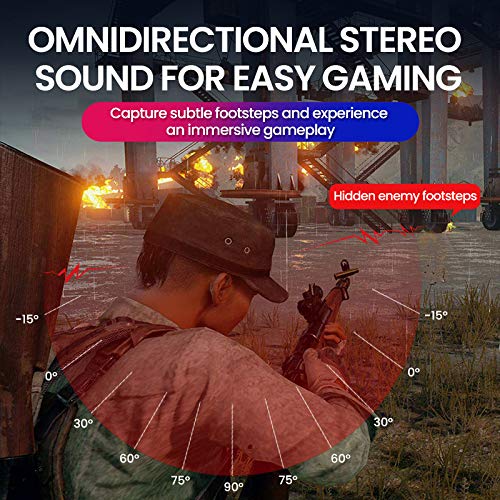
Image: A gaming scenario demonstrating the omnidirectional stereo sound capability, helping users identify sound sources like footsteps from various directions.
6. Controis multimedia
The headset features integrated buttons for easy control:
- Reproducir/Pausa: Press the Multi-function button once to play or pause music/videos.
- Responder/Finalizar chamada: Press the Multi-function button once to answer an incoming call, and again to end it.
- Control de volume: Use the Volume Up (+) and Volume Down (-) buttons to adjust the audio level.
- Seguimento / Seguimento anterior: Long press Volume Up (+) for next track, Long press Volume Down (-) for previous track.
7. Dual Shock / Vibration Mode
Activate the Dual Shock / Vibration Mode for an enhanced immersive experience, particularly for deep bass in music and movies, or realistic vibrations during gaming. This mode can be toggled on or off using the dedicated switch on the headset.
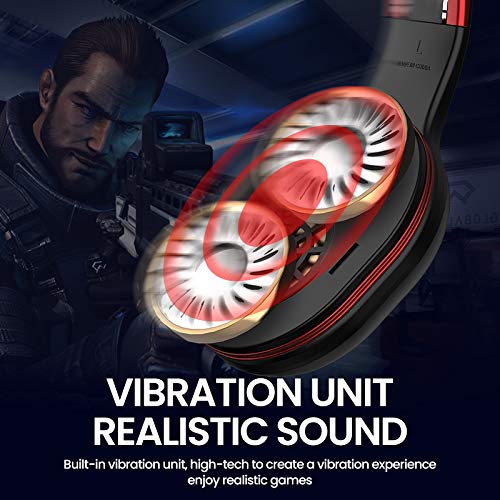
Image: Close-up of the Picun Elite P80S earcup highlighting the built-in vibration unit for realistic sound and gaming experience.
8. LED Light Display
The headset features a gradient colorful breathing light display. To turn the LED lights on or off, press and hold both the Volume Up (+) and Volume Down (-) buttons simultaneously for approximately 3 seconds.

Image: Picun Elite P80S Headset showcasing its gradient colorful breathing light effect, with instructions on how to activate/deactivate it.
Mantemento
- Limpeza: Usa un pano suave e seco para limpar os auriculares. Non empregues produtos de limpeza abrasivos nin disolventes.
- Almacenamento: Garda os auriculares nun lugar fresco e seco, lonxe da luz solar directa e de temperaturas extremas. O deseño pregable permite un almacenamento compacto.
- Coidado da batería: Para prolongar a duración da batería, evite descargar completamente os auriculares con frecuencia. Cárgueos regularmente, mesmo se non os usa durante períodos prolongados.
- Coidado do cable: Manexa os cables con coidado. Evita curvas bruscas ou tiróns excesivos para evitar danos.
Resolución de problemas
No Power / Headset Not Turning On
- Ensure the headset is fully charged. Connect it to a power source using the USB charging cable.
- Verify that the power button is pressed and held for the correct duration (approx. 3 seconds).
Non se pode emparellar por Bluetooth
- Make sure the headset is in pairing mode (LED flashing). If not, power it off and on again.
- Ensure Bluetooth is enabled on your device and it is within 10 meters of the headset.
- Remove "Picun Elite P80S" from your device's Bluetooth list and attempt to pair again.
- Tenta emparellalo cun dispositivo diferente para descartar problemas específicos do dispositivo.
Sen son / volume baixo
- Comprobe os niveis de volume tanto nos auriculares como no dispositivo conectado.
- If in wired mode, ensure the 3.5mm AUX cable is fully inserted into both the headset and the audio source.
- If in wireless mode, ensure the headset is properly paired and connected.
- Proba con diferentes fontes ou aplicacións de son.
O micrófono non funciona
- Asegúrate de que o micrófono extraíble estea conectado correctamente aos auriculares.
- Check microphone settings on your connected device (e.g., input device selection, volume levels).
- Test the microphone in different applications or communication platforms.
One Earpiece Not Working
- Check audio balance settings on your connected device.
- If using the AUX cable, ensure it is fully inserted and try a different cable if available.
- Restart the headset and your connected device.
Especificacións
| Marca | Picún |
| Nome do modelo | Elite P80S |
| Cor | Negro |
| Factor de forma | Sobre orella |
| Control de ruído | Cancelación activa de ruído |
| Jack para auriculares | Jack de 3.5 mm |
| Material do recinto | Coiro sintético |
| Dispositivos compatibles | Personal Computers/Laptops, Playstations/ X-box/ Nintendo Switch, Smartphones/Pads |
| Características do cable | Desmontable |
| Tipo de tecnoloxía sen fíos | Bluetooth |
| Tipo de control | Control de volume |
| Método de control | Touch (for some functions, e.g., Play/Pause, Answer/End Call via Multi-function button) |
Garantía e Soporte
For warranty information and technical support, please refer to the warranty card included with your product or contact Picun customer service through their official websitio. Garde o comprobante de compra para calquera reclamación de garantía.
For further assistance, please visit the official Picun support page or contact their customer service directly.


