
1. Produto rematadoview
The FosPower Emergency Weather Radio Model A3 is a versatile device designed for emergency preparedness and outdoor activities. It features NOAA/AM/FM radio reception, a powerful 14800mWh (4000mAh) internal power bank, and multiple charging options including USB-C, solar, and hand crank. Additional functions include an SOS alarm, a bright flashlight, and a reading light.
Características principais:
- Batería externa de 14800 mWh (4000 mAh): Provides extended radio operation and can charge external USB devices.
- Múltiples fontes de enerxía: Rechargeable via USB-C, hand crank, and solar panel.
- Alarma SOS: Activa unha sirena potente e unha luz intermitente para a sinalización de emerxencia.
- Fontes de luz dual: Includes a flashlight and a reading light with motion sensor functionality.
- NOAA Emergency Weather Broadcast Access: Receives local weather information and hazard alerts.
- Radio AM/FM: Full access to standard AM and FM radio broadcasts.

Figure 1: FosPower Emergency Weather Radio Model A3. This image displays the radio with its solar panel open, hand crank visible, flashlight illuminated, and a smartphone connected for charging.
2. Contido e compoñentes da embalaxe
Contido do paquete:
- FosPower Emergency Weather Radio (Model A3)
- Cable de carga USB-C
- Manual de usuario
Compoñentes clave:
- Antena: Extensible para mellorar a recepción de radio.
- Panel solar: For supplementary charging in sunlight.
- Manivela: Para a xeración manual de enerxía.
- Lanterna: Fonte de luz integrada.
- Luz de lectura: Panel light, often with motion sensor.
- Botón SOS: Activa a alarma de emerxencia.
- Botón de volume: Controls audio output and powers the unit on/off.
- Botón de afinación: Axusta a frecuencia de radio.
- Selector de banda: Switches between AM, FM, and WB (Weather Band).
- Porto de entrada USB-C: Para cargar a radio.
- Porto de saída USB-A: Para cargar dispositivos externos.
- Jack para auriculares: Para escoita privada.
3. Configuración inicial
3.1 Carga da radio
Before first use, it is recommended to fully charge the radio's internal 14800mWh (4000mAh) battery using the USB-C port.
- Carga USB-C: Connect the provided USB-C cable to the radio's USB-C input port and the other end to a standard USB power adapter (not included) or a computer USB port. The charging indicator will illuminate.
- Carga da manivela: Rotate the hand crank clockwise or counter-clockwise at a steady pace (approximately 130-150 RPM) for 3-5 minutes to generate sufficient power for initial operation or to extend battery life.
- Carga do panel solar: Place the radio with the solar panel facing direct sunlight. This method is primarily for maintaining battery charge or for emergency power generation, and is slower than USB-C charging.

Figure 2: Multiple Power Sources. This diagram highlights the USB, hand crank, and solar panel charging options for the radio.
4. Instrucións de funcionamento
4.1 Acendido/apagado e control de volume
Para acender a radio, xire o Botón de volume clockwise from the 'OFF' position. Continue rotating to increase the volume. To power off, rotate the Botón de volume counter-clockwise until it clicks into the 'OFF' position.
4.2 Radio Tuning (AM/FM/NOAA)
- Antena extendida: For optimal reception, fully extend the telescopic antenna.
- Seleccionar banda: Usa o Selector de banda switch to choose between 'AM', 'FM', or 'WB' (Weather Band).
- Estación de sintonización: Xire o Botón de axuste to scan for desired radio stations or NOAA weather channels. The tuning indicator light will illuminate when a strong signal is detected.
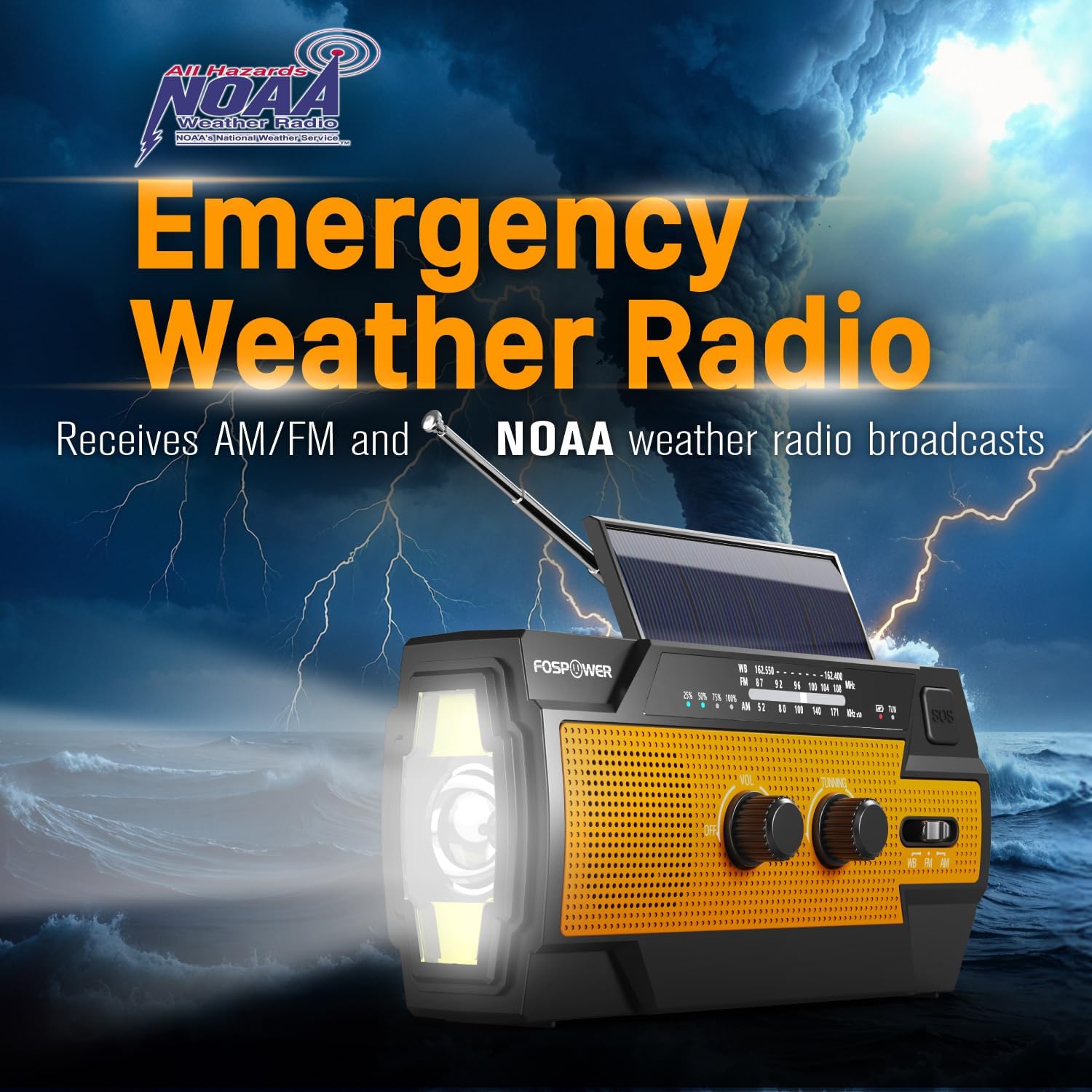
Figure 3: Emergency Weather Radio Function. This image shows the radio against a stormy background, emphasizing its ability to receive AM/FM and NOAA weather broadcasts.
4.3 Funcionamento da lanterna
The integrated flashlight offers multiple modes:
- Press the flashlight button once for Modo completo (brillo máximo).
- Preme de novo para Far Mode (focused beam).
- Press a third time for Modo ancho (broader illumination).
- Press a fourth time to turn the flashlight off.

Figure 4: Flashlight Settings. This image illustrates the three distinct flashlight modes available on the radio.
4.4 Reading Light Operation
The reading light provides illumination for close-range tasks:
- Slide the reading light switch to the 'LIGHT' position for constant illumination.
- Slide the switch to the 'AUTO' position to activate the motion sensor. The light will turn on when motion is detected and turn off after approximately 30 seconds of no motion.

Figure 5: Reading Light Modes. This image shows the reading light in operation, highlighting its constant and motion-activated settings.
4.5 Función de alarma SOS
In an emergency, activate the SOS alarm to attract attention:
- Manteña premido o Botón SOS to activate a loud siren and a flashing light.
- Release the button to deactivate the alarm.
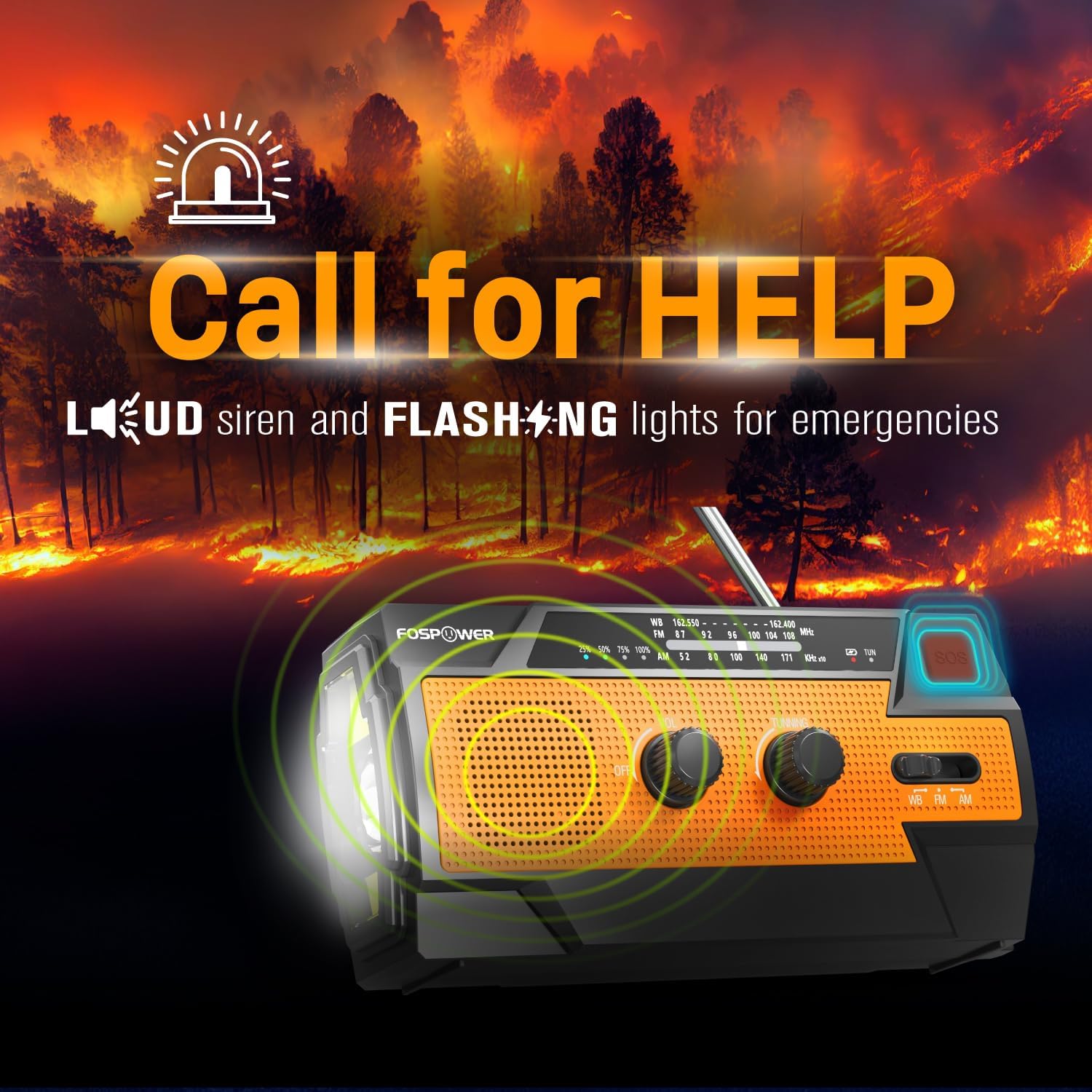
Figure 6: SOS Alarm Activation. This image depicts the radio emitting a loud siren and flashing lights, indicating the SOS function is active.
4.6 Uso como batería externa
The radio's internal battery can be used to charge external USB devices:
- Connect your smartphone, tablet, or other USB-powered device to the radio's Porto de saída USB-A using your device's charging cable.
- The radio will begin charging the connected device. Monitor the radio's battery indicator to ensure sufficient charge remains for its own operation.

Figure 7: Power Bank Function. This image shows the radio charging a smartphone on a wooden table outdoors, demonstrating its 14800mWh power bank capability.
5. Coidados e mantemento
- Limpeza: Limpe a radio cun suave, damp pano. Non use produtos químicos agresivos ou produtos de limpeza abrasivos.
- Almacenamento: Store the radio in a cool, dry place away from direct sunlight and extreme temperatures. For long-term storage, ensure the battery is partially charged (around 50%) and recharge every 3-6 months to prevent deep discharge.
- Resistencia á auga: The radio is IPX3 water resistant, meaning it can withstand spraying water. Do not submerge the radio in water.

Figure 8: IPX3 Water Resistance. This image shows the radio in a light rain shower, illustrating its IPX3 water-resistant design suitable for harsh environments.
6 Solución de problemas
| Problema | Causa posible | Solución |
|---|---|---|
| A radio non se acende. | A batería está esgotada. | Charge the radio via USB-C, hand crank, or solar panel. |
| Mala recepción de radio. | Antenna not extended, weak signal, interference. | Fully extend the telescopic antenna. Move to an open area away from obstructions. Fine-tune the tuning knob. |
| Flashlight/Reading light not working. | Battery is low, incorrect mode selected. | Charge the radio. Ensure the correct light mode (Full, Far, Wide for flashlight; Light, Auto for reading light) is selected. |
| External device not charging from radio. | Radio battery is low, cable issue, device incompatibility. | Ensure the radio has sufficient charge. Check the USB cable connection. Try a different USB cable or device. |
| Hand crank is stiff or difficult to turn. | Possible obstruction or internal issue. | Ensure there are no physical obstructions. Turn the crank smoothly and avoid excessive force. If problem persists, contact customer support. |
| Solar charging is slow or ineffective. | Insufficient sunlight, dirty solar panel. | Place the radio in direct, strong sunlight. Clean the solar panel surface with a soft cloth. Note that solar charging is supplementary. |
7. Especificacións do produto
| Característica | Especificación |
|---|---|
| Número de modelo | FOSPWB-2402 |
| Dimensións do produto | 6.23" de longo x 2.48" de ancho x 3.19" de alto (15.82 x 6.30 x 8.10 cm) |
| Peso do elemento | 1.06 libras (0.48 kg) |
| Fonte de enerxía | Solar, Battery (14800mWh internal), Handcrank |
| Capacidade da batería | 14800 mWh (4000 mAh) |
| Bandas de radio admitidas | AM, FM, WB (Weather Band) |
| Tecnoloxía de conectividade | USB C (Input), USB A (Output) |
| Característica especial | Portable, Power Bank, SOS Alarm, Flashlight, Reading Light |
| Resistencia á auga | IPX3 |

Figure 9: Product Dimensions. This diagram provides the exact measurements of the FosPower Emergency Weather Radio.
8. Garantía e atención ao cliente
Garantía limitada de por vida
FosPower products are backed by a limited lifetime warranty. This warranty covers defects in materials and workmanship under normal use. Please refer to the official FosPower websitio web ou a documentación da súa compra para coñecer os termos e condicións completos da garantía.
Atención ao cliente
For any questions, technical assistance, or warranty claims, please contact FosPower's dedicated USA-based customer service team. Contact information can typically be found on the product packaging or the official FosPower websitio.
Tamén podes visitar o FosPower Store on Amazon para obter máis información e actualizacións do produto.