
TYLT QIMEDBK-T
TYLT Medallion Portable Qi Wireless Charging Pad User Manual
Model: QIMEDBK-T
Introdución
The TYLT Medallion is a portable Qi-certified wireless charging pad designed to provide convenient and efficient power to your compatible devices. This manual provides essential information for the safe and optimal use of your charging pad.
Información de seguridade
- Non expoñas o dispositivo a temperaturas extremas, á luz solar directa nin á humidade.
- Evite deixar caer ou someter o dispositivo a fortes impactos.
- Non desmontes, modifiques nin intentes reparar o dispositivo. Isto anulará a garantía.
- Manter fóra do alcance dos nenos.
- Asegúrese de ventilar adecuadamente durante o uso para evitar o sobrequecemento.
- Use only the provided or certified compatible USB-C cable and power source.
Contido do paquete
Verifica que todos os elementos estean presentes no teu paquete:
- 1 x TYLT Medallion Qi-Certified Wireless Charging Pad
- 1 x 3.3ft USB Type-C Cable
- 1 x Manual de usuario (este documento)

Imaxe: Parte inferior view of the TYLT Medallion charging pad, showing the integrated USB-C cable and product information.
Configuración
- Conecte a plataforma de carga: Plug the integrated USB Type-C cable from the TYLT Medallion into a compatible power source. This can be a laptop's USB-C port, a power bank with a USB-C output, or a wall adapter (not included) with a USB-C port.
- Requisitos de fonte de enerxía: For optimal fast charging, use a power source capable of delivering 5V/2A or 9V/1.8A.
- Colocación: Place the charging pad on a flat, stable surface, such as a countertop, desk, or bedside table.
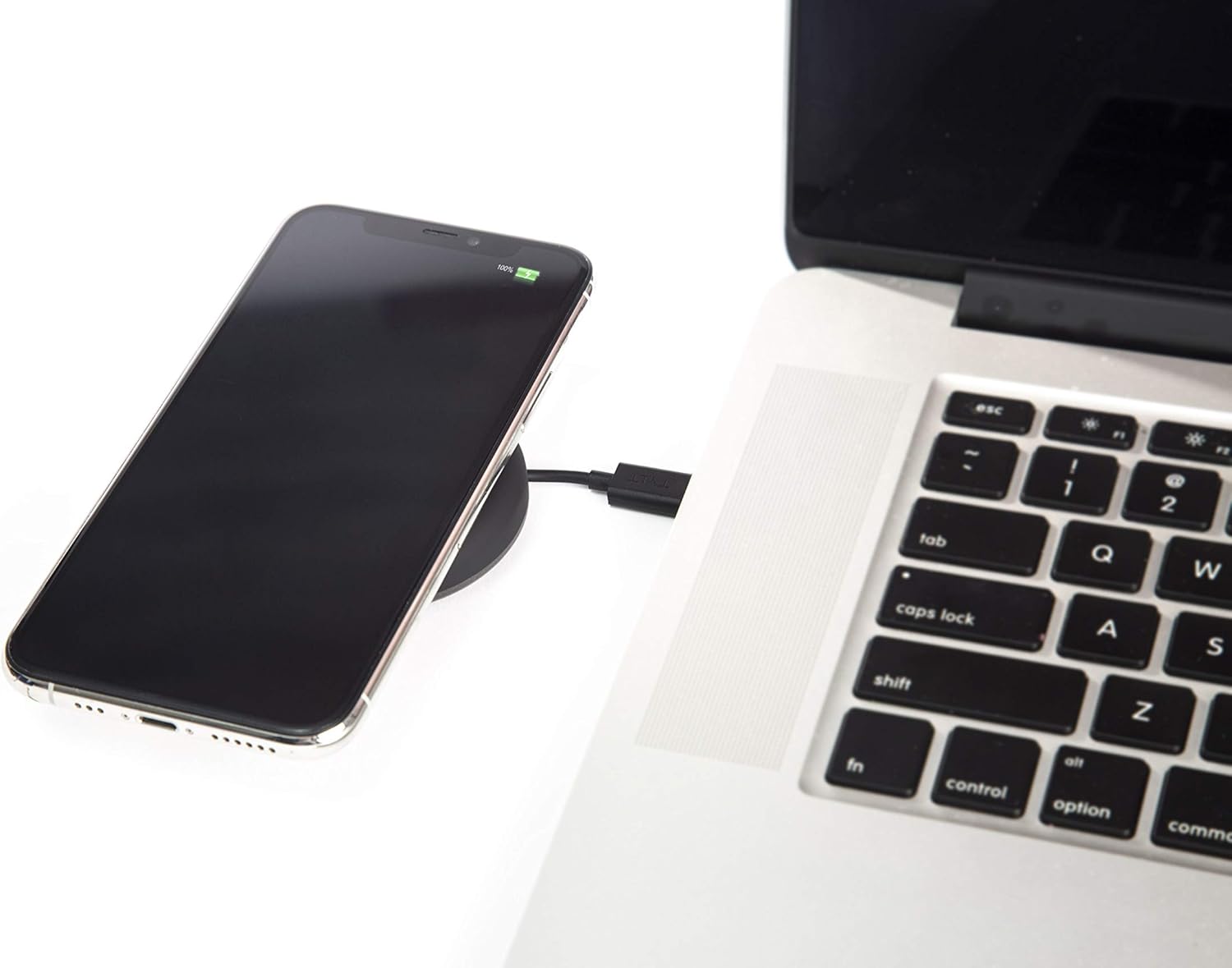
Image: A smartphone wirelessly charging on the TYLT Medallion, which is connected to a laptop via its USB-C cable.
Instrucións de funcionamento
- Coloca o teu dispositivo: Position your Qi-enabled smartphone or wireless earbuds directly onto the center of the TYLT Medallion charging pad. The device grip ring helps secure your device.
- Indicación de carga: Your device's screen or indicator light will show that it is charging. The TYLT Medallion does not have its own charging indicator light.
- Carga óptima: Ensure your device is centered on the pad for efficient charging. Charging can occur through most phone cases.
- Saída de carga:
- 10W output for compatible Samsung devices.
- 7.5W output for compatible Apple iPhones.
- 5W output for other Qi-enabled devices, including wireless earbuds.
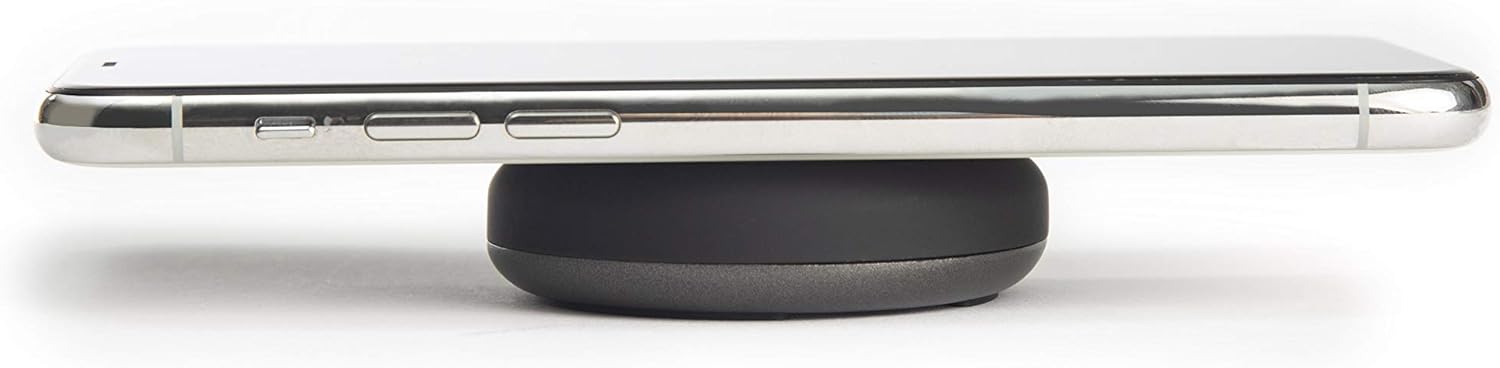
Image: A smartphone placed on the TYLT Medallion charging pad, demonstrating its low profile.
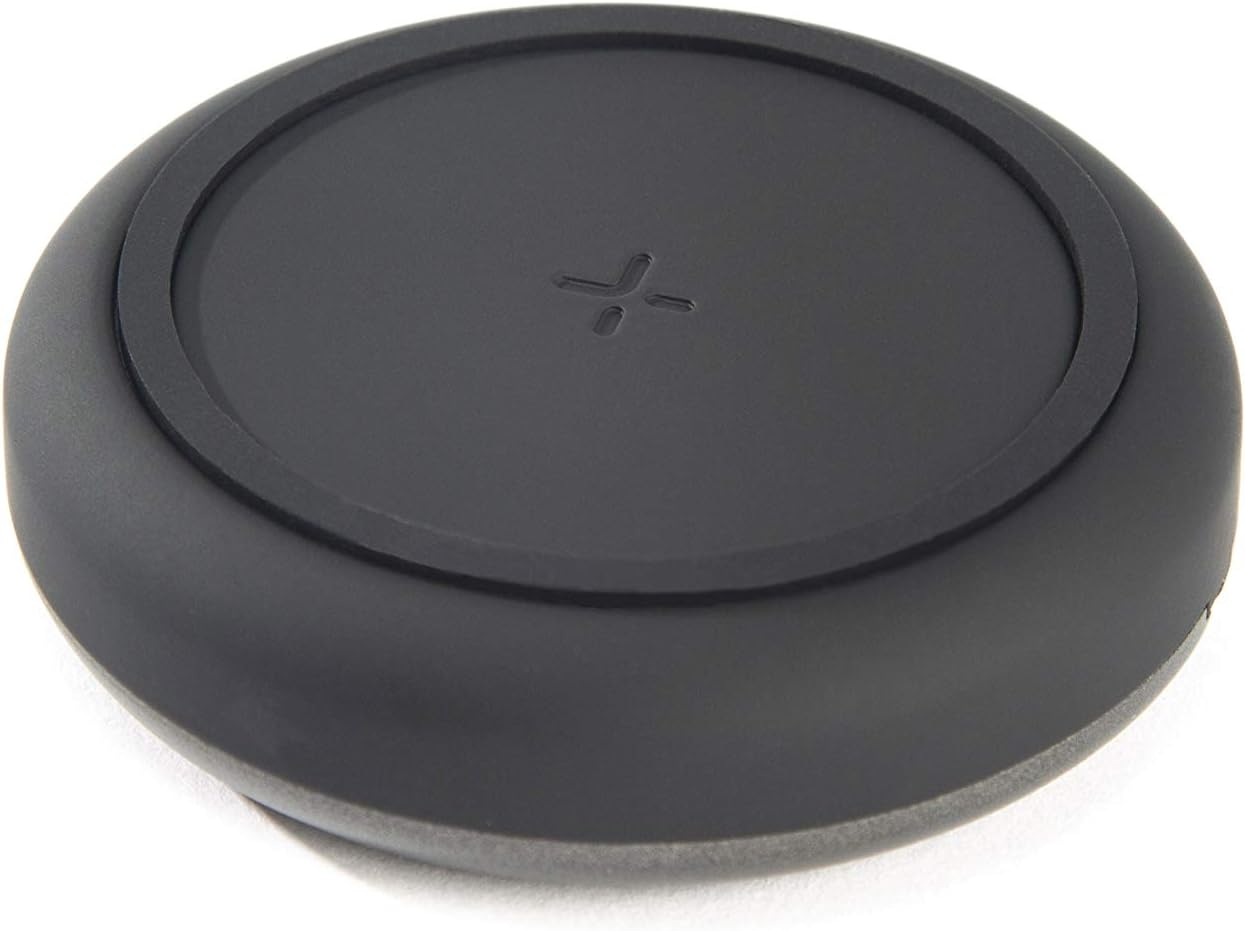
Imaxe: Arriba view of the TYLT Medallion charging pad, highlighting its compact and minimalist design.
Mantemento
- Limpeza: Disconnect the charging pad from its power source before cleaning. Use a soft, dry cloth to wipe the surface. Do not use harsh chemicals or abrasive cleaners.
- Almacenamento: When not in use, store the charging pad in a cool, dry place away from direct sunlight.
Resolución de problemas
| Problema | Causa posible | Solución |
|---|---|---|
| O dispositivo non se está cargando. |
|
|
| Carga lenta. |
|
|
| Charging pad or device gets warm. |
|
|
Especificacións
| Número de modelo | QIMEDBK-T |
| Vol. De entradatage | 5V / 2A ou 9V / 1.8A |
| Potencia de saídatage | 10 W (máx.) |
| Saída Ampera | 1A (máximo) |
| Tipo de conector | USB Type-C (integrated) |
| Compatibilidade | Qi-enabled devices (Apple iPhone, Samsung Galaxy, Microsoft Lumia, Google Nexus, Nokia Lumia, Pixel, LG, wireless earbuds, etc.) |
| Dimensións do produto | 4 x 1.5 x 5 polgadas |
| Peso do elemento | 2.39 onzas |
| Características especiais | Fast Charging, Qi Certified, Built-in Temperature Control, Voltage Protection, Non-slip Device Grip Ring |
Información da garantía
TYLT products are eligible for a 1-year Global Warranty program desde a data de compra. Esta garantía cobre defectos de fabricación e man de obra en condicións de uso normal. Non cobre danos causados por mal uso, accidentes, modificacións non autorizadas ou desgaste normal.
Conserve o comprobante de compra para reclamacións de garantía.
Apoio
For any concerns, technical assistance, or warranty inquiries, please do not hesitate to contact TYLT customer support.
Refer to the official TYLT website for contact details or visit their Amazon store: TYLT Amazon Store