
1. Produto rematadoview
The ASHATA Stylus Pen is a high-quality digital pen designed to enhance your experience with compatible LCD writing tablets. It offers precise input, mimicking the feel of a traditional pen or brush, making it ideal for various creative and professional applications.

Image 1: The ASHATA Stylus Pen, a sleek black digital pen.
This stylus is widely utilized by designers, artists, teachers, students, and office workers for tasks such as magazine illustration, image editing, drawing, game/animation film design, and landscape creation. Its robust performance ensures a smooth and responsive interaction with your writing tablet.

Image 2: The ASHATA Stylus Pen highlighting its multiple functions for various creative tasks.
2. Configuración
The ASHATA Stylus Pen is designed for immediate use without any complex setup procedures or battery requirements. It is a passive stylus.
- Retire o lapis óptico da súa embalaxe.
- The stylus is now ready for use with your compatible LCD writing tablet.
3. Instrucións de funcionamento
Using the ASHATA Stylus Pen is intuitive and straightforward, providing a natural writing and drawing experience.
- Suxeita o estilete: Grip the stylus as you would a traditional pen or pencil.
- Interact with Tablet: Gently touch the tip of the stylus to the surface of your 8.5-inch or 12-inch LCD writing tablet.
- Aplicar presión: Varying the pressure may affect the line thickness or intensity on some LCD writing tablets, depending on the tablet's capabilities. The stylus acts as a precise input tool for drawing, writing, and navigating.
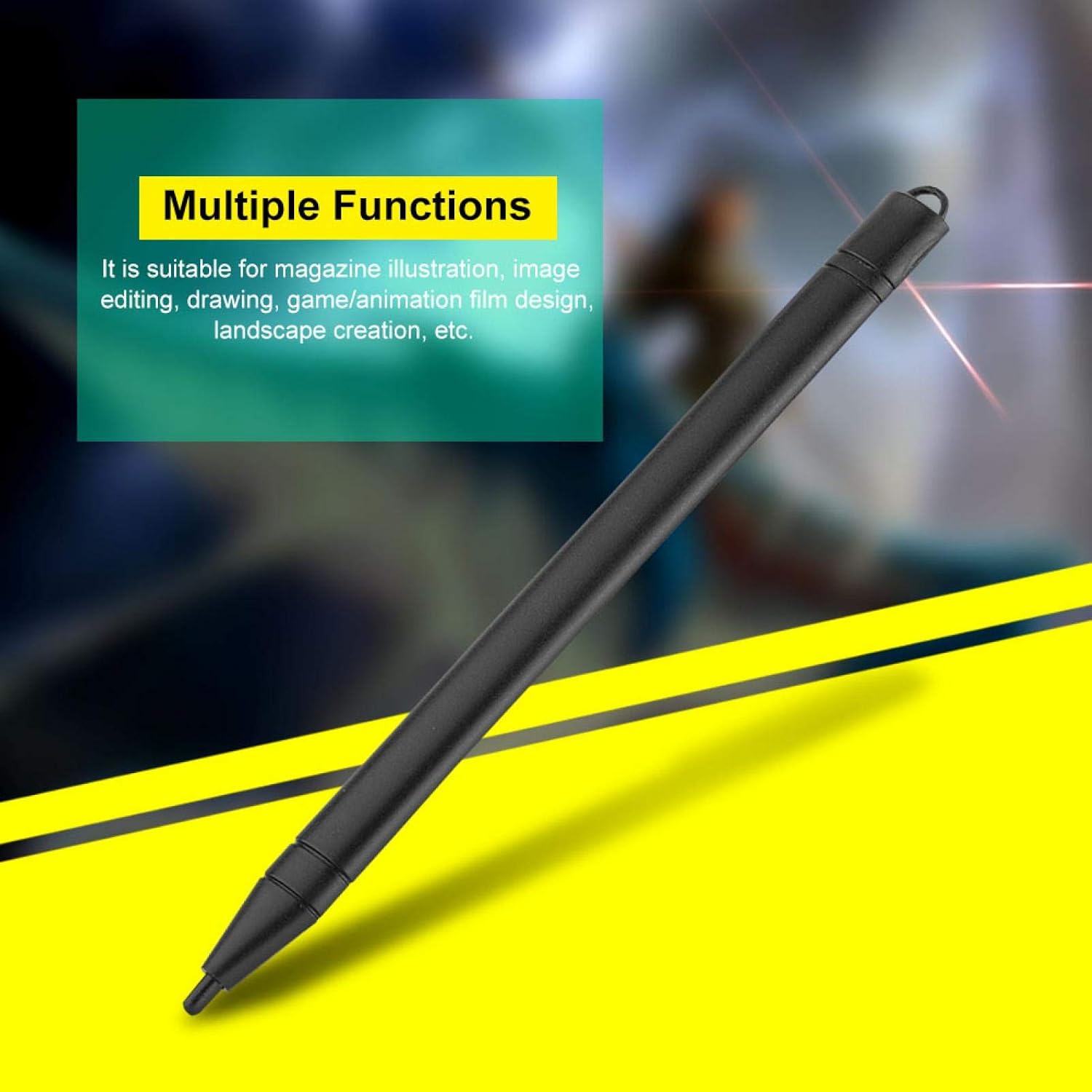
Image 3: A hand demonstrating the use of the ASHATA Stylus Pen on an LCD writing tablet.
Nota de compatibilidade: This stylus is specifically designed for 8.5-inch and 12-inch LCD writing tablets. It is generally not compatible with capacitive touchscreens found on smartphones, standard tablets (e.g., iPad, Fire HD), or other devices that require an active stylus or finger input.

Image 4: The ASHATA Stylus Pen resting on a black LCD writing tablet, illustrating its intended use.
4. Mantemento
Proper care will ensure the longevity and optimal performance of your ASHATA Stylus Pen.
- Limpeza: Wipe the stylus body and tip with a soft, dry, lint-free cloth to remove dust or smudges. Do not use abrasive cleaners or solvents.
- Almacenamento: Store the stylus in a safe place when not in use to prevent loss or damage. Avoid placing heavy objects on it.
- Condicións ambientais: Keep the stylus away from extreme temperatures, direct sunlight, and high humidity.
- Manexo: Avoid dropping the stylus or applying excessive force, as this may damage the tip or internal structure.
5 Solución de problemas
If you encounter issues with your ASHATA Stylus Pen, refer to the following common solutions:
- Stylus not responding on screen:
- Ensure you are using the stylus with a compatible 8.5-inch or 12-inch LCD writing tablet. This stylus is not designed for capacitive touchscreens (e.g., smartphones, standard tablets).
- Check the surface of your LCD writing tablet for any debris or obstructions that might interfere with the stylus's contact.
- Verify that the stylus tip is clean and undamaged.
- Lines are faint or inconsistent:
- Apply consistent, gentle pressure to the tablet surface.
- Ensure the tablet surface is clean.
6. Especificacións
Detailed specifications for the ASHATA Stylus Pen:
| Característica | Detalle |
|---|---|
| Marca | ASHATA |
| Número de modelo | ASHATA95yk82wgbr |
| Material | Acrilonitrilo Butadieno Estireno (ABS) |
| Cor | Negro |
| Peso | 3 Grams per piece |
| Dimensións (L x W x H) | Aprox. 116 x 8.6 x 4 mm (4.6 x 0.3 x 0.2 polgadas) |
| Dispositivos compatibles | 8.5-inch / 12-inch LCD Writing Tablets |
| Pilas necesarias | Non |

Image 5: The ASHATA Stylus Pen with its approximate dimensions indicated.
7. Garantía e soporte
For any questions, technical support, or warranty inquiries regarding your ASHATA Stylus Pen, please contact ASHATA customer service directly through the platform where you purchased the product. Please have your purchase details and model number (ASHATA95yk82wgbr) ready for faster assistance.