
1. Introdución
Thank you for choosing the MageGee G6 Wired Gaming Mouse. This ergonomic USB optical mouse is designed to enhance your gaming and work experience with its high precision sensor, adjustable speed levels, and vibrant LED backlighting. Please read this manual thoroughly to ensure proper setup and optimal performance.
2. Configuración
2.1 Contido do paquete
- MageGee G6 Wired Gaming Mouse
- Manual de instrucións
2.2 Requisitos do sistema
- Operating System: Windows 10, Windows 8, Windows 7, Windows XP, WinME, Vista, Linux, etc.
- Porto USB dispoñible
2.3 Conexión do rato
- Locate an available USB port on your computer (PC, Laptop, or Desktop).
- Plug the USB connector of the MageGee G6 mouse into the USB port.
- The mouse is plug-and-play; no additional drivers or software are required for basic functionality.
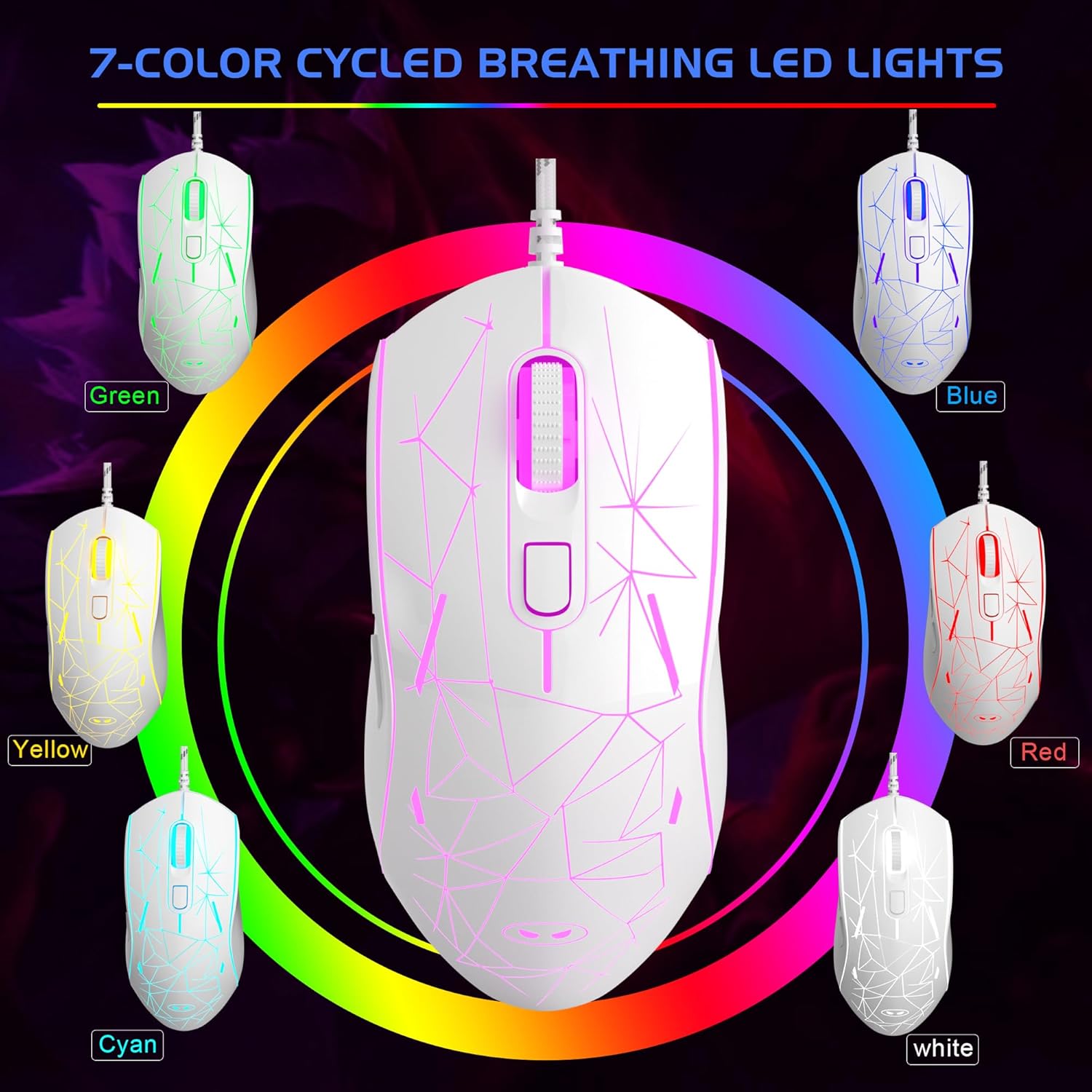
Image: The MageGee G6 Wired Gaming Mouse with its USB cable connected to a computer.
3. Instrucións de funcionamento
3.1 Funcións dos botóns
The MageGee G6 offers 6 flexible buttons for versatile control:
- Botón esquerdo: Función estándar do clic esquerdo.
- Botón dereito: Función estándar do clic dereito.
- Roda de desprazamento: Scrolls up/down, and acts as a middle-click button.
- Speed Button (DPI Button): Adjusts the DPI (Dots Per Inch) sensitivity.
- Botón de avance: Navega cara adiante web navegadores ou aplicacións.
- Botón Atrás: Navega cara atrás en web navegadores ou aplicacións.
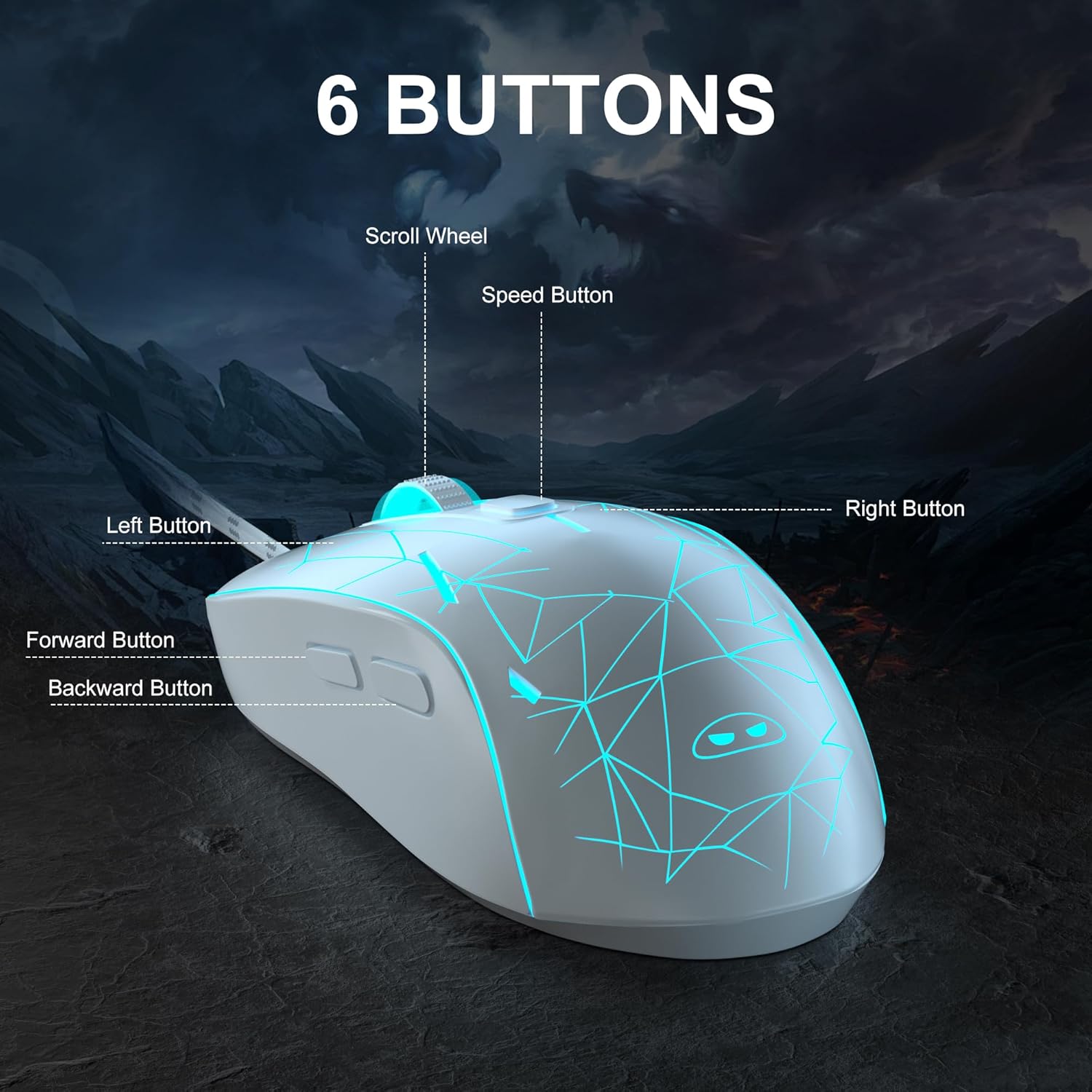
Imaxe: Unha detallada view of the MageGee G6 mouse highlighting the Left, Right, Scroll Wheel, Speed, Forward, and Back buttons.
3.2 Adjusting DPI Speed Levels
The MageGee G6 offers 6 adjustable DPI speed levels for precise cursor control:
- 600 DPI
- 800 DPI
- 1200 DPI
- 1600 DPI
- 2400 DPI
- 3200 DPI
Preme o Botón de velocidade (located below the scroll wheel) to cycle through the different DPI settings. Each press will change the sensitivity, allowing you to find the optimal speed for your tasks or games.
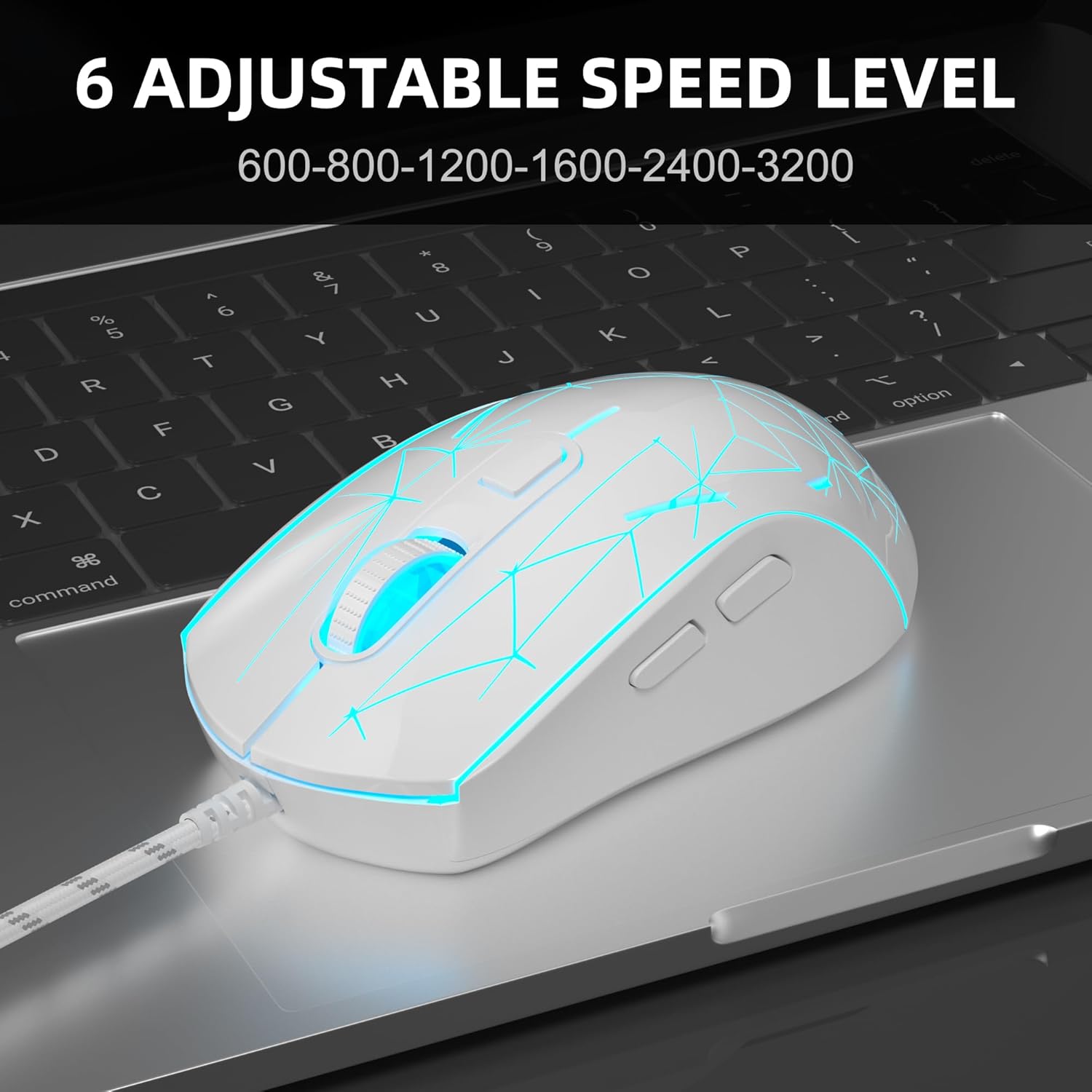
Image: The MageGee G6 mouse in use, demonstrating the adjustable DPI settings from 600 to 3200.
3.3 Control de retroiluminación LED
The MageGee G6 features 7-color breathing LED backlighting. You can control the lighting as follows:
- Cambiar cor: Preme o Botón de velocidade e o Botón de avance simultaneously to cycle through and lock a specific color.
- Acender/apagar luces: Manteña premido o Botón de velocidade for 3 seconds to toggle the LED lights on or off.
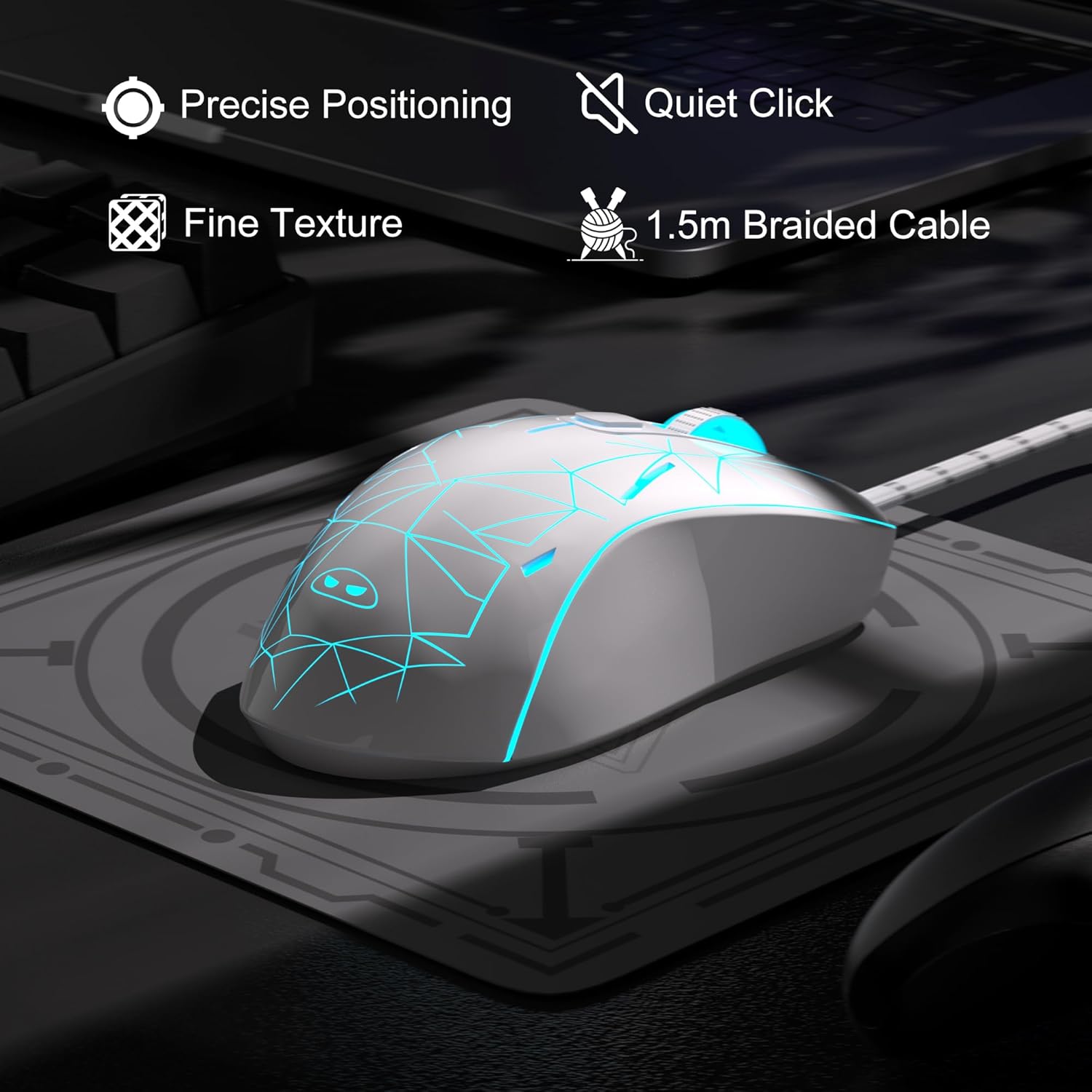
Image: The MageGee G6 mouse showcasing its 7-color breathing LED lights, including green, yellow, cyan, blue, red, and white.
4. Mantemento
- Limpeza: Usa un pano suave e seco para limpar o rato. Evita o uso de produtos químicos agresivos ou materiais abrasivos.
- Coidado do cable: Do not pull or twist the braided USB cable excessively to prevent damage.
- Almacenamento: Store the mouse in a dry place away from extreme temperatures.
5 Solución de problemas
5.1 O rato non responde
- Asegúrate de que o cable USB estea conectado correctamente a un porto USB que funcione no teu ordenador.
- Tenta conectar o rato a un porto USB diferente.
- Reinicia o teu ordenador.
5.2 As luces LED non funcionan
- Asegúrate de que o rato estea conectado correctamente ao teu ordenador.
- Manteña premido o Botón de velocidade for 3 seconds to toggle the LED lights on or off.
5.3 O movemento do cursor é errático
- Limpa o sensor óptico da parte inferior do rato cun pano suave.
- Asegúrate de usar o rato sobre unha superficie axeitada (por exemplo, unha alfombrilla de rato).
- Adjust the DPI sensitivity using the Botón de velocidade.
6. Especificacións
| Característica | Detalle |
|---|---|
| Marca | MageGee |
| Modelo | G6 |
| Tecnoloxía de conectividade | USB, con cable |
| Tecnoloxía de detección de movemento | Óptica |
| Niveis de DPI | 600/800/1200/1600/2400/3200 (Adjustable) |
| Botóns | 6 (Left, Right, Scroll Wheel, Speed, Forward, Back) |
| LED backlight | 7 Colors Breathing LED (Blue, Red, Green, Purple, Cyan, Yellow, White) |
| Lonxitude do cable | 1.5 meters (Durable Braided Cable) |
| Ergonomía | Ergonomic Design with Comfortable Grip |
| Compatibilidade | Windows 10, 8, 7, XP, WinME, Vista, Linux, PC, Laptop, Desktop |
| Peso do elemento | 5.6 onzas |
| Dimensións do paquete | 5.31 x 3.62 x 1.65 polgadas |
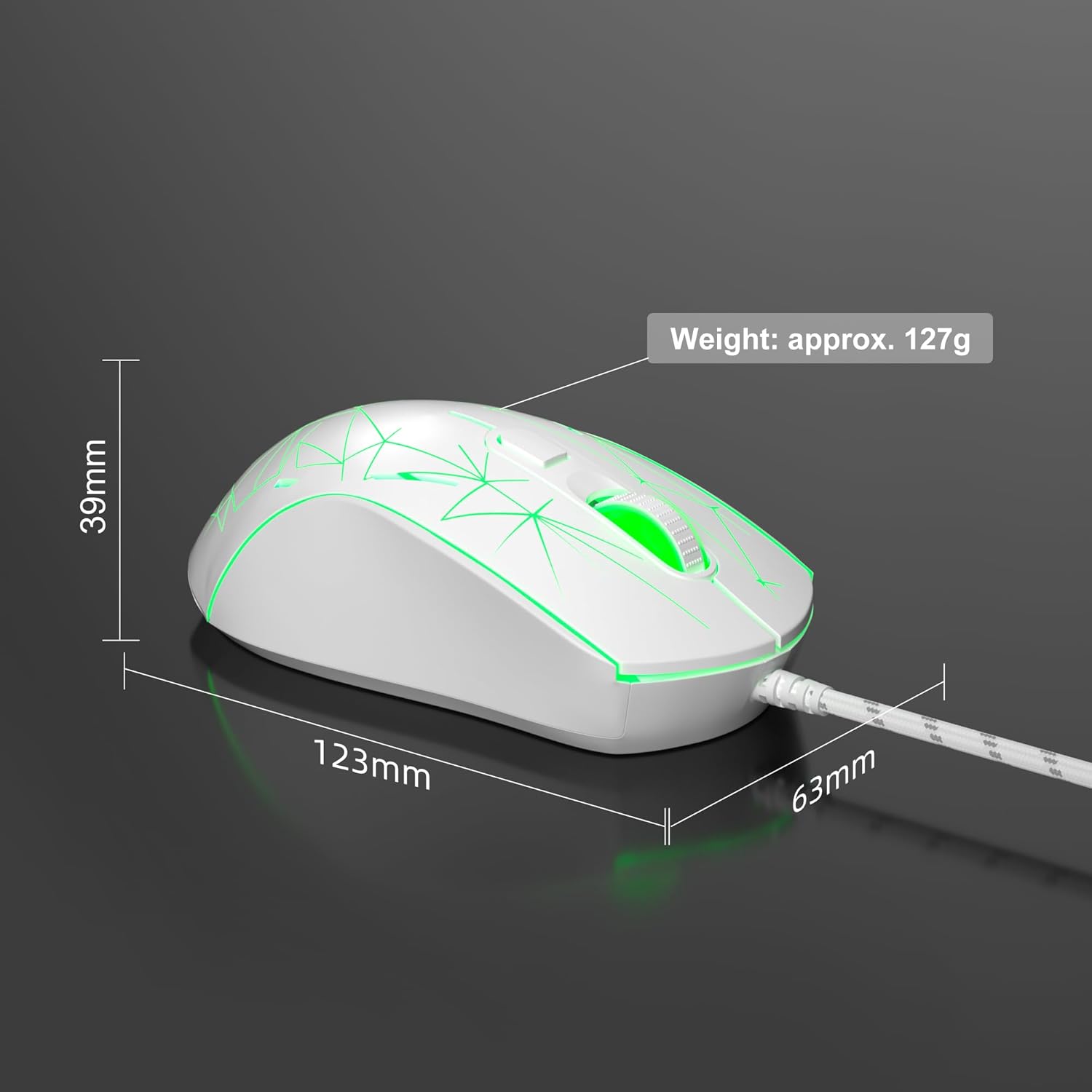
Image: Diagram illustrating the dimensions of the MageGee G6 Wired Gaming Mouse (123mm length, 63mm width, 39mm height, approx. 127g weight).
7. Garantía e soporte
For warranty information and customer support, please refer to the official MageGee websitio web ou póñase en contacto co seu vendedor. Garde o recibo da compra para reclamacións de garantía.
MageGee is committed to technological and product innovation, providing quality computer peripherals. Our after-sales team is available to promptly respond and solve your problems.
Visita o MageGee Store para máis produtos e información.