
1. Introdución
Thank you for choosing the Hoco HC2 Wireless Speaker. This manual provides essential information for setting up, operating, and maintaining your device. Please read it carefully before use to ensure optimal performance and longevity of your speaker.
2. Características
- Bluetooth 5.0 para unha conectividade sen fíos estable e eficiente.
- Dual 52mm speaker units with 5W x 2 power output for rich, clear audio.
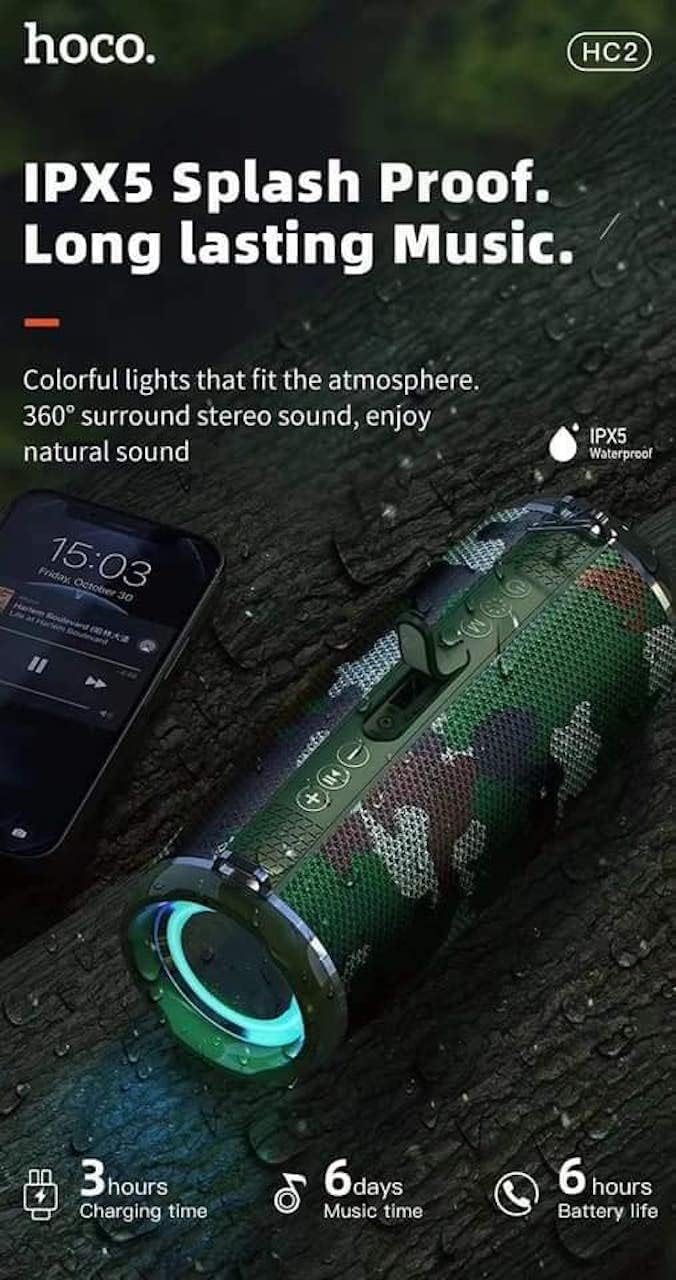
- Built-in 2400 mAh battery providing approximately 6 hours of talk/music playback time.
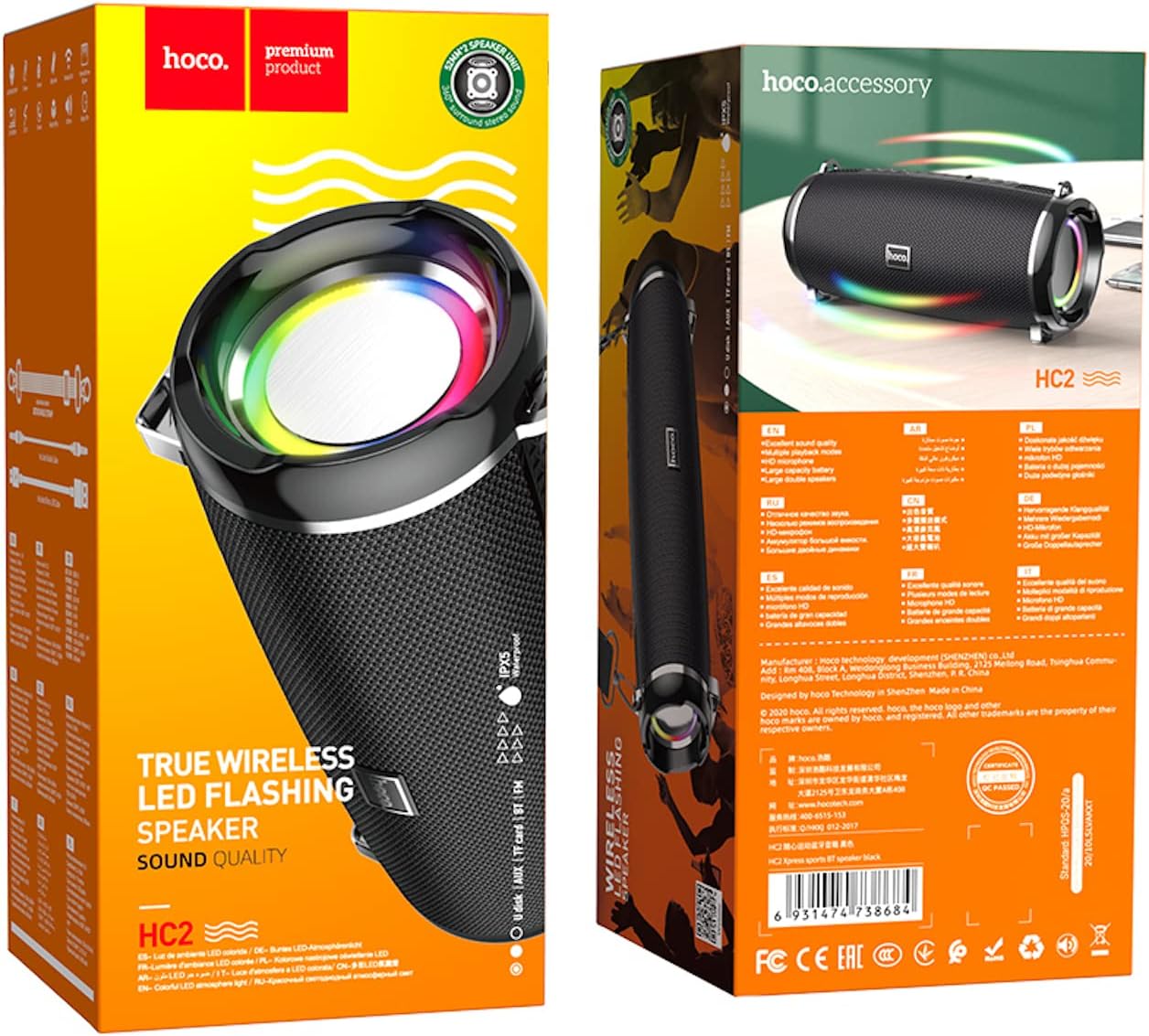
- Versatile playback options: Supports Bluetooth, TF card, USB, AUX, and FM radio modes.
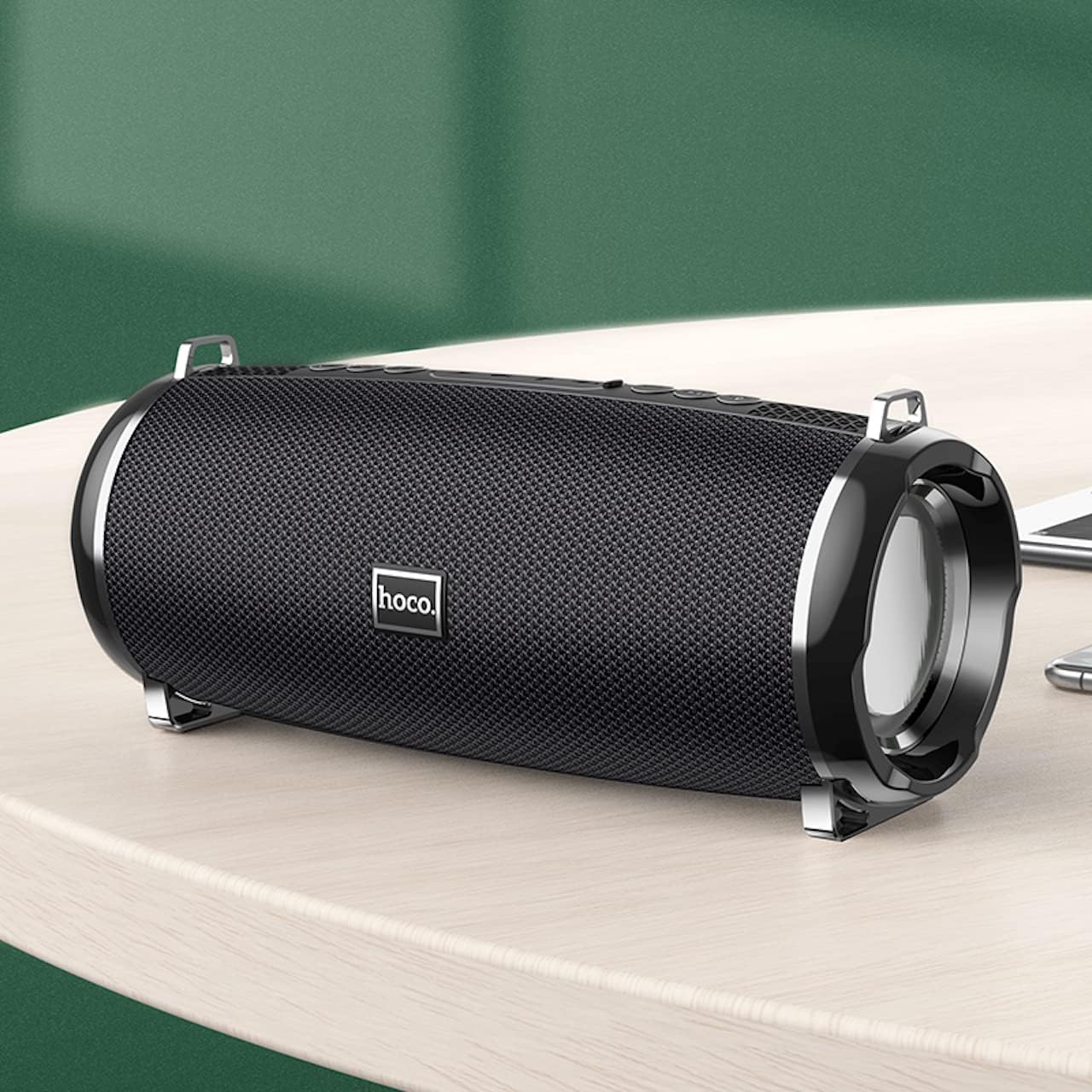
- Compact and portable design with dimensions of 194.4 x 81 x 82 mm and a weight of 598 grams.
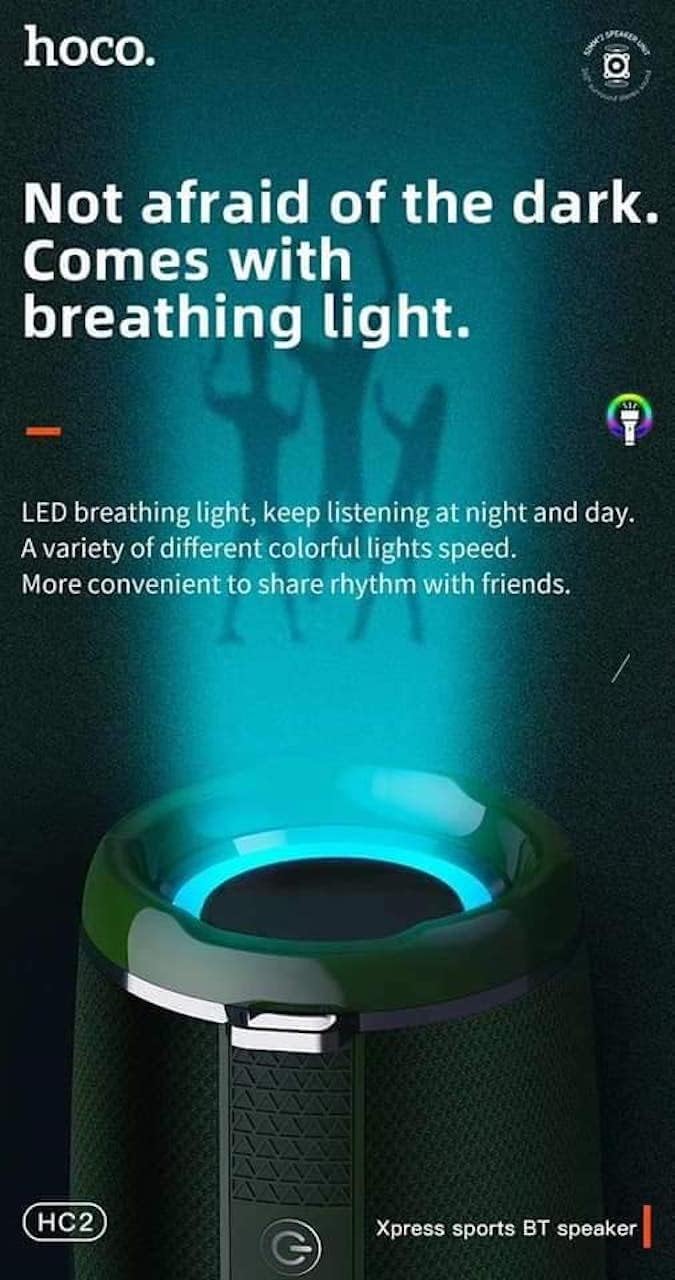
- Features LED breathing light for enhanced visual experience.
- IPX5 splash-proof rating for outdoor use.
3. Contido do paquete
Comprobe se o paquete contén os seguintes elementos:
- Hoco HC2 Wireless Speaker
- Cable de carga USB
- Manual de usuario
- Shoulder Strap (may vary by package)
4. Configuración
4.1 Carga do altofalante
Before first use, fully charge the speaker. Connect the provided USB charging cable to the speaker's charging port and the other end to a USB power adapter (not included) or a computer's USB port. The charging indicator light will illuminate during charging and turn off when fully charged. Charging takes approximately 3 hours.
4.2 Acendido/Apagado
Press and hold the power button for a few seconds to turn the speaker on or off. A voice prompt will indicate the power status.
4.3 Emparejamento Bluetooth
- Acenda o altofalante. Entrará automaticamente no modo de emparellamento Bluetooth, o que se indicará cunha luz LED intermitente.
- Activa o Bluetooth no teu teléfono intelixente, tableta ou outro dispositivo.
- Busca "HC2" in the list of available Bluetooth devices.
- Select "HC2" to connect. Once connected, a voice prompt will confirm the successful pairing, and the LED light will stop flashing.
- Se se lle solicita un contrasinal, introduza "0000".
O altofalante volverá conectarse automaticamente co último dispositivo emparellado ao acendelo, se o Bluetooth do dispositivo está activo e dentro do alcance.
5. Instrucións de funcionamento
5.1 Cambio de modo
Press the 'M' (Mode) button to cycle through available modes: Bluetooth, TF Card, USB, AUX, and FM Radio.
5.2 Music Playback (Bluetooth/TF Card/USB)
- Reproducir/Pausa: Preme o botón Reproducir/Pausa.
- Próxima pista: Short press the 'Next' button.
- Pista anterior: Short press the 'Previous' button.
- Subir volume: Mantén premido o botón "Subir volume".
- Baixar volume: Mantén premido o botón "Baixar volume".
5.3 Funcionamento da radio FM
- Cambia ao modo de radio FM usando o botón "M".
- Press the Play/Pause button to automatically scan and save available radio stations.
- Use the 'Next' and 'Previous' buttons to switch between saved stations.
5.4 Modo AUX
Conecta un dispositivo de son externo (por exemplo, un reprodutor de MP3 ou un ordenador) ao porto AUX do altofalante mediante un cable de son de 3.5 mm. O altofalante cambiará automaticamente ao modo AUX. Controla a reprodución desde o dispositivo conectado.
5.5 Control da luz LED
The speaker features an LED breathing light. Refer to the specific button on your speaker (often a dedicated light button or a long press on a volume button) to cycle through light modes or turn the light on/off.
6. Mantemento
- Limpeza: Usa un pano suave e seco para limpar o altofalante. Non empregues produtos de limpeza abrasivos nin solventes.
- Almacenamento: Garde o altofalante nun lugar fresco e seco, lonxe da luz solar directa e de temperaturas extremas.
- Coidado da batería: To prolong battery life, charge the speaker regularly, even if not in use. Avoid fully discharging the battery frequently.
- Resistencia á auga: The speaker is IPX5 splash-proof, meaning it can resist light splashes of water. Do not submerge it in water or expose it to heavy rain. Ensure all ports are securely covered when exposed to moisture.
7 Solución de problemas
| Problema | Causa posible | Solución |
|---|---|---|
| O altofalante non se acende. | Batería baixa. | Cargue o altofalante completamente. |
| Sen son. | Volume demasiado baixo; modo incorrecto; dispositivo non conectado. | Increase volume; switch to correct mode; ensure device is paired/connected. |
| Falla o emparellamento Bluetooth. | O altofalante non está en modo de emparellamento; o dispositivo está demasiado lonxe; interferencias. | Ensure speaker is in pairing mode; move devices closer; restart both devices. |
| Mala recepción de radio FM. | Debil sinal. | Reubica o altofalante nunha zona con mellor sinal. |
8. Especificacións
| Especificación | Detalle |
|---|---|
| Nome do modelo | HC2 |
| Dimensións do produto | 19.44 x 8.2 x 8.1 cm |
| Peso | 598 gramos |
| Tecnoloxía de conectividade | Bluetooth, FM, TF Card, USB Disk, AUX, TWS |
| Versión Bluetooth | 5.0 |
| Chipset | JLAC6928B |
| Capacidade da batería | 2400 mAh |
| Tempo de carga | Aprox. 3 horas |
| Talk/Music Playback Time | Aprox. 6 horas |
| Unidade de altofalante | 52 mm × 2 |
| Potencia máxima de saída do altofalante | 5 W × 2 |
| Modo de saída de audio | Envolvente |
| Característica especial | Bluetooth, TF Card, USB, AUX, FM Radio support |
| Usos recomendados | Smartphones, Tablets, Music Players, Surround Sound Systems |
| Dispositivos compatibles | Smartphone, Laptop, MP3 Player, Tablet, Desktop Computer |
| Tipo de montaxe | Mesa |
9. Imaxes do produto




10. Garantía e soporte
Hoco products are manufactured to the highest quality standards. This product is covered by a standard manufacturer's warranty against defects in materials and workmanship. Please refer to the warranty card included in your package for specific terms and conditions, including the warranty period.
For technical support, troubleshooting assistance, or warranty claims, please contact Hoco customer service through their official website or the retailer from whom you purchased the product. Keep your purchase receipt as proof of purchase for warranty purposes.
Extended protection plans may be available from your retailer. These plans offer additional coverage beyond the standard manufacturer's warranty.