
ASUS TUF516PE-AB73
Manual de instrucións do portátil para xogos ultrafino ASUS TUF Dash 15 (2021)
Model: TUF516PE-AB73
Introdución
This manual provides essential information for setting up, operating, maintaining, and troubleshooting your ASUS TUF Dash 15 (2021) Ultra Slim Gaming Laptop. Please read this guide thoroughly to ensure optimal performance and longevity of your device.
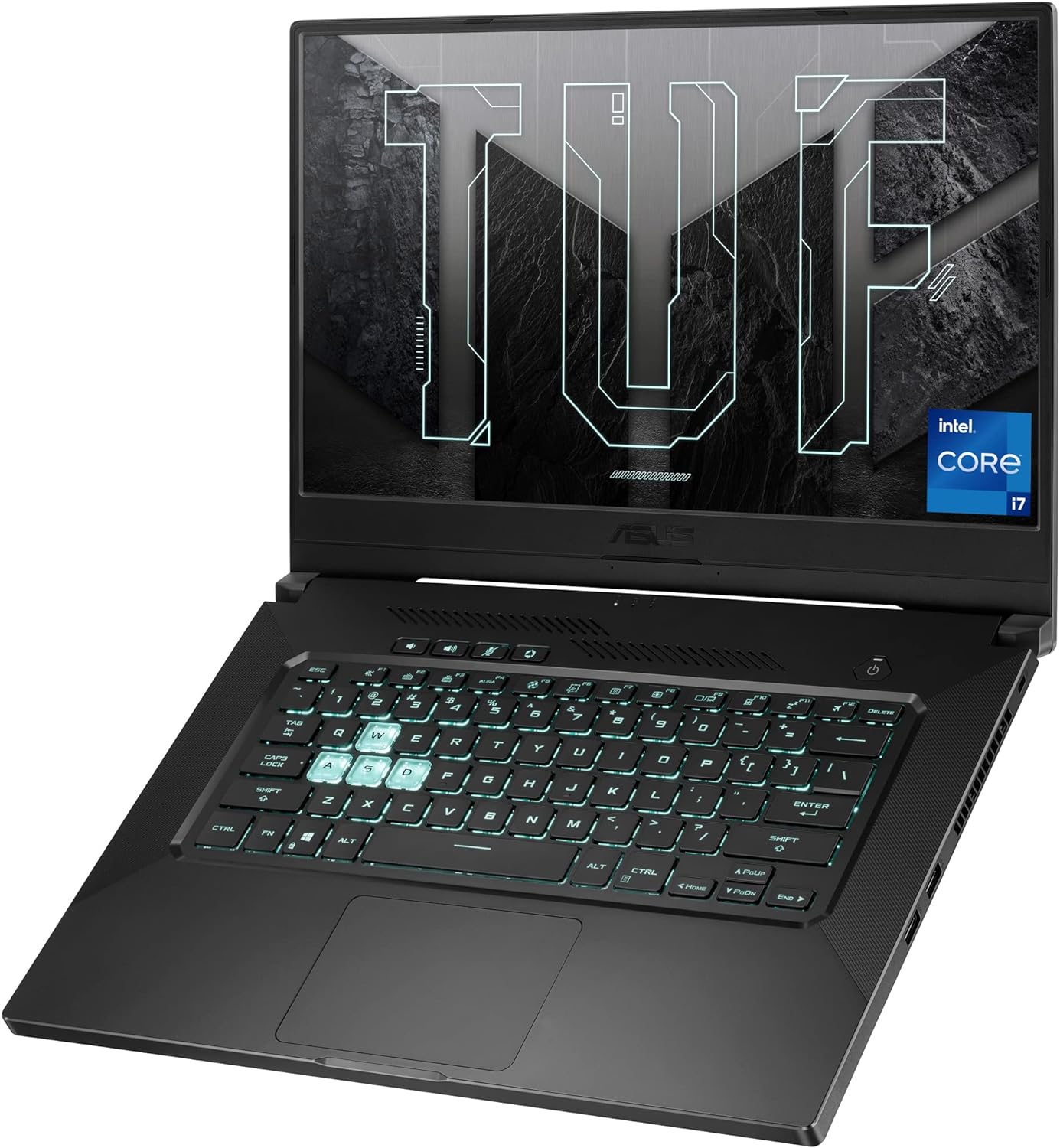
Image: The ASUS TUF Dash 15 (2021) laptop, showcasing its design and backlit keyboard.
O que hai na caixa
Comprobe que todos os elementos estean presentes na embalaxe:
- ASUS TUF Dash 15 (2021) Laptop (Model: TUF516PE-AB73)
- Adaptador de alimentación e cable
- Guía do usuario (este documento)
- Tarxeta de garantía
Configuración
1. Acendido inicial
- Conecta o adaptador de corrente ao porto de entrada de alimentación do portátil e despois a unha toma de corrente.
- Abre a tapa do portátil.
- Preme o botón de acendido e apagado, que normalmente se atopa na parte superior dereita do teclado.
- Follow the on-screen instructions to complete the Windows 10 setup process.
2. Conexión de periféricos
O teu portátil ten varios portos para conectar dispositivos externos:
- Portos USB 3.0: For connecting USB devices like mice, keyboards, and external storage.
- Porto HDMI: Para conectar a pantallas ou proxectores externos.
- Thunderbolt 4 (USB-C) Port: Para transferencia de datos de alta velocidade, saída de visualización e subministración de enerxía.
- Conector combinado de audio: For connecting headphones or headsets.
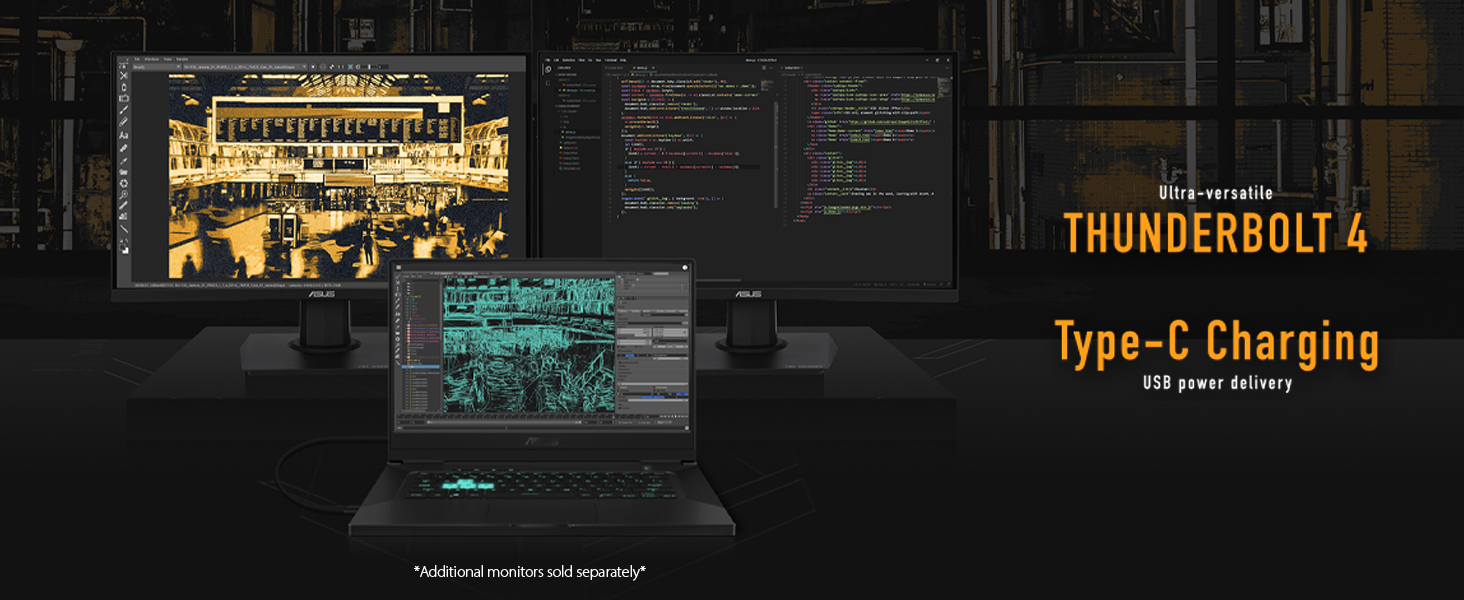
Image: The ASUS TUF Dash 15 connected to multiple external monitors, demonstrating its versatile connectivity options including Thunderbolt 4 and Type-C charging.
Manexo do portátil
Mostrar características
The laptop features a 15.6-inch 144Hz IPS-Type Full HD (1920x1080) display with Adaptive Sync technology for smooth visuals.
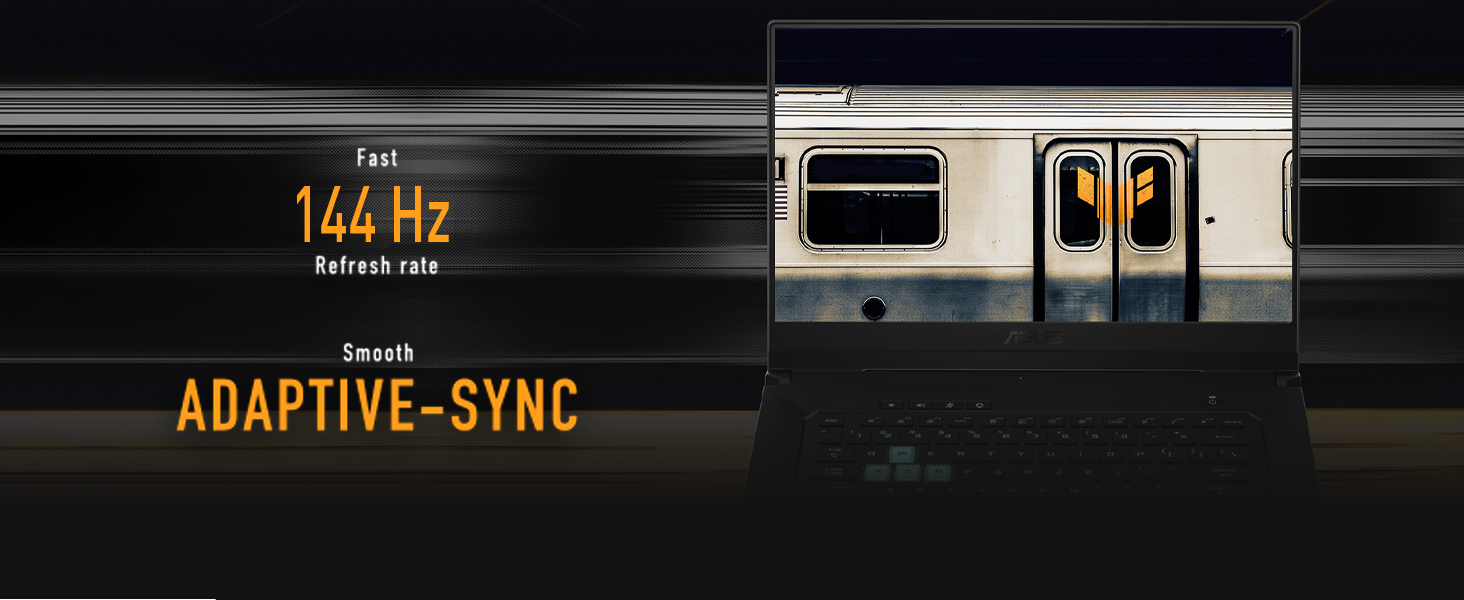
Image: The laptop screen highlighting its 144Hz refresh rate and Adaptive-Sync feature for fluid motion.
Teclado e Touchpad
The backlit precision gaming keyboard offers a comfortable typing experience. Utilize the touchpad for navigation and gestures.
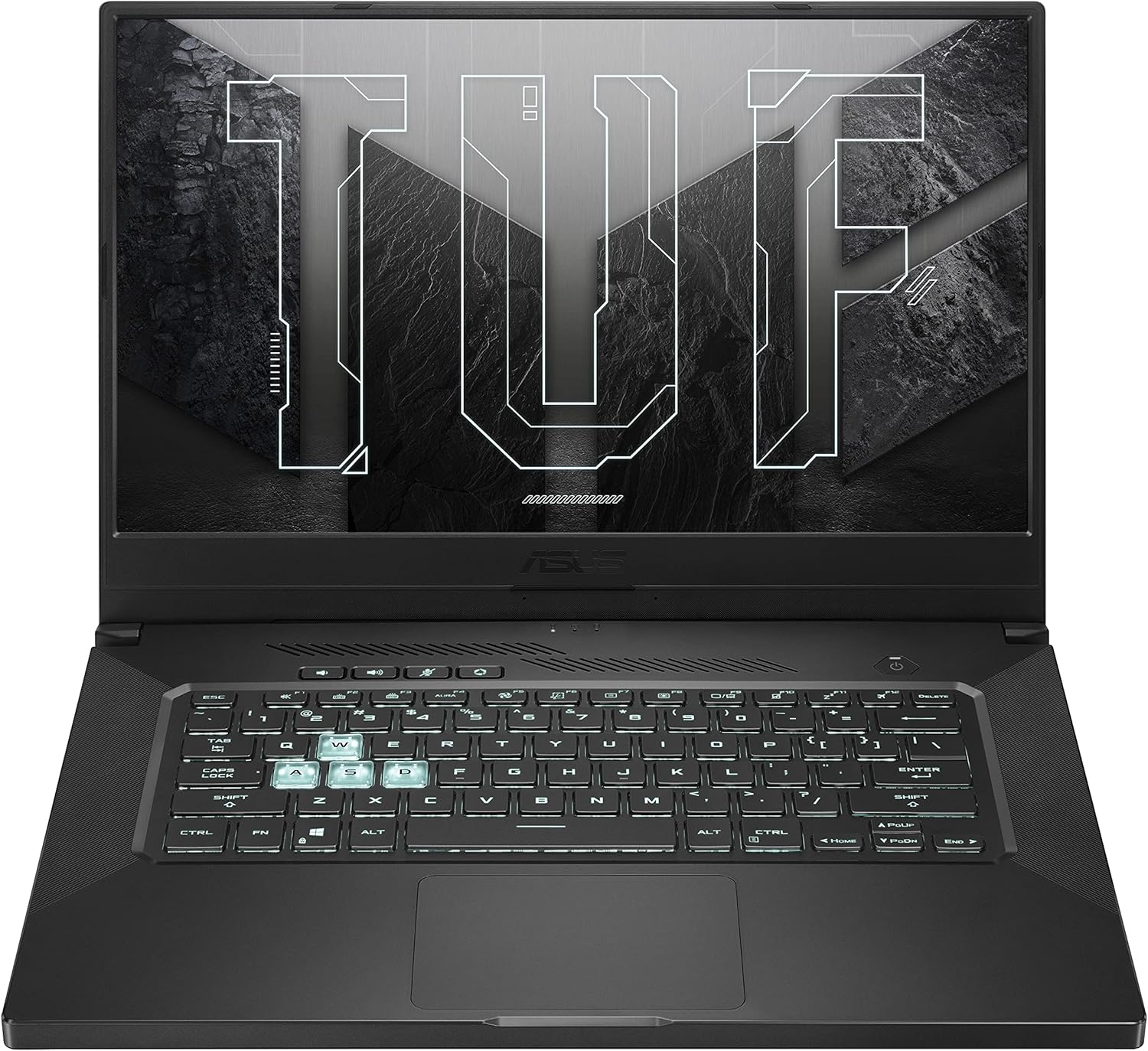
Imaxe: De arriba abaixo view of the ASUS TUF Dash 15 keyboard, showing the layout and highlighted WASD keys for gaming.
Audio
The laptop incorporates two-way AI Noise Cancellation technology for clear audio communication.

Image: The laptop screen showing audio settings, emphasizing the AI Noise Cancellation feature.
Mantemento
Sistema de refrixeración
The TUF Dash 15 features an advanced cooling system with 4 fan outlets, 83-blade fans, enhanced self-cleaning cooling, and 5 heat pipes to manage CPU, GPU, VRM, and VRAM temperatures.

Image: An illustration of the laptop's underside, highlighting the cooling system with fan outlets and heat dissipation.
Storage and Memory Upgrades
The laptop is designed for easy upgrades, featuring a pop-open screw for access to an additional M.2 SSD slot and SO-DIMM slots for memory expansion.

Image: The bottom panel of the laptop removed, revealing the additional M.2 SSD slot and SO-DIMM slot for memory upgrades.
Resolución de problemas
Problemas comúns e solucións
- Sen enerxía: Asegúrate de que o adaptador de corrente estea conectado correctamente tanto ao portátil como a unha toma de corrente que funcione. Comproba a luz indicadora de alimentación.
- Problemas de visualización: If the screen is blank, try connecting an external monitor to verify if the issue is with the laptop's display or graphics output. Ensure display drivers are updated.
- Redución do rendemento: Close unnecessary applications. Check for background processes consuming high CPU or RAM. Ensure cooling vents are clear and not obstructed.
- A batería non se carga: Verify the power adapter is functioning correctly. Try a different power outlet.
- Problemas de conexión wifi: Ensure Wi-Fi is enabled in Windows settings. Restart your router and the laptop. Update wireless drivers.
For more detailed troubleshooting, refer to the official ASUS support websitio ou póñase en contacto co servizo de atención ao cliente.
Especificacións
| Característica | Detalle |
|---|---|
| Nome do modelo | TUF516PE-AB73 |
| Procesador | Intel Core i7-11370H (up to 4.8GHz) |
| Gráficos | NVIDIA GeForce RTX 3050 Ti 4GB GDDR6 |
| Mostrar | 15.6-inch FHD (1920x1080) IPS-Type, 144Hz, Adaptive Sync |
| RAM | 8 GB DDR4 3200 MHz |
| Almacenamento | Unidade de estado sólido (SSD) M.2 NVMe PCIe de 512 GB |
| Sistema Operativo | Windows 10 Home (Free upgrade to Windows 11 eligible) |
| Conectividade sen fíos | Wi-Fi 6 (802.11ax), Bluetooth |
| Portos | 4x USB 3.0, HDMI, Thunderbolt 4 (USB-C), Audio Combo Jack |
| Duración da batería | Ata 16.6 horas (reprodución de vídeo) |
| Dimensións (LxWxH) | 9.9 x 14.2 x 0.78 polgadas |
| Peso | 4.41 libras |
| Cor | Gris eclipse |
Garantía e Soporte
Garantía estándar
Every ASUS TUF laptop includes a 12-month warranty as standard. This warranty covers expert support, thorough diagnostics, and genuine parts if a repair is needed. A 90-day warranty is also provided on all warranty replacement parts.
Accidental Damage Protection (ADP)
ASUS provides one year of free Accidental Damage Protection (ADP) against liquid spills, drops, and electrical surges on new laptops registered within 60 days of purchase. This protection ensures coverage for common accidents.
Image: Visual representation of accidental damage protection covering liquid spills, electrical surges, and accidental drops.
For warranty claims or technical assistance, please visit the official ASUS support websitio ou póñase en contacto co seu servizo de atención ao cliente.
Ask a question about this manual
Ask about setup, troubleshooting, compatibility, parts, safety, or missing instructions. Manuals+ will review the question and use this page’s manual context to help answer it.