
1. Introdución
The Rotolight Titan X1 is a cinematic RGBWW LED light designed for professional studio and on-location shoots. This advanced lighting solution features electronic diffusion technology, a full-color touchscreen display, and extensive color control capabilities. It is engineered to provide precise and versatile lighting for various creative applications.
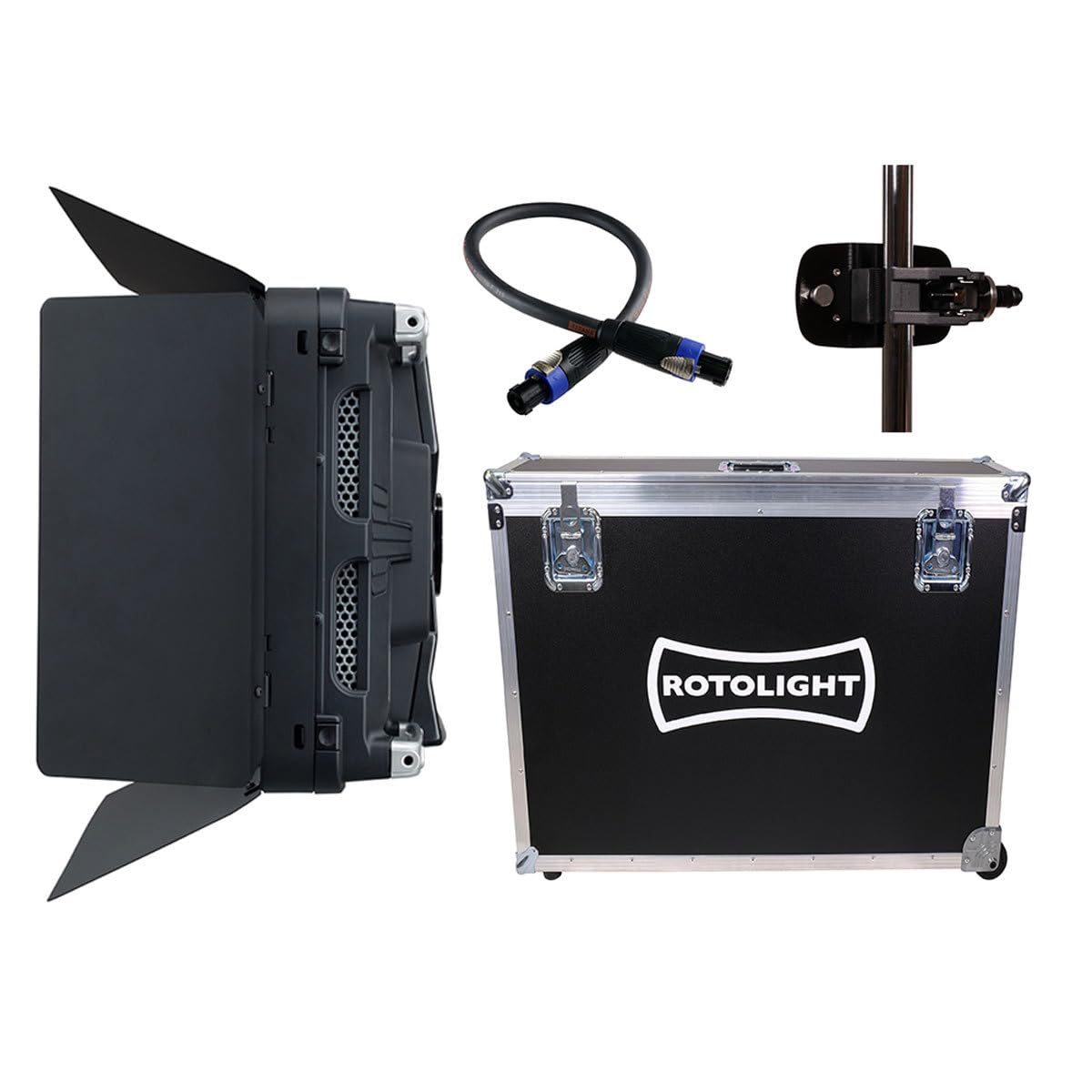
Figure 1: Rotolight Titan X1 Cinematic RGBWW LED Light with standard yoke attached.
2. Información de seguridade
Please read all safety instructions before using the Rotolight Titan X1. Failure to follow these instructions may result in electric shock, fire, or serious injury.
- Seguridade eléctrica: Asegúrese de que a fonte de alimentación coincida co volumen especificadotage (AC 110-240V, 50/60 Hz or DC 20.5-26V). Do not operate with damaged cables or power adapters.
- Calor: The light fixture can become hot during prolonged use. Allow adequate ventilation and avoid touching the light panel directly when in operation.
- Montaxe: Always secure the light properly to a stand or truss using the provided yoke and appropriate mounting hardware. Ensure the mounting surface can support the weight of the fixture.
- Exposición á auga: This product is not waterproof. Do not expose the light to rain, moisture, or high humidity.
- Mantemento: Refer to the maintenance section for cleaning instructions. Do not attempt to disassemble or repair the unit yourself. Contact qualified service personnel.
- Protección ocular: Avoid looking directly into the light source when it is active, as intense light can cause eye strain or damage.
3. Que hai na caixa
The Rotolight Titan X1 Cinematic RGBWW LED Light Rental Kit typically includes the following components:
- Rotolight Titan X1 LED Light Fixture
- Diffusion system (integrated SmartSoft)
- Xugo estándar
- Fitted Flight Case
- Stand Mount Clamp (28mm Junior Pin compatible)
- Power Supply Unit (AC/DC)
- Cable de alimentación
4. Configuración
4.1 Montaxe da luz
- Remove the Titan X1 light fixture from its flight case.
- Attach the standard yoke to the light fixture if not already assembled.
- Secure the stand mount clamp to a compatible light stand or truss system using the 28mm Junior Pin receiver on the yoke. Ensure the clamp está firmemente apretado.
- Adjust the tilt and pan of the light using the yoke's locking mechanisms to achieve the desired angle.

Figure 2: Multiple Rotolight Titan X1 units positioned on stands for a shoot.
4.2 Conexión de alimentación
- Connect the power cable to the power supply unit.
- Connect the power supply unit to the Titan X1's power input port. The light supports both AC (110-240 VAC, 50/60 Hz) and DC (20.5-26 VDC) input.
- Conecte o cable de alimentación a unha toma de corrente axeitada.
- Alternatively, for DC operation, connect a compatible battery pack to the Neutrik SpeakOn battery connection.
5. Funcionamento
5.1 Encendido/apagado
Locate the power button on the light fixture. Press it once to power on the unit. Press and hold to power off.
5.2 Interface de control
The Titan X1 features a full-color touchscreen display for intuitive control. Navigate through menus and settings using touch gestures and the physical control knobs/buttons.

Figure 3: The Titan X1's touchscreen display and control buttons.
5.3 modos de iluminación
The Titan X1 offers five primary lighting modes, accessible via the touchscreen:
- CCT (Temperatura de cor correlacionada): Axusta o balance de brancos de 3,000K a 10,000K.
- HSI (Hue, Saturation, Intensity): Control the color based on hue, saturation, and brightness.
- RGBW (Red, Green, Blue, White): Directly adjust the intensity of red, green, blue, and white LEDs.
- XY: Precise color control using CIE 1931 color space coordinates.
- Filtro: Access a library of over 1400 industry-standard gels and filters.
5.4 SmartSoft Electronic Diffusion
The integrated SmartSoft technology allows for electronic control of diffusion, focus, and spread. Use the touchscreen interface to adjust the softness of the light without needing physical gels.

Figure 4: The Titan X1 providing illumination during a live performance, showcasing a súa versatilidade.
5.5 Control de brillo
Adjust the light intensity continuously from 0% to 100% using the dedicated dimmer control on the interface.
5.6 presets de usuario
The Titan X1 allows for saving up to 50 user-customizable presets. This enables quick recall of frequently used lighting setups.

Figure 5: The Titan X1 integrated into a professional band performance setup.
5.7 Creative Lighting Applications
The extensive color and diffusion controls of the Titan X1 enable a wide range of creative lighting effects for various productions.

Figura 6: Example of creative lighting using the Titan X1's color capabilities.
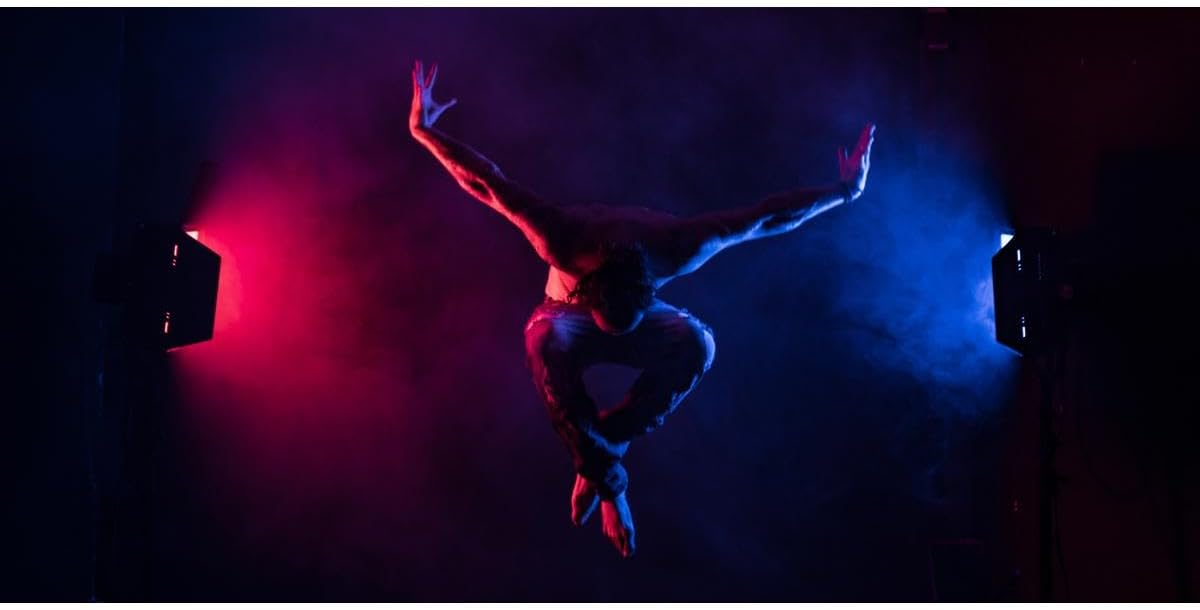
Figure 7: Dynamic color effects achieved with the Titan X1.
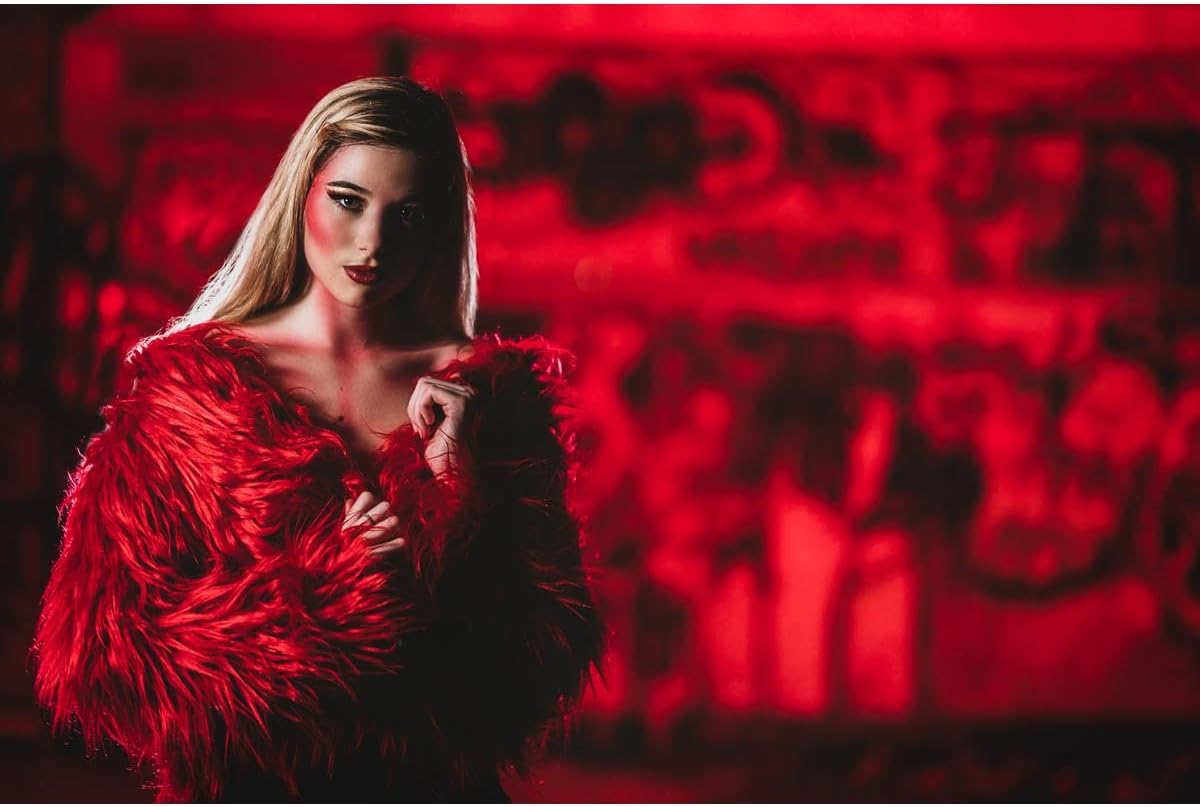
Figure 8: Intense red lighting effect for dramatic visual impact.
6. Mantemento
6.1 Limpeza
- Desconecte sempre a alimentación antes de limpar.
- Usa un pano suave e seco para limpar o exterior da lámpada.
- Para a sucidade persistente, un lixeiro damp cloth with a mild, non-abrasive cleaner can be used, followed by a dry cloth.
- Do not use harsh chemicals, solvents, or abrasive materials, as these can damage the finish or optical components.
- Keep the touchscreen clean and free of smudges for optimal responsiveness.
6.2 Almacenamento
When not in use, store the Rotolight Titan X1 in its fitted flight case in a cool, dry place, away from direct sunlight and extreme temperatures.
7 Solución de problemas
If you encounter issues with your Rotolight Titan X1, refer to the following common problems and solutions:
- A luz non se acende:
- Check if the power cable is securely connected to both the light and the power outlet.
- Verifique que a toma de corrente funcione.
- Ensure the power supply unit is correctly connected.
- If using DC power, check battery charge and connection.
- No light output:
- Confirm the light is powered on.
- Check the brightness setting; ensure it is not set to 0%.
- Verify that no error messages are displayed on the touchscreen.
- Inaccurate color or flickering:
- Reset the light to factory default settings if possible.
- Ensure the firmware is up to date (check Rotolight's official websitio web para actualizacións).
- Check for any external interference.
- A pantalla táctil non responde:
- Reinicie a unidade.
- Asegúrate de que a pantalla estea limpa e seca.
For persistent issues, contact Rotolight customer support.
8. Especificacións
| Característica | Detalle |
|---|---|
| Modelo | Rotolight Titan X1 |
| Tipo de fonte de luz | LED RGBWW |
| Rango de temperatura de cor | 3,000K - 10,000K (CCT Mode) |
| Precisión da cor | CRI 95 (at 5600K & 3200K), TLCI 98 |
| Control de brillo | 0-100% Continuous Dimming |
| Modos de iluminación | CCT, HSI, RGBW, XY, Filter |
| Electronic Diffusion | SmartSoft Technology |
| Consumo de enerxía | 350 W |
| Potencia de entrada de CA | 110 a 240 VCA, 50/60 Hz |
| Potencia de entrada CC | 20.5 a 26 VDC |
| Dimensións (produto) | 30 x 26 x 10.5 polgadas |
| Material | Metal |
| Fabricante | Rotolight |
9. Garantía e soporte
The Rotolight Titan X1 comes with a standard manufacturer's warranty. For detailed warranty terms and conditions, please refer to the warranty card included with your product or visit the official Rotolight website. For technical support, service, or replacement parts, please contact Rotolight customer service directly.
Rotolight Official Websitio: www.rotolight.com