
PTHTECHUS S23
PTHTECHUS Smart Watch S23 User Manual
Modelo: S23
Introdución
Thank you for choosing the PTHTECHUS Smart Watch S23. This multi-functional smartwatch is designed for children aged 4-12, offering a blend of entertainment and educational features. It includes 14 games, a music player, HD selfie camera, flashlight, calculator, calendar, alarm, and timer. This manual provides detailed instructions to help you and your child get the most out of this device.
O que hai na caixa
- 1x PTHTECHUS Smart Watch S23
- 1x cable de carga USB
- 1 x manual de instrucións
- 1x 1GB TF Memory Card
Produto rematadoview
Familiarize yourself with the components of your PTHTECHUS Smart Watch S23.

Figura 1: Fronte e lateral view of the PTHTECHUS Smart Watch S23, highlighting the screen, buttons, and strap design.
Compoñentes clave:
- Pantalla táctil: Interactive interface for navigating menus and applications.
- Botón de encendido: Located on the side, used to turn the watch on/off and wake/sleep the screen.
- Cámara: Integrated camera for taking photos and recording videos.
- Porto USB: Located on the side, used for charging and data transfer.
- Altofalante/Micrófono: For audio playback and recording functions.
- Correa: Correa axustable para un uso cómodo.
Configuración
1. Cargando o dispositivo:
Before first use, fully charge the smartwatch. Connect the provided USB cable to the watch's USB port and the other end to a compatible USB power adapter (not included) or a computer's USB port. The charging indicator will appear on the screen.
- Unha carga completa adoita tardar aproximadamente de 2 a 3 horas.
- Ensure the USB port is clean and dry before charging.
2. Encendido/apagado:
- Para acender: Press and hold the Power Button on the side of the watch until the screen lights up and the "Hello" message appears.
- Para apagar: Press and hold the Power Button until a power-off option appears on the screen. Select "Power Off" to shut down the device.
Video 1: S23 Children's Watch Operation Demonstration Instructions. This video demonstrates the basic operation of the watch, including powering on, navigating the interface, and accessing various functions.
3. Initial Settings (Time, Date, Language):
Upon first power-on or after a reset, you may need to set the time, date, and language. Navigate to the Configuración menu (often represented by a gear icon) to adjust these options.
- Idioma: Seleccione o seu idioma preferido entre as opcións dispoñibles.
- Data e hora: Adjust the current time, date, and time format (12/24 hours).
- Volume do ton de chamada: Adjust the volume for alerts and notifications.
Instrucións de funcionamento
The PTHTECHUS Smart Watch S23 features a touch screen for easy navigation. Swipe left or right to browse through the different application icons.
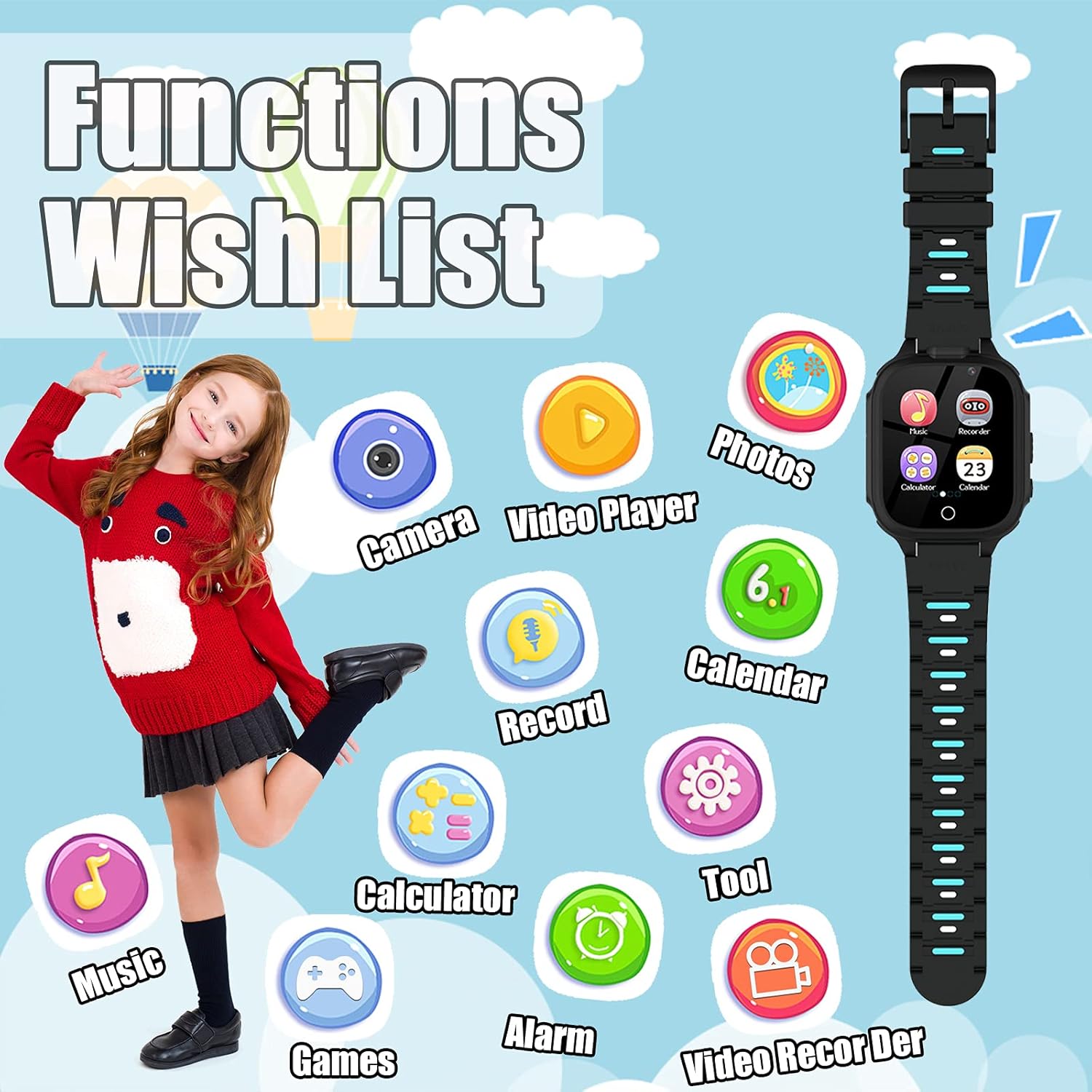
Figura 2: Máisview of the watch's main functions and applications.
1. Games:
The watch comes with 14 built-in puzzle games designed to aid children's brain development, including digital games, life habit games, logical thinking games, and hand-eye coordination games. Tap the "Games" icon to access the game selection menu.
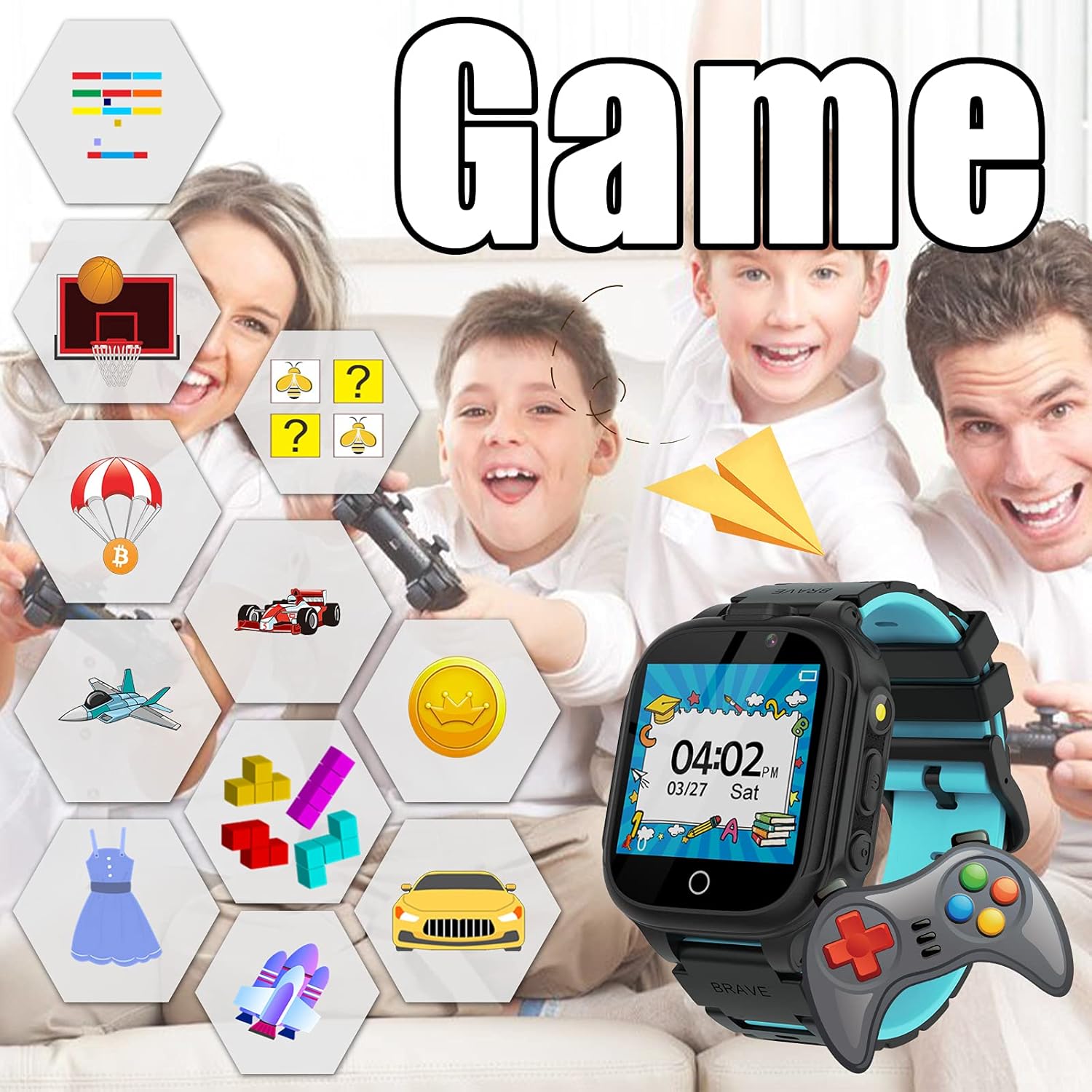
Figure 3: The watch's game interface and examples of available games.
2. Music Player:
Enjoy music directly on your smartwatch. The watch has a built-in memory chip for storing music files. Connect the watch to a PC using the USB cable to transfer MP3 files. Tap the "Music" icon to open the music player.
- Usa os controis en pantalla para reproducir, pausar, saltar pistas e axustar o volume.
- No SD card is required for music storage.
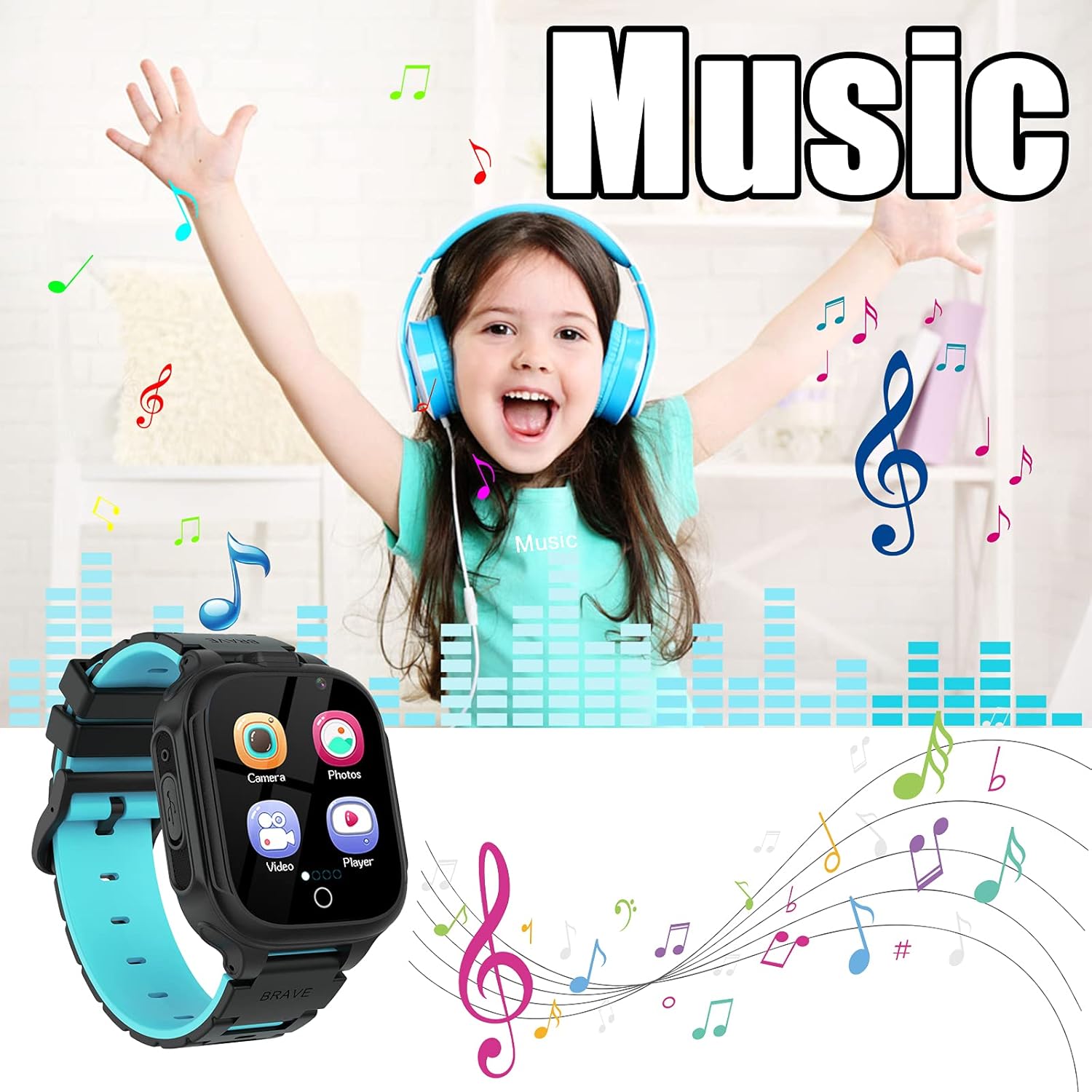
Figure 4: The music player interface, illustrating music playback capabilities.
3. Camera & Video Recorder:
The watch is equipped with two cameras, allowing children to capture photos and record short videos. Tap the "Camera" or "Video Recorder" icon to activate these functions.
- Switch between front and rear cameras if available.
- Explore fun photo stickers to add creative effects to pictures.
- View captured media in the "Photos" or "Video Player" applications.
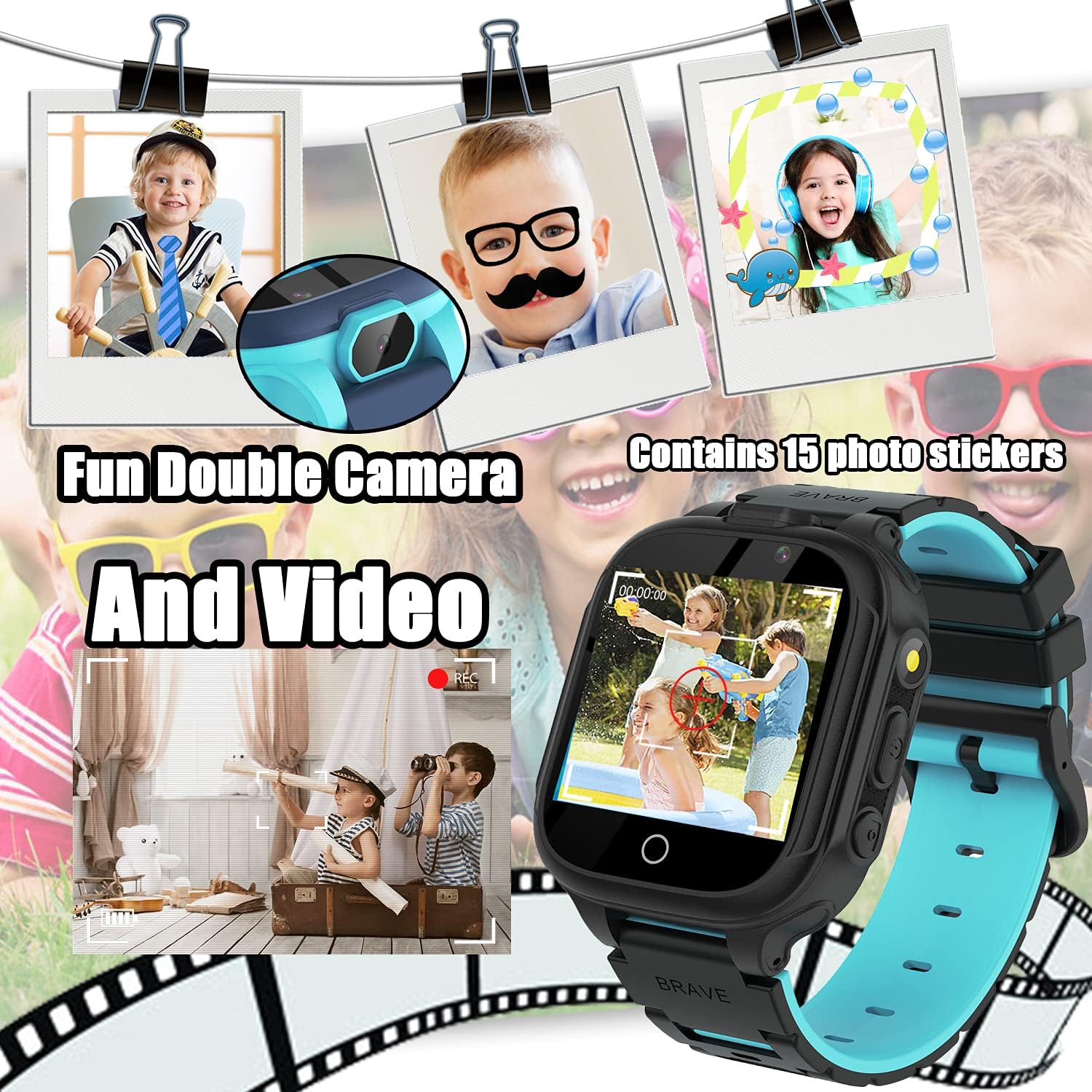
Figure 5: The camera interface, demonstrating photo and video capture with creative stickers.
4. Lanterna:
Activate the built-in flashlight for illumination in dark environments. Tap the "Torch" icon to turn the flashlight on or off.

Figure 6: The flashlight feature in use, providing convenient illumination.
5. Calculator:
Perform basic arithmetic calculations using the integrated calculator. Tap the "Calculator" icon to open the application.
- Supports addition, subtraction, multiplication, and division.
- Clear display with large numbers for easy use.
6. Alarm Clock:
Set up to three alarms to help manage daily routines. Tap the "Alarm" icon to configure alarm times and repeat settings.
- Set specific times for alarms.
- Choose repeat options: Once, Everyday, or Custom days.
7. Calendar:
View the current date and month. Tap the "Calendar" icon to access the calendar display.
8. Podómetro:
Track daily steps and estimated calories burned. Tap the "Pedometer" icon to view datos da actividade.
- Start and pause step tracking as needed.
- Provides a basic overview of physical activity.
9. Other Tools:
The "Tools" menu provides additional utilities:
- Cronómetro: Para actividades de cronometraxe.
- Temporizador: Set countdown timers.
- File Administrador: Navega e xestiona files stored on the watch.
- Reset Wallpaper: Revert to the default watch face.

Figura 7: Examples of customizable watch faces available on the device.
Mantemento
- Limpeza: Use a soft, dry cloth to clean the watch screen and body. Avoid abrasive cleaners or solvents.
- Resistencia á auga: The watch is not waterproof. Keep it away from water, moisture, and high humidity to prevent damage.
- Almacenamento: Garda o reloxo nun lugar fresco e seco cando non o uses.
- Coidado da batería: To prolong battery life, avoid extreme temperatures and do not leave the watch fully discharged for extended periods.
Resolución de problemas
| Problema | Posible Solución |
|---|---|
| O reloxo non se acende. | Ensure the watch is fully charged. Press and hold the Power Button for at least 5 seconds. |
| A pantalla non responde. | Restart the watch by holding the Power Button. If unresponsive, allow the battery to fully drain and then recharge. |
| Non se pode transferir música files. | Ensure the watch is properly connected to the PC via USB. Check if the watch is in data transfer mode (if applicable). Ensure fileestán en formato MP3. |
| Batería de curta duración. | Reduce screen brightness. Close unused applications. Limit frequent use of power-intensive features like games or video recording. |
Especificacións
- Modelo: S23
- Tamaño da pantalla: 1.54 polgadas
- Tipo de visualización: Dixital
- Almacenamento de memoria: 1 GB (built-in)
- Tipo de batería: Metal de litio (incluído)
- Conectividade: USB (para cargar e transferir datos)
- Dimensións: 0.39 x 1.18 x 1.18 polgadas
- Peso do artigo: 1.59 onzas (45 gramos)
- Características: 14 Games, Music Player, HD Selfie Camera, Flashlight, Calculator, Calendar, Alarm, Timer, Pedometer.
Garantía e soporte
PTHTECHUS is committed to providing quality products and customer satisfaction. If you encounter any issues or have questions regarding your Smart Watch S23, please refer to the following:
- Información da garantía: Please refer to the warranty card included in your product packaging for specific warranty terms and conditions.
- Atención ao cliente: For technical assistance or customer service inquiries, please contact the seller directly through your purchase platform.
- Recursos en liña: Visit the official PTHTECHUS brand store on Amazon for additional product information and FAQs: PTHTECHUS Amazon Store.