
1. Produto rematadoview
The Desktronic HOME-ONE Electric Height Adjustable Desk is designed to enhance your workspace ergonomics, allowing seamless transitions between sitting and standing positions. This desk promotes a healthier work routine by reducing prolonged sitting and encouraging movement throughout the day.

Image 1.1: The Desktronic HOME-ONE Electric Height Adjustable Desk, showcasing its clean design and spacious white tabletop.

Image 1.2: Illustrating the ergonomic benefit of standing while working at the Desktronic desk.
Características principais:
- Deseño ergonómico: Easily switch between sitting and standing to reduce discomfort and improve well-being.
- Estabilidade robusta: Engineered with an extra-strong frame to ensure stability at all heights, minimizing wobbling.
- Wide Height Range: Adjustable from 72 cm (sitting) to 119 cm (standing), accommodating users up to 1.93 m tall.
- Características de seguridade: Equipped with an anti-collision system and a secure lock function to prevent accidents.
- Montaxe fácil: Designed for quick and straightforward installation, typically under 20 minutes.

Image 1.3: Detail of the desk's stable frame construction.
2. Configuración e montaxe
Follow these instructions carefully for a smooth and correct assembly of your Desktronic HOME-ONE desk. It is recommended to have a second person assist with lifting and positioning the tabletop.
2.1 Desembalaxe e inspección
- Abra a embalaxe con coidado e retire todos os compoñentes.
- Verify that all parts listed in the packing list are present and undamaged. Note that the desk may arrive in two separate packages.
- Keep all packaging materials until assembly is complete, in case any parts need to be returned or replaced.
2.2 Pasos de montaxe
The desk is designed for quick assembly, typically within 20 minutes. Tools required for assembly are included.
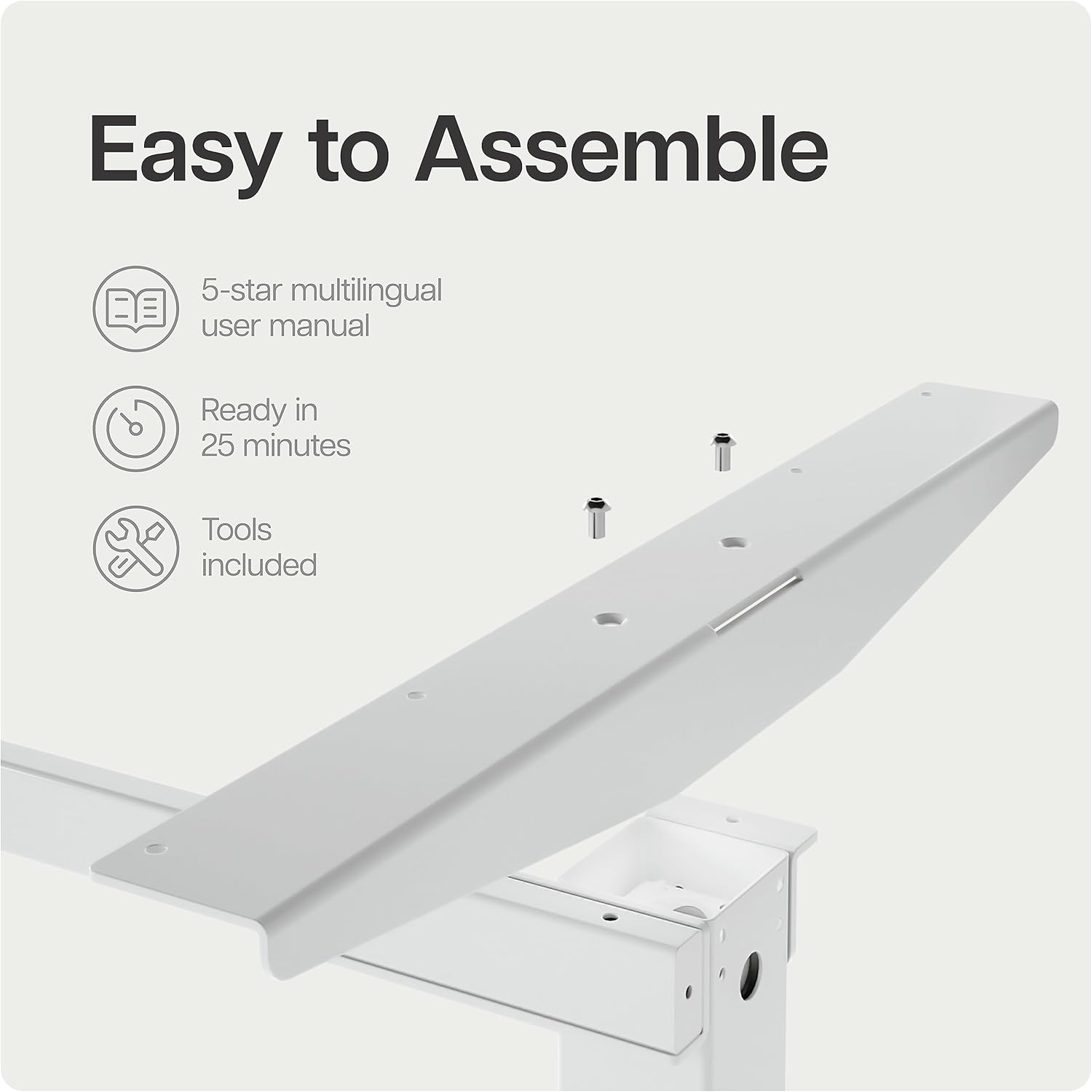
Image 2.1: Desk frame components with pre-drilled holes, illustrating the ease of assembly.
- Fixar as columnas elevadoras: Secure the lifting columns to the crossbar using the provided screws. Ensure correct orientation as per the included manual diagram.
- Instalar os pés: Fixe os pés do escritorio á parte inferior das columnas elevadoras.
- Montar a caixa de control: Secure the control box to the designated area under the desk frame.
- Cables de conexión: Connect the motor cables from the lifting columns to the control box. Connect the control panel cable to the control box.
- Fixar a superficie da mesa: Carefully place the tabletop onto the assembled frame. Align the pre-drilled holes on the tabletop with the frame. Secure the tabletop using the provided screws. Note: Some users have reported that pre-drilled holes may be tight; ensure you use appropriate tools for secure fastening.
- Conectar enerxía: Plug the power cable into the control box and then into a wall outlet.
3. Instrucións de funcionamento
Your Desktronic HOME-ONE desk features an intuitive control panel for easy height adjustment and memory settings.
3.1 Funcións do panel de control

Image 3.1: The touchscreen digital display control panel with integrated USB and USB-C charging ports.
- Frechas cara arriba/abaixo: Press and hold the up or down arrow to adjust the desk height continuously. Release the button to stop at the desired height.
- Predefinicións de memoria (1, 2, 3):
- Adjust the desk to your desired sitting or standing height.
- Press the "M" button (Memory) followed by the desired preset number (1, 2, or 3). The display will confirm the setting.
- To recall a saved height, simply press the corresponding preset number (1, 2, or 3). The desk will automatically move to that height.
- Portos de carga USB: The control panel includes integrated USB and USB-C ports for convenient charging of your devices.
3.2 Características de seguridade
- Sistema anticolisión: The desk is equipped with an anti-collision sensor. If the desk encounters an obstacle during adjustment, it will stop and reverse slightly to prevent damage or injury.
- Función de bloqueo infantil: To activate the child lock, press and hold the "M" button for 5 seconds until a lock icon appears on the display. To deactivate, repeat the process.

Image 3.2: Illustrates the desk's height adjustment range from 72 cm (sitting) to 119 cm (standing).
4. Mantemento
Regular maintenance ensures the longevity and optimal performance of your Desktronic HOME-ONE desk.
- Limpeza: Limpa a superficie da mesa e o marco cun pano suave eamp cloth. Avoid abrasive cleaners or harsh chemicals that could damage the surface.
- Xestión de cables Periodically check all cables for wear or damage. Ensure cables are neatly organized and not pinched or stretched.
- Comprobación de fixación: Every few months, check all screws and fasteners to ensure they are tight. Retighten if necessary.
- Coidados do motor: The electric motors are maintenance-free. Avoid disassembling the motor units.
5 Solución de problemas
If you encounter any issues with your Desktronic HOME-ONE desk, refer to the following common troubleshooting steps.
5.1 O escritorio non axusta a altura
- Comprobar a conexión de alimentación: Ensure the power cable is securely plugged into both the desk's control box and a working wall outlet.
- Restablecer o sistema: Unplug the desk from the power outlet for 10-15 seconds, then plug it back in. This can often resolve minor electronic glitches.
- Comproba se hai obstáculos: Ensure there are no objects blocking the desk's movement, especially under the tabletop or near the lifting columns.
5.2 Uneven Height Adjustment
- Recalibrar: Refer to your detailed product manual for specific recalibration instructions. Generally, this involves lowering the desk to its lowest point and holding the down button for a few seconds until it resets.
- Comprobar se hai danos: Inspect the lifting columns for any visible damage or obstructions.
5.3 Códigos de erro na pantalla
- If an error code appears, consult the full user manual provided with your product for specific code meanings and solutions.
- Often, a power cycle (unplugging and replugging) can clear temporary error codes.
If these steps do not resolve the issue, please contact Desktronic customer support for further assistance.
6. Especificacións
| Característica | Detalle |
|---|---|
| Marca | Desktronic |
| Número de modelo | HOME-ONE |
| Cor | White Frame + White Top |
| Dimensións do produto | 160 x 80 x 72-119 cm (Length x Width x Height) |
| Peso do produto | 40 kg |
| Material do marco | Metal |
| Tipo de material superior | Madeira de enxeñería |
| Rango de axuste de altura | 72 cm a 119 cm |
| Características especiais | Adjustable Height, Anti-Collision System, Memory Presets, USB/USB-C Charging Ports |
| Usos recomendados | Office, Home Office, Living Room |
7. Garantía e soporte
7.1 Información da garantía
The Desktronic HOME-ONE Electric Height Adjustable Desk comes with a comprehensive 5 ano de garantía covering both the frame and electronics. This warranty ensures peace of mind regarding the quality and durability of your product.

Image 7.1: Desktronic's 5-Year Full Warranty and product certifications.
7.2 Atención ao cliente
Desktronic is committed to providing excellent customer service. If you have any questions, require assistance with assembly, or encounter any issues with your desk, please do not hesitate to contact our support team.
- Our support team is based in Europe, ensuring quick and efficient resolution of any concerns.
- For contact information, please refer to the documentation included with your purchase or visit the official Desktronic websitio.