
1. Introdución
Grazas pola compraasing the AUKEY PC-LM3 Webcam. This manual provides detailed instructions for setting up, operating, and maintaining your webcam. Please read this manual thoroughly before use and retain it for future reference.
2. Información de seguridade
- Manteña o webcam away from water, moisture, and extreme temperatures.
- Non intente desmontar nin reparar o dispositivo vostede mesmo. Encargue todo o mantemento a persoal cualificado.
- Evite deixar caer ou someter o webleva a fortes impactos.
- Clean the lens with a soft, dry cloth. Do not use liquid cleaners.
3. Contido do paquete
Comprobe que todos os artigos estean presentes no seu paquete:
- AUKEY PC-LM3 Webleva
- Manual de usuario
- Cable USB (integrado)
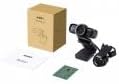
Image 1: Contents of the AUKEY PC-LM3 Webcam package, showing the webcam, manual, and packaging.
4. Produto rematadoview
The AUKEY PC-LM3 is a 1080p USB 2.0 webcam designed for high-quality video communication and recording. It features a CMOS sensor and 5x optical zoom capability, providing clear and detailed visuals.
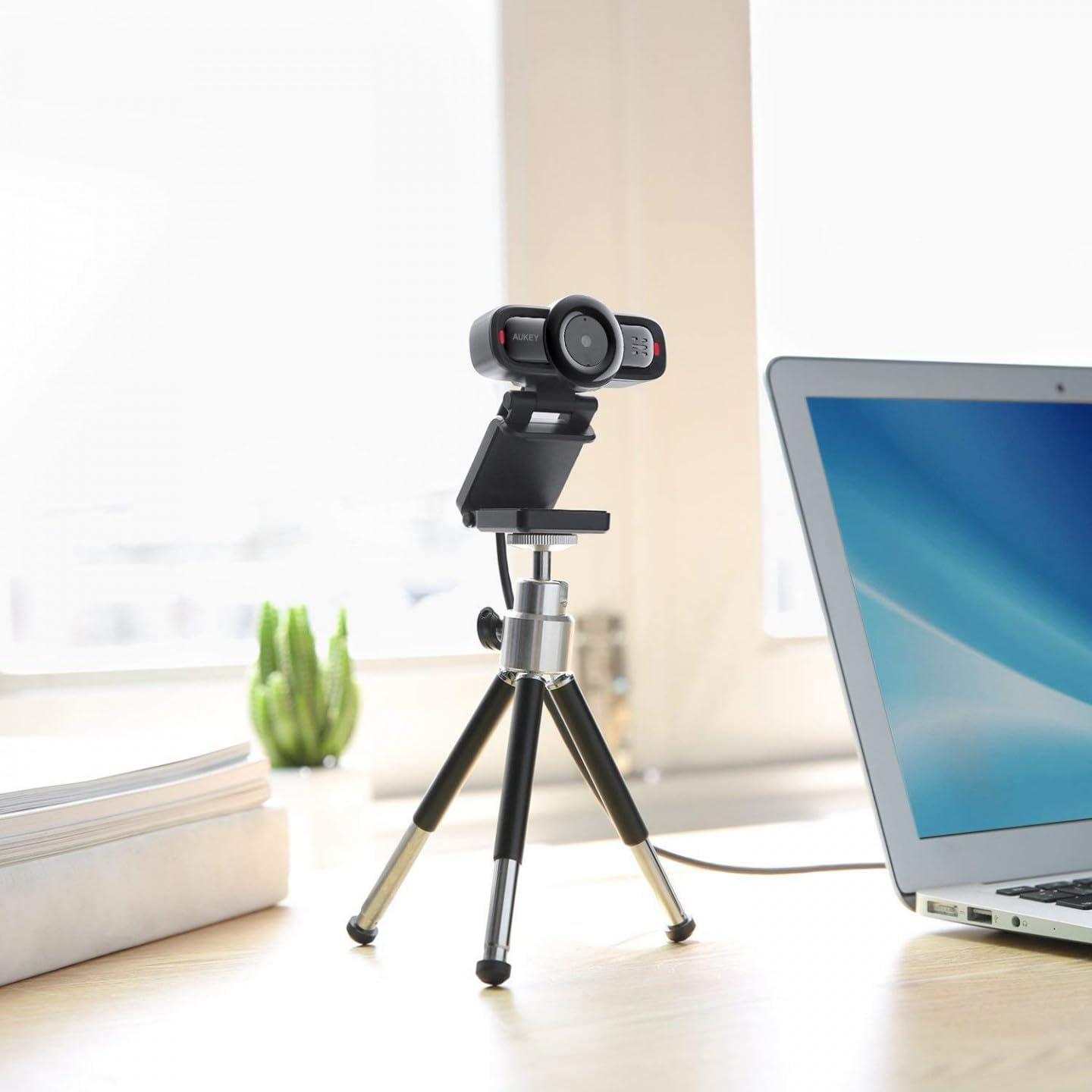
Image 2: AUKEY PC-LM3 Webcam in use, demonstrating its compact design and mounting flexibility on a tripod.
Características principais:
- Full HD 1080p video recording
- CMOS sensor for clear images
- USB 2.0 connectivity for universal compatibility
- 5x optical zoom for detailed framing
- Integrated microphone for audio capture
- Adjustable clip for versatile mounting options
5. Configuración
5.1 Placing the Webleva
- Nun monitor: Unfold the clip and place the webcam on top of your monitor or laptop screen. Adjust the clip to secure it firmly.
- Nun trípode: O webcam features a standard tripod thread. Mount it onto a compatible tripod for more flexible positioning.
- Nunha superficie plana: Fold the clip to form a stable stand and place the webcam on a desk or other flat surface.
5.2 Conexión ao teu ordenador
- Enchufe o conector USB do webcam into an available USB 2.0 or 3.0 port on your computer.
- O teu ordenador debería detectar e instalar automaticamente os controladores necesarios. Este proceso pode tardar uns intres.
- Unha vez instalado, o webcam will be ready for use with video conferencing software or recording applications.
Nota: No additional software or drivers are typically required for Windows, macOS, or Linux operating systems.
6. Funcionamento do Webleva
6.1 Uso con software de videoconferencia
To use the AUKEY PC-LM3 webcam with applications like Zoom, Skype, Microsoft Teams, or Google Meet:
- Abre a túa aplicación de videoconferencia preferida.
- Navigate to the application's settings or preferences (usually found under "Audio & Video" or "Devices").
- Select "AUKEY PC-LM3" as your video input device.
- Select "AUKEY PC-LM3 Microphone" (or similar) as your audio input device, if applicable.
- Adjust any video settings such as resolution or brightness within the application if available.
6.2 Gravación de vídeo
To record video using the webcam, use your computer's built-in camera application (e.g., Camera app on Windows, Photo Booth on macOS) or third-party recording software. Ensure the AUKEY PC-LM3 is selected as the video source.
Zoom óptico de 6.3
O webcam features 5x optical zoom. This function is typically controlled via software. Check your video conferencing or recording application for zoom controls. If not available, third-party webcam control software may offer this functionality.
7. Mantemento
7.1 Limpeza Webleva
- Asegurar o webcam is disconnected from your computer before cleaning.
- Use a soft, lint-free cloth to gently wipe the lens and body of the webleva.
- For stubborn smudges on the lens, slightly dampen the cloth with water or a lens cleaning solution, then wipe gently. Avoid excessive moisture.
- Non empregue produtos químicos agresivos, produtos de limpeza abrasivos nin disolventes.
7.2 Almacenamento
Cando non estea en uso, almacene o webcam in a cool, dry place, away from direct sunlight and dust. Consider using a privacy cover (if included or purchased separately) to protect the lens and ensure privacy.
8 Solución de problemas
| Problema | Solución |
|---|---|
| Webcámara non detectada polo ordenador. |
|
| Sen saída de vídeo. |
|
| Poca calidade de vídeo. |
|
9. Especificacións
| Característica | Detalle |
|---|---|
| Modelo | PC-LM3 |
| Resolución de vídeo | 1920 x 1080 píxeles (1080p) |
| Tecnoloxía de sensores | CMOS |
| Conectividade | USB 2.0 |
| Zoom óptico | 5x |
| Formato de captura de vídeo | MP4, AVI |
| Formato de audio compatible | AAC, MP3 |
| Dimensións (L x W x H) | 7.7 x 7.2 x 4.6 cm |
| Peso | 130 gramos |
| Cor | Negro |
10. Garantía e atención ao cliente
AUKEY products are covered by a limited warranty from the date of purchase. For specific warranty terms and conditions, please refer to the warranty card included with your product or visit the official AUKEY websitio.
If you encounter any issues or have questions regarding your AUKEY PC-LM3 Webcam, please contact AUKEY customer support for assistance. Contact information can typically be found on the official AUKEY websitio web ou na tarxeta de garantía.