
Introdución
Thank you for choosing the SXFJF TWS True Wireless Bluetooth 5.0 Earbuds. These earbuds are designed to provide a high-fidelity stereo audio experience with advanced features such as Bluetooth 5.0 connectivity, active noise cancellation, and a built-in microphone for clear calls. This manual will guide you through the setup, operation, and maintenance of your new earbuds to ensure optimal performance and longevity.
Contido do paquete
Comprobe se o paquete contén os seguintes elementos:
- 2 auriculares sen fíos (esquerdo e dereito)
- 1 x cable de carga tipo C
- 1 x estuche de carga
- 1 x Manual de usuario
Configuración
1. Carga dos auriculares e da funda
Before first use, fully charge the charging case and earbuds. Connect the provided Type-C charging cable to the charging port on the case and a USB power source. The indicator lights on the case will show the charging status. A full charge for the case typically takes about 1 hour, and earbuds charge within 30 minutes when placed in the case.
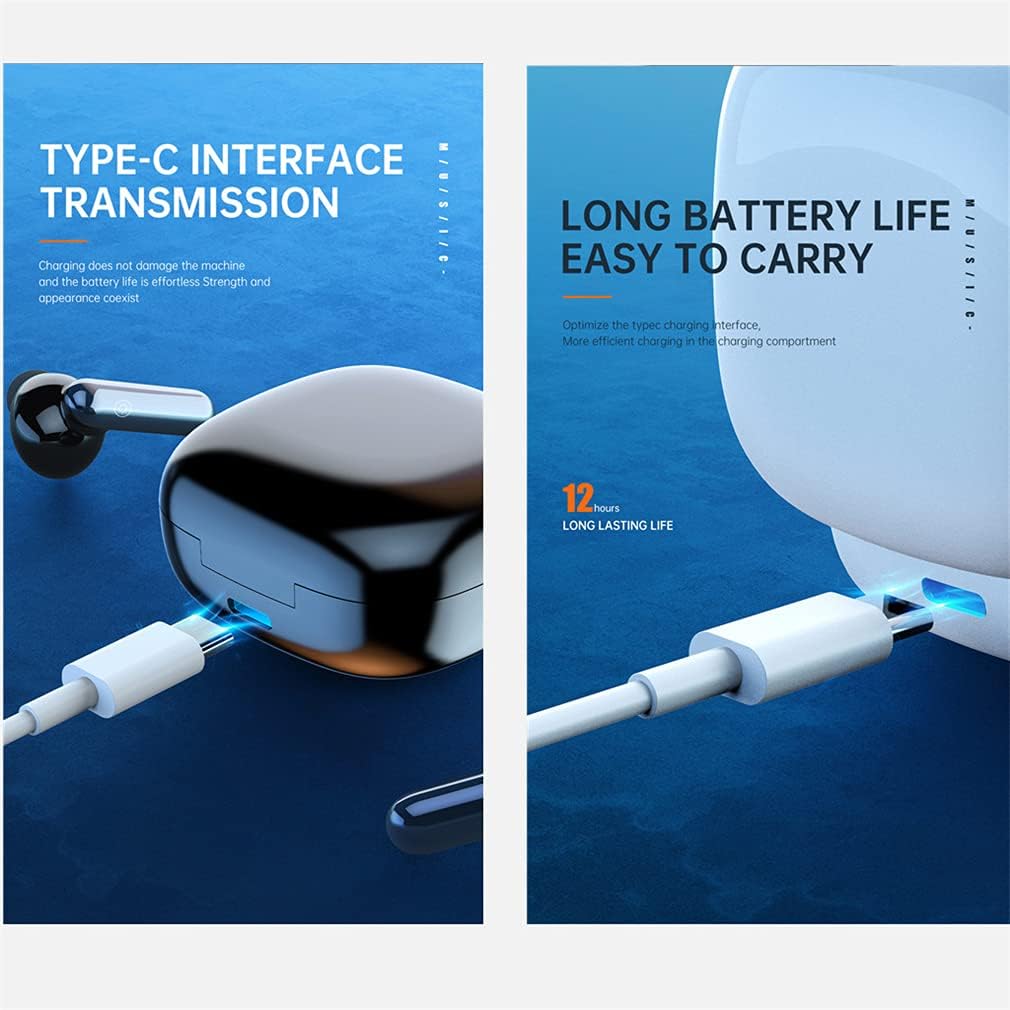
Image: The charging case with a Type-C cable connected, illustrating the charging interface.

Image: Earbuds resting in their charging case, displaying LED indicators for battery status and ultra-low power consumption feature.
2. Emparellamento co teu dispositivo
The earbuds feature one-step pairing for convenience.
- Abre a caixa de carga. Os auriculares acenderanse automaticamente e entrarán no modo de emparellamento.
- Activa o Bluetooth no teu smartphone ou outro dispositivo.
- Busca "TWS Earbuds" (or similar name) in the list of available Bluetooth devices and select it to connect.
- Once paired, the earbuds will automatically connect to your device when taken out of the charging case for future use.
Instrucións de funcionamento
Controis táctiles
The earbuds are equipped with smart touch controls for easy management of calls and music playback.

Image: A detailed diagram illustrating the touch-sensitive area on the earbud and corresponding functions for calls and music playback.
- Responder/colgar chamada: Tap the function button 2 times.
- Rexeitar a chamada: Long touch the function button for 2 seconds.
- Wake Up Voice Assistant (Siri): Long touch the function button for 2 seconds.
- Reproducir/pausar música: Tap the function button 2 times.
- Pista anterior: Tap the left earbud function button 3 times.
- Próxima pista: Tap the right earbud function button 3 times.
Single and Dual Earbud Use
You can use both earbuds together for a stereo experience or a single earbud for mono audio, allowing for flexibility and awareness of your surroundings.

Image: The earbuds and charging case, demonstrating the ability to use either a single earbud or both simultaneously for audio playback.
Mantemento
Limpeza
Regularly clean your earbuds and charging case with a soft, dry, lint-free cloth. Avoid using harsh chemicals or abrasive materials. Ensure the charging contacts on both the earbuds and the case are clean and dry.
Resistencia á auga
These earbuds are designed with a sports-grade waterproof rating, making them suitable for workouts and protection against sweat and light splashes. However, they are not intended for swimming or submersion in water. Ensure the earbuds are dry before placing them back in the charging case.

Image: Earbuds shown on a wet surface, emphasizing their sports-grade waterproof design for use during strenuous exercise without fear of sweating.
Almacenamento
Cando non estean en uso, garde os auriculares no seu estoxo de carga para protexelos e mantelos cargados. Garde nun lugar fresco e seco, lonxe de temperaturas extremas.
Resolución de problemas
- Auriculares sen emparellamento: Ensure both earbuds are charged. Turn off and on your device's Bluetooth. Try resetting the earbuds by placing them in the case, closing it, and then reopening.
- Sen son dun auricular: Check if both earbuds are charged and properly connected. Try re-pairing them with your device.
- Problemas de carga: Ensure the Type-C cable is securely connected to both the case and the power source. Check if the charging contacts on the earbuds and case are clean.
- Mala calidade de son: Ensure the earbuds are properly seated in your ears. Check your device's audio settings.
Especificacións
The following are the technical specifications for your SXFJF TWS True Wireless Bluetooth 5.0 Earbuds:

Imaxe: Unha explosión view of an earbud showing internal components and a graph detailing HD sound quality decoding, including microphone sensitivity, ohmic impedance, and frequency range.
| Característica | Especificación |
|---|---|
| Versión Bluetooth | 5.0 |
| Distancia de transmisión Bluetooth | Ata 10 metros (33 pés) |
| Capacidade da batería dos auriculares | 35 mAh por auricular |
| Capacidade da batería do estuche de carga | 600 mAh |
| Tempo de carga dos auriculares | Aprox. 30 minutos |
| Tempo de carga do estuche | Aprox. 1 hora |
| Música Playtime | Approx. 5 hours (per charge), up to 30 hours with charging case |
| Duración da chamada | Aprox. 6 horas |
| Tempo de espera | Aprox. 180 horas (con estuche de carga) |
| Control de ruído | Cancelación activa de ruído (CVC 8.0) |
| Micrófono | Built-in, with noise reduction |
| Resistencia á auga | Sports Grade Waterproof |
| Material | ABS |
Garantía e Soporte
For warranty information and customer support, please refer to the documentation included with your purchase or contact the retailer/manufacturer directly. Keep your proof of purchase for warranty claims.