
Bluenin BBH-918
Bluenin BBH-918 Bluetooth Neckband Headphones User Manual
Model: BBH-918
Produto rematadoview
The Bluenin BBH-918 Bluetooth Neckband Headphones are designed for comfort and high-quality audio, featuring Bluetooth 5.0 connectivity, retractable earbuds, and CVC 8.0 noise-cancelling microphone. This manual provides detailed instructions for setup, operation, and maintenance.

Image: Bluenin BBH-918 Bluetooth Neckband Headphones, showcasing the black neckband design with retractable earbuds.

Image: A person wearing the ergonomic neckband headphones during exercise, with insets showing the flexible neckband and the retractable earbud mechanism.
Contido do paquete
Asegúrate de que todos os elementos estean presentes no paquete:
- Bluenin BBH-918 Bluetooth Neckband Headphones
- Cable de carga USB
- Almofadas para os oídos (varios tamaños)
- Manual de usuario (este documento)
Configuración
1. Carga dos auriculares
Antes do primeiro uso, carga completamente os auriculares. Unha carga completa tarda aproximadamente 2.5 horas.
- Connect the USB charging cable to the charging port on the neckband.
- Conecta o outro extremo do cable a unha fonte de alimentación USB (por exemplo, un porto USB do ordenador, un adaptador de parede).
- O indicador LED mostrará o estado de carga (consulta a sección de indicadores LED para obter máis detalles).

Image: Visual representation of the Bluenin headphones with an overlay indicating 15 hours of playing time and a battery icon, highlighting the long battery life.
2. Emparejamento cun dispositivo Bluetooth
Os auriculares empregan Bluetooth 5.0 para unha conexión estable e rápida.
- Asegúrese de que os auriculares estean apagados.
- Manteña premido o botón multifunción (normalmente o botón de acendido/acendido) ata que o indicador LED parpadee en vermello e azul alternativamente, o que indica o modo de emparellamento.
- No teu dispositivo (teléfono intelixente, tableta, ordenador), activa o Bluetooth e busca os dispositivos dispoñibles.
- Select "BBH-918" from the list of found devices.
- Unha vez emparellado, o indicador LED parpadeará lentamente en azul.

Image: Diagram illustrating the Bluetooth 5.0 chip and connectivity features, including up to 33ft wireless range and the ability to connect to 2 devices simultaneously.
The headphones can connect to two devices simultaneously.
Instrucións de funcionamento
Máis controisview
The Bluenin BBH-918 features intuitive controls located on the neckband.
- Encendido/apagado: Slide switch or press and hold Multi-function button.
- Subir/Baixar o volume: Prema os botóns "+" ou "-".
- Seguimento / Seguimento anterior: Press and hold '+' or '-' buttons (or dedicated track buttons if present).
- Reproducir/Pausa: Preme o botón multifunción.
- Responder/Finalizar chamada: Preme o botón multifunción.
- Rexeitar a chamada: Manteña premido o botón multifunción.
- Retract Earbuds: Press the dedicated retract button on each side of the neckband.
Auriculares retráctiles
The earbuds feature an automatic retractable wire management system for tangle-free storage.
- To extend: Gently pull the earbud wire to the desired length.
- To retract: Press the retract button located on the neckband. The wire will automatically retract into the neckband.

Image: Illustration demonstrating the automatic retraction mechanism of the earbuds, showing hands pulling out and retracting the earbud wires with a button press.
Call Vibration Alert
The neckband will vibrate to alert you of incoming calls, ensuring you don't miss important communications.
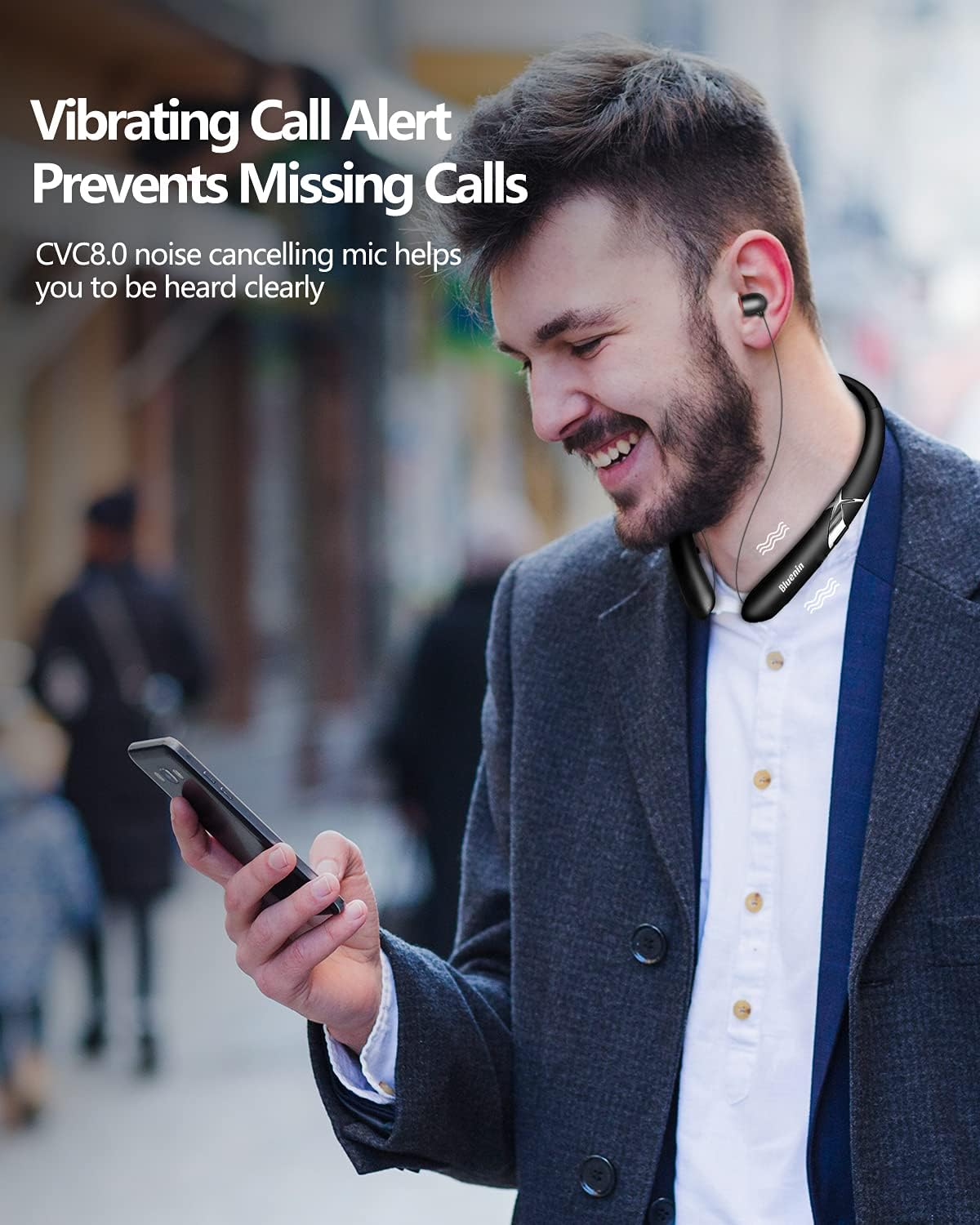
Image: A person wearing the neckband headphones, with visual cues indicating the vibration alert for incoming calls, and a phone displaying a call notification.
Micrófono con cancelación de ruído
Equipped with CVC 8.0 noise-cancelling technology, the built-in microphone reduces background noise for crystal-clear hands-free calls.

Image: Banner highlighting the CVC6.0 Noise Suppression Mic feature, with a person using the headphones for a call, emphasizing clear communication.

Imaxe: Unha explosión view diagram of the earbud's internal components, illustrating the CSR8645 chips and 12mm dynamic drivers that deliver Hi-Fi stereo sound.
Mantemento
Un mantemento axeitado garante a lonxevidade e o rendemento dos teus auriculares.
- Limpeza: Use a soft, dry cloth to wipe the neckband and earbuds. Do not use abrasive cleaners or immerse in water.
- Almacenamento: When not in use, store the headphones in a cool, dry place, away from direct sunlight and extreme temperatures. Ensure earbuds are fully retracted to prevent wire damage.
- Coidado da batería: To preserve battery life, avoid fully discharging the battery frequently. Charge regularly, even if not in constant use.
Resolución de problemas
| Problema | Solución |
|---|---|
| Os auriculares non se acenderán. | Asegúrate de que a batería estea cargada. Conéctaa a unha fonte de alimentación e inténtao de novo. |
| Non se pode emparellar co dispositivo. | Asegúrate de que os auriculares estean en modo de emparellamento (vermello/azul intermitente). Desactiva e activa o Bluetooth no dispositivo. Acércate máis ao dispositivo. |
| Sen son ou volume baixo. | Check volume levels on both headphones and your connected device. Ensure headphones are properly connected. |
| Earbuds not retracting properly. | Ensure the wire is not tangled or obstructed. Press the retract button firmly. Avoid forcing the wire. |
| Mala calidade da chamada. | Ensure the microphone is not obstructed. Move to a quieter environment. Check device's network signal. |
Especificacións
| Característica | Detalle |
|---|---|
| Nome do modelo | BBH-918 |
| Tecnoloxía de conectividade | Sen fíos, Bluetooth 5.0 |
| Tecnoloxía de comunicación sen fíos | Bluetooth |
| Alcance Bluetooth | 33 pés (10 metros) |
| Duración da batería (tempo musical) | Ata 14-15 horas |
| Duración da batería (tempo de conversa) | Ata 16 horas |
| Tempo de espera | Ata 500 horas |
| Tempo de carga | Aprox. 2.5 horas |
| Control de ruído | CVC 8.0 Noise Cancelling (Mic) |
| Colocación do oído | En Orella |
| Factor de forma | En Orella |
| Función de cable | Retráctil |
| Peso do elemento | 1.3 onzas (aprox. 36.85 gramos) |
| Dimensións do produto | 6 x 7 x 0.7 polgadas |
| Nivel de resistencia á auga | Resistente á auga (á suor) |
| Dispositivos compatibles | Smartphones, Laptops, Tablets, Computers |
Garantía e Soporte
Bluenin products are manufactured with high-quality standards. For warranty information and technical support, please refer to the contact details provided on the product packaging or the official Bluenin websitio.
Garda o teu recibo de compra como xustificante de compra para reclamacións de garantía.
Ask a question about this manual
Ask about setup, troubleshooting, compatibility, parts, safety, or missing instructions. Manuals+ will review the question and use this page’s manual context to help answer it.