
1. Introdución
Thank you for choosing Kinganda Q71 Bluetooth Earbuds. This manual provides detailed instructions for setting up, operating, and maintaining your new wireless earbuds. Please read this manual carefully before use to ensure proper functionality and to maximize your listening experience.
2. Información de seguridade
- Non expoñas os auriculares nin a caixa de carga a temperaturas extremas, humidade nin ambientes corrosivos.
- Evite escoitar a volume alto durante períodos prolongados para evitar danos auditivos.
- Manteña o dispositivo lonxe de nenos e animais.
- Non intente desmontar nin modificar o produto. Isto anulará a garantía.
- Limpa os auriculares e a caixa de carga só cun pano suave e seco.
3. Contido do paquete
Comprobe que todos os artigos estean presentes no seu paquete:
- Kinganda Q71 Bluetooth Earbuds (Left and Right)
- Estuche de carga
- Cable de carga USB
- Varios tamaños de puntas para os oídos
- Manual de usuario
4. Produto rematadoview
Familiarize yourself with the components of your Kinganda Q71 Bluetooth Earbuds.
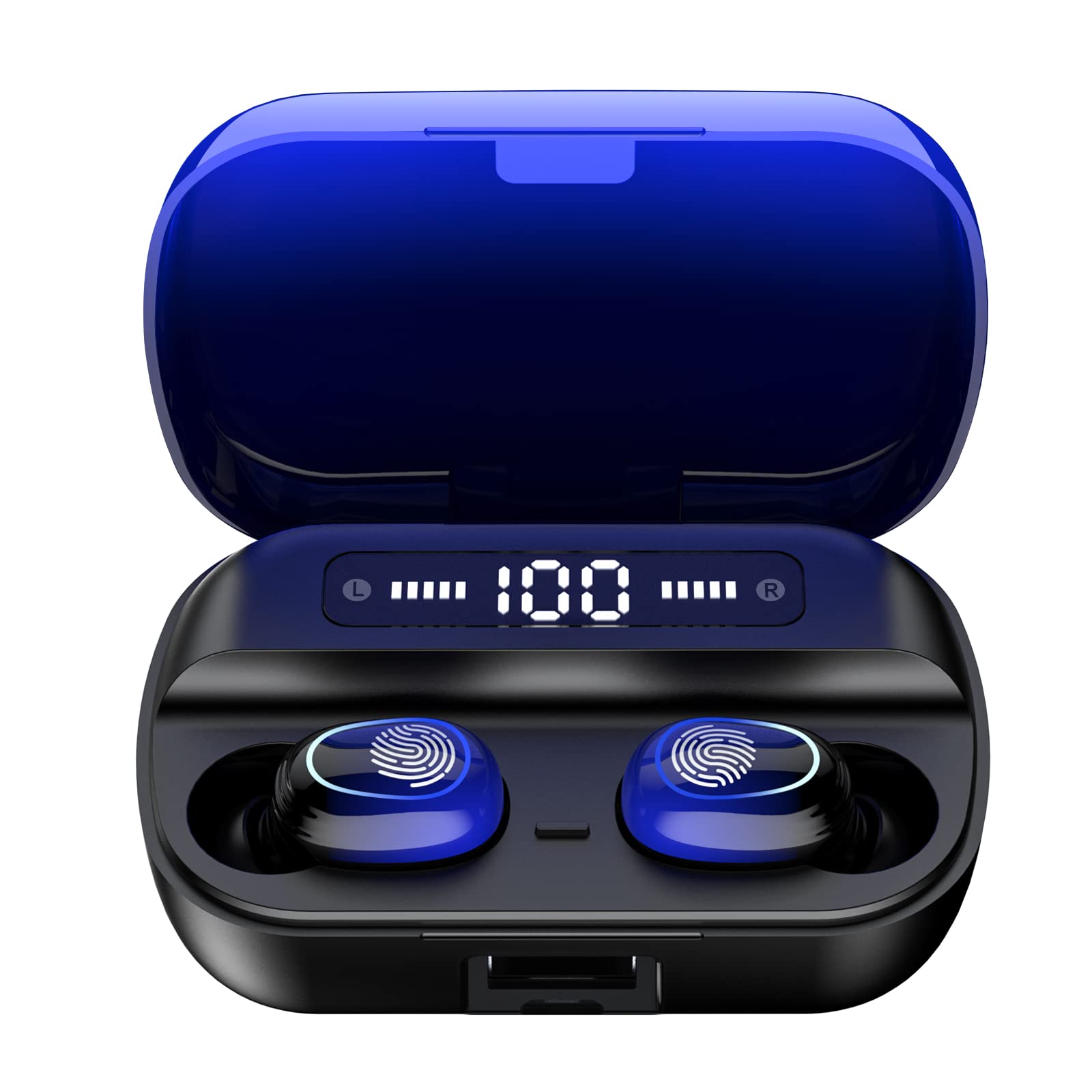
Imaxe 4.1: Acabadoview of Kinganda Q71 Bluetooth Earbuds and key features including Bluetooth 5.1, low latency, low power consumption, touch control, clear calls, 10mm speakers, compatibility with iOS and Android, and a 33-foot signal range.
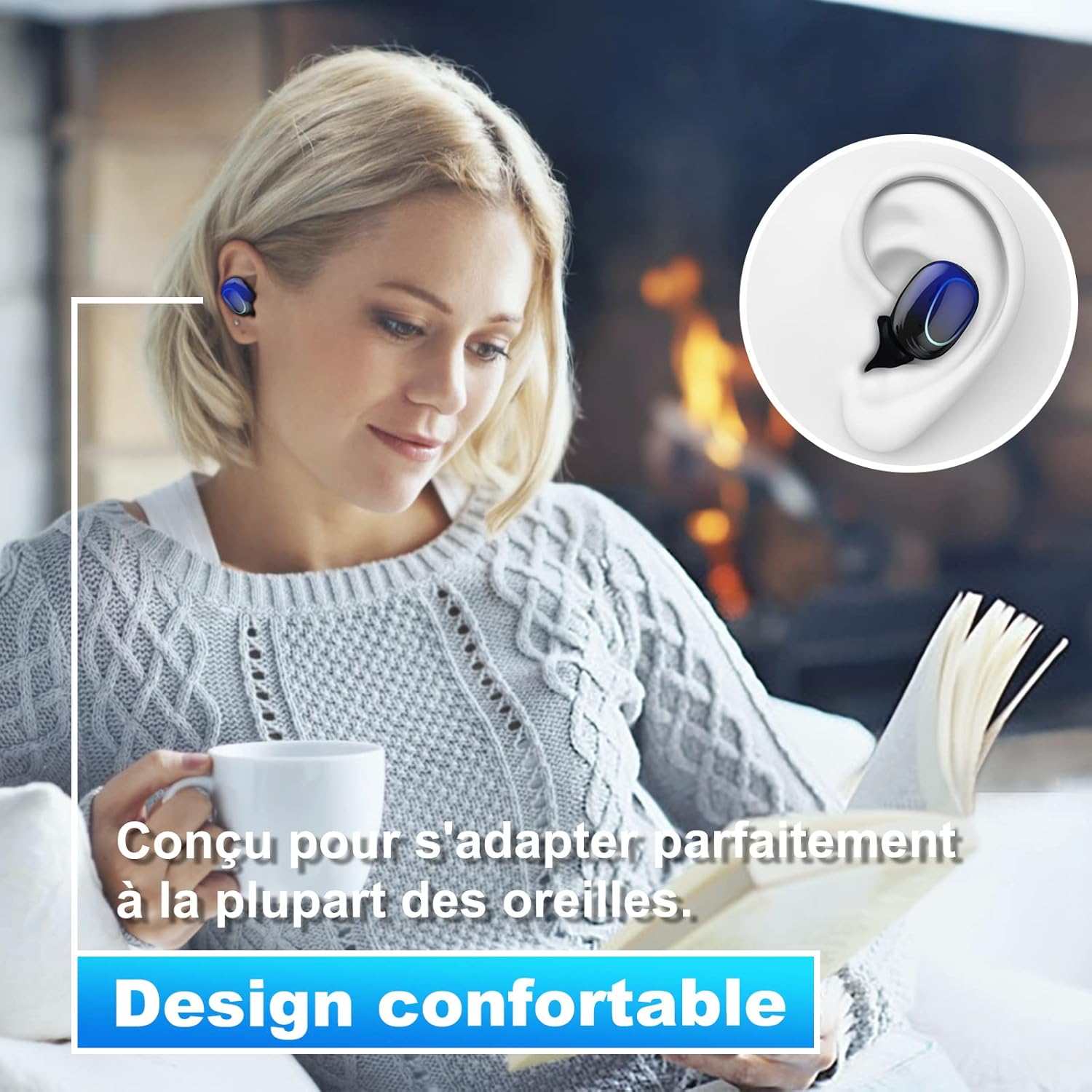
Image 4.2: The Kinganda Q71 earbuds are designed for a comfortable and secure fit in most ears.
5. Configuración
5.1 Carga dos auriculares e da funda
Antes do primeiro uso, carga completamente a caixa de carga e os auriculares.
- Coloca os auriculares na caixa de carga. Asegúrate de que estean correctamente asentados.
- Conecta o cable de carga USB ao porto de carga da carcasa e a unha fonte de alimentación (por exemplo, un adaptador de parede USB, un porto USB do ordenador).
- As luces indicadoras da caixa mostrarán o estado da carga. Unha vez cargada completamente, as luces indicarán que se completou ou apagaranse.

Image 5.1: The charging case has a 3500mAh battery. Earbuds provide approximately 5 hours of playback, and the case extends total usage to about 150 hours. A full recharge takes approximately 1.5 hours.
5.2 Emparellamento cun dispositivo Bluetooth
The earbuds use Bluetooth 5.1 for a stable connection.
- Abre a caixa de carga. Os auriculares acenderanse automaticamente e entrarán no modo de emparellamento.
- No teu dispositivo (teléfono intelixente, tableta, etc.), activa o Bluetooth.
- Busca available Bluetooth devices and select "Kinganda Q71" (or similar name) from the list.
- Unha vez conectado, escoitarás un ton de confirmación e as luces indicadoras dos auriculares cambiarán.
5.3 Uso dos auriculares
For optimal sound quality and comfort, choose the correct ear tip size and ensure a snug fit.
- Select the ear tips that best fit your ear canals.
- Gently insert each earbud into your ear, twisting slightly until it feels secure and comfortable.
6. Instrucións de funcionamento
The Kinganda Q71 earbuds feature touch controls for easy operation.

Image 6.1: Touch controls for various functions including power, music playback, call management, and voice assistant activation.
6.1 Funcións básicas
- Encendido/apagado: Earbuds power on automatically when removed from the case and power off when placed back in the case. Alternatively, long-press the touch area for manual power on/off.
- Reproducir/Pausa: Toca un só auricular en calquera dos auriculares.
- Próxima pista: Toca dúas veces o auricular dereito.
- Pista anterior: Toca dúas veces o auricular esquerdo.
- Responder/Finalizar chamada: Un só toque en calquera dos auriculares durante unha chamada entrante.
- Rexeitar a chamada: Long-press on either earbud during an incoming call.
- Activar o asistente de voz (Siri): Toca tres veces en calquera dos auriculares.
6.2 Modos de uso
The Kinganda Q71 earbuds support various listening modes.

Image 6.2: The earbuds can be used in mono mode (single earbud) to stay aware of surroundings, TWS stereo mode for immersive sound, or twin mode to share music with another person.
- Modo Mono: Use a single earbud (left or right) to listen to audio while keeping the other ear open to your surroundings. Simply remove one earbud from the case.
- TWS Stereo Mode: Use both earbuds for a full stereo audio experience. Both earbuds will automatically connect to each other and your device when removed from the case.
- Modo dobre: Share your music with a friend by giving them one earbud. Both earbuds will play the same audio.
7. Mantemento
7.1 Limpeza
Unha limpeza regular axuda a manter a calidade do son e a hixiene.
- Usa un pano suave, seco e sen fiapos para limpar os auriculares e a funda de carga.
- Remove ear tips and clean them with mild soap and water if necessary, then dry thoroughly before reattaching.
- Non use produtos químicos agresivos ou materiais abrasivos.
7.2 Almacenamento
Cando non estean en uso, garde os auriculares no seu estoxo de carga para protexelos e mantelos cargados.
8 Solución de problemas
Se atopas problemas, proba as seguintes solucións:
- Auriculares sen emparellamento: Ensure both earbuds are charged. Place them back in the case, close it, then open it again to re-initiate pairing mode. Check your device's Bluetooth settings and try reconnecting.
- Só funciona un auricular: Place both earbuds back in the charging case, close the lid, wait a few seconds, then open the lid and remove them simultaneously. This should force them to re-sync.
- Sen son: Comproba o nivel de volume do teu dispositivo e asegúrate de que os auriculares estean conectados correctamente.
- Problemas de carga: Ensure the charging cable is securely connected to both the case and the power source. Try a different charging cable or power adapter.
- Mala calidade de son: Ensure the earbuds are clean and properly seated in your ears. Try different ear tip sizes for a better seal.
9. Especificacións
| Nome do modelo | Q71 |
| Marca | Kinganda |
| Tecnoloxía de conectividade | Sen fíos (Bluetooth 5.1) |
| distancia wireless | Ata 33 pés (10 metros) |
| Tipo de controlador de audio | Controlador dinámico (10 mm) |
| Método de control | Control táctil |
| Material | Plástico, Silicona |
| Nivel de resistencia á auga | Impermeable (IPX7) |
| Duración da batería dos auriculares | Aprox. 5 horas |
| Duración da batería da funda de carga | Approx. 150 hours (with case) |
| Capacidade do estuche de carga | 3500 mAh |
| Tempo de recarga | Aprox. 1.5 horas |
| Dispositivos compatibles | Bluetooth-enabled devices (iOS, Android) |
| Característica especial | Lixeiro |

Image 9.1: The 10mm immersive drivers deliver enhanced sound quality with deeper bass.

Image 9.2: With an IPX7 waterproof rating, the earbuds are protected against sweat and water splashes, making them suitable for sports.
10. Garantía e soporte
Kinganda products are designed for reliability and performance. This product comes with a standard manufacturer's warranty. For specific warranty details, please refer to the warranty card included in your package or contact Kinganda customer support.
If you have any questions, require technical assistance, or need to claim warranty service, please contact our customer support team through the contact information provided on the Kinganda official websitio web ou a túa plataforma de compra.