
1. Introdución
The Xiaomi Mi TV Stick MDZ-24-AA transforms your regular television into a smart TV, providing access to a vast world of entertainment. Powered by Android TV, it offers a user-friendly interface, Google Assistant voice control, and built-in Chromecast functionality, allowing you to stream your favorite content from various apps and devices directly to your TV.

2. Contido do paquete
Marque a caixa para os seguintes elementos:
- Xiaomi Mi TV Stick
- Control remoto Bluetooth
- Adaptador de alimentación
- Cable USB
- Manual de usuario (este documento)


3. Guía de configuración
Setting up your Mi TV Stick is quick and easy. Follow these three simple steps to get started:
- Step 1: Attach Mi TV Stick to TV
Plug the Mi TV Stick directly into an available HDMI port on your television. For power, connect the included USB cable to the Mi TV Stick and the power adapter, then plug the adapter into a wall outlet. - Paso 2: Conéctate a Internet
Turn on your TV and select the correct HDMI input. Follow the on-screen instructions to connect the Mi TV Stick to your Wi-Fi network. - Step 3: Start Streaming Your Favorite Content
Once connected, complete the initial setup, including signing in with your Google account. You can then download apps from the Google Play Store and begin streaming movies, TV shows, and more.

4. Instrucións de funcionamento
4.1. Usando o mando a distancia
The Mi TV Stick comes with a Bluetooth remote control designed for easy navigation and quick access to features.

- Botón de encendido: Turns the Mi TV Stick on or off.
- Anel de navegación: Úsao para moverte polos menús e seleccionar elementos.
- Botón do Asistente de Google: Press to activate voice search and commands.
- Botón Atrás: Volve á pantalla anterior.
- Botón de inicio: Volve á pantalla de inicio de Android TV.
- Netflix & Prime Video Buttons: Dedicated buttons for quick access to these streaming services.
- Botóns de volume: Adjust the volume of your TV.
4.2. Navegación por Android TV
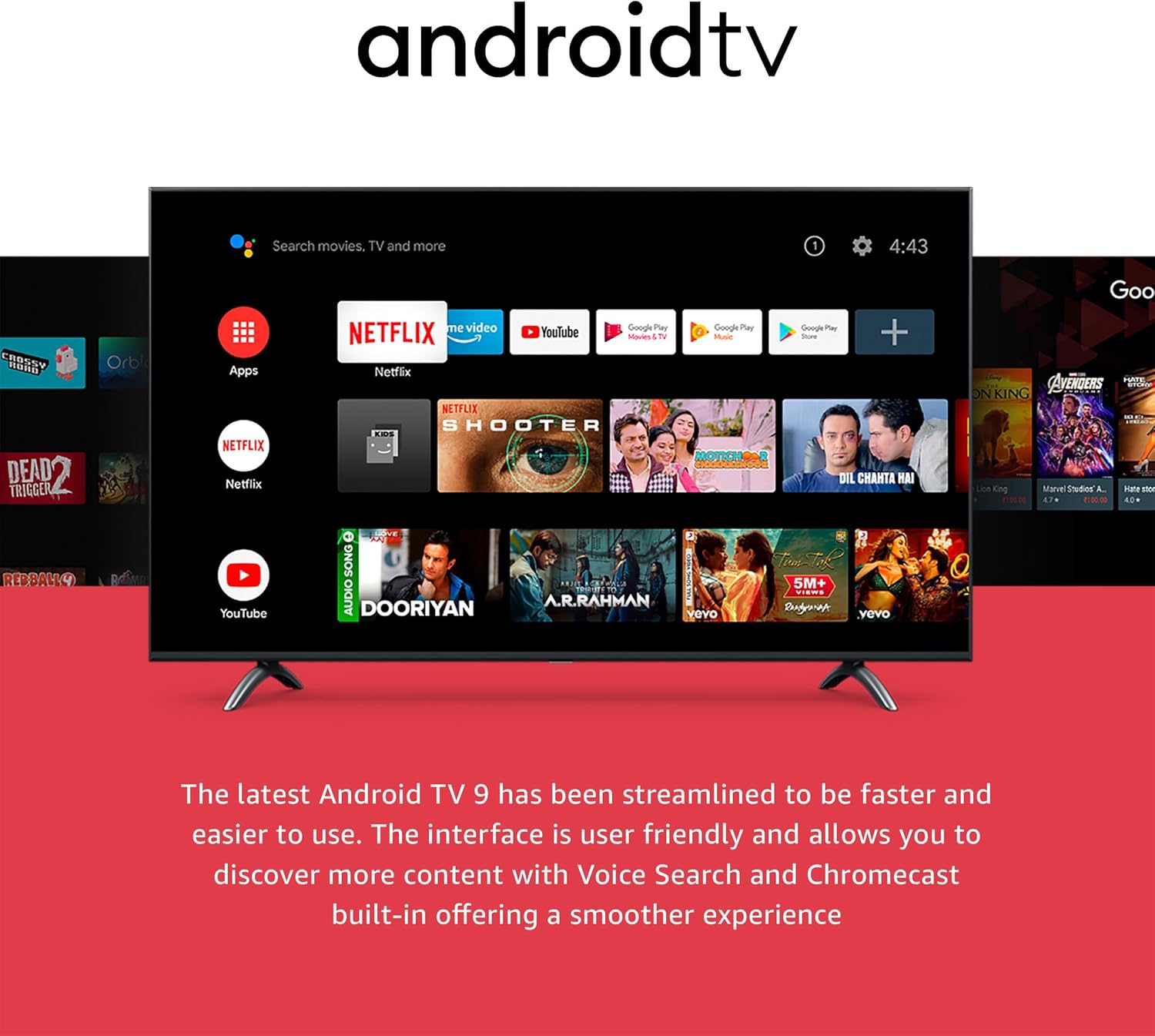
The Android TV interface is designed for intuitive navigation. The home screen displays your installed apps, recommended content, and system settings.
4.3. Usando o Asistente de Google
With Google Assistant built-in, you can use your voice to search for content, control playback, get answers, and more. Simply press the Google Assistant button on your remote and speak your command.

5. Características clave
5.1. Full High Definition (1080P)
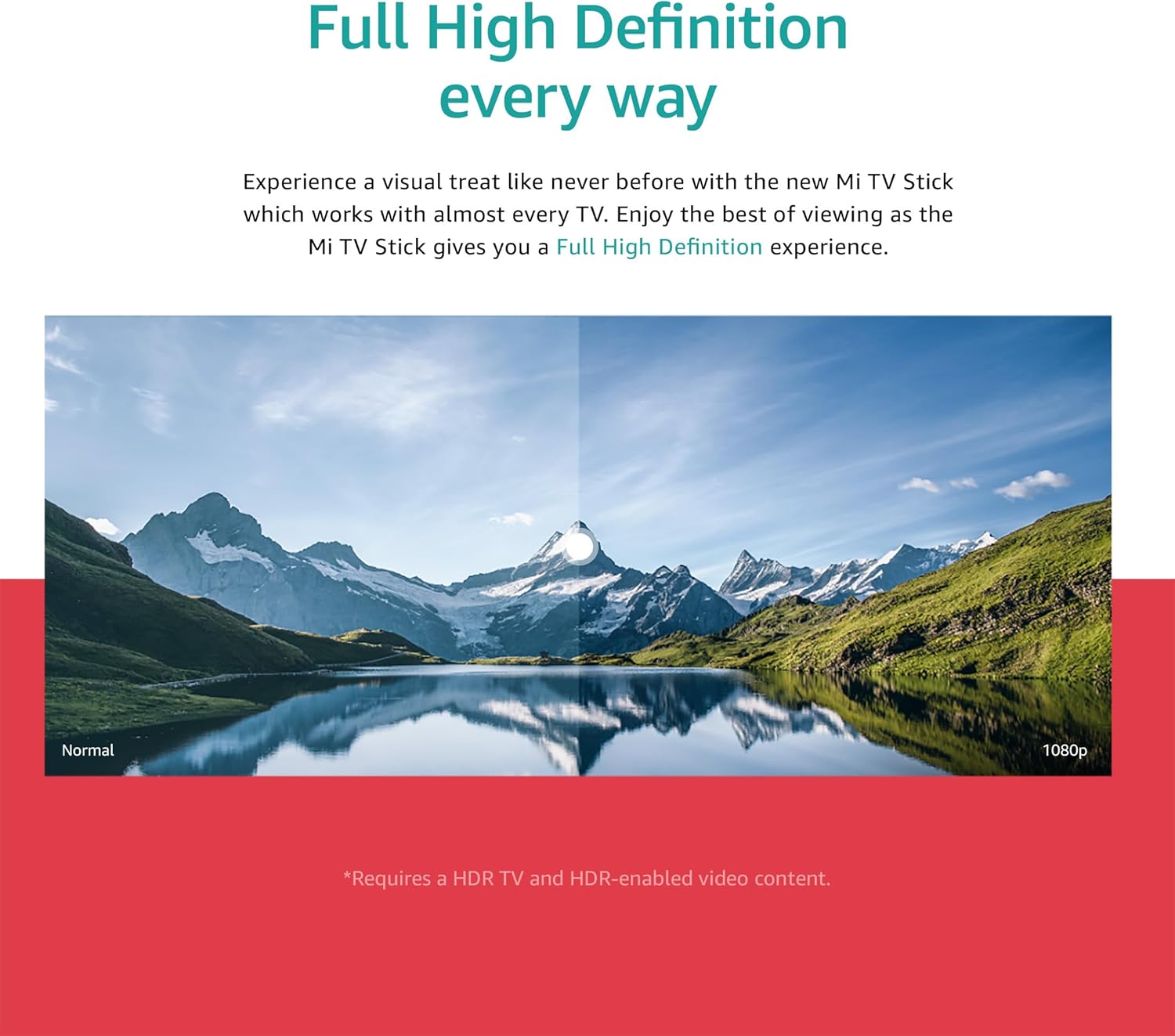
Experience crisp and clear visuals with support for up to 1080P Full High Definition resolution, providing an immersive viewing experience on compatible televisions.
5.2. Chromecast integrado
The integrated Chromecast functionality allows you to cast photos, videos, and music from your smartphone, tablet, or computer directly to your TV screen with a single tap.

5.3. Extensive App Support
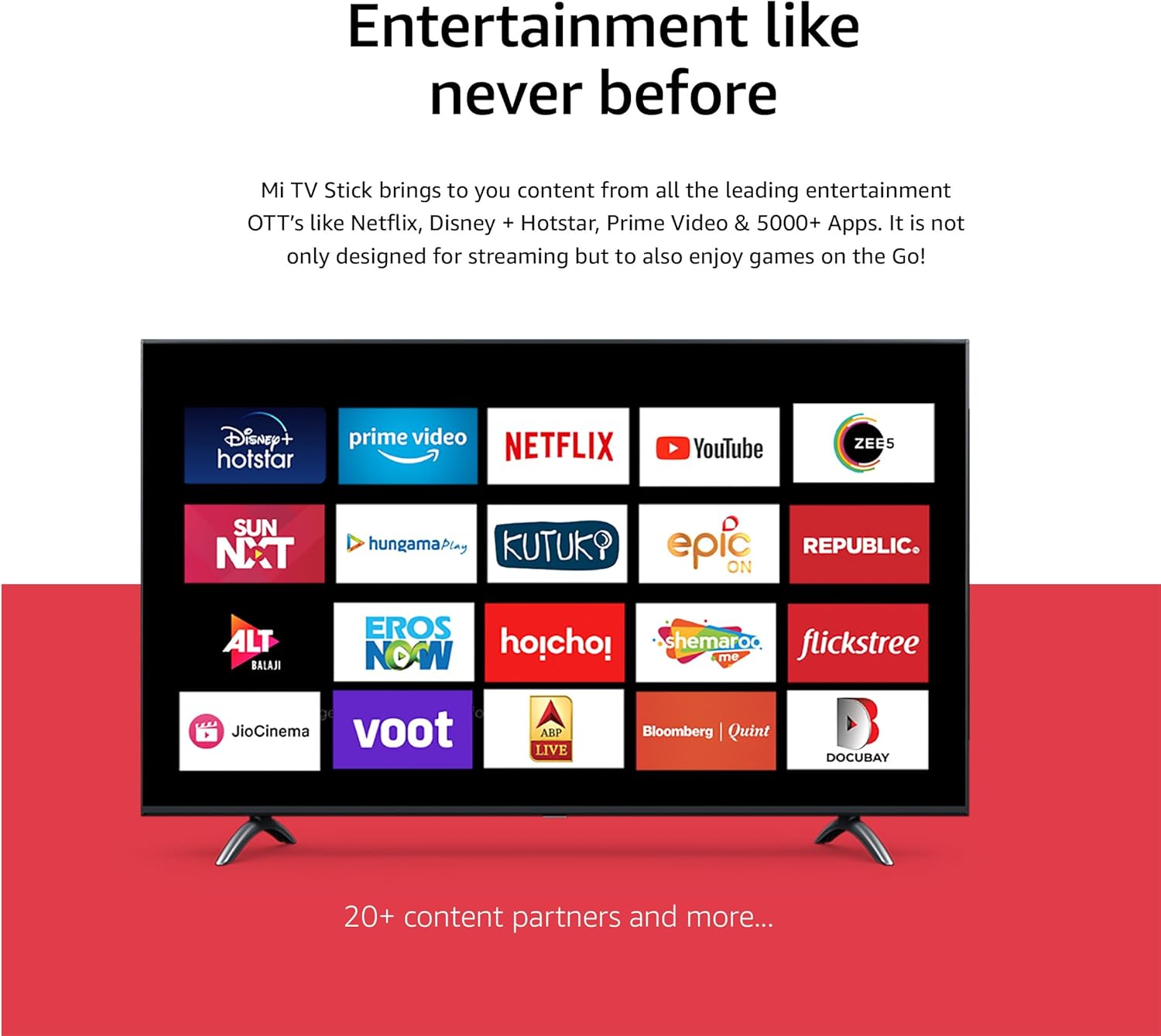
Access a wide range of streaming services and apps, including Netflix, Prime Video, YouTube, Disney+ Hotstar, and thousands more available through the Google Play Store.
5.4. High-definition Sound
Enjoy rich, immersive audio with support for both Dolby Audio and DTS Digital, delivering a cinematic sound experience for your movies and shows.

5.5. Data Saver
The Data Saver feature helps you watch more content while consuming less data. It allows you to adjust video quality to save data and extend watch time, and provides data alerts.

6 Solución de problemas
If you encounter issues with your Mi TV Stick, try the following solutions:
- Sen alimentación/Sen sinal: Ensure the Mi TV Stick is securely plugged into the HDMI port and the power adapter is connected to a working outlet. Verify your TV is set to the correct HDMI input.
- O control remoto non responde: Check the batteries in the remote. If the remote uses Bluetooth, ensure it is paired correctly (refer to initial setup instructions if needed).
- Problemas de conexión wifi: Restart your Wi-Fi router. Go to the Mi TV Stick's network settings to re-enter your Wi-Fi password or try connecting to a different network.
- Bloqueo/conxelación da aplicación: Try force-stopping the app from the Mi TV Stick's settings (Settings > Apps > [App Name] > Force Stop). If the issue persists, clear the app's cache or data.
- Rendemento lento: Restart the Mi TV Stick by unplugging it from power for a few seconds and plugging it back in. Ensure you have a stable internet connection.
- Sen audio: Check the volume levels on both your TV and the Mi TV Stick. Ensure your audio setup (soundbar, receiver) is correctly connected and configured.
If problems persist, consider performing a factory reset (Settings > Device Preferences > About > Factory Reset). Note that a factory reset will erase all data and settings on the device.
7. Especificacións
| Nome do modelo | Xiaomi Mi Stick |
| Número de modelo do artigo | MDZ-24-AA |
| Cor | Negro |
| Factor de forma | Stick de TV |
| Tecnoloxía de conectividade | HDMI, Bluetooth, Wi-Fi |
| Tipo de conector | HDMI, Micro USB |
| Características especiais | Chromecast integrado, Asistente de Google |
| Resolución | Up to 1080P (Full HD) |
| Servizos de Internet compatibles | Netflix, YouTube, Prime Video, Disney+ Hotstar, and more |
| Tipo de controlador | Control remoto |
| Dimensións do produto | 10 x 10 x 10 cm; 26.8 g (aproximadamente) |
| Fabricante | Xiaomi |
8. Mantemento
To ensure the longevity and optimal performance of your Mi TV Stick:
- Limpeza: Usa un pano suave e seco para limpar o dispositivo. Non empregues produtos de limpeza líquidos nin aerosois.
- Almacenamento: Garde o dispositivo nun lugar fresco e seco, lonxe da luz solar directa e de temperaturas extremas.
- Actualizacións de software: Periodically check for and install software updates through the device settings (Settings > Device Preferences > About > System update) to ensure you have the latest features and security patches.
- Ventilación: Asegúrate de que o dispositivo teña unha ventilación axeitada e non estea cuberto, xa que isto pode provocar un sobrequecemento.
9. Información de seguridade
Please read and follow these safety precautions:
- Non expoñas o dispositivo á auga nin a humidade excesiva.
- Evite colocar o dispositivo preto de fontes de calor ou baixo a luz solar directa.
- Use only the provided power adapter and USB cable.
- Non intente desmontar nin reparar o dispositivo vostede mesmo. Encargue todo o mantemento a persoal cualificado.
- Manteña o dispositivo fóra do alcance dos nenos.
- Asegúrese de que haxa unha ventilación axeitada arredor do dispositivo durante o seu funcionamento.
10. Garantía e soporte
Para obter información sobre a garantía e asistencia técnica, consulte a tarxeta de garantía incluída co produto ou visite o sitio web oficial de Xiaomi. website. You can also contact Xiaomi customer service for assistance with product-related inquiries or issues.
Oficial de Xiaomi Websitio: www.mi.com