
Introdución
The Sizzix Big Shot Switch Plus Electric Die-Cutting Machine, inspired by Tim Holtz, is an innovative and stylish tool designed for crafters. This machine features an automated feed, a one-touch reverse switch, and a 9-inch (A4) opening, making it compatible with various Sizzix technologies, including Bigz dies and all cutting pad sizes. Its sleek black design with chrome accents and integrated tool storage offers both functionality and aesthetic appeal for any craft space.
Información importante de seguridade
- Le todas as instrucións antes de usar a máquina.
- Keep hands and loose clothing away from the machine's opening during operation.
- Non utilice a máquina cun cable ou enchufe danados.
- Asegúrese de que a máquina estea colocada sobre unha superficie estable e plana.
- Desenchufe a máquina cando non estea en uso ou antes de limpala.
- This machine is not intended for use by children. Adult supervision is required.
O que hai na caixa
Your Sizzix Big Shot Switch Plus package includes:
- 1 x Big Shot Switch Machine
- Power Adapter (included with machine)
- Manual de instrucións (este documento)

Figure 1: The Sizzix Big Shot Switch Plus Electric Die-Cutting Machine.
Guía de configuración
- Desempaquetar a máquina: Carefully remove the Big Shot Switch Plus machine and all accessories from its packaging.
- Colocación: Place the machine on a sturdy, level surface with adequate space around it for feeding materials.
- Conectar enerxía: Plug the power adapter into the machine's power port, then plug the adapter into a suitable electrical outlet.
- Encendido: Press the power button located on the top of the machine to turn it on. The indicator light will illuminate.
Video 1: Official Sizzix video demonstrating the unboxing and basic setup of the Big Shot Switch machine.
Instrucións de funcionamento
The Big Shot Switch Plus features an electric, automatic feed system for effortless die-cutting and embossing.
- Prepara o teu bocadillo: Assemble your die-cutting "sandwich" according to the instructions provided with your specific Sizzix dies and cutting pads. This typically involves a cutting pad, your material (paper, cardstock, fabric, etc.), the die (cutting side down), and another cutting pad on top.
- Insert the Sandwich: Gently feed the assembled sandwich into the machine's opening. The automatic feed system will detect the material and begin processing.
- Procesamento automático: The machine will automatically pull the sandwich through, applying even pressure to cut or emboss your material.
- Retrieve Your Cut: Once the sandwich has passed completely through the machine, retrieve it from the other side.
- One-Touch Reverse: If a jam occurs or you need to reverse the material, press the reverse button.
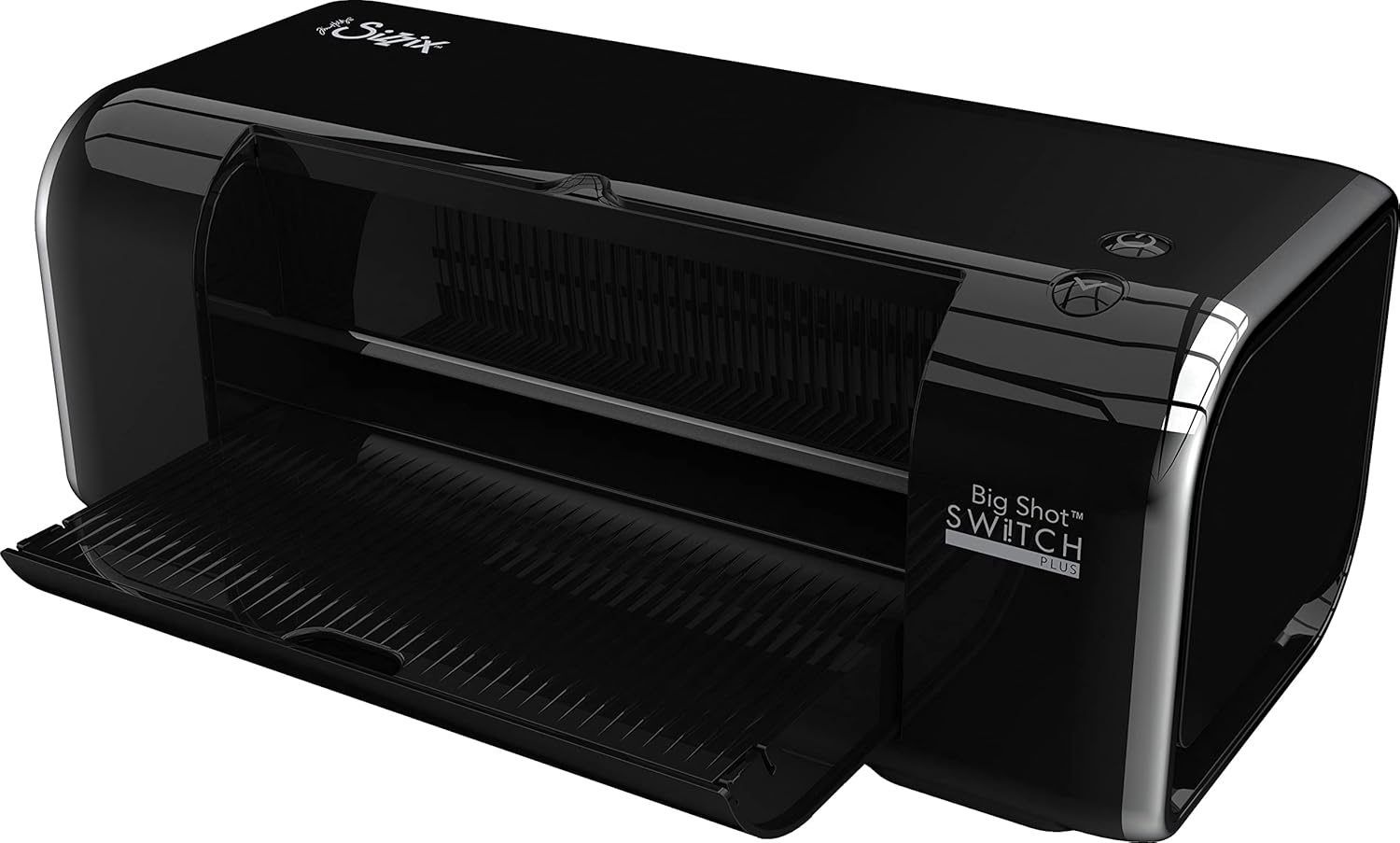
Figure 2: Preparing a die-cutting sandwich with the Sizzix Big Shot Switch Plus.

Figure 3: Visual representation of the die-cutting process: Add die to sandwich, roll through machine, gather cut pieces, assemble project.
Mantemento
- Limpeza: Limpe o exterior da máquina cun pano suave e seco. Non empregue produtos de limpeza abrasivos nin disolventes.
- Cutting Pads: Cutting pads are consumable items and will show wear over time. Rotate and flip them regularly to extend their life. Replace them when they become too warped or cut through to ensure optimal performance.
- Almacenamento: Store the machine in a clean, dry place when not in use. The integrated storage compartment can hold small tools or dies.
Resolución de problemas
- A máquina non se acende:
- Ensure the power adapter is securely plugged into both the machine and a working electrical outlet. Check if the outlet is functional.
- Material not feeding or jamming:
- Verify that your die-cutting sandwich is correctly assembled and not too thick for the machine. Use the one-touch reverse button to clear minor jams. Do not force materials through the machine.
- Poor cut quality:
- Check if your cutting pads are excessively worn or warped. Replace them if necessary. Ensure the dies are placed correctly on the material with the cutting edge facing down. Some intricate dies may require multiple passes or shims (additional layers of cardstock) for a clean cut.
- Overload detection system activates:
- The machine has an overload detection system to prevent damage. If it activates, the machine will stop. This indicates the sandwich is too thick or there is too much pressure. Remove the sandwich, reduce its thickness, and try again.
Especificacións
| Marca: | Sizzix |
| Modelo: | Big Shot Switch Plus (665300) |
| Material: | Chrome |
| Dimensións do produto (P x A x A): | 8" D x 17.5" W x 9" H |
| Superficie activa: | 81 square inches (9-inch opening) |
| Peso do artigo: | 18.52 libras |
| Modo de operación: | Electric, Automatic Feed |
| Medios impresos: | Card stock (and other compatible materials) |
| UPC: | 630454271413 |
Garantía e Soporte
For detailed warranty information and customer support, please refer to the official Sizzix websitio web ou póñase en contacto directamente co servizo de atención ao cliente. Garde o comprobante de compra para reclamacións de garantía.
Fabricante: Ellison