
1. Introdución
Thank you for choosing the ACT AC5105 Wireless Optical Mouse. This device is designed for comfortable and efficient use at home, in the office, or while traveling. It features a compact Nano USB receiver and an intelligent power-saving mode to extend battery life. This manual provides detailed instructions for setup, operation, and maintenance of your new wireless mouse.
2. Contido do paquete
- ACT AC5105 Wireless Optical Mouse
- Receptor Nano USB
- 1x batería AA (incluída)
3. Guía de configuración
- Insira a batería:
Open the battery compartment cover located on the underside of the mouse. Insert the included AA battery, ensuring correct polarity (+/-). Close the battery compartment cover securely.

Figure 3.1: Battery and Nano Receiver Storage
This image illustrates the underside of the mouse with the battery compartment open, showing where to insert the AA battery and store the Nano USB receiver. The on/off switch is also visible.
- Connect the Nano USB Receiver:
Remove the Nano USB receiver from its storage slot inside the battery compartment. Plug the receiver into an available USB-A port on your computer. Your operating system will automatically detect and install the necessary drivers.
- Acender o rato:
Locate the On/Off switch on the underside of the mouse and slide it to the "ON" position. The mouse is now ready for use.
4. Instrucións de funcionamento
4.1 Funcións básicas
- Clic esquerdo: Primary function, typically for selecting items or opening links.
- Clic dereito: Secondary function, typically for opening context menus.
- Roda de desprazamento: Desprácese cara arriba ou cara abaixo polos documentos e web páxinas. Tamén se pode premer a roda de desprazamento para unha función de clic central.

Figure 4.1: Mouse Features Overview
This diagram highlights key features such as silent click buttons, the scroll wheel, the USB-A wireless receiver, the 1600 DPI optical sensor, and the use of recycled materials in its construction.
4.2 Axuste de DPI
The ACT AC5105 mouse features an adjustable DPI (Dots Per Inch) setting, allowing you to change the cursor speed and sensitivity. You can cycle through 800, 1200, and 1600 DPI settings by pressing the DPI switch button located behind the scroll wheel.
- 800 DPI: Slower cursor movement, suitable for precise tasks.
- 1200 DPI: Standard cursor movement, suitable for general use.
- 1600 DPI: Faster cursor movement, suitable for quick navigation across large screens.
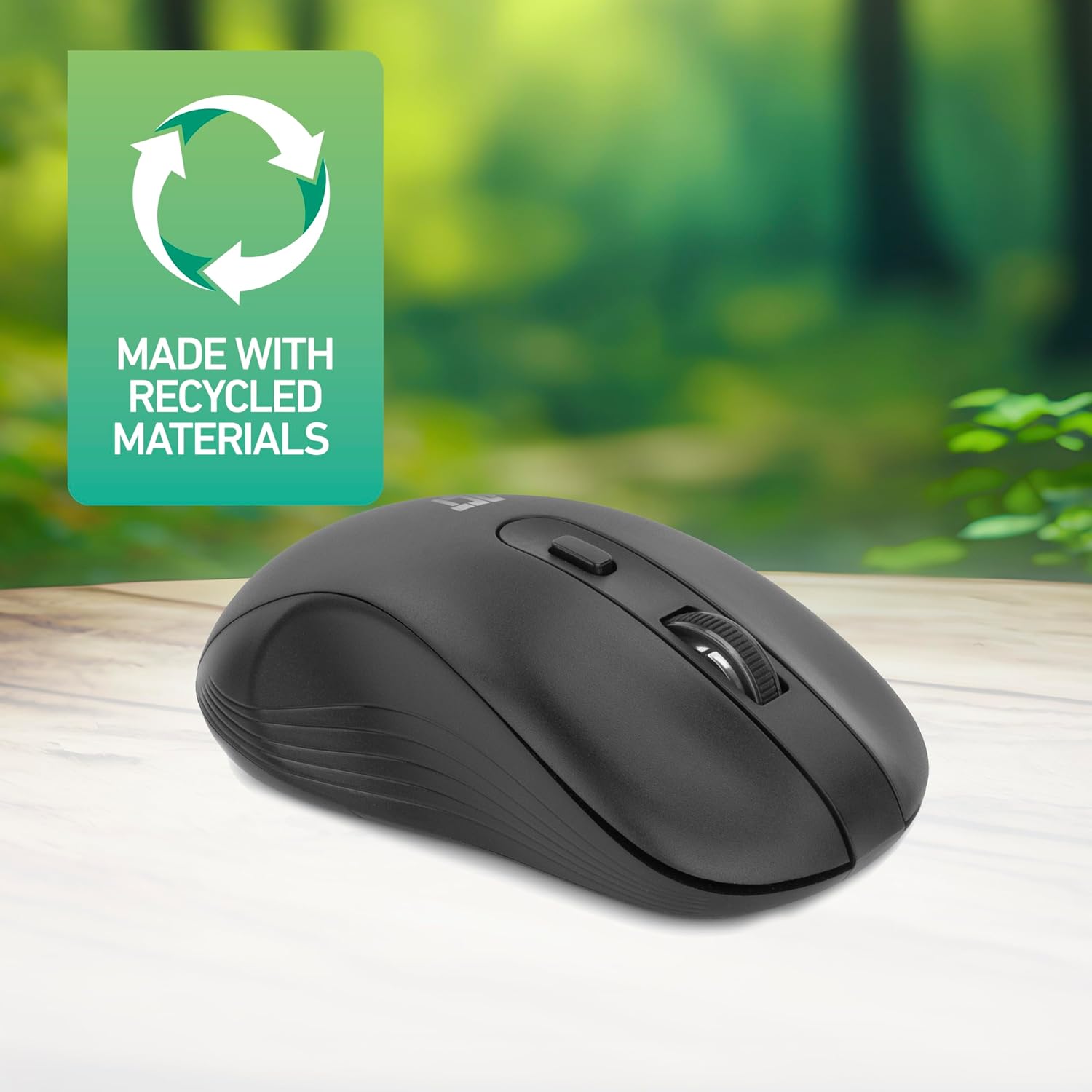
Figure 4.2: DPI Switch Location
This image shows the mouse in use on a desk, highlighting the DPI switch button for adjusting sensitivity between 800, 1200, and 1600 DPI.
4.3 Modo de aforro de enerxía
The mouse is equipped with an intelligent power-saving feature. If the mouse is inactive for a period, it will automatically enter standby mode to conserve battery power. To wake the mouse, simply move it or click any button.
For extended periods of non-use, it is recommended to switch the mouse off using the On/Off switch on the underside of the device.
5. Mantemento
- Limpeza: Usa un pano suave e seco para limpar o rato. Evita o uso de produtos químicos agresivos ou materiais abrasivos.
- Substitución da batería: When the mouse performance degrades or it stops responding, replace the AA battery with a new one. Follow the steps in Section 3.1.
- Almacenamento: When not in use, especially during travel, you can store the Nano USB receiver inside the mouse's battery compartment to prevent loss.
6 Solución de problemas
| Problema | Solución |
|---|---|
| O rato non responde |
|
| O movemento do cursor é errático ou lento |
|
| Problemas de conexión sen fíos |
|
7. Especificacións
| Característica | Detalle |
|---|---|
| Número de modelo | AC5105 |
| Tecnoloxía de conectividade | 2.4GHz Radio Frequency Wireless |
| distancia wireless | Ata 10 metros |
| Tecnoloxía de detección de movemento | Óptica |
| Configuración de DPI | 800 / 1200 / 1600 DPI (axustable) |
| Número de botóns | 4 (Left, Right, Scroll Wheel Click, DPI Switch) |
| Orientación das mans | Ambidiestro (adecuado tanto para usuarios zurdos como destros) |
| Fonte de enerxía | 1 batería AA |
| Dimensións do produto (L x W x H) | 10.5 x 6.5 x 3.5 cm |
| Peso | 60 g |
| Dispositivos compatibles | PC |
| Sistema Operativo | ChromeOS, Linux Mint 22 (minimum required version) |
| Características especiais | Wireless, Intelligent Power Saving, Silent Click |

Figura 7.1: Dimensións do rato
This image provides a top-down and side view of the mouse, clearly indicating its physical dimensions: 105mm in length, 65mm in width, and 35mm in height.
8. Garantía e soporte
ACT products are manufactured to high quality standards. This product comes with a 2-year warranty from the date of purchase against defects in materials and workmanship.
For technical support, warranty claims, or further assistance, please refer to the official ACT websitio web ou póñase en contacto co seu distribuidor local.
Conserve o comprobante de compra para efectos da garantía.