
ttec AirBeat Lite 2
Ttec AirBeat Lite 2 TWS BT Headset User Manual
Model: AirBeat Lite 2
Introdución
Welcome to the user manual for your Ttec AirBeat Lite 2 True Wireless Stereo (TWS) Bluetooth Headset. This manual provides detailed instructions on how to set up, operate, and maintain your headset to ensure optimal performance and longevity. Please read this manual carefully before using your device.
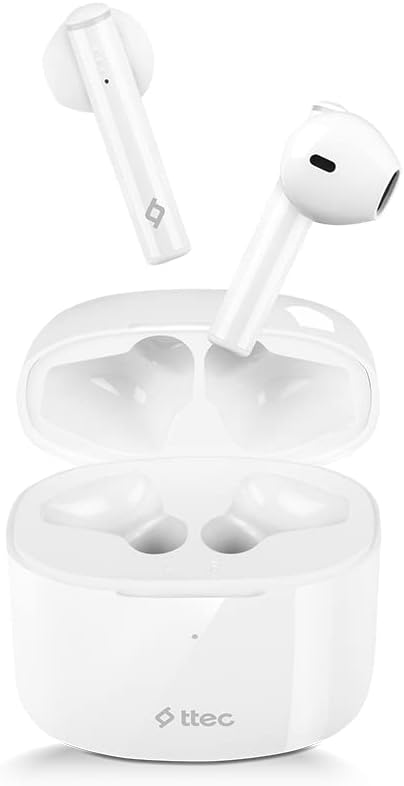
Image: The Ttec AirBeat Lite 2 earbuds resting in their open charging case, showcasing their compact and sleek white design.
O que hai na caixa
Upon opening your Ttec AirBeat Lite 2 package, you should find the following components:
- Ttec AirBeat Lite 2 True Wireless Earbuds (Left and Right)
- Estuche de carga
- Cable de carga USB (tipo C, normalmente)
- Manual de usuario (este documento)
- Ear Cushions (pre-installed or additional sizes, as per product specifications)
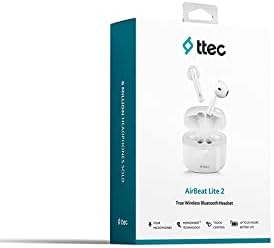
Image: The retail packaging for the Ttec AirBeat Lite 2 headset, displaying the product image and brand logo.
Configuración
1. Charging the Headset and Case
Before first use, it is recommended to fully charge both the earbuds and the charging case. The charging case acts as a portable power bank for your earbuds.
- Carga do estuche: Connect the provided USB charging cable to the charging port on the case and plug the other end into a USB power adapter (not included) or a computer's USB port. The indicator light on the case will show charging status.
- Cargando os auriculares: Coloca os auriculares nas súas respectivas ranuras na caixa de carga. Asegúrate de que estean correctamente asentados. Os auriculares comezarán a cargarse automaticamente.

Image: The Ttec AirBeat Lite 2 charging case with earbuds, illustrating battery life and quick charge capabilities. A 15-minute charge provides 1 hour of use, with 6 hours of earbud charge life and 26 hours total with the case.
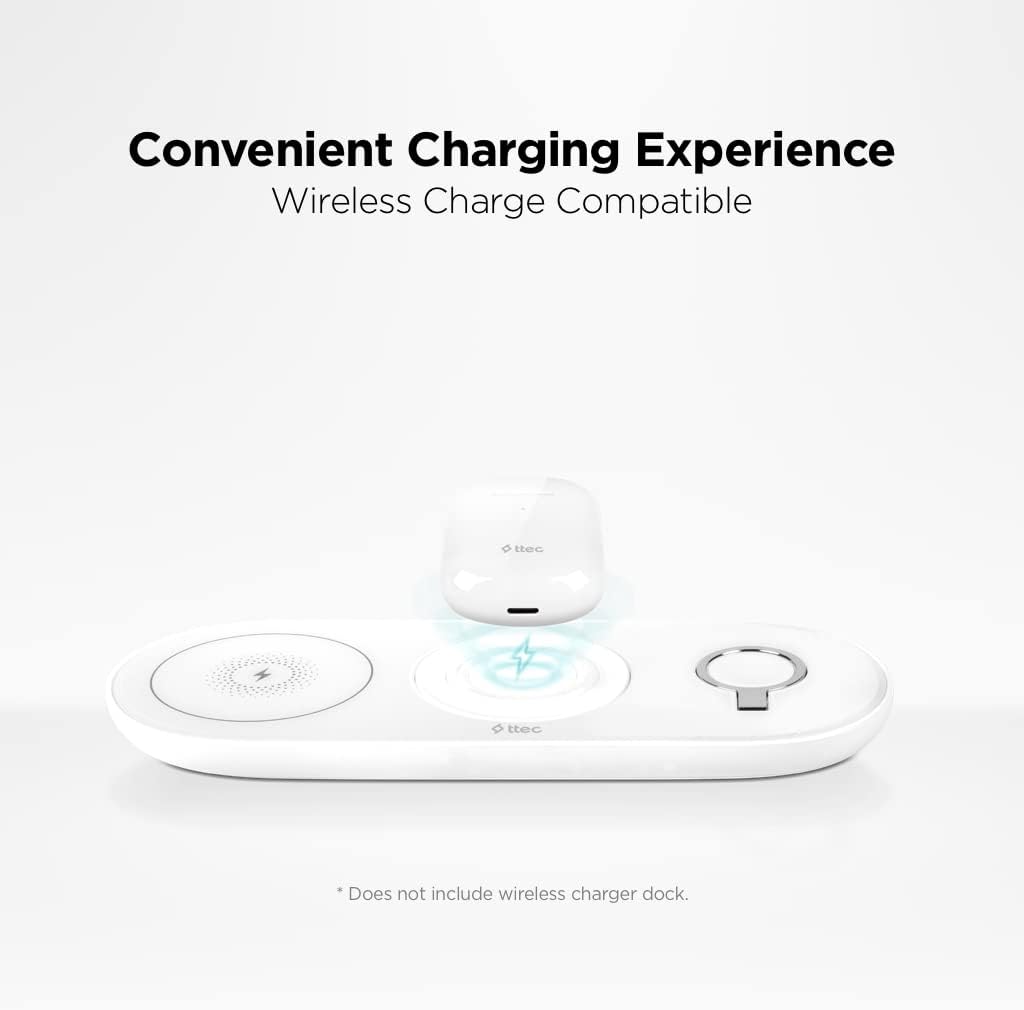
Image: The Ttec AirBeat Lite 2 charging case placed on a wireless charging pad, demonstrating its wireless charge compatibility. Note: Wireless charger dock is not included.
2. Emparejamento cun dispositivo
The Ttec AirBeat Lite 2 uses Bluetooth 5.0 for a fast and stable connection.
- Asegúrate de que os auriculares estean cargados e colocados na caixa de carga.
- Abre a caixa de carga. Os auriculares entrarán automaticamente no modo de emparellamento (as luces indicadoras poden parpadear).
- No teu dispositivo (teléfono intelixente, tableta, portátil), vai á configuración de Bluetooth e activa Bluetooth.
- Busca available devices. Select "Ttec AirBeat Lite 2" from the list.
- Unha vez conectados, os auriculares indicarán que o emparellamento se realizou correctamente (por exemplo, unha indicación de voz ou unha luz fixa).
The earbuds support MonoSmart Technology, allowing both earbuds to be used independently. You can connect either the left or right earbud alone if desired.

Image: A person wearing a Ttec AirBeat Lite 2 earbud, illustrating the fast and easy Bluetooth 5.0 connection technology.
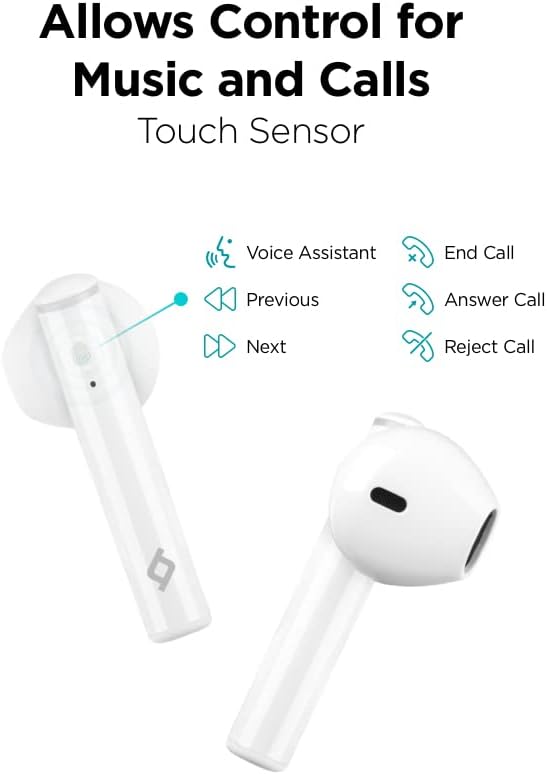
Image: A person using a single Ttec AirBeat Lite 2 earbud, demonstrating the MonoSmart Technology that allows independent use of either earbud.
Instrucións de funcionamento
Controis táctiles
The Ttec AirBeat Lite 2 features intuitive touch sensors on each earbud for easy control of music playback and calls.

Image: A close-up of the Ttec AirBeat Lite 2 earbud, highlighting the touch sensor area and illustrating various control functions: Voice Assistant, Previous/Next track, End/Answer/Reject Call.
| Acción | Función |
|---|---|
| Toque un só | Reproducir/Pausar música, Responder/Finalizar chamada |
| Toca dúas veces (auricular esquerdo) | Pista anterior |
| Toca dúas veces (auricular dereito) | Próxima pista |
| Toca tres veces | Activa o asistente de voz |
| Prema longa (2 segundos) | Rexeitar a chamada |
Music and Call Quality
The Ttec AirBeat Lite 2 delivers an impressive music experience with superior sound and deep bass. For calls, it features 4 microphones and ENC (Environmental Noise Cancelling) technology, ensuring excellent call clarity by reducing background noise.
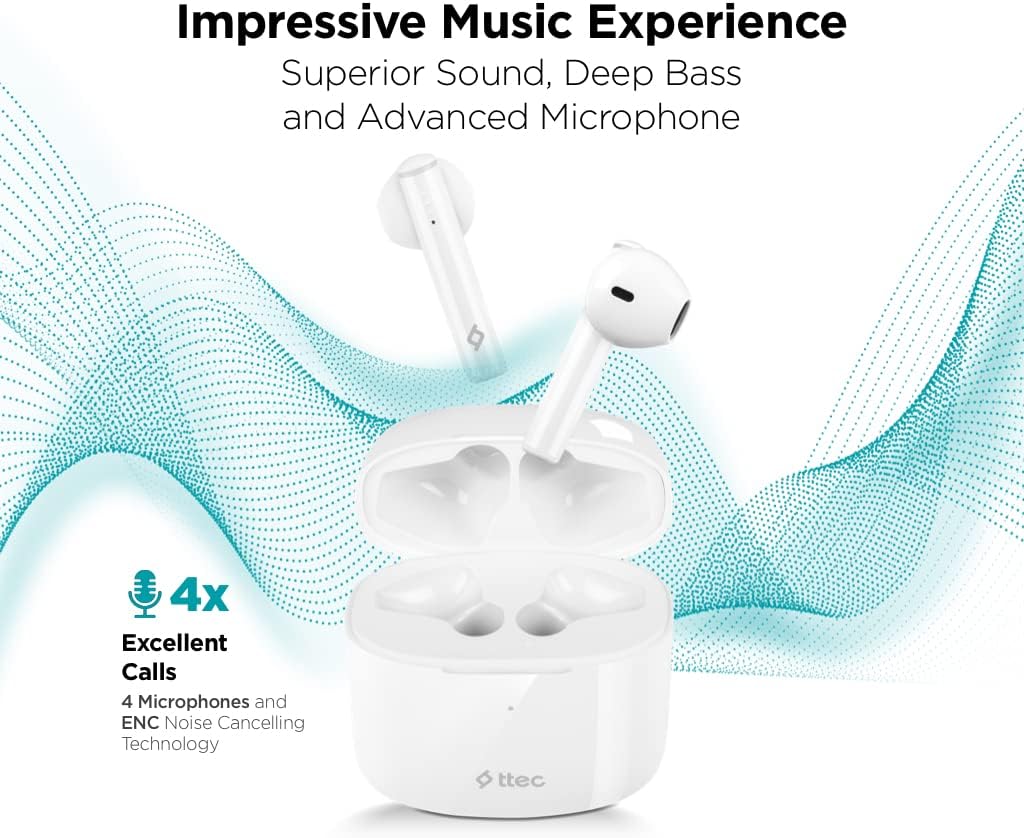
Image: The Ttec AirBeat Lite 2 earbuds in their case, surrounded by sound wave graphics, highlighting superior sound, deep bass, advanced microphone, and 4x excellent calls with ENC Noise Cancelling Technology.
Mantemento
Proper maintenance ensures the longevity and optimal performance of your Ttec AirBeat Lite 2 headset.
- Limpeza: Regularly clean the earbuds and charging case with a soft, dry, lint-free cloth. Do not use abrasive cleaners or solvents. Gently remove any earwax or debris from the earbud tips and speaker mesh using a small, soft brush or cotton swab.
- Almacenamento: Cando non estean en uso, garde os auriculares na súa funda de carga para protexelos do po, a sucidade e outros danos. Garde a funda nun lugar fresco e seco, lonxe da luz solar directa e de temperaturas extremas.
- Resistencia á auga: The earbuds are IPX4 rated, meaning they are sweat and water resistant. This protects them from splashing water from any direction. However, they are not waterproof and should not be submerged in water or exposed to heavy rain. Dry them thoroughly if they get wet.
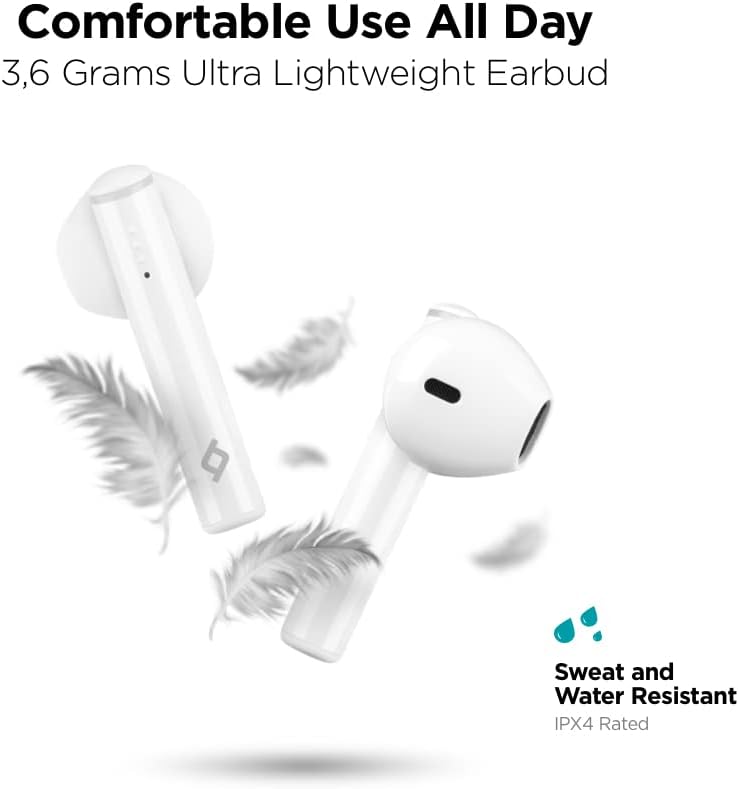
Image: Ttec AirBeat Lite 2 earbuds floating among feathers, emphasizing their ultra-lightweight design (3.6 grams) and highlighting their IPX4 sweat and water resistance.
Resolución de problemas
If you encounter any issues with your Ttec AirBeat Lite 2 headset, try the following troubleshooting steps:
- Sen son dos auriculares:
- Asegúrate de que os auriculares estean cargados.
- Comproba se os auriculares están correctamente emparellados co teu dispositivo.
- Increase the volume on both your device and the earbuds.
- Tenta volver emparellar os auriculares.
- Os auriculares non se emparejan:
- Asegúrate de que o Bluetooth estea activado no teu dispositivo.
- Make sure the earbuds are in pairing mode (open case).
- Desactiva o Bluetooth noutros dispositivos próximos que poidan estar a tentar conectarse.
- Forget "Ttec AirBeat Lite 2" from your device's Bluetooth list and try pairing again.
- Problemas de carga:
- Asegúrate de que o cable de carga estea conectado correctamente tanto á carcasa como á fonte de alimentación.
- Proba cun cable USB ou adaptador de corrente diferente.
- Limpa os contactos de carga tanto dos auriculares como da funda.
- Conexión intermitente:
- Ensure your device is within the Bluetooth range (typically 10 meters/33 feet) without significant obstacles.
- Evitar fortes interferencias electromagnéticas.
- Try restarting both the earbuds (by placing them in the case and closing it) and your connected device.
Se o problema persiste, consulta a sección de soporte para obter máis axuda.
Especificacións
| Característica | Detalle |
|---|---|
| Nome do modelo | AirBeat Lite 2 |
| Tecnoloxía de conectividade | Sen fíos (Bluetooth) |
| Tecnoloxía de comunicación sen fíos | Bluetooth 5.0 |
| Compoñentes incluídos | Ear Cushions, USB Charging Cable |
| Material | Plástico |
| Usos específicos | Travel, Everyday Use |
| Dispositivos compatibles | Cellphones, Television, Tablets, Telephones, Laptops, Desktops, Smart Speaker |
| Tipo de control | Control táctil |
| Colocación do oído | En Orella |
| Factor de forma | En Orella |
| Control de ruído | Cancelación de ruído ambiental (ENC) |
| Peso dos auriculares | 3.6 grams (approx. per earbud) |
| Clasificación IP | IPX4 (resistente á suor e á auga) |
| Duración da batería (auriculares) | 6 horas (aprox.) |
| Duración total da batería coa funda | 26 horas (aprox.) |
Note: Some specifications from raw data have been refined for accuracy based on product images and primary description (e.g., ENC instead of ANC, earbud weight instead of package weight).
Información de seguridade
Lea e siga estas pautas de seguridade para evitar danos no seu dispositivo ou lesións a vostede mesmo:
- Non desmonte, repare nin modifique o produto.
- Manteña o dispositivo lonxe de temperaturas extremas, humidade e substancias corrosivas.
- Evite deixar caer ou someter o dispositivo a fortes impactos.
- Do not expose the charging case to water or moisture.
- Empregue só cables e adaptadores de carga homologados.
- Prolonged exposure to loud sounds can cause hearing damage. Adjust volume to a moderate level.
- Be aware of your surroundings when using earbuds, especially in traffic or dangerous situations.
- Eliminar o produto de forma responsable segundo a normativa local.
Garantía e Soporte
Ttec products are designed for quality and reliability. For warranty information and customer support, please refer to the official Ttec websitio web ou póñase en contacto co seu distribuidor local.
For technical assistance or inquiries, please visit the Ttec support page or contact their customer service directly. Keep your purchase receipt as proof of purchase for warranty claims.
Recursos en liña:
- Official Ttec Websitio: www.ttec.com.tr (Please verify the correct regional website for support)
Ask a question about this manual
Ask about setup, troubleshooting, compatibility, parts, safety, or missing instructions. Manuals+ will review the question and use this page’s manual context to help answer it.