
1. Introdución
This manual provides essential information for the safe and efficient operation of your SANSUI 43-inch 4K Ultra HD Certified Android LED TV, model JSW43ASUHD. Please read these instructions thoroughly before using your television and retain them for future reference.

Image: SANSUI 43-inch 4K Ultra HD Android LED TV JSW43ASUHD.
2. Que hai na caixa
Desembala a caixa con coidado e asegúrate de que estean presentes todos os seguintes elementos:
- 1 Unidade de TV
- 1 Control remoto
- 1 Manual de usuario (este documento)
- 1 tarxeta de garantía
- 1 Montaxe na parede
- 2 pilas AAA
- 2 soportes de base
- 4 Screws (for base stand)
- 1 Mini AV Cable
- 1 cable de alimentación
3. Configuración
3.1 Desembalaxe e colocación
Remove the TV and all accessories from the packaging. Place the TV on a stable, flat surface or prepare for wall mounting. Ensure adequate ventilation around the TV.
3.2 Instalación do stand
If using the included base stands:
- Coloque con coidado a pantalla do televisor sobre unha superficie suave e limpa para evitar rabuñaduras.
- Align each base stand with the corresponding slots on the bottom of the TV.
- Fixe cada soporte cos parafusos fornecidos. Asegúrese de que estean ben axustados.
- Levante con coidado o televisor ata a súa posición vertical sobre unha superficie estable.

Image: SANSUI TV with base stands installed.
3.3 Montaxe na parede
Your SANSUI TV supports VESA wall mounting with a standard of 200 x 200 mm. Follow the instructions provided with your wall mount kit. Ensure the wall mount is securely fastened to a suitable wall structure and can support the weight of the TV (approximately 6.75 kg).
3.4 Conexión de periféricos
Conecta os teus dispositivos externos aos portos axeitados do panel traseiro do televisor.
- Portos HDMI (3): Connect Blu-ray players, gaming consoles, set-top boxes, etc.
- Portos USB (2): Connect USB drives for media playback or other USB devices.
- 3.5mm Jack de audio: Connect headphones or external audio systems.
- RJ45 (Ethernet): Para conexión a internet por cable.
- Entrada de antena: Connect your terrestrial or cable antenna.

Image: Rear panel connectivity ports.
3.5 Encendido
After connecting all necessary cables, plug the power cord into a wall outlet. Press the power button on the remote control or on the TV to turn it on. Follow the on-screen instructions for initial setup, including network connection and Google account login.
4. Funcionamento da súa TV
4.1 Funcións da Smart TV (Android 10.0)
Your SANSUI TV runs on Android 10.0, offering a smart and intuitive user experience. Key features include:
- Google Assistant & Alexa Enabled Support: Use voice commands for navigation, content search, and smart home control.
- Chromecast incorporado: Easily cast content from your smartphone or tablet to the TV screen.
- Aplicacións compatibles: Access popular streaming services like Prime Video, Netflix, Disney+ Hotstar, YouTube, and Google Play Store.
- Rendemento: Powered by a CA53 Quad Core Processor with 2GB RAM and 8GB ROM for smooth operation.
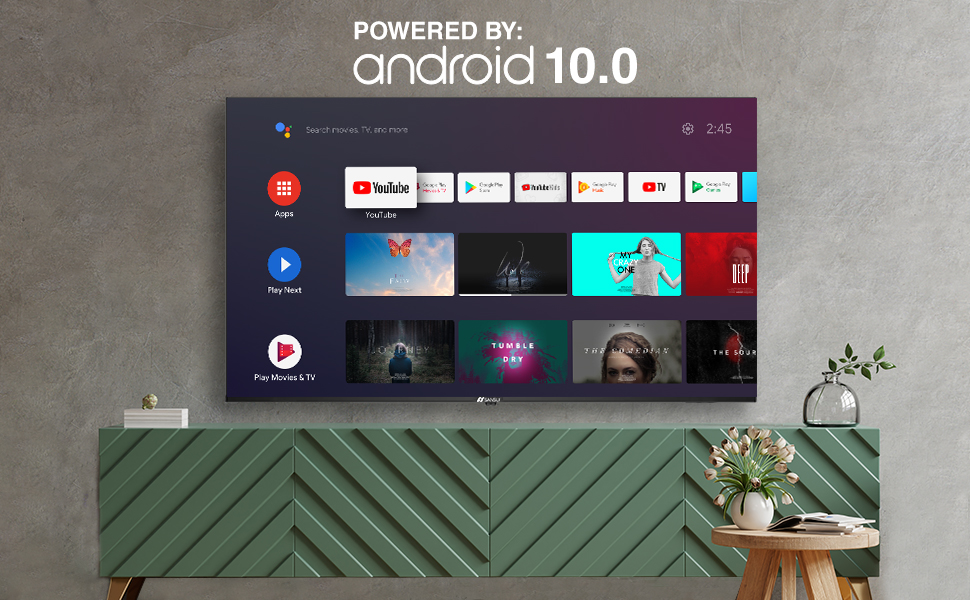
Image: Android 10.0 Smart TV interface.
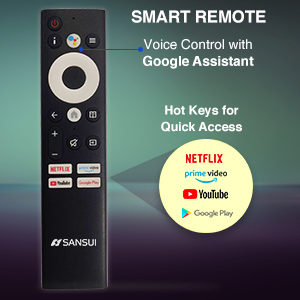
Image: Built-in Chromecast functionality.
4.2 Control remoto
The included remote control features voice search capabilities with Google Assistant and dedicated hotkeys for quick access to popular streaming services.
- Control de voz: Press the microphone button and speak your commands.
- Teclas de acceso rápido: Direct access buttons for Netflix, Prime Video, YouTube, and Google Play.

Image: SANSUI Smart Remote Control.

Image: Smart Remote features.
4.3 Conectividade
The TV offers versatile connectivity options:
- Wi-Fi: Connect to your home wireless network for internet access.
- Bluetooth: Pair with compatible wireless headphones, speakers, or other Bluetooth devices.
- Ethernet (RJ45)Para unha conexión a internet por cable estable.
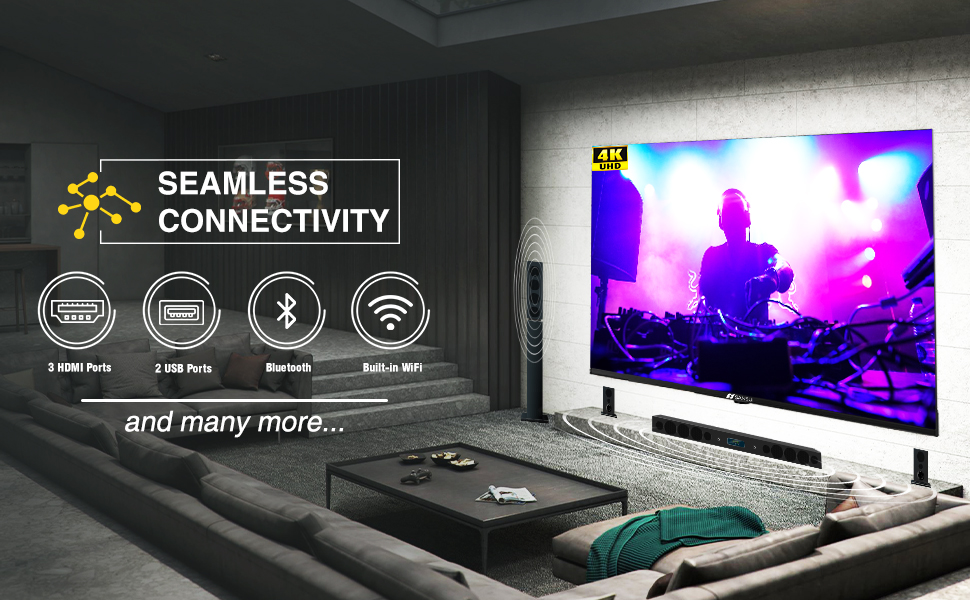
Image: Seamless connectivity options.
5. Funcións de pantalla e son
5.1 Calidade de visualización
Experience stunning visuals with your SANSUI 4K UHD Android TV:
- 4K UHD (3840x2160) Resolution: Delivers sharp, detailed images.
- HDR 10: Enhances contrast and color accuracy for a more dynamic picture.
- Amplia gama de cores: Produces a broader range of vibrant colors.
- Deseño sen bisel: Maximizes screen space for an immersive viewexperiencia ing.
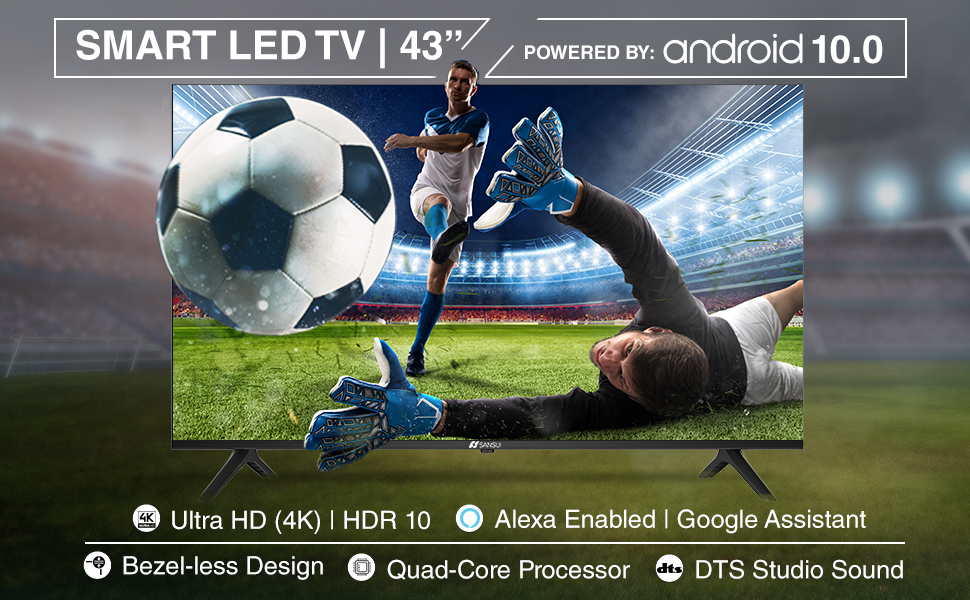
Image: Incredible visual possibilities with 4K UHD.
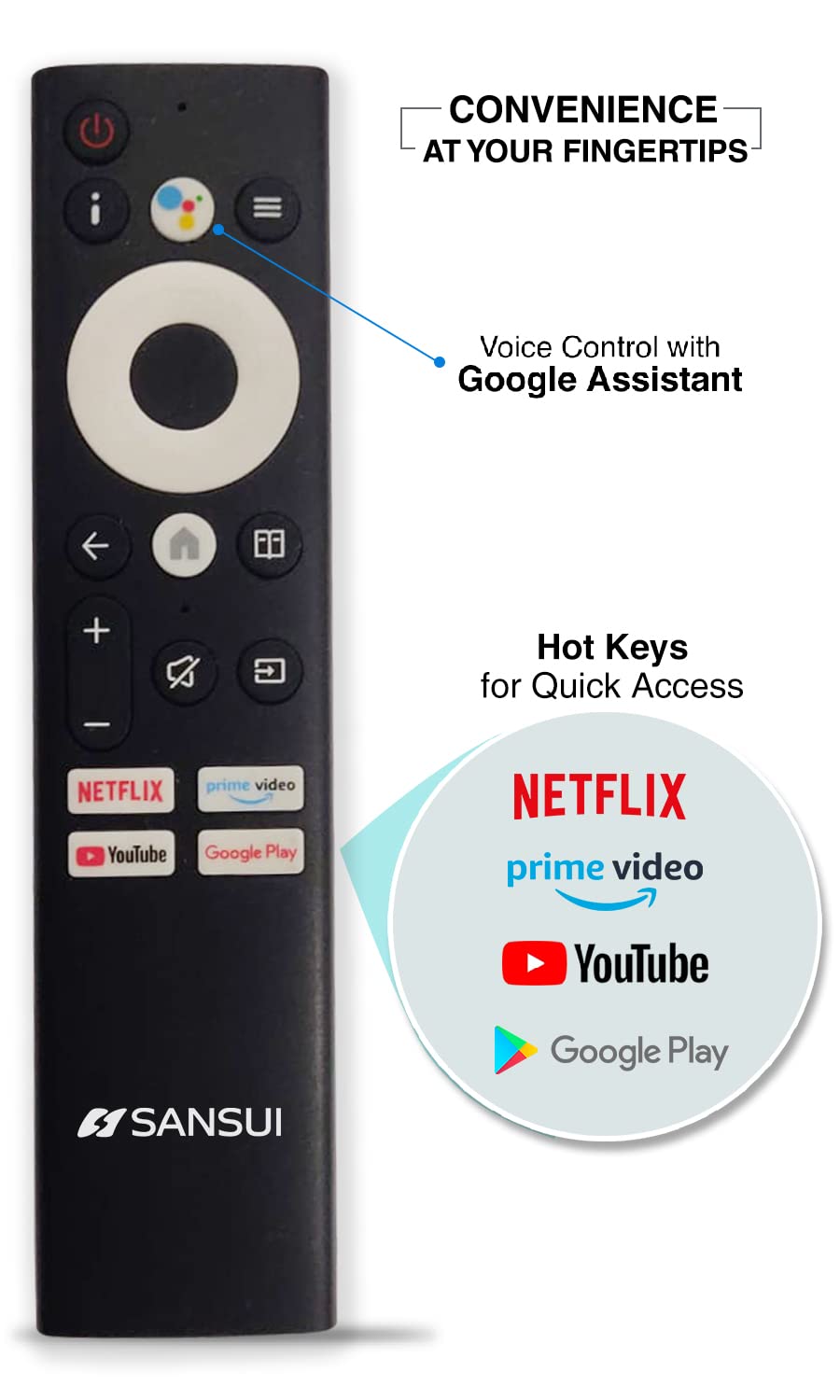
Image: Bezel-less design for an expansive view.
5.2 Calidade de audio
The TV features:
- 20W Audio Output: Provides clear and powerful sound.
- Dolby Audio & DTS Studio Sound: Enhances audio quality for an immersive listening experience.
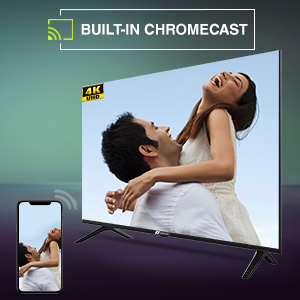
Image: Incredible audio features.
6. Mantemento
6.1 Limpeza da pantalla
Para limpar a pantalla, limpe con coidado cun pano suave e sen pelusa. Para manchas difíciles, límpeaa lixeiramenteampEnxágüe o pano con auga ou cun limpador de pantallas especializado. Non use harsh chemicals, abrasive cleaners, or spray liquids directly onto the screen.
6.2 Coidados xerais
- Manteña o televisor lonxe da luz solar directa, de fontes de calor e do exceso de po.
- Asegúrese de que exista unha ventilación adecuada ao redor do televisor para evitar o sobreenriquecido.
- Desconecte o televisor da toma de corrente durante as tormentas eléctricas ou cando non o vaia usar durante períodos prolongados.
7 Solución de problemas
Se tes problemas co teu televisor, consulta as seguintes solucións habituais:
| Problema | Posible Solución |
|---|---|
| Sen poder | Check if the power cord is securely plugged into the TV and the wall outlet. Ensure the outlet is functional. Try pressing the power button on the TV itself. |
| Sen imaxe, pero hai son | Check the input source. Ensure external devices are powered on and connected correctly. Try restarting the TV. |
| Sen son, pero si imaxe | Comprobe o nivel de volume e asegúrese de que o televisor non estea silenciado. Verifique a configuración de son e as conexións dos altofalantes externos se corresponde. |
| O control remoto non funciona | Ensure the AAA batteries are correctly inserted and not depleted. Point the remote directly at the TV's IR sensor. Remove any obstructions. |
| Non se pode conectar á wifi | Check if your Wi-Fi router is on and functioning. Re-enter the Wi-Fi password. Try restarting both the TV and the router. |
Se o problema persiste despois de probar estas solucións, póñase en contacto co servizo de atención ao cliente de SANSUI.
8. Especificacións técnicas
Below are the detailed technical specifications for the SANSUI JSW43ASUHD TV:

Image: TV dimensions.
| Característica | Especificación |
|---|---|
| Tamaño da pantalla | 43 polgadas (109 cm) |
| Tecnoloxía de visualización | LED |
| Resolución | 4K UHD (3840 x 2160) |
| Taxa de actualización | 60 Hz |
| Sistema Operativo | Android 10.0 (Certificado por Google) |
| Procesador | CA53 Quad Core |
| RAM | 2 GB |
| ROM (almacenamento) | 8 GB |
| Formato HDR compatible | HDR10 |
| Viewángulo ing | 178 graos |
| Saída de audio | 20 W |
| Tecnoloxía de audio | Dolby Audio, DTS Studio Sound |
| Portos HDMI | 3 |
| Portos USB | 2 |
| Conectividade | Bluetooth, Wi-Fi, Ethernet (RJ45) |
| Tipo de montaxe | Wall Mount & Table Top |
| Estándar de montaxe VESA | 200 x 200 mm |
| Peso do elemento | 6750 gramos |
| Ano modelo | 2022 |
9. Garantía e soporte
9.1 Información da garantía
Your SANSUI TV comes with a Garantía completa de 1 anos e un additional 1-year warranty on the panel, provided by the brand from the date of purchase.
9.2 Atención ao cliente
For warranty support or any technical assistance, please contact SANSUI customer service:
- Toll-Free No.: 1800-419-3777
- Correo electrónico: sansuicare@jainaindia.com
- Importer Contact: Jaina India Pvt Ltd., D170, Okhla Industrial Area, Phase-1, New Delhi-110020 INDIA
10. Notas importantes
No official product videos with 'Seller' as creator type were available for embedding in this manual.