
1. Introdución
Thank you for choosing the HXSJ L800 3-Mode 61-Key RGB Mechanical Gaming Keyboard. This keyboard offers versatile connectivity options including 2.4GHz wireless, Bluetooth 5.0, and wired USB-C, making it suitable for various devices and usage scenarios. Its compact 61-key layout is designed for portability and efficiency, providing ample space for mouse movement. The keyboard features durable two-color injection molded ABS keycaps and vibrant RGB backlighting for an enhanced user experience. This manual provides detailed instructions for setup, operation, maintenance, and troubleshooting to ensure optimal performance.
2. Contido do paquete
- 1 x HXSJ L800 Mechanical Gaming Keyboard
- 1 x USB Receiver (for 2.4GHz wireless connection)
- 1 x Type-C Cable (for wired connection and charging)
- 1 x Manual de usuario

3. Configuración
3.1 Modos de conectividade
The HXSJ L800 keyboard supports three connection modes: 2.4GHz wireless, Bluetooth 5.0, and wired USB-C. You can switch between these modes based on your device and preference.
Conexión sen fíos de 3.1.1 a 2.4 GHz
- Localiza o receptor USB incluído no paquete.
- Conecta o receptor USB a un porto USB dispoñible do teu ordenador ou dispositivo compatible.
- Asegúrate de que o interruptor de modo do teclado (normalmente na parte traseira ou lateral) estea configurado no modo sen fíos 2.4G.
- The keyboard should automatically connect. If not, press and hold the Fn + R keys simultaneously for a few seconds to initiate pairing.
3.1.2 Conexión Bluetooth 5.0
O teclado pode conectarse a ata tres dispositivos Bluetooth simultaneamente.
- Asegúrate de que o selector de modo do teclado estea configurado no modo Bluetooth.
- No teu dispositivo (ordenador, tableta, teléfono intelixente), activa o Bluetooth e busca novos dispositivos.
- To connect to the first device, press and hold Fn + Z (BT1) until the indicator light flashes rapidly.
- To connect to the second device, press and hold Fn + X (BT2) until the indicator light flashes rapidly.
- To connect to the third device, press and hold Fn + C (BT3) until the indicator light flashes rapidly.
- Select "HXSJ L800" or a similar name from your device's Bluetooth list to pair.

Conexión USB-C con cable 3.1.3
- Connect one end of the provided Type-C cable to the keyboard's Type-C port.
- Conecte o outro extremo do cable a un porto USB do seu ordenador.
- O teclado cambiará automaticamente ao modo con fíos e comezará a cargar.
3.2 Compatibilidade do sistema
The HXSJ L800 keyboard is compatible with a wide range of operating systems, including IBM PC, Win98SE, Me, 2000, XP, VISTA, WIN 7, and WIN10. It also supports Mac OS, iOS, and Android systems.

4. Instrucións de funcionamento
4.1 Funcións clave
The 61-key layout is compact but retains all essential functions. Many keys have secondary functions accessible via the Fn key. Refer to the keyboard's keycap legends for specific Fn combinations (e.g., Fn + number row for F1-F12, Fn + arrow keys for page navigation).
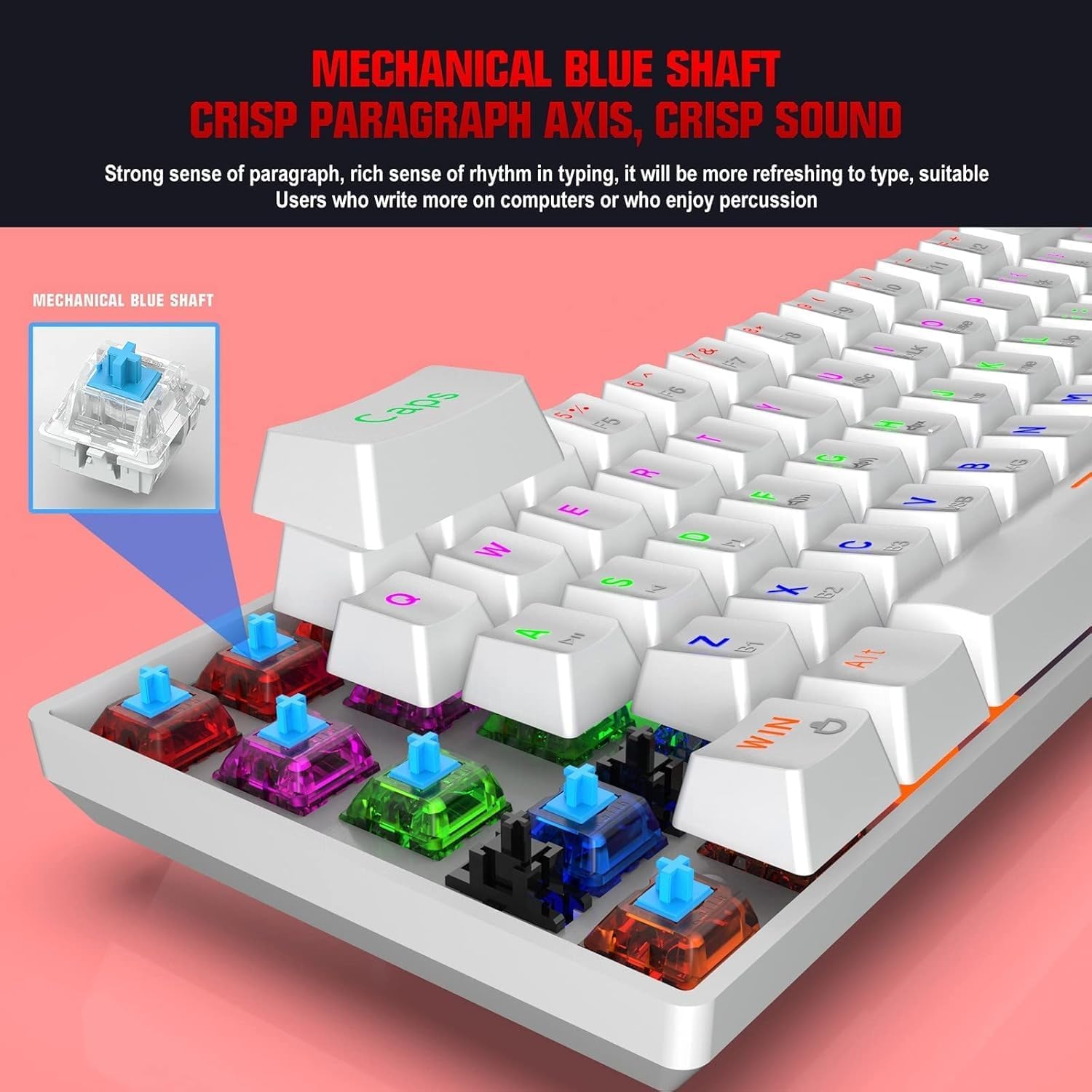
4.1.1 Blue Mechanical Switches
The keyboard is equipped with blue mechanical switches, known for their distinct tactile bump and audible click. This provides clear feedback for each keystroke, preferred by many for typing and gaming.
4.2 Retroiluminación RGB
The keyboard features dynamic RGB backlight effects. Use specific Fn key combinations (e.g., Fn + \|) to cycle through different lighting modes, adjust brightness, or change colors. Consult the full user manual for a complete list of lighting controls.
4.3 Carga do teclado
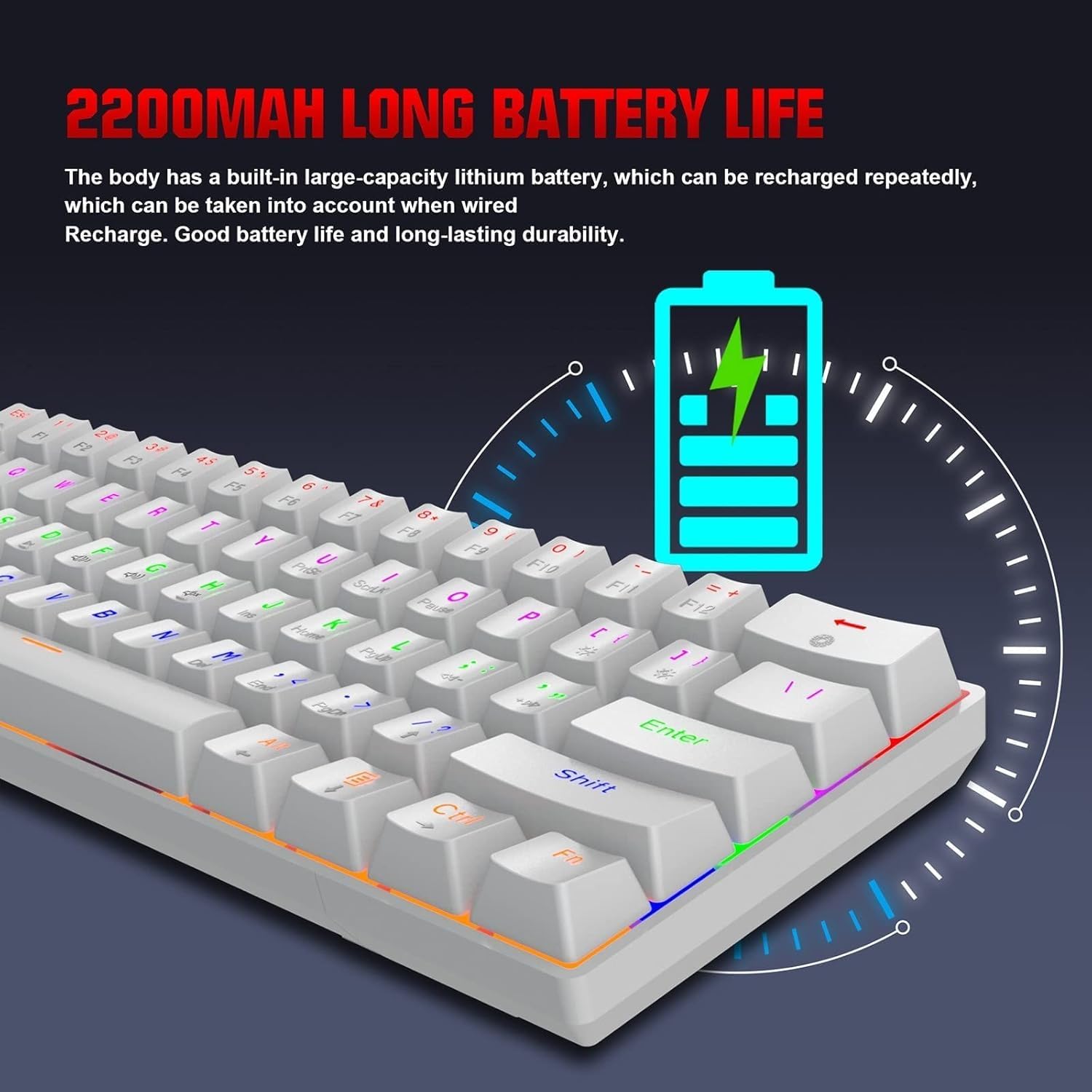
The HXSJ L800 has a built-in 2200mAh rechargeable lithium battery. When the battery is low, the indicator light may flash or change color. Connect the keyboard to a USB power source using the provided Type-C cable to charge. The indicator light will typically show charging status and turn off or change color when fully charged.
5. Mantemento
Para garantir a lonxevidade e o rendemento óptimo do seu teclado HXSJ L800, siga estas pautas de mantemento:
- Limpeza: Regularly clean the keyboard with a soft, dry cloth. For deeper cleaning, use compressed air to remove dust and debris from between the keycaps. You may carefully remove keycaps using a keycap puller (not included) for thorough cleaning, but ensure to reattach them correctly.
- Teclas: The two-color injection molded ABS keycaps are designed for durability and resistance to fading. Avoid using harsh chemicals or abrasive materials that could damage the keycap surface.
- Almacenamento: Garda o teclado nun lugar fresco e seco, lonxe da luz solar directa e de temperaturas extremas.
- Exposición ao líquido: Avoid spilling liquids on the keyboard. If a spill occurs, immediately disconnect the keyboard, turn it upside down to drain, and allow it to dry completely before reconnecting.
6 Solución de problemas
If you encounter issues with your HXSJ L800 keyboard, refer to the following common troubleshooting steps:
| Problema | Posible Solución |
|---|---|
| O teclado non responde (con cable) | Asegúrate de que o cable USB-C estea conectado correctamente tanto ao teclado como ao ordenador. Proba cun porto ou cable USB diferente. |
| Keyboard not connecting (2.4GHz wireless) | Ensure the USB receiver is plugged in and the keyboard is in 2.4G mode. Try re-pairing by pressing Fn + R. Check battery level. |
| O teclado non se conecta (Bluetooth) | Ensure the keyboard is in Bluetooth mode and discoverable (Fn + Z/X/C). Check your device's Bluetooth settings. Forget and re-pair the device. Check battery level. |
| A retroiluminación RGB non funciona ou está atascada | Ensure the backlight is not turned off. Use Fn key combinations to cycle through modes or adjust brightness. Check battery level. |
| As chaves non se rexistran nin se escriben dúas veces | Clean under the affected keycap. Ensure the switch is not damaged. Try updating keyboard drivers if available. |
| Batería de curta duración | Ensure the keyboard is fully charged. Reduce backlight brightness or turn it off when not needed. |
7. Especificacións
| Característica | Detalle |
|---|---|
| Marca | HXSJ |
| Modelo | L800 |
| Tipo de produto | 3-Mode Mechanical Gaming Keyboard |
| Conectividade | Type-C Wired + 2.4GHz Wireless + Bluetooth 5.0 |
| Cor | Branco |
| Retroiluminación | RGB Backlight Effect |
| Disposición de teclas | 61 chaves |
| Vida clave | 50 millóns de veces |
| Interruptor mecánico | Interruptor azul |
| Material de chaveiro | ABS |
| Keycap Technology | Two-color Injection Molded Keycaps |
| Capacidade da batería incorporada | 2200 mAh |
| Vol. Operativotage | DC 5V + 5% |
| Corrente nominal | 150 mA (máximo) |
| Porto de interface | Tipo-C |
| Lonxitude do cable | 1.75 m |
| Dimensións (L×W×H) | Aprox. 289 × 101 × 38 mm |
| Peso | 590 g |
| Soporte do sistema operativo | IBM PC Win98SE/Me/2000/XP/VISTA/WIN 7/WIN10, Mac OS, iOS, Android |
8. Información da garantía
This product is covered by a standard manufacturer's warranty against defects in materials and workmanship. The warranty period typically begins from the date of purchase. Please retain your proof of purchase for warranty claims. The warranty does not cover damage caused by misuse, accident, unauthorized modification, or normal wear and tear. For specific warranty terms and conditions, please refer to the documentation provided at the time of purchase or contact your retailer.
9. Apoio
If you require further assistance or have questions not covered in this manual, please contact the seller or manufacturer's customer support. You may find contact information on the product packaging or the retailer's website. When contacting support, please have your product model (L800) and purchase details ready.