
1. Produto rematadoview
The Septekon Model 764 is a 1080p wireless outdoor security camera designed for reliable home surveillance. It features enhanced dual Wi-Fi antennas for stable connectivity, AI motion detection with real-time alerts, two-way audio communication, and advanced night vision capabilities. Its IP66 waterproof rating ensures durability in various weather conditions, while enterprise-grade encryption protects your video data stored in the cloud or on an SD card.

Image 1.1: Septekon 1080p Wireless Outdoor Security Camera highlighting key features like 1080p resolution, night vision, instant alerts, motion detection, Alexa compatibility, IP66 rating, two-way audio, cloud/TF card storage, 2.4GHz WiFi, and siren.
Características principais:
- Enhanced Dual Wi-Fi Antenna: Provides a stronger Wi-Fi signal and extended transmission range for stable 2.4G Wi-Fi connectivity.
- AI Motion Detection and Two-Way Audio: Integrated motion sensor and AI technology send accurate, real-time alerts. Built-in microphone and speaker allow for communication or deterrence.
- 1080p Live Video and Advanced Night Vision: Features a 2-megapixel HD lens and 8 advanced infrared LEDs for ultra-clear night vision up to 20 meters (65 feet).
- Easy Installation and IP66 Waterproof Rating: Simple setup via the Septekon app. Anti-corrosion body and waterproof rubber rings ensure reliable operation in all weather conditions.
- Enterprise-Grade Video Encryption and Cloud/SD Card Storage: AES256 encryption for secure data transmission. Supports cloud storage and local micro SD card storage up to 128GB (not included).
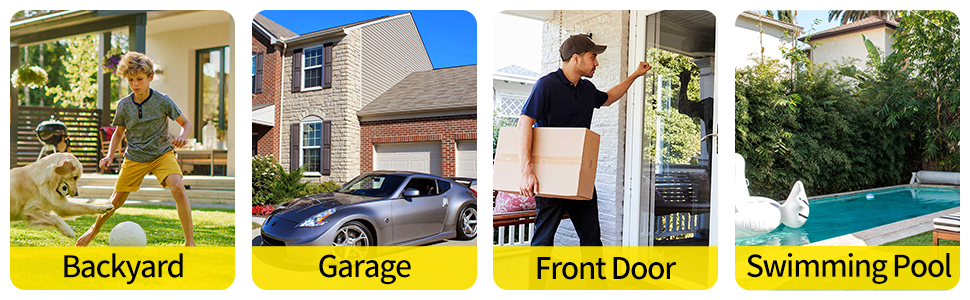
Imaxe 1.2: Ex.amples of common installation locations and usage scenarios for the outdoor security camera.
2. Contido do paquete
Ao desembalar, comproba o contido do paquete para asegurarte de que estean presentes todos os elementos:
- Septekon 1080p Wireless Outdoor Security Camera (Model 764)
- Adaptador de alimentación
- Parafusos de montaxe e tacos de parede
- Manual de usuario (este documento)
3. Configuración
3.1. Download the Septekon App
Busca "Septekon" in your smartphone's app store (Google Play Store for Android or Apple App Store for iOS) and download the official application. Follow the on-screen instructions to create an account.
3.2. Acende a cámara
Connect the provided power adapter to the camera and plug it into a standard electrical outlet. The camera will power on and initiate its startup sequence. Wait for the indicator light to show it is ready for connection (refer to the app for specific light indications).
3.3. Conéctate á wifi
- Open the Septekon app and tap on "Add Device" or the '+' icon.
- Select your camera model or scan the QR code located on the camera or its packaging.
- Follow the in-app instructions to connect the camera to your 2.4GHz Wi-Fi network. Ensure your phone is also connected to the same 2.4GHz network during setup. Nota: Esta cámara non admite redes Wi-Fi de 5 GHz.
- Once connected, you can name your camera and complete the setup process.
3.4. Montaxe da cámara
Escolla un lugar exterior axeitado para a montaxe, garantindo un campo despexado view and proximity to a power source. The camera is designed for wall mounting.
- Marca os puntos de perforación na parede usando a base de montaxe da cámara como modelo.
- Fai buratos e coloca os tacos de parede.
- Fixe a base de montaxe á parede cos parafusos subministrados.
- Attach the camera to the mounting base and adjust its angle for optimal coverage.
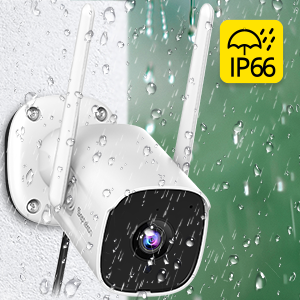
Image 3.1: Illustrates the process of mounting the camera to a wall.
4. Instrucións de funcionamento
4.1. En directo View
Open the Septekon app and select your camera from the device list to access the live video feed. You can view foo en tempo realtage desde calquera lugar con conexión a Internet.

Image 4.1: Demonstrates the ability to watch live video remotely and share access with multiple users.
4.2. Audio bidireccional
Mentres está en directo view, tap the microphone icon in the app to speak through the camera's built-in speaker. Tap the speaker icon to listen to audio from the camera's surroundings. This feature allows for direct communication with visitors or deterrence of unwanted individuals.

Image 4.2: A user communicating with a delivery person via the camera's two-way audio feature.
4.3. Detección de movemento e alertas
The camera's AI motion detection system will send real-time alerts to your phone when suspicious activity is detected. You can customize motion detection sensitivity and alert settings within the Septekon app.

Image 4.3: Depicts real-time motion alerts and the activation of a siren to deter intruders.
4.4. Visión nocturna
The camera automatically switches to advanced night vision mode in low-light conditions, providing clear black-and-white footage up to 20 meters (65 feet). This ensures continuous surveillance around the clock.
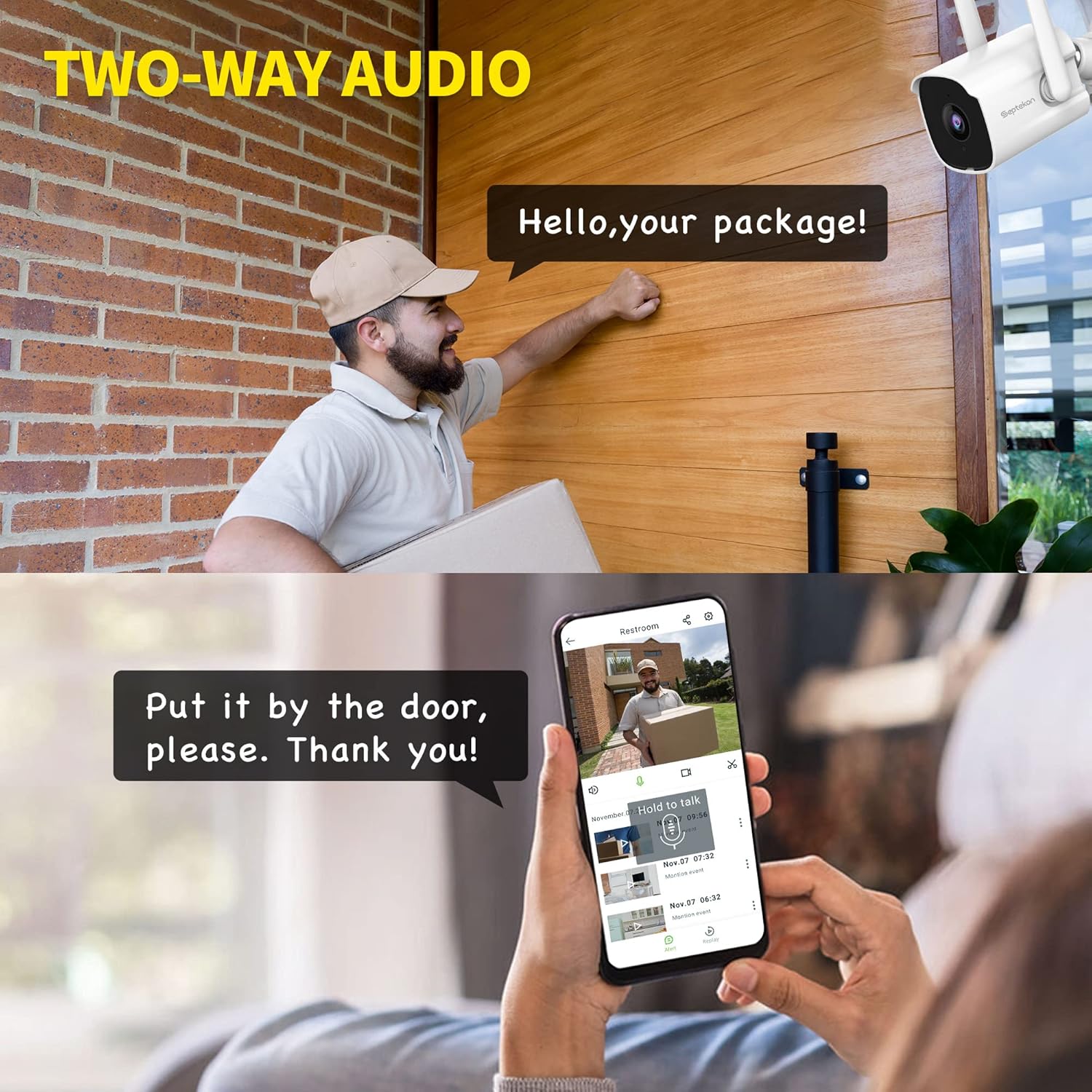
Image 4.4: Illustrates the clarity of the camera's enhanced night vision feature.
4.5. Gravación e almacenamento
A cámara admite dúas opcións de almacenamento para gravacións de vídeotage:
- Almacenamento na nube: Securely store your video data in the cloud with AES256 encryption. Access, review, download, and share recordings anytime from the Septekon app. A subscription may be required for cloud services.
- Almacenamento de tarxetas Micro SD: Insert a micro SD card (up to 128GB, not included) into the camera's designated slot for local storage. Footage can be accessed and managed through the app.

Image 4.5: Shows the options for encrypted cloud storage and local SD card storage.
4.6. Compartir varios usuarios
You can share access to your camera's live feed and recordings with up to 20 other users through the Septekon app. This allows family members or trusted individuals to monitor your property.

Image 4.6: Illustrates the multi-user sharing feature, allowing several people to view a alimentación da cámara.
5. Mantemento
Regular maintenance ensures optimal performance and longevity of your Septekon security camera.
- Limpeza: Limpe periodicamente a lente e a carcasa da cámara cun pano suave eamp cloth to remove dust, dirt, or water spots. Do not use harsh chemicals or abrasive materials.
- Actualizacións de firmware: Check the Septekon app regularly for available firmware updates. Keeping your camera's firmware up-to-date ensures access to the latest features and security enhancements.
- Comprobación de conexión: Ensure the power cable and Wi-Fi connection remain stable. Re-secure any loose connections.
- Verificación ambiental: While IP66 rated, periodically inspect the camera for any signs of wear or damage, especially after extreme weather events.
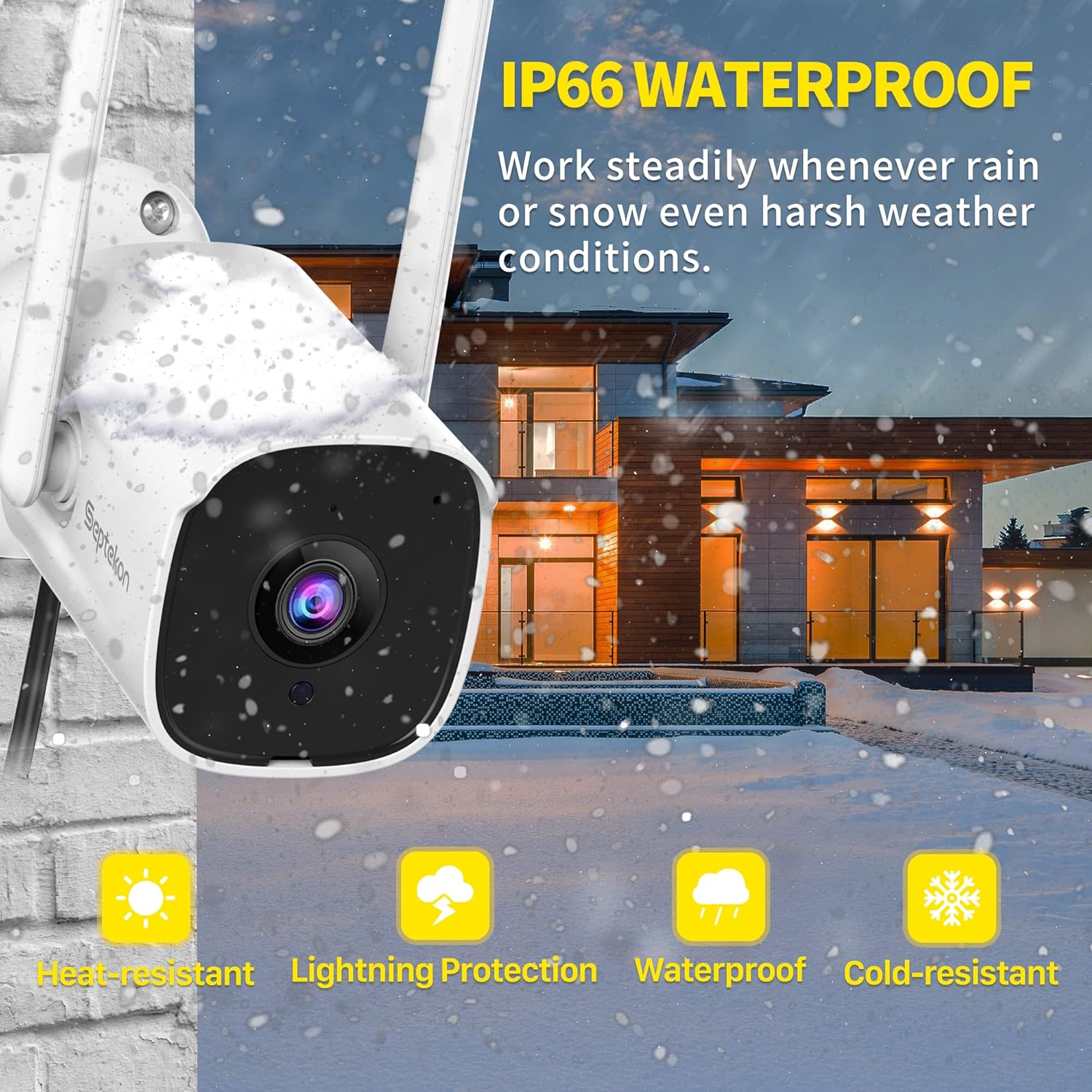
Image 5.1: The camera's IP66 rating ensures durability against various weather conditions like rain and snow.
6 Solución de problemas
Se tes problemas coa túa cámara, consulta os seguintes problemas e solucións comúns:
| Problema | Causa posible | Solución |
|---|---|---|
| Cámara sen conexión/Non se pode conectar á wifi | Weak Wi-Fi signal, incorrect Wi-Fi password, 5GHz network used. | Ensure camera is within Wi-Fi range. Verify Wi-Fi password. Connect to a 2.4GHz network. Restart camera and router. |
| No image/Poor image quality | Lens is dirty, insufficient lighting, network bandwidth issues. | Clean the camera lens. Ensure adequate lighting or check night vision settings. Check internet speed. |
| Motion detection not working or too sensitive | Incorrect sensitivity settings, detection zone not configured, environmental factors (e.g., moving branches). | Adjust motion detection sensitivity in the app. Configure detection zones to exclude irrelevant areas. |
| Problemas de audio bidireccional | Microphone/speaker blocked, app permissions, low volume. | Ensure nothing is obstructing the microphone or speaker. Check app permissions for audio. Adjust volume settings. |
| A tarxeta SD non grava | SD card full, corrupted, or not inserted correctly. | Check SD card status in the app. Format the SD card (this will erase data). Replace with a new SD card if corrupted. Ensure it's inserted correctly. |
7. Especificacións
Detailed technical specifications for the Septekon 1080p Wireless Outdoor Security Camera (Model 764):
| Característica | Especificación |
|---|---|
| Número de modelo | 764 |
| Marca | Septekon |
| Tecnoloxía de conectividade | Sen fíos (Wi-Fi 2.4 GHz) |
| Resolución de gravación de vídeo | 1080 p |
| Effective Capture Resolution | 2 megapíxeles |
| Característica especial | Night Vision, Motion Detection, Two-Way Audio |
| Uso interior/exterior | Ao aire libre |
| Clasificación de protección internacional | IP66 |
| Dispositivos compatibles | Teléfono intelixente |
| Fonte de enerxía | Cable eléctrico |
| Tipo de montaxe | Soporte de parede |
| Cor | Branco |
| Tipo de fonte de luz | Infravermello |
| Viewángulo ing | 105 graos |
| Campo de View | 120 graos |
| Dimensións do artigo (L x W x H) | 13 x 13 x 6.5 cm |
| Wattage | 5 vatios |
| Pilas necesarias | Non |
| Número de LED IR | 8 |
| Max SD Card Storage | 128 GB (Micro SD, not included) |
8. Garantía e soporte
For warranty information, technical support, or any inquiries regarding your Septekon 1080p Wireless Outdoor Security Camera, please refer to the official Septekon websitio web ou póñase en contacto directamente co servizo de atención ao cliente. Garde o recibo de compra para reclamacións de garantía.