
RIYO KH22B
Manual do usuario dos auriculares Bluetooth para nenos RIYO
Model: KH22B | Brand: RIYO
Introdución
This manual provides detailed instructions for the RIYO Kids Bluetooth Headphones (Model KH22B). Please read this manual thoroughly before using the product to ensure proper operation and safety. These headphones are designed for children, featuring a volume limit for hearing protection, comfortable wear, and engaging LED lights.
O que hai na caixa
Upon unboxing your RIYO Kids Bluetooth Headphones, you should find the following items:
- RIYO KH22B Kids Bluetooth Headphones (Navy Blue)
- Cable de carga USB-A a USB-C
- Cable de audio de 3.5 mm
- Manual de usuario
- Decorative Stickers (may vary)
Imaxe: The image displays the contents of the RIYO Kids Bluetooth Headphones packaging. Visible items include the folded navy blue headphones, a white USB-C charging cable, a white 3.5mm audio cable, and the user manual.
Vídeo: Este vídeo ofrece un sobreview of the RIYO KH22B Kids Bluetooth Headphones, demonstrating their features and components.
Produto rematadoview e Características
The RIYO KH22B headphones are designed with both wireless and wired capabilities, ensuring continuous audio playback. They feature soft ear pads for comfort and adjustable headbands for a secure fit.
Características principais:
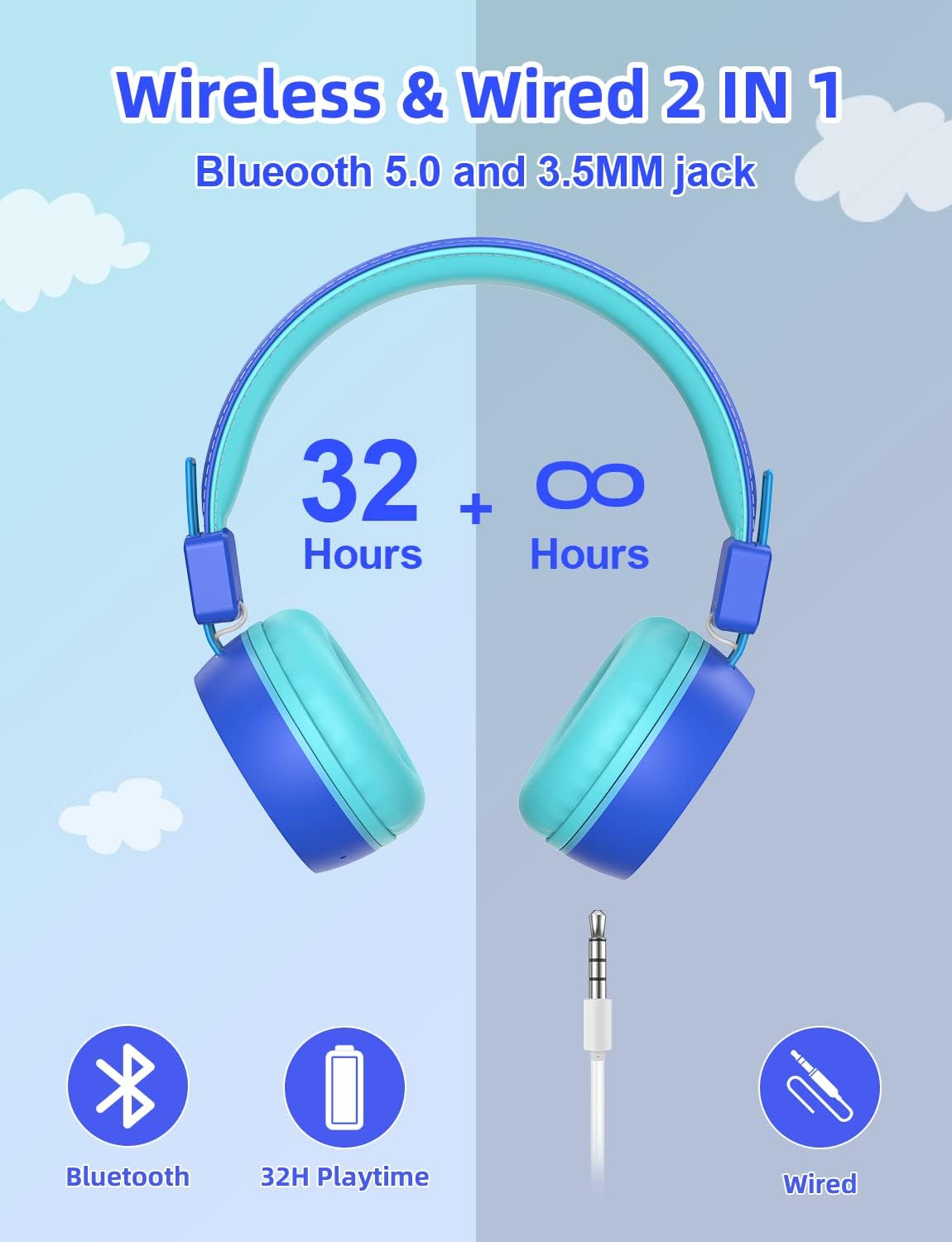
- Conectividade sen fíos e con fíos: Bluetooth V5.0 for stable wireless connection up to 15 meters, plus a 3.5mm audio jack for wired use when battery is low.
- Límite de volume: Max volume of 92dB to protect children's hearing.
- Luces LED de cores: Three types of LED lighting effects that can change with music rhythm.
- Uso cómodo: Soft and breathable ear pads designed for extended use without discomfort.
- Deseño plegable e portátil: Durable plastic frame with a retractable design for easy storage and transport.
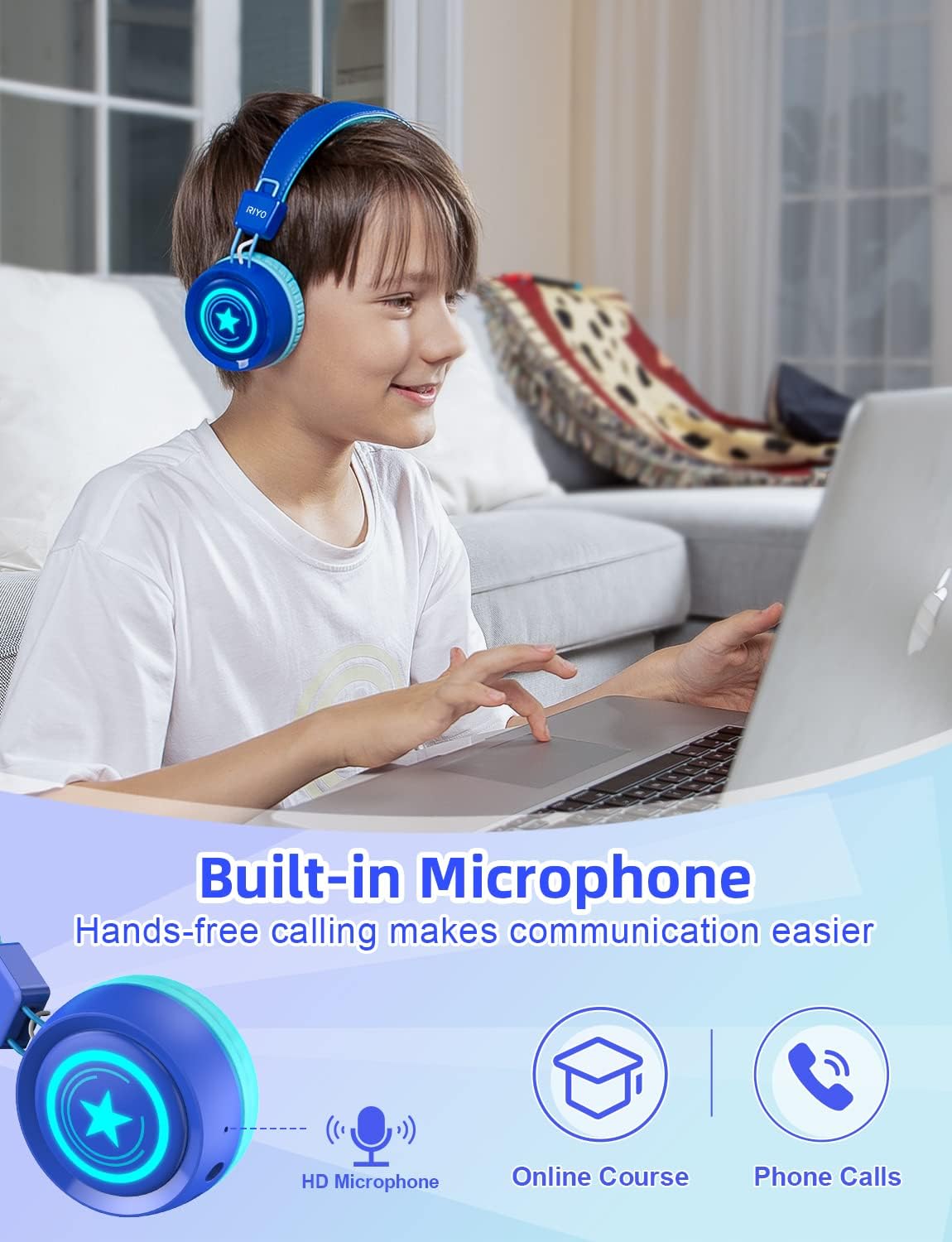
- Micrófono incorporado: For hands-free calling and online communication.

Imaxe: A pair of navy blue RIYO Kids Bluetooth Headphones with light blue earcups and headband padding. The right earcup features a glowing star design, indicating its LED light capability.

Imaxe: An infographic illustrating the dual connectivity options of the headphones: Bluetooth 5.0 for wireless use with up to 32 hours of playtime, and a 3.5mm audio jack for wired connection when the battery is low.

Imaxe: A diagram pointing to the built-in HD microphone on the headphone earcup, indicating its use for online courses, phone calls, and hands-free communication.
Imaxe: A young girl is shown wearing the navy blue RIYO Kids Bluetooth Headphones. The earcups are illuminated with vibrant LED lights, highlighting the product's colorful lighting effects.

Imaxe: A young boy is wearing the RIYO Kids Bluetooth Headphones, showcasing the comfortable fit of the soft ear pads and adjustable headband. The headphones appear snug and secure on his head.

Imaxe: Un estoupou view of the headphone earcup reveals the internal components, specifically highlighting the 40mm high-quality speaker drivers responsible for delivering clear stereo sound.
Controis:
| Botón/Porto | Función |
|---|---|
| Botón de encendido | Press and hold to power on/off. Hold longer for Bluetooth pairing. |
| Volume + / - | Axusta o volume cara arriba ou abaixo. |
| Botón de control de luz | Change LED lighting effects (Breathe Fast, Quick Flash, Music Beat, LED OFF). |
| Porto de carga tipo C | Conecte o cable USB-C para cargar. |
| 3.5mm Jack de audio | Connect 3.5mm audio cable for wired listening. |
| Micrófono | Built-in for voice communication. |
Vídeo: This video showcases the wireless capabilities and various features of the RIYO Kids Bluetooth Headphones, including their foldable design and LED light functions.
Guía de configuración
1. Carga dos auriculares:
Before first use, fully charge the headphones. Connect the provided USB-A to USB-C charging cable to the Type-C charging port on the headphone and a compatible USB power source. The LED indicator will show charging status.
2. Emparejamento Bluetooth:
- Asegúrese de que os auriculares estean apagados.
- Press and hold the Power Button for approximately 3-5 seconds until the LED indicator flashes blue and red, indicating pairing mode.
- No teu dispositivo (teléfono intelixente, tableta, ordenador), activa o Bluetooth e busca os dispositivos dispoñibles.
- Select "KH22B" from the list of found devices.
- Once connected, the LED indicator will turn solid blue or flash slowly, and you will hear an audible confirmation.
3. Conexión por cable:
If the battery is depleted or you prefer a wired connection, simply plug the 3.5mm audio cable into the headphone's audio jack and the other end into your device's audio port. The headphones will automatically switch to wired mode.
Instrucións de funcionamento
1. Encendido/apagado:
Press and hold the Power Button for 3 seconds to turn the headphones on or off.
2. Control de volume:
Use the Volume + and Volume - buttons to adjust the listening volume. Note that these headphones have a maximum volume limit of 92dB for hearing protection.
3. LED Light Control:
Press the Light Control Button to cycle through different LED lighting effects: Breathe Fast, Quick Flash, Music Beat, and LED OFF. The lights can add a fun visual element to the listening experience.
4. Responder a chamadas:
When connected via Bluetooth, a short press of the Multifunctional Button (often the Power Button) will answer an incoming call. Press again to end the call.
Mantemento e coidados
- Limpeza: Usa un pano suave e seco para limpar os auriculares. Non empregues produtos de limpeza abrasivos nin disolventes.
- Almacenamento: Cando non os uses, dobra os auriculares e gárdaos nun lugar fresco e seco, lonxe da luz solar directa e de temperaturas extremas.
- Coidado da batería: Para prolongar a duración da batería, evite descargar completamente os auriculares con frecuencia. Cárgueos regularmente, mesmo se non os usa de forma constante.
- Evitar auga: Estes auriculares non son impermeables. Evite a exposición á auga ou á humidade excesiva.
- Manipular con coidado: While durable, avoid dropping or subjecting the headphones to strong impacts.
Resolución de problemas
Problemas comúns e solucións:
- Os auriculares non se acenderán: Asegúrate de que a batería estea cargada. Conéctaa a unha fonte de alimentación mediante o cable USB-C.
- Non se pode emparellar por Bluetooth:
- Asegúrate de que os auriculares estean en modo de emparellamento (LED azul/vermello parpadeando).
- Asegúrate de que o Bluetooth estea activado no teu dispositivo.
- Achega os auriculares ao dispositivo.
- Forget "KH22B" from your device's Bluetooth list and try pairing again.
- Reinicia tanto os auriculares como o dispositivo.
- Sen son no modo sen fíos:
- Comprobe se os auriculares están emparellados correctamente.
- Increase the volume on both the headphones and your device.
- Ensure no 3.5mm audio cable is plugged in (it overrides Bluetooth).
- Sen son no modo con cable:
- Ensure the 3.5mm audio cable is fully inserted into both the headphones and the device.
- Check the volume on your device.
- Test with a different 3.5mm audio cable if available.
- As luces LED non funcionan:
- Press the Light Control Button to cycle through modes.
- Asegúrese de que os auriculares estean acendidos.
- Comproba o nivel da batería.
Especificacións
| Característica | Detalle |
|---|---|
| Nome do modelo | KH22B |
| Marca | RIYO |
| Tecnoloxía de conectividade | Wireless (Bluetooth V5.0) & Wired (3.5mm Jack) |
| Límite de volume máximo | 92 dB |
| Hora de xogo | Up to 32 hours (Wireless) |
| Porto de carga | USB tipo C |
| Colocación do oído | Na Orella |
| Material | Plástico |
| Micrófono incorporado | Si |
| Deseño plegable | Si |
| Luces LED | Si (3 modos) |
| Fabricante | LinkDream |
Garantía e Soporte
RIYO products come with a standard manufacturer's warranty. For detailed warranty information, technical support, or customer service inquiries, please refer to the contact information provided on the product packaging or visit the official RIYO websitio.
Para obter máis axuda, visite o RIYO Store on Amazon.
Ask a question about this manual
Ask about setup, troubleshooting, compatibility, parts, safety, or missing instructions. Manuals+ will review the question and use this page’s manual context to help answer it.