
1. Introdución
This manual provides essential instructions for the safe and efficient use of your HOCO C94A Metro 20W Fast Charger with Type-C to Lightning Cable. Please read this manual thoroughly before using the product and retain it for future reference.
2. Produto rematadoview
The HOCO C94A Metro is a single-port fast charger designed to provide efficient power delivery for various mobile devices. It comes as a set with a Type-C to Lightning charging cable, supporting multiple fast charging protocols.
Características principais:
- Saída: Type-C port with 20W power delivery.
- Protocolos de carga rápida: Supports PD20W, PPS, QC3.0, FCP, and AFC.
- Material: Constructed from flame-retardant PC material for enhanced safety.
- Tipo de enchufe: European standard pin (EU).
- Cable incluído: A 1-meter Type-C to Lightning charging cable.
- Compatibilidade: Compatible with a wide range of devices including iPhones, Samsung, Xiaomi, and Oppo smartphones, as well as other cellular phones, cameras, GPS devices, power tools, and tablets.
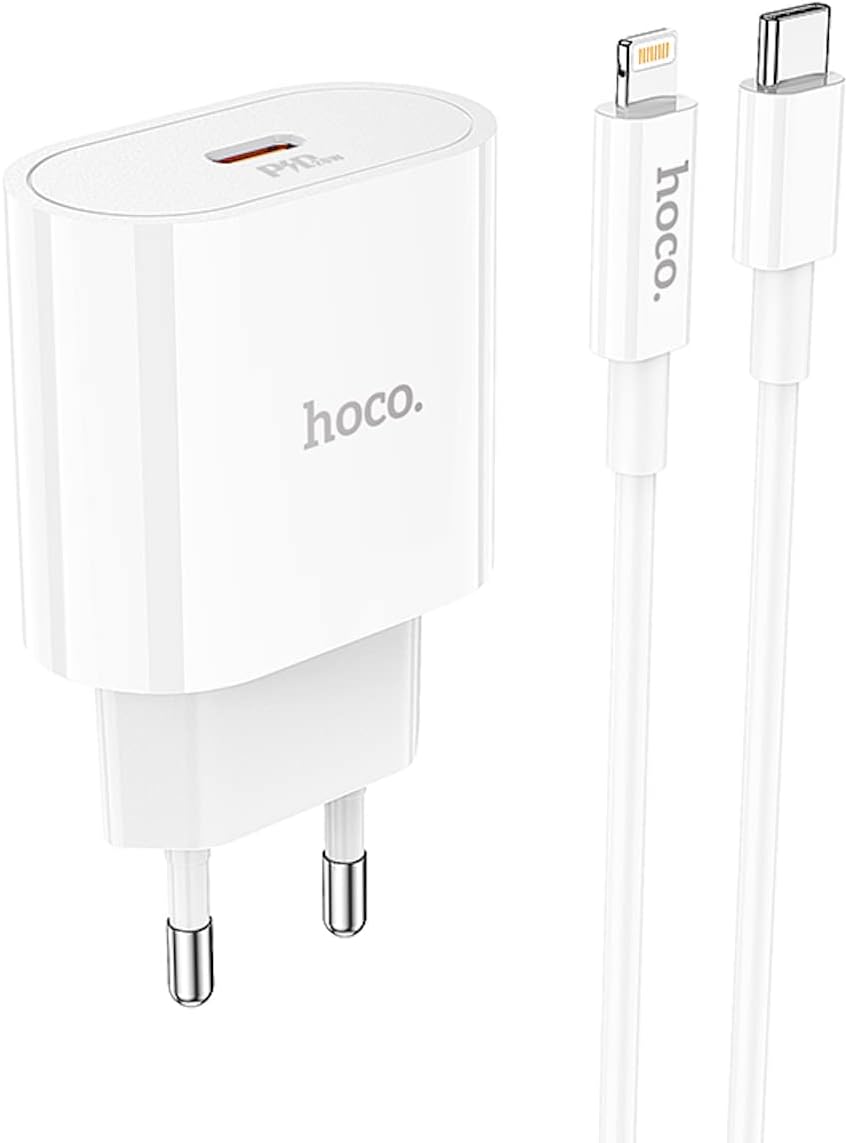
Image 2.1: The HOCO C94A Metro 20W Fast Charger and its accompanying 1-meter Type-C to Lightning cable, shown together.

Imaxe 2.2: Primeiro plano view of the HOCO C94A charger, highlighting its single Type-C output port.
3. Información de seguridade
Para garantir un funcionamento seguro e evitar danos, observe as seguintes pautas de seguridade:
- Do not expose the charger or cable to water or excessive moisture. This product is not water resistant.
- Evite deixar caer, desmontar ou intentar reparar o dispositivo vostede mesmo.
- Keep the charger away from extreme temperatures, direct sunlight, and flammable materials.
- Ensure the charger is plugged into a compatible power outlet (EU standard).
- Desconecte o cargador da toma de corrente cando non o use ou durante tormentas eléctricas.
- Do not use the charger if it appears damaged or if the cable is frayed.
- The charger is made from flame-retardant PC material, but proper usage is still essential for safety.
4. Configuración
Setting up your HOCO C94A charger is straightforward:
- Conecte o cargador: Insert the HOCO C94A charger into a standard EU wall power outlet.
- Conecte o cable: Plug the USB Type-C end of the provided cable into the Type-C port on the charger.
- Conectar ao dispositivo: Plug the Lightning end of the cable into your compatible device (e.g., iPhone, iPad).
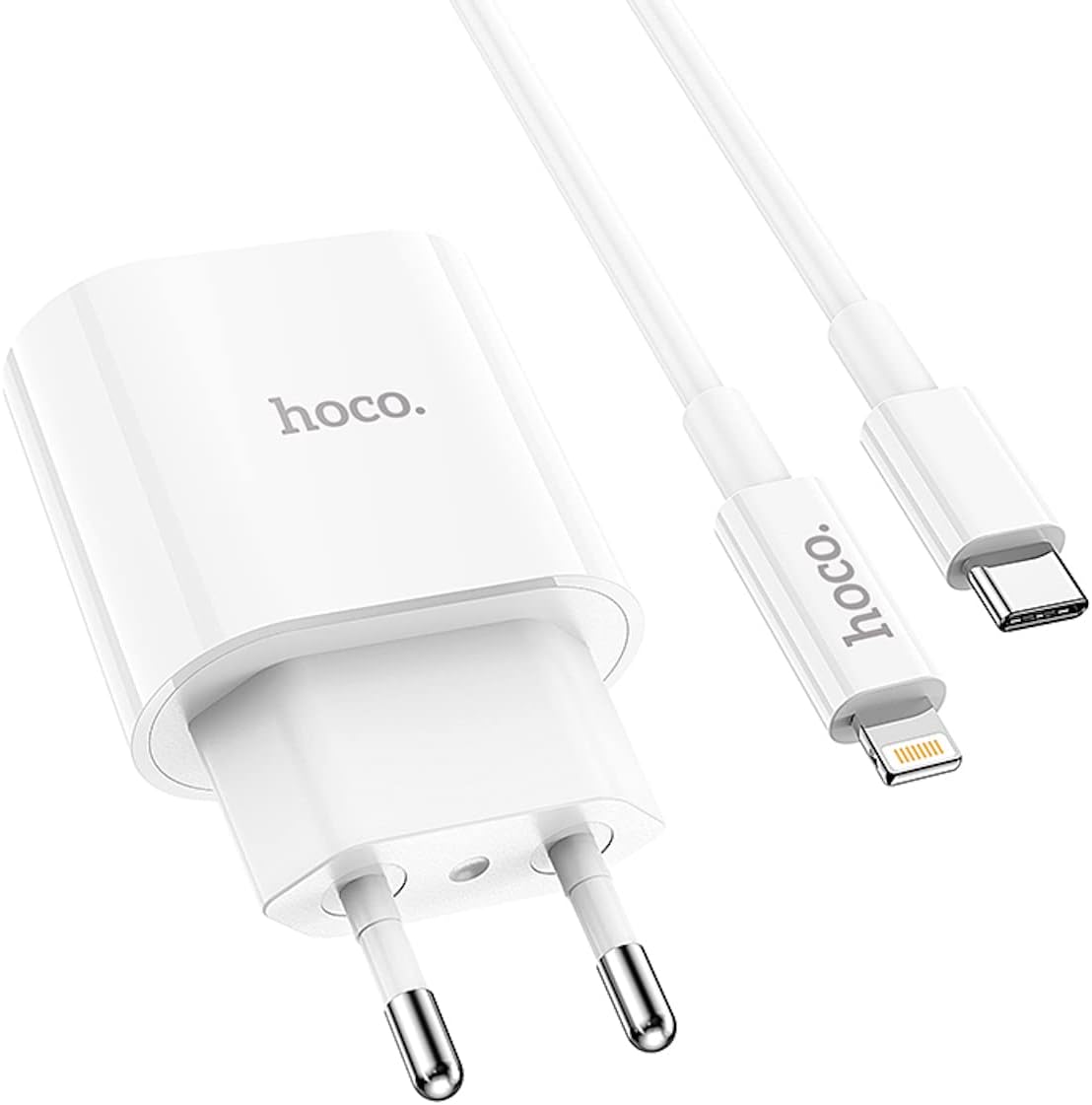
Image 4.1: The HOCO C94A charger and cable ready for connection to a device.
5. Instrucións de funcionamento
Once set up, the HOCO C94A charger operates automatically:
- After connecting your device, charging will begin automatically.
- The charger will intelligently detect your device's charging requirements and deliver power according to supported fast charging protocols (PD20W, PPS, QC3.0, FCP, AFC) for optimal charging speed.
- Monitor your device's screen for charging indicators.
- When charging is complete, disconnect your device from the cable, and then unplug the charger from the wall outlet.
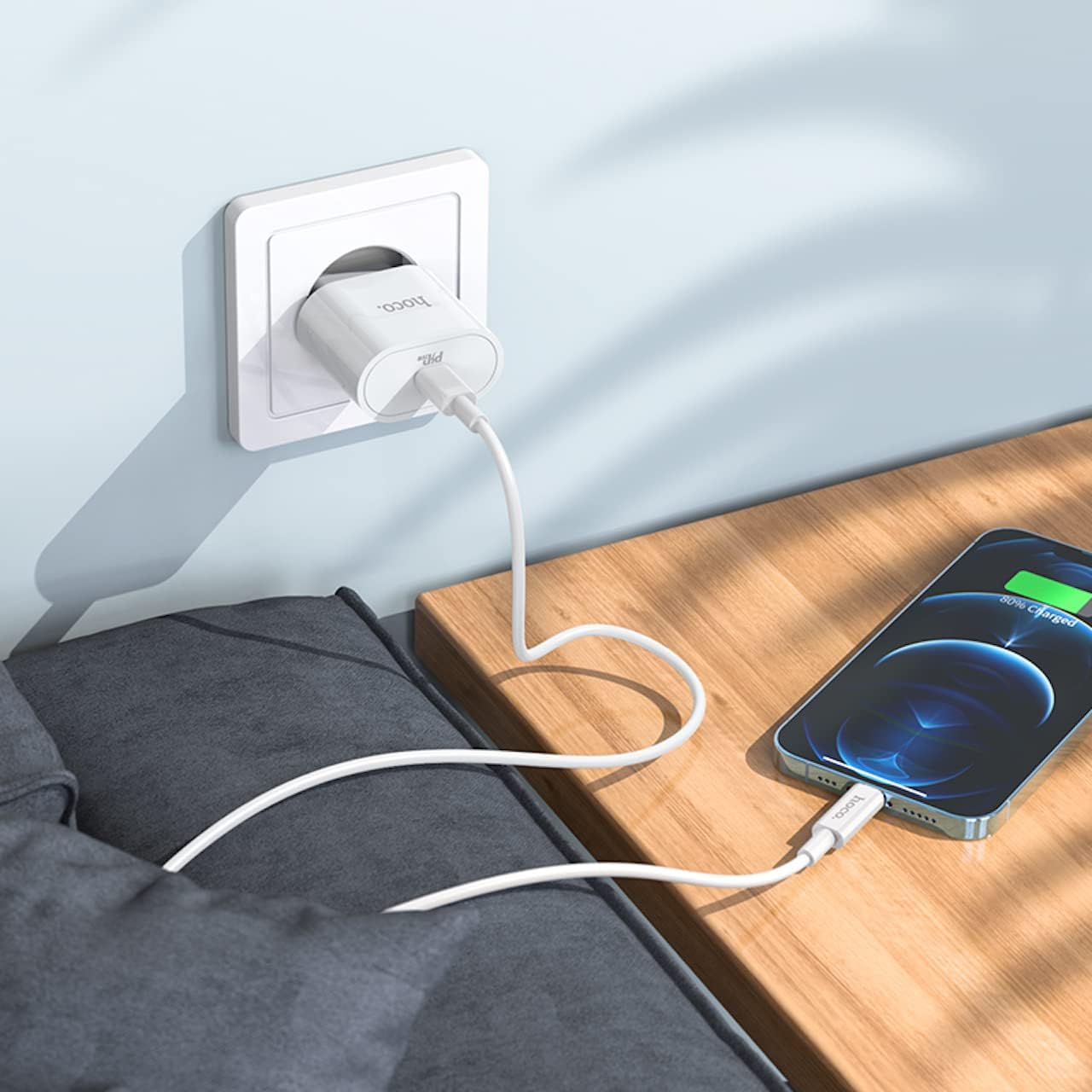
Image 5.1: The HOCO C94A charger in use, connected to a wall socket and charging a smartphone.

Image 5.2: The HOCO C94A charger connected to a power strip, providing power to a smartphone.
6. Mantemento
Un coidado axeitado prolongará a vida útil do cargador:
- Limpeza: Desconecte o cargador da toma de corrente antes de limpalo. Use un pano suave e seco para limpar a superficie. Non empregue produtos de limpeza líquidos nin aerosois.
- Almacenamento: Store the charger and cable in a cool, dry place away from direct sunlight and extreme temperatures.
- Coidado do cable: Avoid bending or twisting the cable excessively, especially near the connectors, to prevent internal damage.
- Exposición á auga: As the product is not water resistant, avoid any contact with liquids.
7 Solución de problemas
If you encounter issues with your HOCO C94A charger, try the following steps:
- O dispositivo non se carga:
- Asegúrate de que o cargador estea conectado correctamente a unha toma de corrente que funcione.
- Verify that the Type-C to Lightning cable is firmly connected to both the charger and your device.
- Tenta usar unha toma de corrente diferente.
- Test the charger with a different compatible cable or device to isolate the issue.
- Carga lenta:
- Ensure your device supports fast charging protocols (PD, QC, FCP, AFC) and that the cable is also compatible.
- Check if your device's battery is extremely low, as charging speed can vary.
- Avoid using your device heavily while charging, as this can slow down the process.
- Sobrequecemento do cargador:
- It is normal for chargers to become warm during operation. However, if it becomes excessively hot, immediately unplug it from the wall and your device.
- Garantir unha ventilación adecuada ao redor do cargador.
- Se o sobrequecemento persiste, interrompa o uso e contacte co servizo de asistencia.
8. Especificacións
| Característica | Detalle |
|---|---|
| Número de modelo | C94A |
| Marca | HOCO |
| Saída | Type-C: 20W |
| Protocolos admitidos | PD20W, PPS, QC3.0, FCP, AFC |
| Material | PC ignífugo |
| Tipo de enchufe | European Standard (EU) |
| Tipo de cable | Tipo C a Lightning |
| Lonxitude do cable | 1 metro |
| Cor | Branco |
| Características especiais | Carga rápida, protección contra curtocircuítos |
| Dispositivos compatibles | Cellular Phones (iPhone, Samsung, Xiaomi, Oppo), Cameras, GPS, Power Tools, Tablets |
| Nivel de resistencia á auga | Non resistente á auga |
| Dimensións do paquete | 18.4 x 9 x 4 cm |
| Peso | 65 g |

Imaxe 8.1: Detallada view of the HOCO C94A charger, displaying its model information and certifications.
9. Garantía e soporte
HOCO products are manufactured to high-quality standards. For information regarding warranty coverage and customer support, please refer to the warranty card included with your purchase or visit the official HOCO websitio. Garda o comprobante de compra para reclamacións de garantía.
For technical assistance or further inquiries, please contact your retailer or the HOCO customer service department.